Disclosure: Some links in this post are affiliate links. As an Amazon Associate I earn from qualifying purchases, at no extra cost to you. Learn more
Specs are compiled from manufacturer listings and verified buyer reviews and can change over time — please confirm the key details on the product page before buying.
You want a desk monitor that looks gorgeous for story games and still responds instantly when a match gets sweaty — and that is exactly what a dual mode monitor does. These screens run a sharp high-resolution picture for detail and then flip to a lower resolution at a much higher refresh rate for speed. The picks below cover that range honestly, from stacked portable work screens to 4K OLED panels that switch modes with a hotkey.
This guide is built by comparing the manufacturers’ published specifications and the patterns across verified customer reviews, so you get each pick’s real strengths and trade-offs instead of marketing spin.
Every pick here is judged on how cleanly it switches between picture quality and frame speed, plus the ports you need to feed it. Below are the dual mode monitors that best match how you actually use your desk.
Top Picks


How To Choose The Best Dual Mode Monitors
A dual mode monitor is one screen that runs two profiles: full resolution for detail, lower resolution at double the refresh for speed. You get a detailed mode for work, movies and story games, and a fast mode for competitive play. Pick the wrong panel or the wrong port, though, and the fast mode never really arrives. Weigh these four specs before you buy.
Start with the two modes themselves
Dual mode monitors typically list a resolution in the first mode and a lower resolution in the second — for example 4K at a high refresh rate, then Full HD at roughly double that rate. The detailed mode is where you edit photos and read text. The fast mode is where you want motion to stay clean. Ask yourself which of the two you will actually live in, because the resolution drop in fast mode is real and some games will force it.
Response time beats a big refresh number
Refresh rate is how many times per second the screen redraws, and response time is how quickly a pixel changes color. A panel rated at 1ms or 0.03ms keeps fast motion free of smearing. A high refresh rate on a slow panel still looks blurry. Read both numbers together, not the refresh figure alone.
Panel type decides your room, not just your games
IPS panels hold color and viewing angles well and are easy to live with in a room with daylight. Mini LED uses many small backlight zones to push brightness up. OLED gives near-perfect blacks per pixel but has a glossy or reflective finish on some models and needs brightness discipline in a sunlit room. Match the panel to your room’s light: IPS for daylight, Mini LED for brightness, OLED for a dark den.
Check the ports before the promise
A monitor can only hit its fastest mode through the right connection. Look for HDMI 2.1 and DisplayPort 1.4 if you want the top refresh rates, and check whether USB-C carries video plus power to your laptop. A USB-C port that carries video and laptop charging turns a multi-cable desk into one wire.
Side-by-Side Comparison
| Model | Best For | Resolution | Dual Mode Speeds | Response Time | Amazon |
|---|---|---|---|---|---|
| ASUS ROG XG32UCG★ Best Overall | All-round 32-inch 4K gaming | 3840 x 2160 | 4K 160Hz / FHD 320Hz | 0.3ms | Amazon |
| KTC 27 Inch Gaming Monitor 4KBest Value | Single-cable laptop gaming | 3840 x 2160 | 4K 160Hz / FHD 320Hz | 1ms (MPRT) | Amazon |
| LG 27G810A-B UltragearTop Performer | Console and PC crossover | 3840 x 2160 | 4K 180Hz / FHD 360Hz | 1ms (GtG) | Amazon |
| Pixio PX27UM Mini LED | Bright-room 4K gaming | 3840 x 2160 | 4K 160Hz / FHD 320Hz | 1ms (GTG) | Amazon |
| Samsung Odyssey G8 G80HF | Text-sharp work plus play | 5120 x 2880 | 5K 180Hz / QHD 360Hz | 1ms | Amazon |
| InnoView Dual Portable Monitor | Two stacked 4K work screens | 3840 x 2160 per screen | 4K 60Hz | — | Amazon |
| INNOCN GA27W1Q | OLED on a tight budget | 3840 x 2160 | 4K 240Hz | 0.03ms | Amazon |
| MSI MAG 321UPX QD-OLED | Console-friendly OLED | 3840 x 2160 | 4K 240Hz | 0.03ms | Amazon |
| LG 32GX850A-B UltraGear | Glossy OLED color pop | 3840 x 2160 | 4K 165Hz / FHD 330Hz | 0.03ms | Amazon |
| ASUS ROG PG32UCDP | Fastest dual mode OLED | 3840 x 2160 | 4K 240Hz / FHD 480Hz | — | Amazon |
| Samsung Odyssey OLED G9 | Ultrawide sim and multitask | 5120 x 1440 | Dual QHD 144Hz | 0.03ms | Amazon |
Detailed Reviews
1. ASUS ROG XG32UCG 32 Inch Gaming Monitor
Our pick — 4.5+★ from 100+ verified ratings; the strongest balance of quality and price.
A 32-inch 4K panel that drops to 320Hz on demand and does not make you pay OLED money for it.
The number to start with is 0.3ms — that is the minimum response time ASUS rates on this Fast IPS panel, and it is the reason fast motion stays clean when you flip into the 320Hz mode. Compare that with the LG 27G810A-B below at 1ms, and the ASUS has the quicker pixel here. The 100,000,000:1 contrast figure sits against the KTC’s 1000:1, though on an IPS panel that number says more about how dark the blacks look in a lit room than about true black depth.
For everyday work you get a 3840 x 2160 picture across 32 inches, 95% DCI-P3 color coverage, and 130% sRGB, so photos and video carry real saturation. Text reads cleanly and the factory sRGB calibration is good enough that you are not forced into a colorimeter on day one. The panel is 10-bit FRC, which keeps gradients smooth instead of showing bands across a sky or a fade. It also ships with USB Type-C DP Alt mode, so one cable can carry the picture from a laptop and keep the desk tidy.
Buyers love the mode switching most — as one put it: “super bright and crisp display, great refresh rate, and the ability to switch between 4K and high refresh rate is easy to use and great for gaming.” ELMB Sync (a feature that reduces motion blur while keeping variable refresh on) works both at once, so you don’t have to pick between no ghosting and no tearing. The common complaint is the controls: the power button and joystick sit at the rear bottom-center, which is awkward until you install the DisplayWidget Center software and adjust settings with a mouse. G-SYNC compatibility (Nvidia’s anti-tearing tech) and a 3-year warranty with advanced replacement add value.
What earns its keep
- 0.3ms minimum response time keeps the fast mode genuinely sharp
- 95% DCI-P3 and 10-bit FRC for smooth, saturated color
- USB-C DP Alt mode for a single-cable laptop desk
- Height, tilt and swivel adjustment plus a tripod socket
Worth planning around
- Rear-facing joystick is fiddly without the desktop software
- IPS glow shows on black in a dark room
The desk it belongs on: a 32-inch 4K setup used for both work and fast multiplayer, fed by a laptop over USB-C or a desktop over DisplayPort.
Think twice if: you game in a pitch-dark room and want true black — that is an OLED job, not this panel.
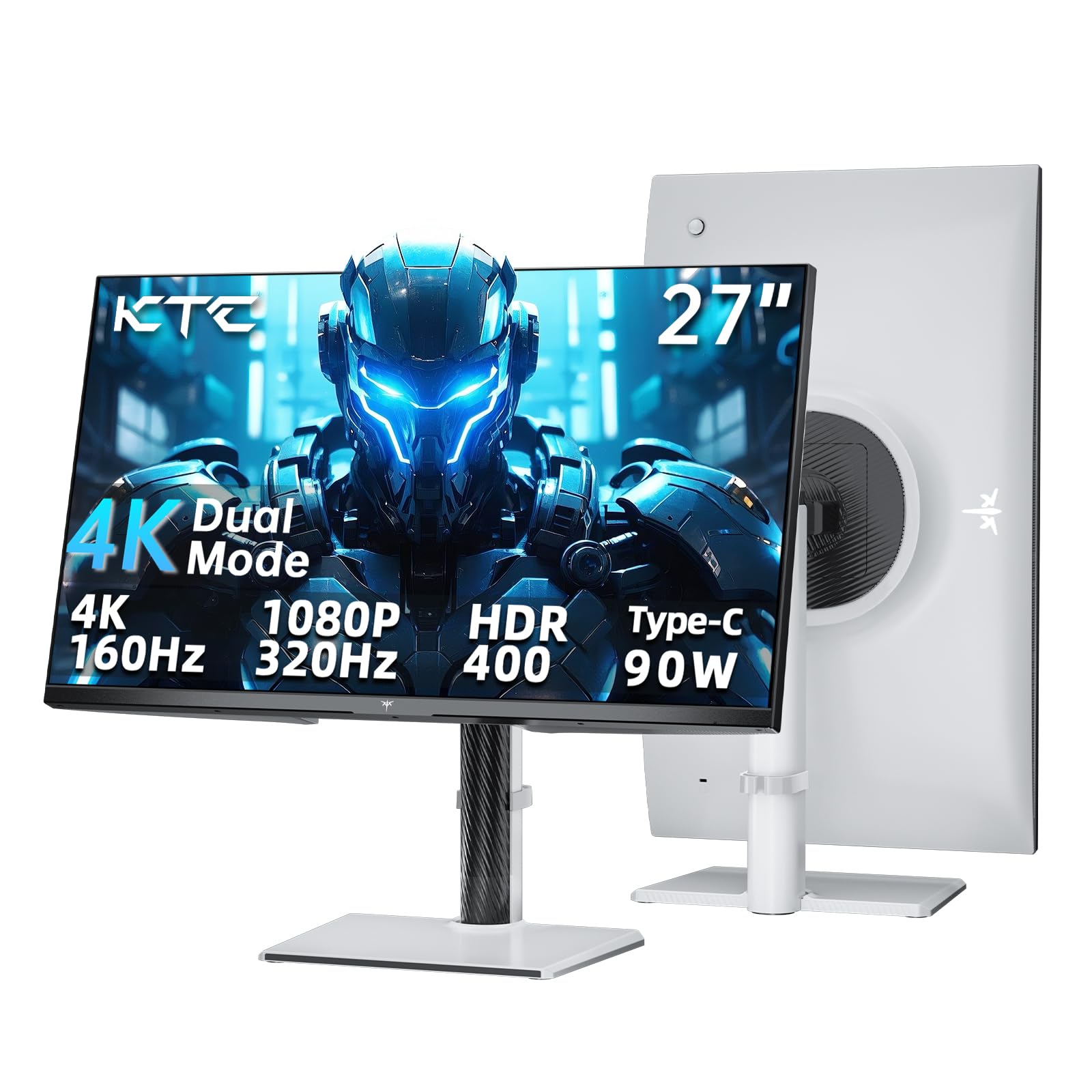
2. KTC 27 Inch Gaming Monitor 4K
A 90W USB-C port that charges your laptop and feeds a 4K panel through one cable.
The 27-inch panel gives you 3840 x 2160 at 160Hz for detail, or you can drop to 1080p at 320Hz when a match needs speed. That refresh ceiling lands right between the ASUS at 320Hz FHD and the LG 27G810A-B at 360Hz, which makes this the middle rung for competitive play. The 1ms MPRT figure is a motion-blur measurement rather than a pixel switching one, so treat it as a smoothness claim, not a direct head-to-head with the 0.3ms ASUS above.
Color is calibrated to Delta E<2 with 125% sRGB coverage and 400 cd/m² brightness, and HDR 400 is on board for supported content. For a 27-inch 4K screen at this tier, that brightness number is generous — it holds up in a room with lights on. The stand adjusts for height, tilt, swivel and pivot, and there is VESA mounting if you would rather hang it on an arm.
The honest caveat is the port setup. HDMI 2.1 and DisplayPort 1.4 are both there, but the USB-C is the headline for a reason: it is the clean path to a one-cable laptop desk with 90W of power delivery. The stand is the complicated part — four axes of adjustment means four things to get right during first setup. A three-year warranty backs it, and the maker promises support replies within 12 hours.
Where the money goes: straight into the connectivity. A 90W USB-C port on a 4K dual mode panel is the feature that changes your desk, not just your spec sheet.
The trade-off to accept: 1000:1 contrast is standard IPS territory, so dark scenes look grey-ish next to the OLED picks further down this list.
Reach for this if: you run a laptop and want one cable to power it and drive a 4K 27-inch screen.
Look elsewhere if: your desk setup is a desktop tower — the USB-C advantage matters less than raw brightness or black level.
3. LG 27G810A-B Ultragear Gaming Monitor
The 360Hz fast mode that finally makes a 27-inch 4K panel feel like a competitive screen.
LG pushes the second mode to Full HD at 360Hz, and the first to 4K at 180Hz. Put that against the ASUS ROG XG32UCG and the LG leads on refresh at 180Hz versus 160Hz, though it falls short on response time at 1ms GtG against the ASUS 0.3ms. In practice that gap is the difference between a very clean fast mode and an almost flawless one. The 1ms GtG number is a genuine pixel-switching measurement, so it holds up next to the ASUS figure without the MPRT asterisk.
Color is up to 95% DCI-P3 on the IPS panel with VESA DisplayHDR 400, and the 27-inch size keeps pixel density high for text. HDMI 2.1 is included along with a DisplayPort cable in the box, which matters for consoles and for hitting the top refresh rates. Dynamic Action Sync trims input lag, Black Stabilizer lifts dark corners, and Crosshair puts a fixed aiming reference at screen center. A 4-pole headphone jack carries stereo audio and mic input together.
Owners say switching modes is easy and the jump from a 60Hz screen is huge — the dual mode hotkey is the feature they mention most. The common complaint is the dual mode itself: some games push you into Full HD (1080p) whether you wanted it or not, and colors shift a little between UHD (4K) and FHD (1080p) modes. A few find the default tint leans blue before calibration. Set expectations there and the screen does its job. It is also a heavy unit, so plan the stand or arm before it arrives.
Why it holds its place
- 360Hz Full HD mode is the fastest on this list below the OLED tier
- NVIDIA G-SYNC compatible plus AMD FreeSync Premium
- HDMI 2.1 for console 4K play
- Height, tilt, swivel and pivot adjustment
Set your expectations here
- Some games force Full HD in dual mode
- Color tuning needed from the start
Suits the crossover player: a console on one input and a gaming PC on the other, sharing one 27-inch screen.
Consider skipping if: you want plug-in-and-forget color — this panel wants a short calibration session first.
4. Pixio PX27UM Mini LED 27 inch
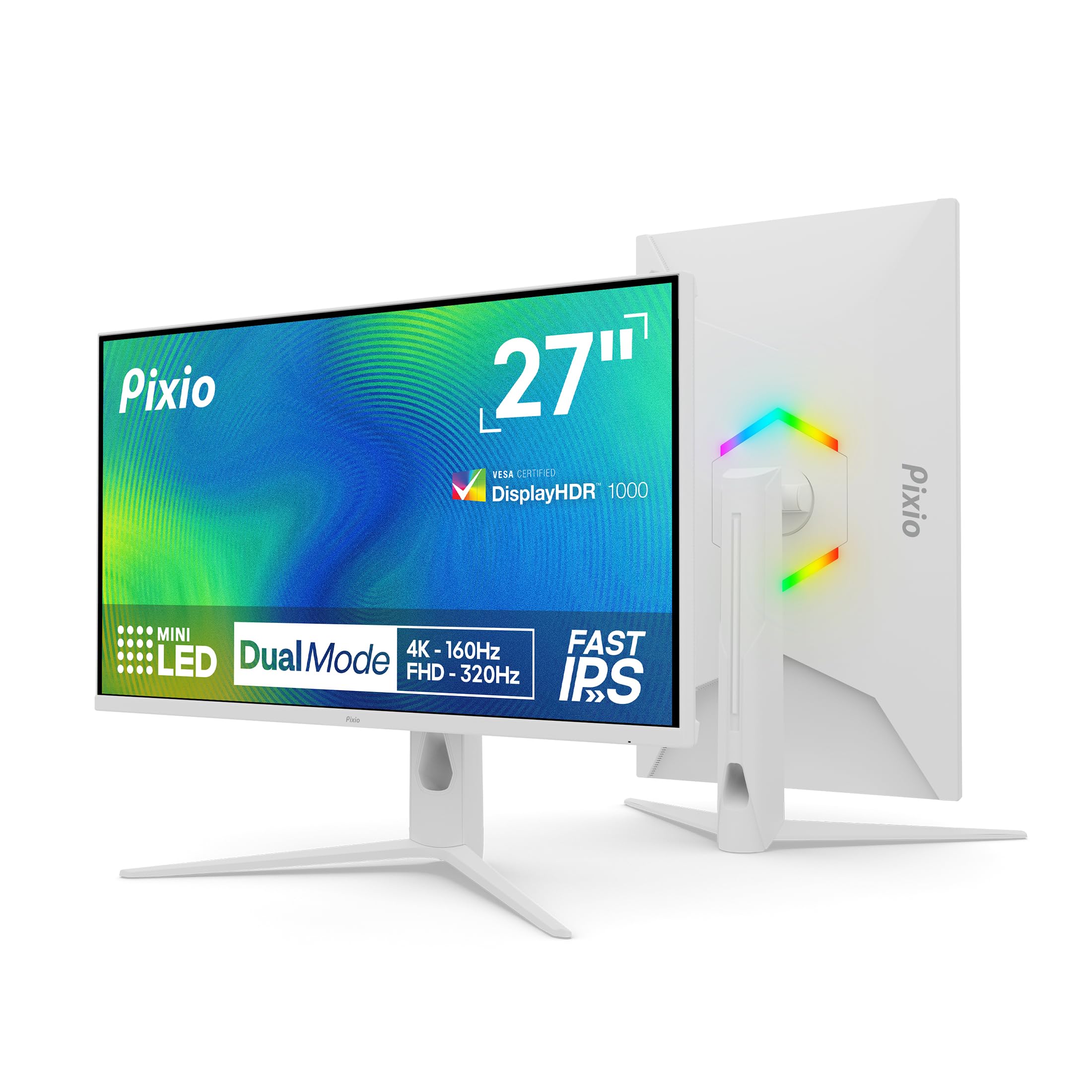
Mini LED backlighting with 1152 dimming zones, aimed squarely at a room that refuses to go dark.
Where the IPS panels above lean on good color and the OLED picks lean on black depth, this one leans on light. The mini-LED backlight runs 1152 local dimming zones and 500 cd brightness, which is the highest brightness figure in this list’s non-OLED group. That means daylight gaming and a bright office desk do not wash the picture out. The dual mode swaps between 4K at 160Hz and 1080p at 320Hz with a settings change, and both HDMI 2.1 and DisplayPort 1.4 ports support the full speed range with Adaptive Sync.
Quality is the thing that carries this monitor — it is the most-praised trait by a wide margin, and value for money follows right behind it. The 1ms GTG response time keeps the fast mode honest, 150% color gamut coverage gives it punch, and the fully adjustable stand covers height, tilt, swivel and pivot. There are two HDMI 2.1 and two DisplayPort 1.4 ports, which is unusually generous for consoles plus a PC plus a streaming box.
Two things surface repeatedly and are worth knowing before you buy. Reliability is split — some units run perfectly and a share fail within a year, so register the warranty and keep the receipt. And the built-in speakers are genuinely poor; plan on a headset or a separate speaker set. A couple of buyers also find the stand tilt awkward and mount it on an arm instead.
What it is for: a bright room where an OLED would fight reflections all day, and a desk that needs to feed several devices at once.
Do not buy it for: the speakers. Every other part of the package is solid; that one is not.
Pick this one when: your monitor sits near a window and you want 4K detail with a 320Hz option.
Look at the OLED picks instead if: black level matters more to you than brightness.
5. Samsung Odyssey G8 G80HF Gaming Monitor
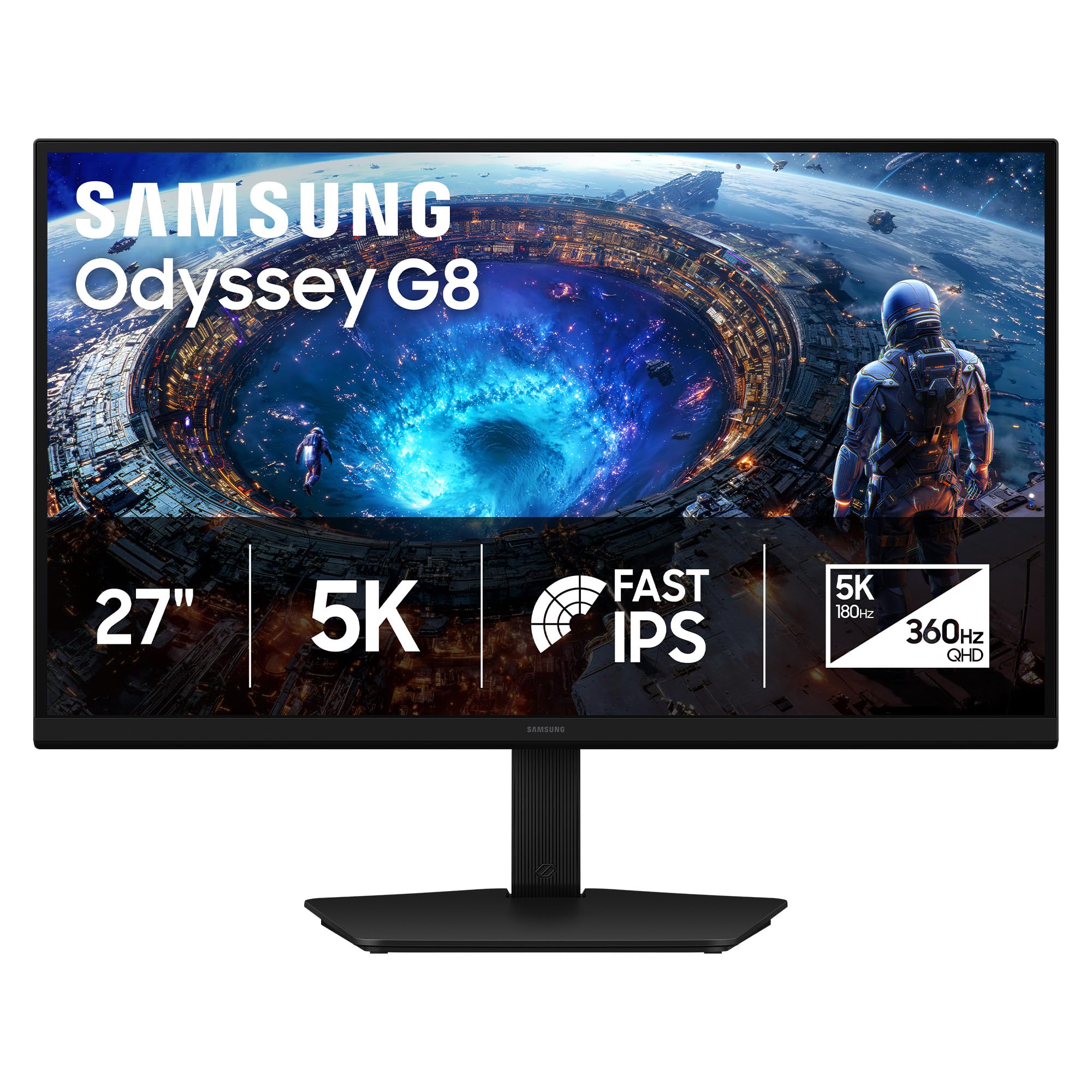
The only 5K screen here — 218 PPI of text sharpness before you even touch the gaming modes.
Pixel density is the story. At 218 PPI across 27 inches, the 5120 x 2880 picture makes small text crisp enough that long document sessions stop straining your eyes. The dual mode trades that for speed: 5K at 180Hz for detail, or QHD at 360Hz with a near-instant 1ms response time when you flip. Where the ASUS ROG XG32UCG runs 4K at 160Hz in its detailed mode, this Samsung runs 5K at 180Hz — more pixels and a faster clock, at a smaller screen size.
The Fast IPS panel holds a 178° viewing angle and fights motion blur, while HDR10+ Gaming adjusts brightness and contrast scene by scene. Connectivity is DP 2.1, HDMI 2.1 and a USB hub, and the stand handles height, pivot, tilt and swivel. NVIDIA G-SYNC compatibility sits alongside AMD FreeSync Premium. Owners who use it for photo and video work describe razor-sharp text and rich color, and the matte finish keeps window reflections down.
The catch is brightness and compatibility. At 350 cd/m² this is a dimmer panel than several picks above, and it shows in a sunlit room with dark mode on. Mac users have reported connection trouble with the included cable — the monitor arriving in pieces and refusing to output from a Mac mini — so test your exact setup during the return window. A few buyers also see greyish blacks rather than true black, which is normal for IPS backlighting.
The case for 5K
- 218 PPI pixel density for crisp small text
- 5K 180Hz and QHD 360Hz in one panel
- DP 2.1, HDMI 2.1 and a USB hub built in
- HDR10+ Gaming and G-SYNC compatibility
Confirm before you commit
- 350 cd/m² brightness is modest for a bright room
- Some Mac setups have needed troubleshooting
Best matched to: writers, coders and editors who stare at text all day and game after hours.
Second-guess it if: your PC would have to drive 5K with a modest graphics card — that is a lot of pixels to feed.
6. InnoView Dual Portable Monitor 23.8″

Not a mode switch at all — two stacked 4K panels that fold into a backpack and double your workspace.
This one earns its place on this list differently. Instead of a single panel that toggles between modes, you get two 23.8-inch 3840 x 2160 screens with 100% sRGB coverage each, folding 180° flat or flipping 315° to face someone across the desk. Set them vertically for a 3840 x 4320 stack, or horizontally for 4320 x 3840, or splice them into one ultra-wide canvas. For side-by-side documents, code and previews, that beats window juggling on one screen.
Setup needs no drivers on macOS or Windows, and the three modes — Extend, Duplicate and Combine — cover most workflows. Ports include HDMI, USB-C and DisplayPort, and the 1300:1 contrast ratio is a touch better than the 1000:1 IPS panels above. Brightness is 300 cd, and there are built-in speakers plus anti-glare treatment and a blue light filter.
Two limits to know going in. Both screens run at 60Hz, so this is a productivity tool, not a competitive gaming display. And it will not run off USB power alone — it needs the included adapter or a powered USB-C source. Buyers who pair it with a laptop and a stand describe three screens in an intuitive layout and far better ergonomics than side-hook extenders. The instructions are thinly written, so budget a little patience for the first setup. InnoView also notes it is too large and heavy to carry out for daily use.
The productivity math: two 4K panels at 100% sRGB each, folding to reclaim desk space in seconds.
Where it steps back: 60Hz and no internal battery — this is a desk and travel-work screen, not a gaming rig.
Built for: remote workers and traders who want three screens on a laptop and a small footprint.
Not the one for: anyone chasing 320Hz game performance — the refresh stops at 60Hz.
7. INNOCN 27″ 4K 240Hz QD-OLED Gaming Monitor GA27W1Q

The cheapest route to a 4K OLED at 240Hz — with a couple of rough edges at that price.
A 1,500,000:1 contrast ratio and a 0.03ms response time are the two specs that define this panel. That contrast figure beats the Samsung G9’s 1,000,000:1, and the 0.03ms response time matches the bigger OLEDs. QD-OLED gives you per-pixel black, so dark scenes show depth the IPS picks above simply cannot reach. 99% DCI-P3 and 1.07B 10-bit color mean edits and video carry real saturation.
One real limitation: 240Hz only works over DisplayPort. The HDMI ports do not carry 240Hz, so a console will be capped below that. If you are PC-first, that is a non-issue. Mac users get a dedicated MacView mode in the on-screen menu to match color to Apple’s output. There are built-in speakers and an adjustable stand with a VESA 100mm x 100mm mount pattern, plus LED atmosphere lighting on the back.
Two things show up in the feedback and both are fixable with knowledge. The picture is beautiful from the start, but the settings menus are undocumented — “Normal” maps to HDR1000 and “Highlights” to True Black HDR400, which is the reverse of what you would guess. And the build materials are cheaper than the big-brand OLEDs, with an external power supply and short cables. If you want a flagship chassis, spend more. If you want the panel, this delivers it.
What you actually pay for: the panel. 4K, 240Hz, 0.03ms and 1,500,000:1 in one screen at OLED’s entry tier.
The catch to plan around: a bulky external power brick, thin documentation, and HDMI ports that stop short of 240Hz.
Worth it for: a PC gamer who wants OLED black levels and 240Hz without flagship pricing.
Hold off if: you need one cable to do everything — this panel wants DisplayPort for its top speed.
8. MSI MAG 321UPX QD-OLED 32″

A 32-inch QD-OLED that speaks console fluently: HDMI 2.1 at a full 48Gbps, 4K at 240Hz.
Console Mode is the differentiator. HDMI 2.1 runs at a full 48Gbps, which is enough bandwidth to carry 4K at 240Hz to a modern console or graphics card in one cable. The 0.03ms GtG response time and 1,500,000:1 contrast sit alongside 99% DCI-P3 color rated at Delta E≤2, so the panel is accurate from the start. VESA DisplayHDR True Black 400 certification gives dark scenes real depth instead of a grey wash.
Against the INNOCN above, the MSI costs more but adds the full-bandwidth HDMI 2.1 path and OLED Care 2.0, MSI’s panel-protection routine that reduces burn-in risk. That matters because burn-in is the long-term worry with any OLED. A 3-year spare-part availability window backs it up. The stand is adjustable for ergonomics, and it works across laptops, desktops and consoles.
The split in feedback is on reliability — most units run flawlessly and a share hit stuck pixels or a warranty dispute. Some owners also note colors need manual adjustment from the start, with a slight red push that a few points of correction fixes. Nothing here is unusual for QD-OLED; it is the category’s cost of entry. Buy from an authorized seller to keep the warranty intact.
Strengths that matter
- Full 48Gbps HDMI 2.1 for 4K 240Hz over one cable
- 0.03ms GtG and Delta E≤2 color accuracy
- OLED Care 2.0 burn-in mitigation built in
- True Black HDR 400 certification
Go in with eyes open
- Colors want a short manual tune
- OLED burn-in risk needs settings discipline
The pick for: a PS5 or Xbox owner who also games on PC and wants one 32-inch hero screen.
Pass on it if: you want zero maintenance — OLED panels reward a little care with settings.
9. LG 32GX850A-B UltraGear OLED

A glossy WOLED finish that makes color pop — and mirrors your window if you let it.
Display quality is what this monitor is known for, and the glossy finish is the reason. Colors look deeper and more saturated than on a matte panel, and the 1.5M:1 contrast ratio with VESA DisplayHDR True Black 400 handles dark scenes without washing out. Micro Lens Array+ technology pushes typical brightness to 275 nits — brighter than earlier UltraGear OLEDs, per LG, and with a better viewing angle. The dual mode switches between 4K at 165Hz and Full HD at 330Hz via a hotkey.
That 330Hz figure lands between the MSI at 240Hz and the ASUS PG32UCDP at 480Hz, which positions this as the middle option for competitive play. The 0.03ms GtG response time is the same near-instant figure the other OLEDs quote. Up to 98.5% DCI-P3 coverage and the three UL certifications — Anti-Glare, Flicker-Free and Low Blue Light — round out the display credentials. Height, tilt, swivel and pivot adjustment are all there, along with Dynamic Action Sync, Black Stabilizer, an FPS counter and a crosshair.
The honest trade-off is reflection. A glossy panel mirrors a bright room, and brightness sits mixed among owners — some find it comfortable, some want more. Flicker also comes up as a native complaint on this model. If your desk faces a window, plan blinds or a darker spot. Used in a controlled room, this is one of the best-looking 32-inch panels you can buy.
Why glossy wins here: color saturation and perceived black depth that a matte coating mutes.
The honest limit: a window, a lamp or a white wall behind you will show up in the screen.
Best for: a dark-room gamer who wants the most saturated 32-inch OLED picture available.
Think twice if: your desk sits opposite a window — you will fight glare all day.
10. ASUS ROG PG32UCDP 32 Inch 4K 240Hz OLED Gaming Monitor
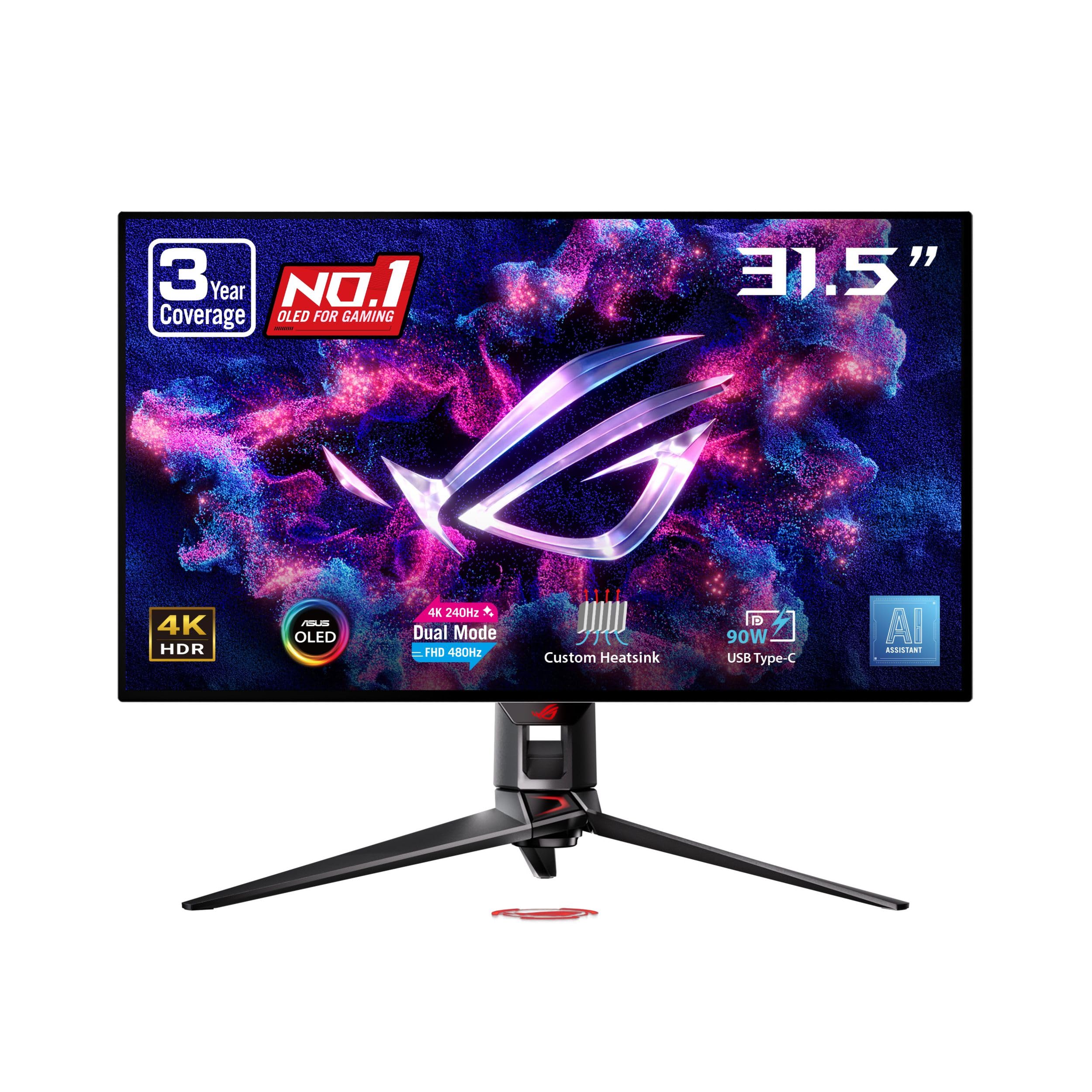
The 480Hz Full HD mode — the highest frame rate any panel on this list will show you.
Nothing else here goes this far. The 32-inch WOLED panel runs 4K at 240Hz for detail, then drops to Full HD at 480Hz for pure speed. Compare that with the LG 32GX850A-B at 330Hz and the ASUS is the faster of the two in fast mode. Color is 99% DCI-P3 with true 10-bit depth, and a custom heatsink runs passive cooling to lower burn-in risk. ROG-exclusive OLED Anti-Flicker tackles the refresh-fluctuation flicker that bothers some OLED viewers.
Text at native 4K with 100% scaling stays crisp, which is a genuine work benefit — several 4K panels need 150% scaling that eats your screen real estate. AI Crosshair, AI Sniper and AI Visual are on board for competitive play, and a uniform brightness setting keeps luminance even across the panel. USB-C delivers 90W to a laptop, and the 3-year warranty includes burn-in coverage plus advanced replacement.
The caveats are real. The 480Hz mode needs a graphics card that will actually send that signal — with some setups the panel stays in 4K and the mode never engages. Auto-dimming is aggressive on static images, which is the burn-in protection doing its job but can be noticed. And a small share of multi-monitor setups have fought persistent OLED flicker. Overall the display quality is what leads opinion; the value question splits, largely because of the premium positioning.
Peak capability
- 480Hz Full HD mode, the top figure on this list
- 99% DCI-P3 with true 10-bit color
- USB-C with 90W power delivery
- 3-year warranty with burn-in coverage
Before you commit
- 480Hz needs a very capable GPU to trigger
- Auto-dimming is noticeable on static content
Made for: a high-end PC build chasing the fastest possible frame rate alongside a 4K work picture.
Not worth it if: your graphics card cannot feed 480Hz — you would be paying for a mode you never see.
11. Samsung Odyssey OLED G9 G91SD

Two 27-inch panels fused into one curve — 32:9 of QD-OLED with no bezel between them.
This is not a resolution-and-refresh dual mode; it is dual-screen territory inside a single panel. The 5120 x 1440 resolution across a 32:9 aspect ratio and a 49-inch 1800R curve puts you inside a cockpit for sim racing, and the 110 pixels per inch keeps detail readable across that width. Response time is 0.03ms and refresh runs at 144Hz, with G-Sync compatibility and AMD FreeSync Premium Pro. A 1,000,000:1 contrast ratio gives the per-pixel blacks QD-OLED is known for.
Picture-in-Picture (a small sub-screen) is the productivity angle — use it for chat or game tips without a second monitor. Thermal modulation (it predicts surface temperature and adjusts brightness), logo and taskbar detection (dims static elements), and a screen saver that starts after 10 minutes idle are Samsung’s burn-in defenses on a large OLED panel. The stand adjusts for height and tilt, and a metal build makes it easy to clean.
Owner sentiment splits in a predictable way for a panel this large. The picture is spectacular, with deep blacks and wide color from the start, and buyers running a PC plus a Mac Studio say they replaced two monitors with this one and gained a smooth desk. The complaints are about logistics: brightness is below a mini-LED in a sunlit room, the footprint is big, and text is less crisp than a 4K 27-inch panel because pixel density is spread across 49 inches. Getting the full 144Hz can need a specific DisplayPort cable — a DP-to-Thunderbolt cable solved it for one Mac setup, and DP 1.4+ cables kept short avoided artifacting on another. An occasional unit has failed early, and Samsung’s on-site warranty route has ranged from excellent to frustrating depending on the case, so buy with the return window in mind.
The defining move: 32:9 and 110 PPI in one bezel-free QD-OLED curve, with Picture-in-Picture so you do not need a second screen.
Where it asks for care: desk depth, cable spec and brightness control — all real, none of them disqualifying.
Choose it for: sim racing, flight setups and dual-app productivity on a wide desk that can take a 49-inch curve.
Better off without it if: you need a compact desk screen or you want a fast mode switch rather than sheer width.
Know the Specs
Dual mode: what actually changes
A dual mode monitor holds two settings profiles. The detailed profile keeps the full panel resolution and runs as high a refresh rate as the panel allows. The speed profile drops to Full HD — or QHD on the Samsung G8 — and roughly doubles the refresh rate. The trade is simple: fewer pixels redrawn, so each frame arrives sooner. Some games force the lower mode once you enable it, so check that your titles are happy to be switched before you rely on the hotkey mid-match.
Refresh rate in Hz
Hertz counts how many times per second the monitor redraws the picture. Higher is smoother in motion. On this list that runs from 60Hz on the InnoView portable up to 480Hz on the ASUS PG32UCDP’s fast mode. You only benefit from the top figure if your graphics card can produce frames that fast in the game you play at that resolution.
Response time in ms
Measured in milliseconds, this is how long one pixel takes to change color. A lower number means less ghosting and smearing in fast scenes. OLED panels quote 0.03ms, Fast IPS panels quote 0.3ms to 1ms, and some listings quote 1ms MPRT, which is a motion-blur measurement rather than a pixel-switch time. Read which type the number is before comparing two screens.
Contrast ratio
Contrast ratio compares the brightest white to the darkest black. IPS panels commonly quote 1000:1, Mini LED and OLED panels climb to 1,000,000:1 and above. A higher number means dark scenes have deeper blacks and more separation. On an IPS screen that figure still includes backlight glow, so an OLED’s number usually translates to a more visible difference than the raw ratio suggests.
Brightness in nits or cd/m²
Brightness tells you how well the screen competes with room light. On this list the range runs from 250 cd/m² to 500 cd. Anything around 300 cd starts to struggle next to a window with dark-mode content, while 400 cd and above holds up. OLED panels often quote lower brightness numbers yet still look punchy because their black level is near zero.
Panel types: IPS, Mini LED, OLED
IPS gives accurate color and wide viewing angles at the cost of backlight glow on black. Mini LED layers many small dimming zones behind an IPS panel to raise brightness and improve contrast. OLED lights each pixel individually for true black and near-instant response, but it needs brightness management and burn-in care over long sessions.
Ports and USB-C power delivery
DisplayPort 1.4 and HDMI 2.1 carry enough bandwidth for 4K at high refresh rates; older ports cap out lower. A USB-C port with power delivery also charges your laptop over the same cable — the KTC offers 90W and the ASUS PG32UCDP 90W, which turns a multi-cable desk into a single wire. Check the wattage before you count on it to run a power-hungry laptop.
Stand adjustment and VESA
Height, tilt, swivel and pivot movement let you set the screen at eye level and turn it vertical for code. A VESA mount pattern, such as the 100mm x 100mm spacing on the INNOCN, lets you swap the stand for an arm and reclaim desk space. On heavier panels like the 49-inch Samsung, a strong arm is worth budgeting for.
Common Questions
Is a dual mode monitor worth it over a normal gaming monitor?
Does switching dual mode lower the resolution permanently?
Do I need a special cable to hit the top refresh rate?
Can a laptop run a dual mode monitor over one USB-C cable?
Should I pick OLED or Mini LED for a bright room?
Will an OLED monitor get burn-in if I use it for work all day?
What response time do I need for competitive shooters?
Can consoles use the high refresh mode on these monitors?
Is 4K at 27 inches too small to notice the extra detail?
How much desk depth does a 49-inch ultrawide need?
The Bottom Line
For most desks, the dual mode monitors winner is the ASUS ROG XG32UCG because it gives you 4K at 160Hz for detail and Full HD at 320Hz for speed on a 0.3ms Fast IPS panel, with USB-C to keep the desk to one cable. If the faster fast mode matters more to you, the LG 27G810A-B pushes Full HD to 360Hz and adds HDMI 2.1 for a console. And for an ultrawide cockpit instead of a mode switch, the Samsung Odyssey OLED G9 is the one to reach for.
The bigger shift is in OLED pricing: a 4K 240Hz QD-OLED with 0.03ms response and a 1,500,000:1 contrast ratio no longer costs flagship money, and the INNOCN GA27W1Q at 4.0+ stars is the clearest example. Match the panel to your room’s light and your GPU’s output, and the mode switch earns its keep.
How we choose
We do not accept paid placement. Every pick is matched to a real buyer and a real use-case; we do not hands-on test units.
Sources
Specifications: manufacturer listings and product documentation. Review insights: verified customer reviews, as of October 2026. Pricing: not shown on this page (it changes often); check the current price via the retailer link.
As an Amazon Associate, Aappliancez earns from qualifying purchases. This does not affect which products we feature.