Disclosure: Some links in this post are affiliate links. As an Amazon Associate I earn from qualifying purchases, at no extra cost to you. Learn more
Specs are compiled from manufacturer listings and verified buyer reviews and can change over time — please confirm the key details on the product page before buying.
You want to keep writing by hand, but you also want those notes searchable, shareable, and never lost in a drawer. That is exactly what a digital notebook does — and the right one depends on one question: do you want to keep writing with real ink on real paper, or do you want a screen that behaves like paper? This guide sorts seven of them by that answer, so you can stop reading spec sheets and pick one.
This guide is built by comparing the manufacturers’ published specifications and the patterns across verified customer reviews, so you get each pick’s real strengths and trade-offs instead of marketing spin.
Below you will find reusable ink notebooks, pen-and-app sets that capture every stroke, and one E-ink tablet that replaces the whole stack. Read on for the smartest picks in digital notebook.
Top Picks
How To Choose The Best Digital Notebook
Start with the surface you write on, because that single choice splits this category in two. Reusable paper notebooks let you write with a real pen and wipe the page clean afterward. Pen-and-app sets let you write on normal paper while a small camera in the pen captures every stroke. E-ink tablets give you a glass screen that mimics paper and stores everything on the device. None of these is “better” — they suit different people.
Erasing: cloth, button, or nothing at all
Reusable paper notebooks erase with a damp cloth — the Pilot Frixion ink lifts off once the page is wiped. Writing tablets erase with a single button press that clears the whole screen at once. Pen sets and E-ink tablets do not erase from paper at all; the writing stays on the page while the digital copy lives in an app. If you need to erase one line and keep the rest, a reusable paper notebook or an E-ink tablet is the only option here that gives you that control.
Where your notes actually end up
Reusable paper notebooks send scans to Google Drive, Dropbox, or OneNote through their app. Pen sets sync strokes in real time to a phone app, then export as PDF, DOCX, JPEG, or MP4. E-ink tablets keep notes on the device with folders and search. Ask yourself where you will look for a note six months from now — if the answer is “in my email,” pick a set that exports; if the answer is “on the device,” pick an E-ink tablet.
Compare the writing area, not the frame
A notebook’s listed size often includes the cover and binding. What matters is the active writing surface — the space your pen actually touches. Look for an active surface area listed in square inches or inches, not just the outer dimensions. Likewise, page count tells you how much you can write before you need refills or replacements.
Side-by-Side Comparison
| Model | Best For | Writing Surface | How It Digitizes | Key Spec | Amazon |
|---|---|---|---|---|---|
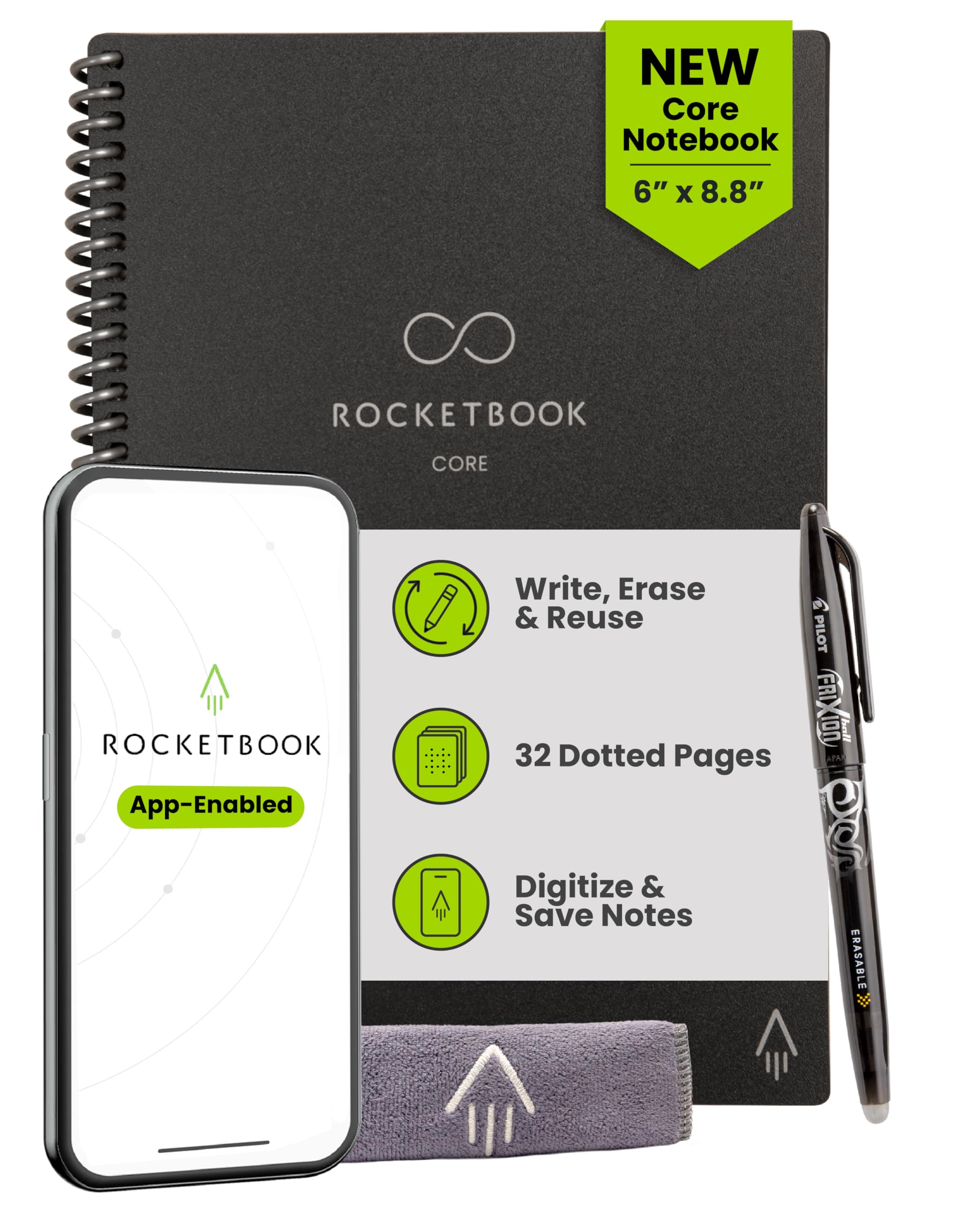
| Rocketbook Core Executive 6×8.8★ Best Overall | Pocket-size paper writing | Reusable dot-grid paper | App scan to cloud | 6 x 8.8 inches | Amazon |
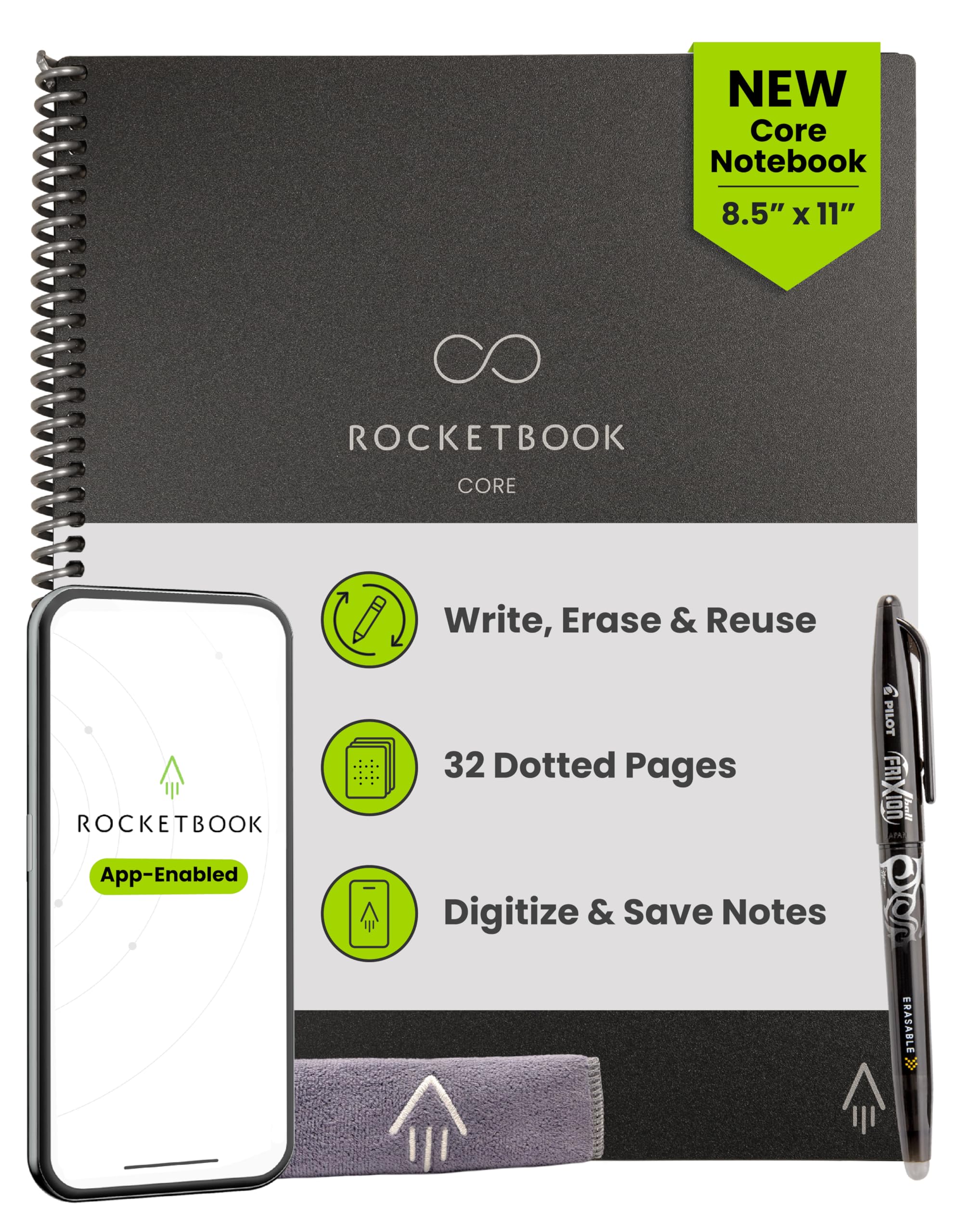
| Rocketbook Core Letter 8.5×11Full Page Pick | Full-page meeting notes | Reusable dot-grid paper | App scan to cloud | 32 pages | Amazon |
| LCD Writing Tablet 10 inch | Quick drafts and lists | Pressure-sensitive LCD | Phone photo only | 100 square inches | Amazon |
| Yuan Digital Sync Pen Set | Paper plus phone backup | Real paper notebook | Pen sync to app | 8 hours battery | Amazon |
| SyncPen Digital Notebook Set | Students and creators | Real A5 paper, 128 pages | Bluetooth real-time sync | 71+ languages OCR | Amazon |
| HUION Note | Notes plus sketching | A5 notepad, 50 pages | Bluetooth 5.0 sync | 18 hours battery | Amazon |
| Kindle Scribe 32GB | Reading and writing in one | 10.2″ E-ink screen | On-device storage and AI tools | 300 ppi display | Amazon |
Detailed Reviews
1. Rocketbook Core Executive 6×8.8
Our pick — 4.0+★ from 150+ verified ratings; the strongest balance of quality and price.
The notebook that fits a coat pocket and wipes clean with one damp cloth.
This is the pick for anyone who takes up a lot of handwritten notes and hates throwing the pages away. You write on reusable dot-grid paper with the included Pilot Frixion Pen, scan the page with the Rocketbook app, and store the digital copy in Google Drive, Dropbox, or OneNote. When you are done, a damp cloth wipes the page blank.
It measures 8.8 inches long by 6 inches wide and weighs 5.92 ounces — light enough to slip into a backpack, purse, or briefcase without feeling like you’re hauling a book around. Grid pages carry Smart Titles and Smart Tags, which let you name and organize files as you scan them rather than renaming each one afterward. Its scratch-resistant cover holds up to being shoved in a bag, and the spiral binding lies flat while you write.
What wins people over is the writing experience itself — the paper draws out the kind of enthusiasm you rarely see in a notebook review. Reviewers mention paper quality almost as often as overall satisfaction, and the dot-grid surface has a smooth, silky glide that feels like a real pen on a real page. The ink clears off completely with no shadow marks left behind.
The one honest catch: it does not sync automatically over Wi-Fi. You have to open the app and photograph each page, which some buyers describe as saving a photo rather than syncing. If you want strokes captured as you write, a pen-and-app set is the better fit.
What it does well
- Wipes clean with a damp cloth — no refills, no running out of pages
- Scan-and-file workflow sends notes straight to Google Drive, Dropbox, or OneNote
- 5.92 ounces and 8.8 by 6 inches — genuinely pocketable
- Smart Titles and Smart Tags name and organize files as you scan
Where it asks more of you
- No auto-sync — each page needs a manual app scan
- Only works with Frixion-compatible erasable ink
- A few buyers report inconsistency between batches of dot-grid paper
Best for: handwritten lists, meeting notes, and anyone who thinks better with a pen than a keyboard.
Look elsewhere if: you expect your notes to appear on your device the moment you finish writing them.
2. Rocketbook Core Letter 8.5×11
Room to spread out a full page of notes, then wipe it back to blank.
If the Executive version above feels cramped, this is the same system at letter size — 11 inches long by 8.5 inches wide across 32 pages, versus the 8.8 by 6 inch frame of the smaller Core. That extra real estate matters when you sketch diagrams, lay out a whiteboard-style brainstorm, or write long-form notes across a full sheet.
At 224 grams it is lighter than the 300 g LCD writing tablet in this list, so carrying a bigger notebook does not mean carrying a heavier bag. The workflow is identical: write with the included Pilot Frixion Pen, scan with the Rocketbook app, file to Google Drive, Dropbox, or OneNote, and wipe clean with a damp cloth. The scratch-resistant cover and spiral binding carry over unchanged.
Smooth glide is the point buyers keep returning to — the page has a gel-pen feel that plain spiral notebooks don’t match, with no bleed through the paper. Heavy note-takers report a single notebook lasting about a year of daily use, so they replace their paper stack instead of adding to it. As owners put it: “It is so easy to use. Writing on the page is so smooth and silky. Ink clears off completely so there are no shadow marks.”
Know the trade before you commit: Frixion ink left to sit for days can smear if you close the book on it. Let a page dry before you flip it, especially in a warm car or bag.
The full-sheet advantage: 32 letter-size pages give you room that the pocket-size Executive cannot, with the same wipe-clean reusable paper and the same app-filing workflow.
Worth knowing: this stays a manual scan-and-share system — no automatic sync — so it suits people who already open their cloud app regularly.
Reach for this if: you write long, wide notes and want a standard letter page that fits a briefcase.
Think twice if: you want a notebook you can toss in a jacket pocket — the Executive Core at 8.8 by 6 inches is the one for that.
3. LCD Writing Tablet 10inch
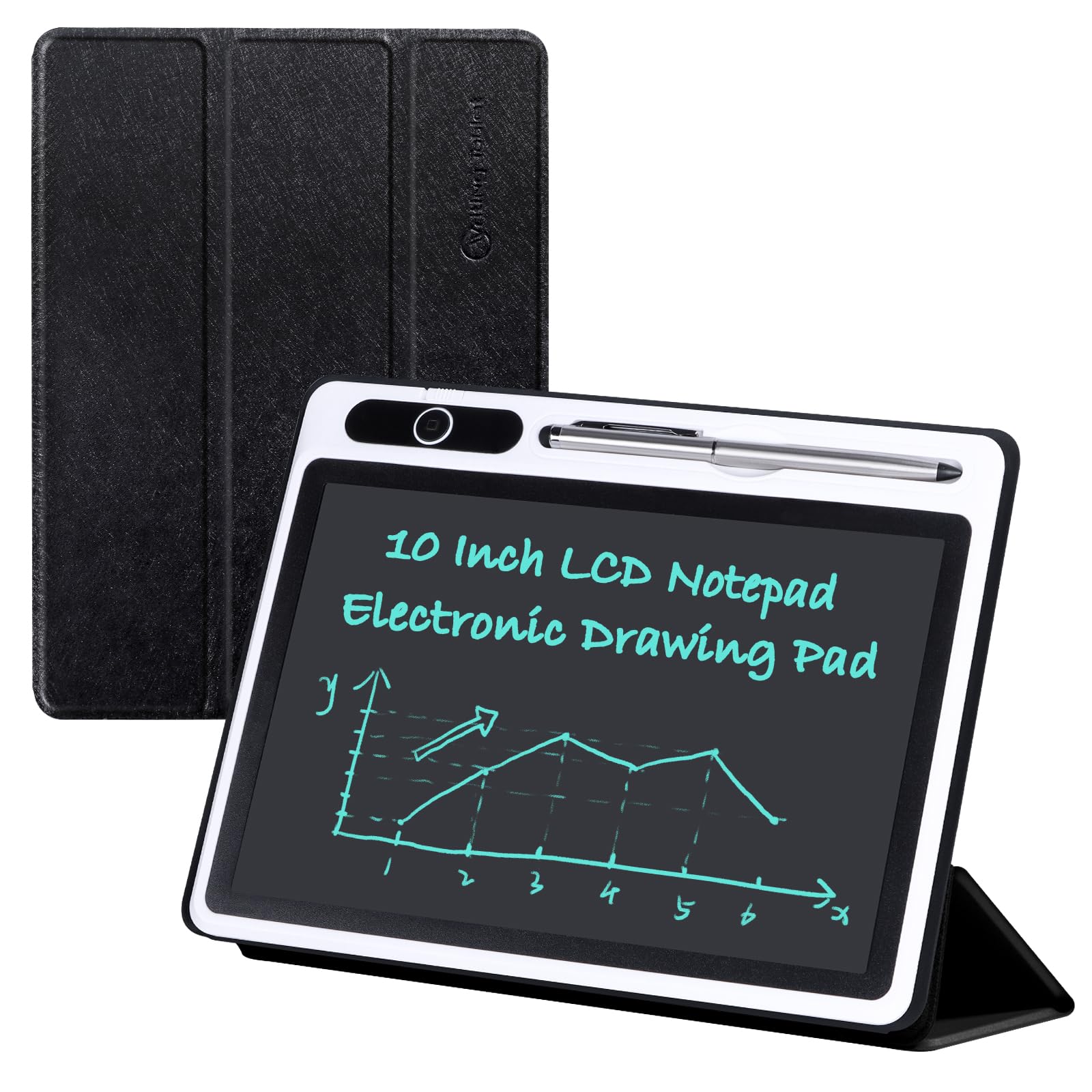
One button clears 100 square inches — but it saves nothing on its own.
The 10-inch LCD screen gives you 100 square inches of pressure-sensitive writing space with a monochrome blue-green line. Press harder and the line gets thicker, which makes it surprisingly useful for quick arithmetic, spelling drills, and rough sketches. A single key clears the whole board, and the lock switch stops an accidental sleeve swipe from wiping your work.
A foldable PU cover turns into a stand so the board sits at an angle for writing, and it wraps the unit for bag carry. The screen needs no backlight and produces no glare, so it’s easy on the eyes and readable in a dim room, though brighter light helps. It runs without a connection to any phone or computer. To keep a draft, you photograph it.
Here is the honest split. The board quality earns positive nods, and owners who use it for work lists or kids’ math homework find the write-erase-rewrite loop fast and economical. But the cover is the recurring gripe — thin and flimsy, closer to a cheap tablet case than a protective shell. Keep it in a sleeve if it rides in a bag. As one buyer summed up their disappointment, a unit that stopped erasing days in was “deemed waste of money, discarded”, which is worth knowing as an occasional risk rather than the norm.
The case against paper: a 10-inch board that clears in one button press and never runs out of pages — perfect for the grocery list, the math check, or the rough draft you never needed to keep.
The trade: it cannot connect to a phone or computer, so digitizing a note means taking a photo of the board before you clear it.
Who it suits: anyone who wants a scratchpad on the desk without buying paper again.
The limitation: the cover is thin and will not survive being crushed in a bag — carry it flat.
4. Yuan Digital Sync Pen

You write on real paper; the pen sends every stroke to your phone.
This set is for the person who refuses to give up the feel of ink on paper but wants a searchable copy anyway. You write on the included smart notebook with the Yuan pen, and whatever you write is transmitted to the phone app in real time. The notebook itself uses special coded paper the pen recognizes, and that paper cannot be erased — the writing stays on the page while the digital version lives in the app.
The pen holds 8 hours of battery life with 110 days of standby and charges in 1.5 hours, so it covers a workday and sits ready for months between uses. If your phone is not nearby, offline storage catches recent writing and syncs when you reopen the app. The pen writes at a 360° angle, which matters if you rotate the pen as you sketch. The box includes the smart pen, a smart notebook, a mini smart notebook, a charging cable, and five pen refills.
What people praise most is the overall quality of the set, with sync capability close behind — notes and sketches appear in the app without extra steps. It suits teachers digitizing lecture notes, people building grocery lists, and anyone journaling who wants a backup copy without retyping. The set arrives in packaging nicer than the price suggests, which is why it keeps showing up as a gift.
The catch is portability of the workflow, not the pen. The app experience varies by phone — at least one owner found it only works with Android. Set it up on the right device before you rely on it for a meeting.
Where it earns its keep
- Real-time sync to the phone app as you write
- 8 hours of battery, 110 days standby, 1.5 hours to charge
- Offline storage catches notes when your phone is away
- Five pen refills included so you don’t run out of ink
What to plan around
- Only works with Yuan’s own coded notebooks
- Handwriting cannot be erased from the paper once written
- App compatibility varies by phone model
Pick it if: you want a real paper notebook that quietly backs itself up to your phone.
skip it if: you need to erase and re-use pages — this paper is permanent by design.
5. SyncPen Digital Notebook Smart Pen Set
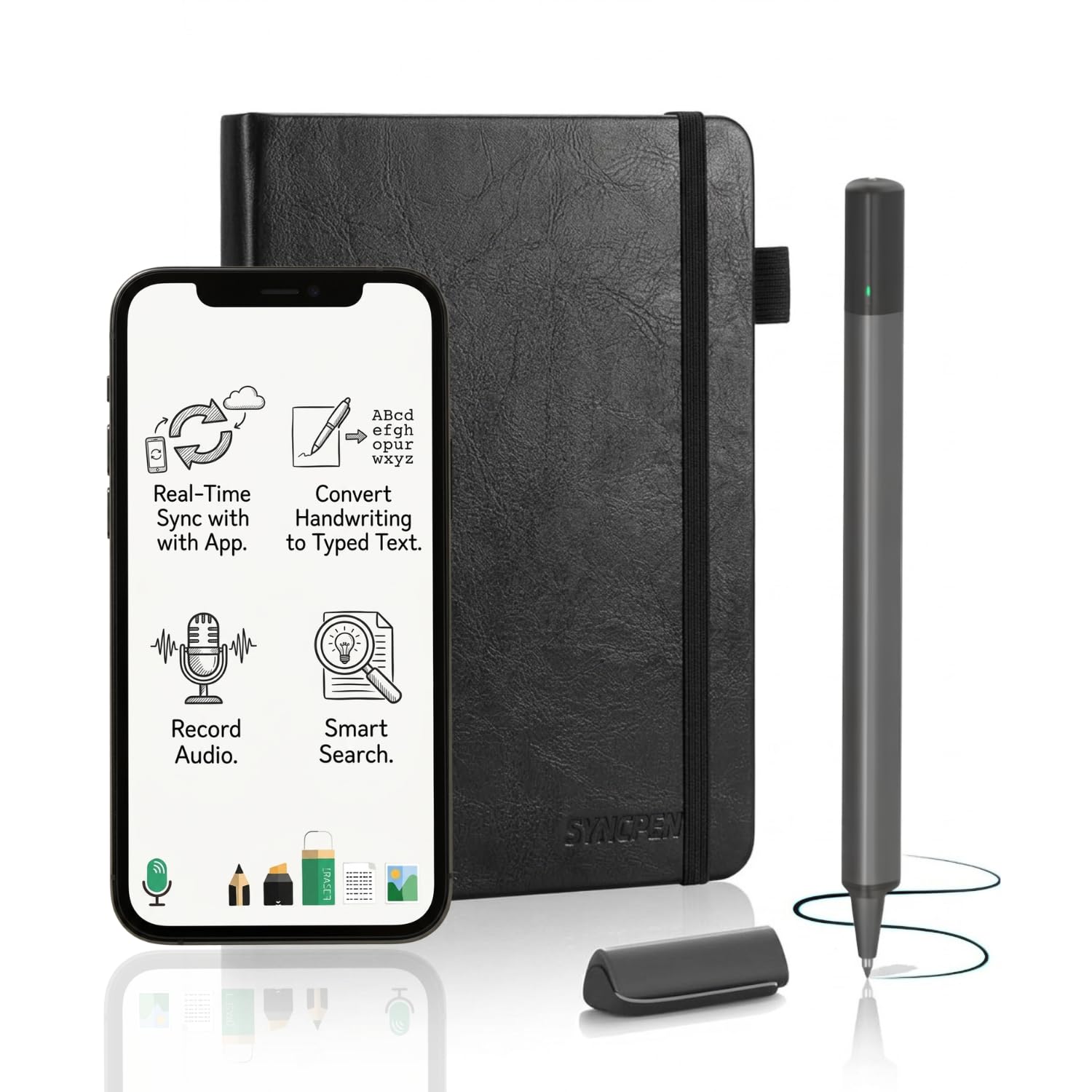
The pen that turns your handwriting into editable text in 71+ languages.
Where the Yuan set gives you a digital copy, this set goes a step further and converts. You write in real ink on a 128-page A5 notebook (8.5 by 6 inches), the strokes sync to the app in real time, and the AI handwriting engine turns them into editable text — including math equations and music notation — across 71+ languages.
Battery life is rated at 7 days per charge, and the app access is lifetime with no subscription. Notes store in the cloud with AES 256 encryption, a standard used for protecting sensitive data, and you can find any note by keyword or recognized text. Export options cover PDF, DOCX, JPEG, and MP4, so a page of handwriting can become a document, an image, or a video of the writing process.
The audio sync is what separates it from every other pen set here. Record your voice while you write, and playback later aligns with each spoken moment to the matching line of notes — genuinely useful for lectures and long meetings. Setup is simple enough that owners mention being up and running in about ten minutes, and the pen feels like a normal pen rather than a bulky gadget. What people praise most is how easy the whole thing is to use, though Bluetooth connectivity draws mixed reports.
The honest catch: a few units arrive without a manual and the app download can fight some laptops. Buy it for the phone app first, and treat the desktop side as a bonus.
The standout feature: audio sync ties your recorded voice to the exact line you were writing when you said it.
Second look: 128 pages of A5 paper means you get plenty of writing before you need a replacement notebook, and the 7-day battery keeps the pen alive through a full work week.
Made for: students recording lectures and creators who want handwriting turned into editable text.
Not the one if: your priority is a simple, reliable Bluetooth connection on every device — that’s the weakest link here.
6. HUION Note Digital Notebook

Eighteen hours of writing on one charge, and the pen never needs charging at all.
This is the busiest tool in the list. You write on the included 50-page A5 notepad, and the strokes transfer over Bluetooth 5.0 to the free Huion Note app with vector precision. The pen itself is battery-free, so the only thing you charge is the notebook base — and its 18 hours of use with 30 days standby covers a full week of daily note-taking between charges. The active surface is 7.35 by 5.5 inches, with the whole unit at 9.5 by 7 inches and 433 grams.
Replace the inner pages with the panel inside the box, connect to a PC, and it becomes a drawing tablet. That one switch covers students sketching diagrams and artists doing rough digital work before committing to a full illustration. Audio recording syncs to your notes like the SyncPen, and you can export as images, PDF, or MP4. Pages merge, split, and move between groups in the app, with a highlighter for re-editing.
What people praise most is the overall quality, with design close behind — the A5 notepad looks good enough to carry to a meeting. It is also the most-reviewed pick here, and the writing experience itself is a genuine strong point for many. But value for money and writing performance both come back mixed, and a subset of owners find the app buggy: notes appearing in the wrong place, pages duplicating, sync errors. The hardware is good; the software asks for patience.
Two tools in one: a battery-free pen digital notebook that converts into a PC drawing tablet by swapping the inner pages, with 18 hours of charge and 30 days standby on the base.
Set your expectations: the app is the weak link for a portion of owners, so plan to organize notes yourself rather than trust every auto-sync.
Suits you if: you want a note-taking device that also sketches, and you do not mind learning a finicky app.
Better elsewhere if: your whole workflow hangs on an app that never glitches — the Rocketbook scan-and-file system is far simpler.
7. Like-New Amazon Kindle Scribe (32GB)

The notebook that replaces your whole stack, and the book you read after.
This is the pick for someone who wants one device for writing, planning, and reading — no pen refills, no app scanning, no separate e-reader. The 10.2-inch glare-free 300 ppi display is front-lit, so you can write and read it indoors or out without a backlight glare headache. The Premium Pen writes without setup or charging, and every stroke hits the page instantly.
Built-in AI notebook tools convert messy handwriting into readable font, summarize notes, and change their length and tone, which saves a lot of cleanup when you write fast. Import PDFs with Send to Kindle and mark them up directly, or start writing in the margins of a book and Active Canvas opens space for the note. There is no notifications, no social media, and no distractions — this is a writing and reading tool, full stop. The 32GB of storage holds your notebooks and library together.
What people praise most is the writing experience — the Premium Pen genuinely feels like pen on paper, the best writing feel of any screen here. Screen size comes second, with owners using the 10.2-inch display for puzzle books and full-page planning. The trade-offs are real: a chunk of the buyer base finds it pricey for what it does, and the usability of the interface is mixed, with some owners finding it clumsy. It is also a heavier device than a notebook, especially with a case.
Why it earns the premium label
- 10.2″ glare-free 300 ppi display for writing and reading in any light
- Premium Pen needs no charging — start writing immediately
- AI tools convert handwriting, summarize notes, and adjust tone
- 32GB stores your notebooks and Kindle library in one place
The costs of going premium
- Heavier than a paper notebook, notably with a case on
- The interface feels clumsy to a portion of owners
- Pen tips wear out from regular use
- No social apps or notifications — nothing here but writing and reading
Buy this for: one device that handles your notebook, your PDFs, and your reading — all without a phone app.
The argument against: it is the heaviest pick here and the priciest, so it only makes sense if you are replacing a notebook and an e-reader at once.
Know the Specs
Active Surface Area
This is the space your pen actually touches, listed in square inches or inches — not the size of the frame. A 10-inch LCD board can offer 100 square inches of that usable writing space. Bigger active area means more room per note; smaller means a notebook that slips into a pocket. Match it to your writing style, not to the outer dimensions.
Battery Life vs Standby
Battery life is how long a pen or notebook base runs while you actively write; standby is how long it holds a charge while idle. The Yuan pen rates 8 hours of use and 110 days standby, while the HUION base rates 18 hours and 30 days. Active hours matter to a daily user; standby matters to someone who writes in bursts.
Handwriting Recognition (OCR)
OCR — optical character recognition — is what turns your handwritten page into typed, editable text. The SyncPen recognizes 71+ languages including math equations and music notation. Not all digital notebooks include this: the Rocketbook app offers transcription, but the LCD writing tablet has no OCR at all. If you need searchable text, check for recognition before you buy.
Screen PPI and Front Lighting
PPI — pixels per inch — measures how sharp the display is; higher numbers mean crisper text and finer pen lines. The Kindle Scribe runs 300 ppi on a 10.2-inch glare-free screen with front lighting, so it reads clearly without the harshness of a backlit tablet. For reading-heavy use, PPI and front lighting matter more than processor speed.
Common Questions
Can a reusable paper notebook replace a tablet for taking notes?
Do I need a special pen for a reusable notebook?
How long does the ink take to erase on a reusable notebook?
Will a digital notebook work without internet or a phone nearby?
Is a digital notebook worth it for students who type everything?
Can I share my notes with teammates or classmates?
Which uses a battery — the pen, the notebook, or both?
Do these devices work with an iPhone as well as Android?
How many pages do these notebooks hold before I need a refill?
Which is better for drawing and sketching — a pen set or an E-ink tablet?
The Bottom Line
For most people, the smartest pick in this list is the Rocketbook Core Executive 6×8.8 — it fits a pocket, wipes clean with a cloth, and files itself into the cloud through the app. The crowd is with it too: it holds 4.0+ stars across a solid base of owners, and reviewers single out the smooth, silky writing feel as the reason they keep buying it. If you write long pages and want standard letter size, grab the Rocketbook Core Letter instead. And for someone who wants one device for both writing and reading, with AI tools built in, the Kindle Scribe is the one to reach for — just know that it is heavier than a notebook and the interface asks for some patience.
How we choose
We do not accept paid placement. Every pick is matched to a real buyer and a real use-case; we do not hands-on test units.
Sources
Specifications: manufacturer listings and product documentation. Review insights: verified customer reviews, as of October 2026. Pricing: not shown on this page (it changes often); check the current price via the retailer link.
As an Amazon Associate, Aappliancez earns from qualifying purchases. This does not affect which products we feature.