Disclosure: Some links in this post are affiliate links. As an Amazon Associate I earn from qualifying purchases, at no extra cost to you. Learn more
Specs are compiled from manufacturer listings and verified buyer reviews and can change over time — please confirm the key details on the product page before buying.
If you shoot an older DSLR or a legacy camcorder, the card inside it matters more than any other accessory you own. A Compact Flash card that writes too slowly stalls your buffer after a couple of RAW frames. One that is too small forces you to swap cards mid-shoot. And one your camera refuses to recognize turns a paid job into a dead afternoon. This guide covers the readers, capacities, and write-speed traits that decide whether a card actually works in your body — and which of these five picks suits which kind of shooter.
This guide is built by comparing the manufacturers’ published specifications and the patterns across verified customer reviews, so you get each pick’s real strengths and trade-offs instead of marketing spin.
Legacy gear is picky about pins, capacity, and formatting, so the right pick depends on your camera body rather than the biggest number on the label. Below you’ll find the best Compact Flash Card for older DSLRs, camcorders, samplers, and industrial gear.
Top Picks

How To Choose The Best Compact Flash Card
Start with your camera body, not the card. A Compact Flash card is a rectangular memory card with a 50-pin connector, and it fits only devices built with a matching CF slot. Most modern laptops have no such slot, so you will also need a reader. Once you know your body accepts CF, three things decide your purchase: capacity, write behaviour, and physical fit.
Capacity: match the card to your camera’s display limit
A card’s capacity is how many gigabytes of photos and video it holds. Some older bodies cap how many frames they can count, so a huge card can hold more than the camera’s own counter displays. A 16 GB or 32 GB card is plenty for a day of stills on a legacy DSLR, and it keeps you from carrying several small cards. Big capacity does not fix speed, though.
Write speed versus read speed
Read speed is how fast files copy off the card into your computer. Write speed is how fast the camera saves each shot, and that is the number that decides whether burst shooting works. A card rated at 60MB/s can drop well below that figure once the buffer fills during sustained RAW bursts. If you shoot single frames or basic HD video, moderate write speed is fine. If you fire bursts, sustained write performance is what you are really buying.
UDMA support and physical fit
UDMA is a transfer method that lets compatible cameras move data more efficiently. The card must support it and so must the camera body for the benefit to appear. Physical fit matters just as much: CF cards slide in on a set of tiny pins, and a card inserted at an angle can bend them. Seat the card straight and gently, and treat every insertion as a deliberate act.
Side-by-Side Comparison
| Model | Best For | Capacity | Rated Media Speed | Item Weight | Amazon |
|---|---|---|---|---|---|
| Lexar Multi-Card 3-in-1 SD/Micro SD/CF Card Reader★ Best Overall | Reading cards from every device you own | — | Up to 312MB/s (SD/microSD) | 3.52 ounces | Amazon |
| ShanVa 16GB CompactFlash CardLegacy Revival Pick | Reviving an older DSLR or camcorder | 16 GB | 30 | 8 g | Amazon |
| 8GB CF Memory Card 60MB/s | Small-capacity stills shooting | 8 GB | 60MB/s (600x) | 5 g | Amazon |
| 16GB UDMA High Speed CF Card | Event and travel photography | 16 GB | Up to 50MB/s | 7 g | Amazon |
| ShanVa 32GB CompactFlash Card | Keeping legacy gear running longer | 32 GB | 60 | 8 g | Amazon |
Detailed Reviews
1. Lexar Multi-Card 3-in-1 Card Reader
Our pick — 4.5+★ from 850+ verified ratings; the strongest balance of quality and price.
Three slots and one cable that finally gets your CF files off a modern laptop.
Your camera takes CF cards, but your laptop has no CF slot at all. This reader fixes that with three separate ports in one housing — SD, microSD and CompactFlash — so one little box handles the card in your DSLR, the card in your drone, and the card in your action camera. File speeds reach up to 312MB/s (megabytes per second) for SD and microSD, and up to 160MB/s for CompactFlash cards, so a full card of photos copies over in a fraction of the time. It works on both USB 3.1 and older USB 2.0 ports.
Owners describe it as a rare combo that does all three card types well rather than spreading itself thin. One buyer moved up from an older USB 2.0 Lexar reader and measured Compact Flash transfer at roughly 82MB/s against a 90 rating, and SD reads around 255MB/s against a 300 rating. At those speeds, a two-thousand-photo wedding card copies off in under two minutes. The housing is heavy and solid, and the rubber base keeps it planted on a desk while you swap cards.
The honest catch sits in the CF slot itself. Compact Flash works on tiny pins, and a buyer who shoved a card in at an angle bent them — the same damage that kills any CF reader. Feed the card in straight and it holds up. The cable is replaceable, which is a small detail that extends the life of the whole unit considerably. It sits at 4.5+ stars from a loyal base of owners, the highest rating in this group.
What earns its place
- Handles SD, microSD and CompactFlash from one housing, so one accessory covers every camera you own
- Up to 312MB/s SD/microSD and up to 160MB/s CF transfer speeds keep big photo dumps quick
- Heavy, non-slip build that stays put on a workstation desk
- Replaceable cable and a two-year limited warranty
Where it asks for care
- It is a reader only — you still need the cards themselves
- The CF pins demand a straight, careful insertion every time
Worth it if: you shoot CF in the camera and edit on a laptop with no card slot — this closes that gap in one purchase.
Think about the alternative: if you only ever move SD cards, a single-slot reader does the job with less bulk.
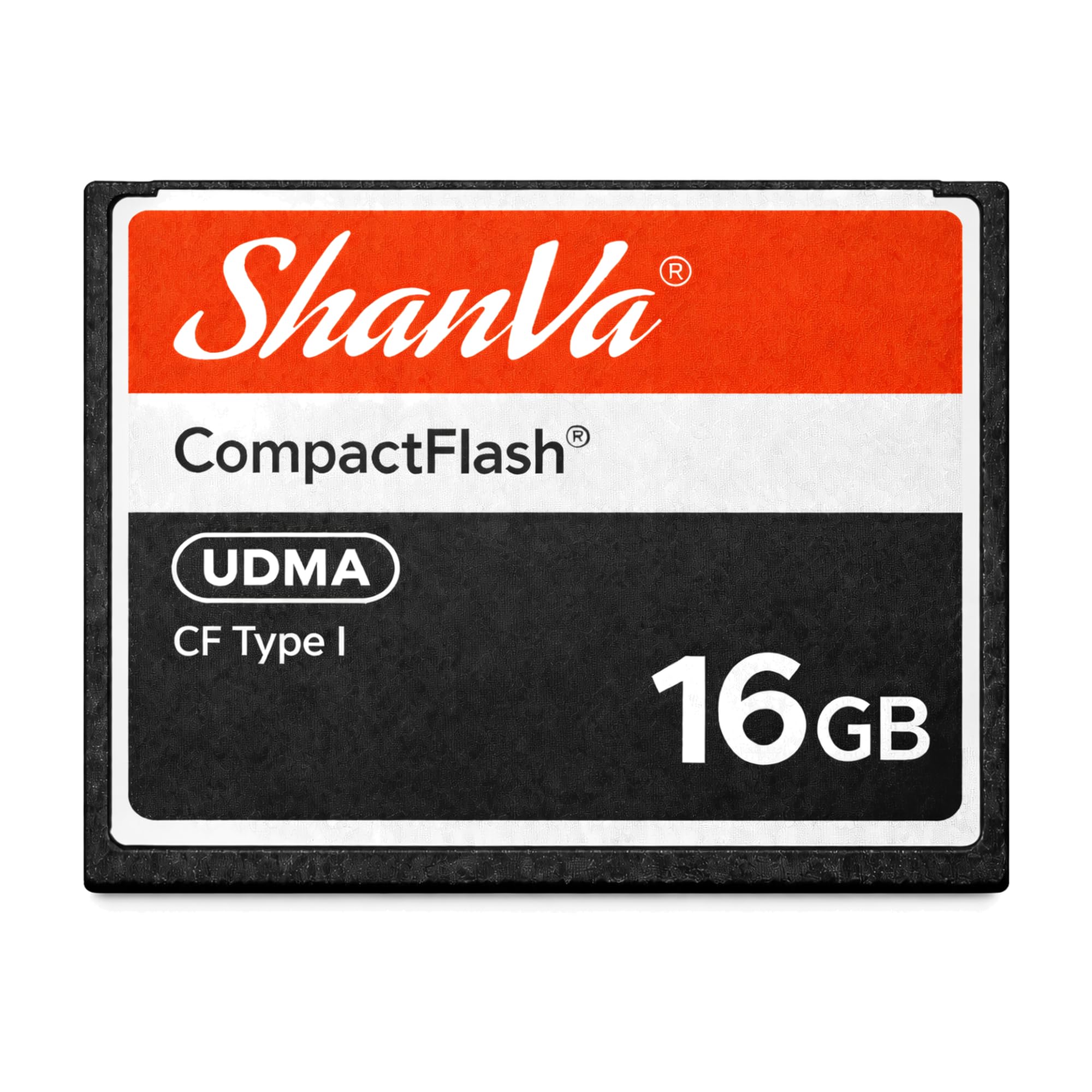
2. ShanVa 16GB CompactFlash Card
Built for the camera in your cupboard that still takes beautiful photographs.
Discontinued cards are the quiet crisis of legacy photography. Your Canon or Nikon body works fine, but the original CF card died and nobody sells that spec any more. This 16 GB card is aimed squarely at that gap, with a UDMA-compatible design that supports dependable storage and smooth transfers for stills and HD video. It also fits music samplers, industrial equipment and embedded systems that rely on Compact Flash storage. It weighs just 8 g and carries a drop-proof rating.
Buyers with older bodies report exactly the outcome they wanted: it reads clean the first time and the camera accepts it. The card ships preformatted and needs no setup ritual. Compare it to the 8 GB option further down and it doubles your capacity for the same footprint, so a long event does not force a mid-shoot card swap. The ShanVa 32GB version doubles that again — 32 GB against 8 GB — for shooters who need a bigger well.
The trade-off is speed discipline. Media speed here is listed at 30, which is modest by modern standards, so treat this as a stills and light-video card rather than a burst-shooting tool. If you fire long RAW sequences on a pro body, you will feel the buffer. For a hobbyist shooting single frames on a weekend, that ceiling never comes into play.
Who it fits: a hobbyist bringing an older DSLR or HD camcorder back into service, where the priority is a card the camera actually recognizes rather than a headline transfer figure.
Where speed stops: moderate sustained writes mean long RAW bursts will back up — shoot stills and short clips and it stays comfortably within its lane.
Reach for this if: your aging camera just needs reliable storage and a clean first read.
Step up instead if: you shoot fast bursts — the higher-speed picks in this list handle that better.
3. 8GB CF Memory Card 60MB/s Camera Card
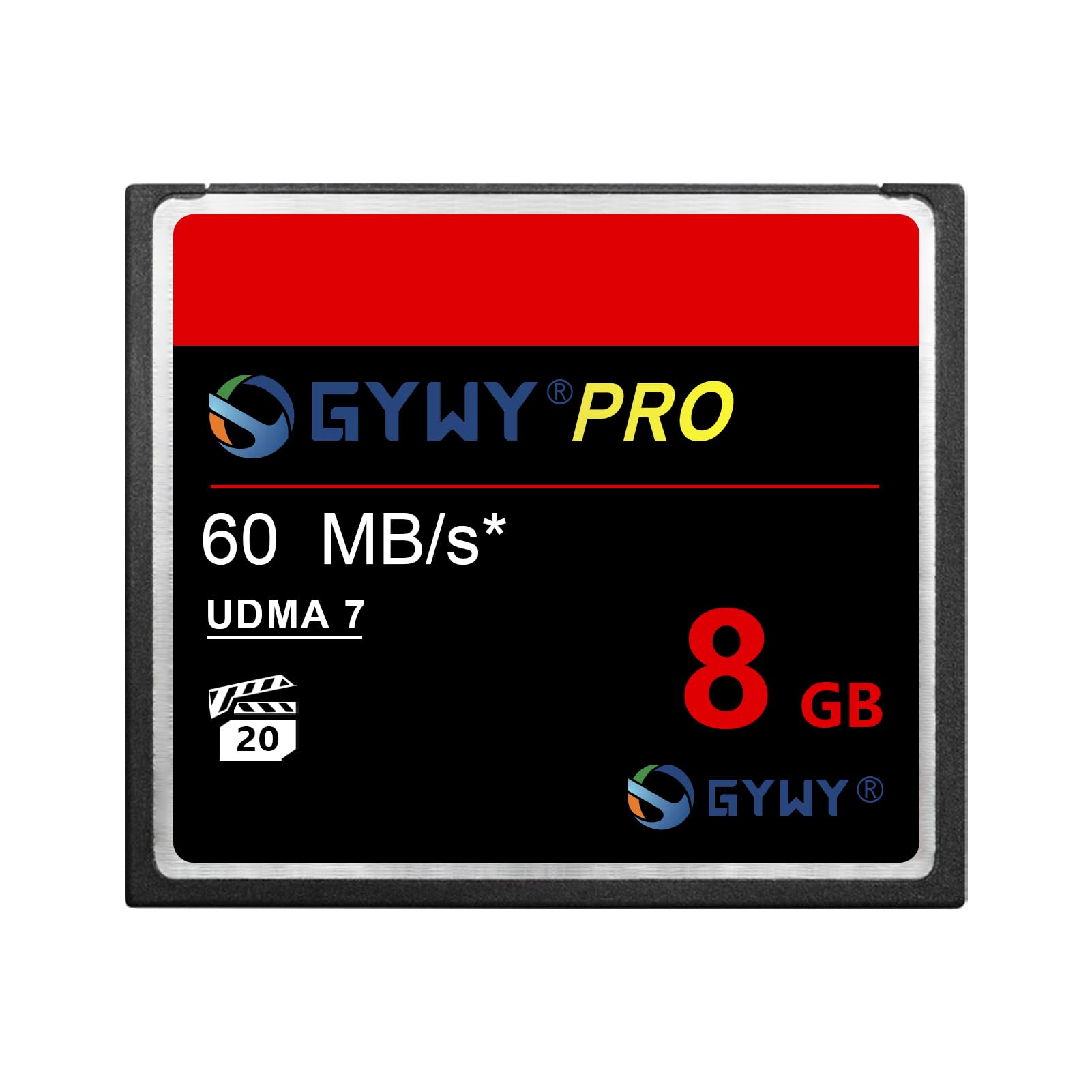
The featherweight card: 5 g of storage for photographers who never fill it.
At 5 g this is the lightest card in the group, and 8 GB is a specific kind of capacity — plenty if you shoot a couple of hundred frames, thin if you shoot RAW all day. The headline is the speed: UDMA 7 technology delivers a read transfer speed up to 600x, which is 60MB/s, and a Video Performance Guarantee of VPG-20 for full HD recording. VPG-20 is a rating that promises the card can sustain the write rate full HD video needs, so clips record without stalling.
Real-world feedback lines up with the label. A Nikon D200 shooter calls it fast enough for that body. An Olympus E-3 owner says the write speed is very good with no problems so far. A dashcam user confirms it works well, and another buyer notes test shots were good and it moved files smoothly through a card reader. Toward the bottom of the feedback, a couple of units arrived dead and a replacement failed too — that is a rare miss on a card sitting at 4.5+ stars, not the norm.
Where does it lose to rivals? The 16 GB UDMA card gives you double the storage, and the compact flash reader above posts far higher transfer figures. But if your body is old enough that anything past 8 GB is wasted capacity, this is the tidy match. The plastic protective case it ships in makes storage easy, too.
Pick this when: your camera is vintage, your daily frame count is modest, and 8 GB of fast stills storage is all the job needs.
Size up instead if: you shoot RAW bursts or long video sessions — capacity will run out before the speed does.
4. 16GB UDMA High Speed CF Card
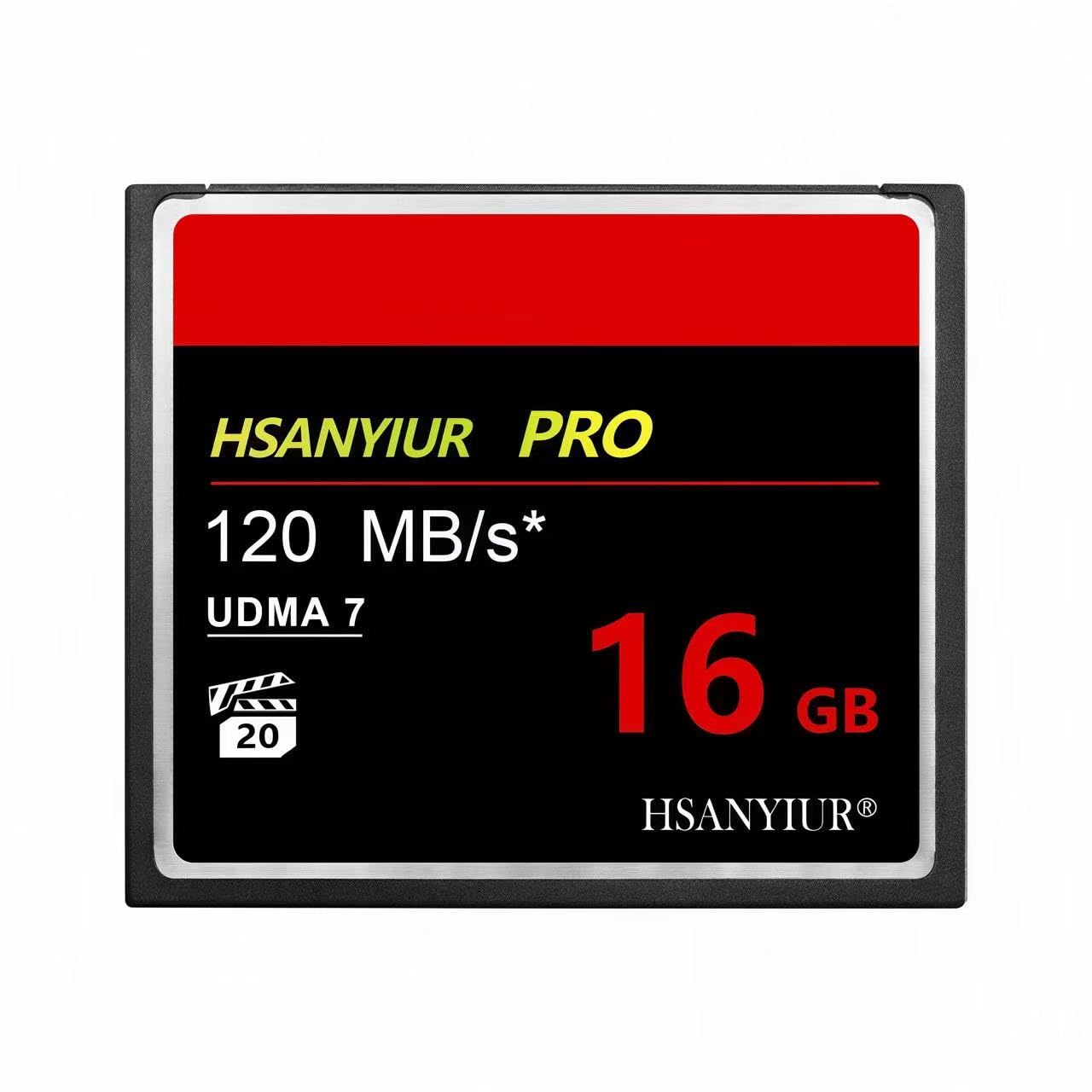
A rugged 16 GB card for shooters who take their camera into weather and dust.
This is the card built for the wedding and travel crowd. It holds 16 GB — the maker’s figure for a full day of shooting on one card — and reads at up to 50MB/s for burst shooting and high-bitrate recording. The rugged side matters just as much: the design is waterproof, shockproof and temperature-proof, so drops, rain and temperature swings are part of the plan rather than a disaster. On weight, at 7 g it is lighter than the ShanVa 16 GB card’s 8 g, so you will not notice it in your bag.
The fit story is what you should read first. A photographer running a Canon 5D Classic reports the card was a bit snug on the first insertion, then seated and worked great. Others call it a great replacement and good value. The compatibility note the maker prints is worth repeating: confirm your device accepts 16 GB CF cards before you order, because some older bodies have their own capacity ceiling. It suits both Canon and Nikon CF bodies, so you can move between them without a changeover headache.
The honest limit is not speed but fit. That snug first insertion is a reminder that CF pins are unforgiving — push straight, never at an angle. For event and adventure shooters, the waterproof, shockproof build and 16 GB capacity cover a full day of work. If you want more headroom for long RAW bursts, the 32 GB pick below gives you more storage, though its sustained writes have drawn mixed feedback.
The case for it: weatherproof and shockproof build paired with 16 GB of storage and up to 50MB/s readings, aimed at shooters taking the camera outdoors.
The honest limit: it arrives pre-set for 16 GB devices only, and the first seating can feel tight — check your body’s capacity ceiling before you buy.
Best fit for: wedding and adventure photographers who need a card that survives the weather.
Think twice if: your camera body caps cards below 16 GB — check compatibility before ordering.
5. ShanVa 32GB CompactFlash Card
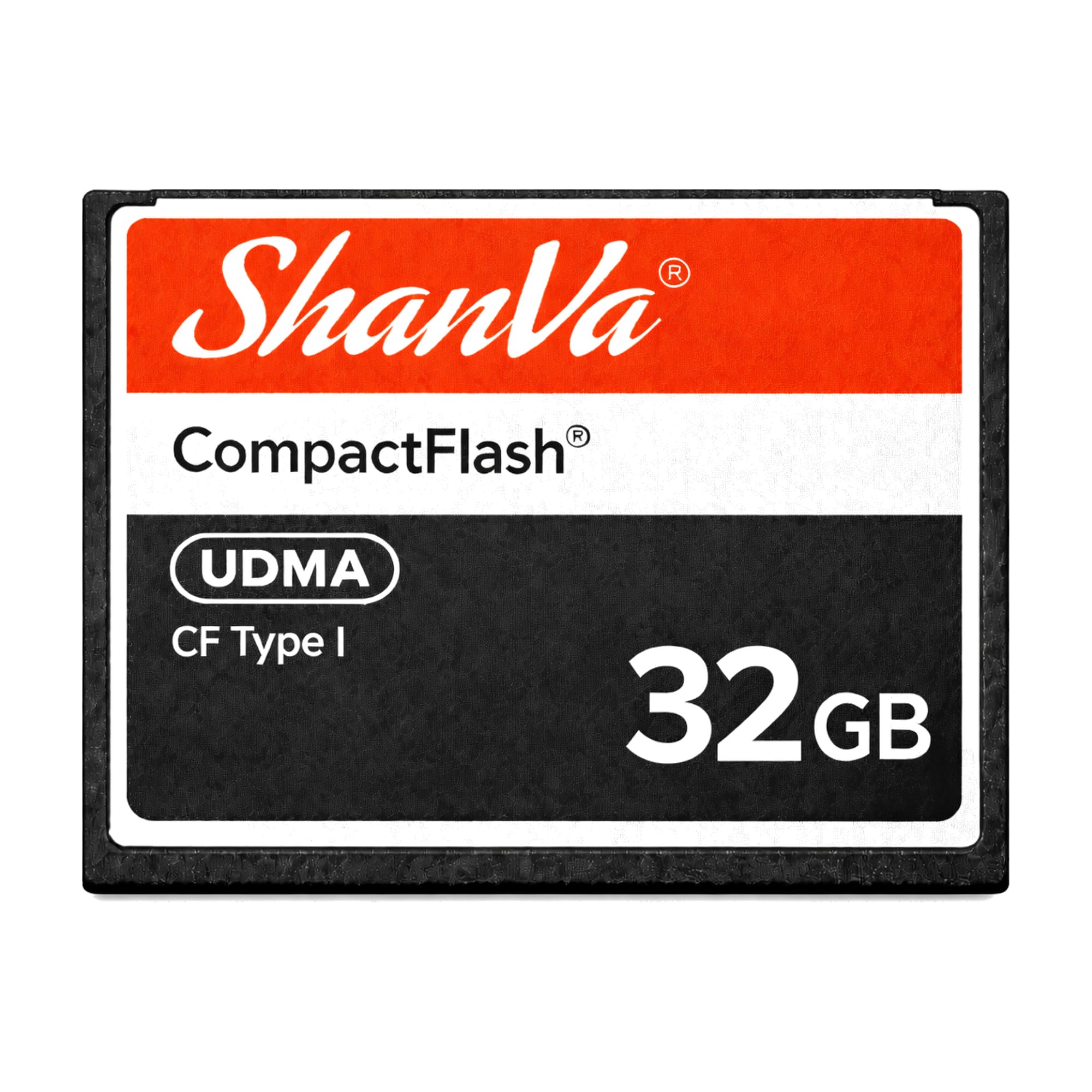
Double the storage of the 16 GB version, with the same drop-in design.
Got a drawer full of old gear? This card keeps it running longer. At 32 GB it holds double the 16 GB ShanVa card and 4.0x the 8 GB option, so you store twice as many photos before swapping cards. The 50-pin connector (the standard CF plug) slides straight into the same CF slot your old DSLR or industrial system was built around. Weighing 8 g, it is a direct replacement for aging or discontinued cards in cameras, camcorders and music samplers. The UDMA-compatible design (a faster transfer standard) keeps transfers smooth for photos and HD video.
Where it gets complicated is real-world write speed. The maker rates it at 60, but owners are divided. Some report the card clears the buffer quickly in a Canon 20D and handles bursts without trouble. Others found sustained writes fell well short of the label and the card backed up after a couple of RAW frames on a full-frame Canon. If you shoot stills or basic HD video, that gap rarely matters. If you hammer bursts on a modern body, it will show.
Two more practical notes from the feedback. The card has no modern computer slot, so you will want a CF reader — the Lexar card reader above handles it in one move. And it ships without a protective case, so store it with care. For an older camera body or an industrial system that just needs capacity and reliable recognition, this is a sensible pick.
Where it shines: 32 GB of storage that keeps legacy DSLRs, camcorders and samplers fed without constant card swaps.
What to know: sustained writes can be slower than the 60 figure suggests, so treat it as a stills and light-video card, not a burst tool.
The match for: owners keeping old Compact Flash gear alive who need storage over raw speed.
The mismatch: modern high-burst shooters will want a faster card than this delivers.
Know the Specs
Capacity in GB and the camera’s counter
Capacity is how much a card holds, measured in gigabytes. A 8 GB card suits a light day of stills, while 16 GB or 32 GB card lets you shoot through an event without changing cards. Some older cameras cannot display more frames than their own counter allows, so a bigger card holds more than the screen shows. Always check that your body accepts the capacity before buying.
UDMA and the 50-pin connector
UDMA is a transfer method that helps compatible cameras move image data efficiently. The Compact Flash form uses a 50-pin connector rather than the flat contacts of an SD card. This connector is why the card fits only CF devices and why it needs a reader for a modern computer. It also makes careful insertion essential, since a bent pin can end a card’s life.
Rated speed versus sustained speed
Cards carry a speed figure such as 60MB/s or 50MB/s, but that is the manufacturer’s target. Sustained write performance is what you actually get over a long burst. A card may hit its peak for a single frame then slow, which is why buffer clearing matters more than the biggest printed number. Judge a card by how it behaves across dozens of shots.
VPG-20 and video recording
VPG-20 is a video performance guarantee that shows the card can sustain the write rate needed for full HD recording. If you shoot video rather than stills, this is a useful rating to look for. A card without it may still record, but the guarantee removes the guesswork for steady clips.
Common Questions
Will a Compact Flash card work in my camera?
How do I get files off a CF card if my laptop has no CF slot?
What does UDMA actually mean on a CF card?
Why does my card slow down after a few shots?
Is 8 GB enough for an older DSLR?
Can a bent CF pin be repaired?
Do I need to format a new CF card before using it?
Will a Compact Flash card work in a modern laptop with an adapter?
Is a faster card worth it for single-frame stills?
Can a Compact Flash card be used in a music sampler or industrial machine?
The Bottom Line
For most legacy shooters, the compact flash card that does the most work still starts with getting files off the card — and that is where the Lexar Multi-Card 3-in-1 Reader earns its spot, handling SD, microSD and CF in one housing with up to 312MB/s transfers. If you need storage inside an older camera body, the ShanVa 16GB CompactFlash Card gives you dependable recognition for stills and short clips. And for photographers shooting in rain and dust, the 16GB UDMA High Speed CF Card pairs weatherproof build with 16 GB of working room. Match the card to your camera body, check the capacity ceiling, and insert every card straight — that is what keeps legacy gear running.
How we choose
We do not accept paid placement. Every pick is matched to a real buyer and a real use-case; we do not hands-on test units.
Sources
Specifications: manufacturer listings and product documentation. Review insights: verified customer reviews, as of October 2026. Pricing: not shown on this page (it changes often); check the current price via the retailer link.
As an Amazon Associate, Aappliancez earns from qualifying purchases. This does not affect which products we feature.