Disclosure: Some links in this post are affiliate links. As an Amazon Associate I earn from qualifying purchases, at no extra cost to you. Learn more
Specs are compiled from manufacturer listings and verified buyer reviews and can change over time — please confirm the key details on the product page before buying.
You want sharper text, more room for open windows, and photo and video work where you can actually see what you are editing. A 4K monitor gives you that with 3840 x 2160 pixels — roughly four times the detail of a standard 1080p screen. But two monitors with the same 3840 x 2160 resolution can look and feel completely different, because the panel type, the way it connects to your computer, and the refresh rate (how many times per second the screen redraws) decide whether you love it or fight it every day. This guide sorts the strongest 4K deskscreens by what they are genuinely best at, so you can match one to your own desk instead of guessing.
This guide is built by comparing the manufacturers’ published specifications and the patterns across verified customer reviews, so you get each pick’s real strengths and trade-offs instead of marketing spin.
Below you will find the key specs explained in plain words, an honest look at which panel suits gamers versus color professionals versus multitaskers, and a clear read on the connections that decide whether one cable can run your whole desk, all to help you choose the best uhd monitors for your setup.
Top Picks


How To Choose The Best UHD Monitors
The first question to settle is not which brand — it is what you actually do on screen for most of your day. A video editor who grades color and a weekend FPS player need opposite things from the same 3840 x 2160 resolution. Getting the panel type right matters more than any single number on the box.
Panel type is the decision that follows you
For editing, coding, and office work, IPS panels (a type of LCD that keeps colors steady when you view from an angle) are the workhorse. IPS Black is a step up that pushes contrast to 2000:1 for deeper blacks while keeping that wide viewing angle. QD-OLED (a self-lit panel that needs no backlight, so black pixels turn fully off) delivers the deepest blacks and the fastest motion, which is why gamers chase it — and it is the reason a 1500000:1 contrast ratio shows up on OLED where IPS sits far lower.
Connections decide how tidy your desk stays
One cable can run your whole desk if you check USB-C power delivery in watts. A single USB-C cable can carry the picture, run a built-in USB hub, and charge your laptop at the same time — so a 90W or 140W delivery lets you close the laptop and work off the monitor alone. Thunderbolt 4 goes further, letting you daisy chain a second compatible 4K screen from the first. If you switch between a work laptop and a home PC, a built-in KVM switch (which lets one keyboard and mouse control two machines) saves you from swapping cables all day.
Side-by-Side Comparison
| Model | Best For | Panel | Refresh Rate | USB-C Power | Amazon |
|---|---|---|---|---|---|
| ASUS ROG PG32UCDM★ Best Overall | Gaming and movies | QD-OLED | 240 Hz | 90W | Amazon |
| ASUS ProArt PA279CVBudget Champion | Color work on a budget | LCD | — | 65W | Amazon |
| LG 27G810A-BDual Mode Pick | Console and PC gaming | IPS | 180 Hz | — | Amazon |
| ViewSonic VP2756-4K | Creative work, clean desk | LCD | — | 60W | Amazon |
| LG 32UP83A-W | MacBook productivity | IPS | 60 Hz | 60W | Amazon |
| Samsung ViewFinity S8 | Multi-source desks | LCD | — | 90W | Amazon |
| BenQ MA270U | MacBook Pro and Air | IPS | — | 90W | Amazon |
| Dell UltraSharp U2725QE | Hybrid work with a KVM | IPS Black | 120 Hz | 140W | Amazon |
| ViewSonic VP3276T-4K | Dual-4K laptop docking | IPS | — | 100W | Amazon |
| BenQ PD3225U | Pro photo and video work | IPS Black | — | 85W | Amazon |
| Dell U4323QE UltraSharp 43 | Sprawling multi-PC desks | LCD | — | — | Amazon |
Detailed Reviews
1. ASUS ROG PG32UCDM 32 Inch OLED Gaming Monitor
Our pick — 4.5+★ from 600+ verified ratings; the strongest balance of quality and price.
The 32-inch OLED that runs at 240Hz without ever losing its true blacks
Dark scenes in games and movies look genuinely black instead of washed-out grey on this monitor. A QD-OLED panel is self-lit, so black pixels switch fully off and stay off — that is how it reaches a 1500000:1 contrast ratio. That is roughly 67 times the contrast of the ASUS ProArt PA279CV below, so dark scenes stay black instead of washing out to grey.
The 240 Hz refresh rate (how often the screen redraws each second) pairs with a 0.03 ms grey-to-grey response time, so fast camera pans stay crisp. That 0.03 ms grey-to-grey figure is roughly 33 times faster than the LG 27G810A-B’s 1 ms, so fast camera pans stay blur-free. At 1000 nits it is the brightest pick here — 2.5 times the LG’s 400 — so HDR highlights pop instead of looking flat.
The thing that wins people over is sheer image quality, with picture, color, and the 32-inch OLED panel itself drawing the most praise of any trait. Owners say the picture quality justifies the price. The honest friction points are the ones that come with OLED: 4K at 240 Hz is demanding on a graphics card, and static content like a permanently parked taskbar wants a little care over years of use. ASUS counters both with a custom heatsink, airflow design, and a graphene film to manage heat, a uniform brightness setting, OLED Care tools in the DisplayWidget Center, and three years of burn-in coverage.
240Hz OLED speed
- QD-OLED with a 1500000:1 contrast ratio turns movies into a real cinema experience
- 240 Hz at native 4K keeps fast motion blur-free, backed by a 0.03 ms response time
- 90W USB-C power delivery means one cable carries the picture and charges your laptop
- Three-year warranty includes burn-in coverage, which is rare in the OLED world
no USB-C video
- Driving 4K at 240 Hz needs a serious graphics card
- The glossy panel shows some reflections in bright rooms, though clarity wins out
- Connectivity stops at DisplayPort 1.4 rather than 2.1
pick for gaming: gamers and movie fans who want the deepest blacks and the smoothest 4K motion on one panel.
skip for spreadsheets: your graphics card cannot push high frame rates at 4K, since you would be paying for speed you cannot reach.
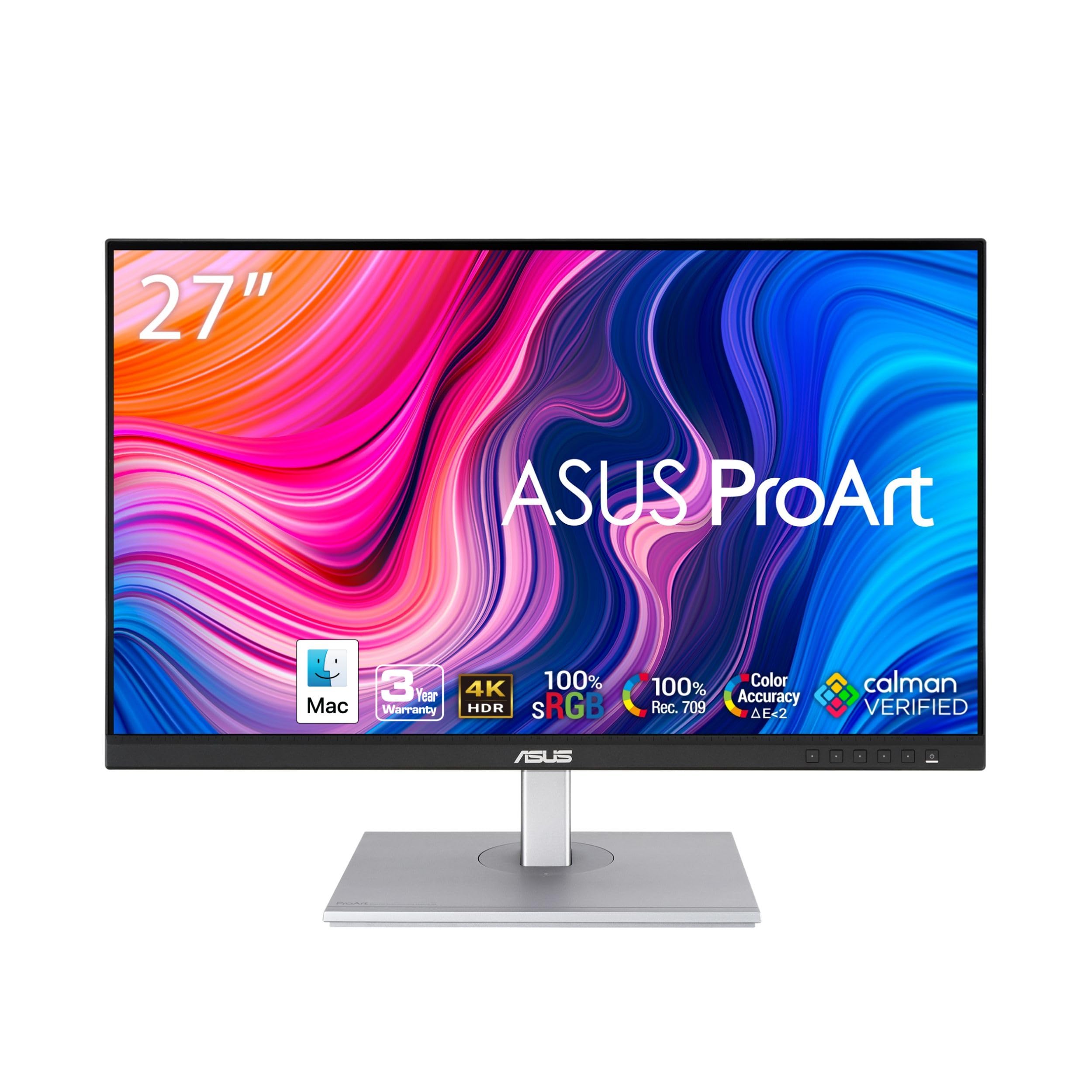
2. ASUS ProArt PA279CV 27 Inch Professional Monitor
The entry ticket to factory-calibrated 4K color for photo and video work
This is the pick for the freelance editor who needs trustworthy color without a professional-studio budget. It is Calman Verified and factory calibrated to Delta E less than 2, meaning the color error is small enough that most viewers cannot spot it. Coverage runs to 100% sRGB and 100% Rec. 709, the two standards photographers and video editors lean on most, and the 27-inch 3840 x 2160 panel gives you four times the detail of a standard HD screen for retouching and timelines.
What impresses owners most is how much detail the panel holds — the difference between a decent screen and one you trust for print matching. It also covers the desk cleanly, with DisplayPort over USB-C plus 65W power delivery to charge a laptop, a built-in USB 3.1 hub, and a stand that tilts, swivels, pivots, and adjusts for height.
Expect a bit of hands-on tuning. from the start many units carry a slight green tint that owners fix with the tint setting, and third-party calibration still beats the factory numbers. The real caution sits with the USB-C port itself — a USB-C port is the oval connector that carries picture and charging over one cable, and it is the single piece of this monitor with a track record of failing. Warranty runs a generous five years, but be prepared to document anything that goes wrong.
USB-C pro workflow: amateur photographers and editors report finally matching screen color to their prints, and DaVinci Resolve editors pair it with a high-end GPU without complaint. That is 4K color work at an entry-level price, and it is hard to argue with.
60Hz only: will the USB-C port hold up? Usually yes, but it is the part to watch, and the stand is the easy win — full tilt, swivel, pivot, and height adjustment so the screen sits where your neck wants it.
buy for color work: precise sRGB color for photos and video matters more to you than fast gaming motion.
avoid for shooters: you plan to run everything through the USB-C port and want zero risk of a single point of failure.
3. LG 27G810A-B 27-inch Ultragear 4K UHD IPS Gaming Monitor
One screen that plays gorgeous 4K adventures, then flips to blistering speed
Here is a neat trick for anyone who splits their time between story games and fast shooters. LG’s Dual Mode lets you pick 4K UHD at up to 180 Hz for cinematic single-player titles, or hit a hotkey and drop to Full HD at 360 Hz when you need every millisecond of reaction time. It is the kind of flexibility the fixed-rate Dell UltraSharp U2725QE cannot offer, even though that one has a higher 120Hz refresh than most office screens.
You get a wide, vivid spread of color from the 27-inch IPS panel, which covers up to 95% DCI-P3, and VESA DisplayHDR 400 brightens the highlights for that extra sense of depth. A 1ms GtG response time keeps the action sharp — that is 1ms against the ASUS ROG’s 0.03 ms, so if absolute motion clarity is your priority the OLED still wins, but for a fraction of the cost this stays more than good enough. AMD FreeSync Premium and NVIDIA G-SYNC compatibility smooth out tearing and stutter across PC and next-gen consoles, and the stand adjusts for height, tilt, swivel, and pivot.
The plain-English catch is this: when you want the 4K mode at full frame rate, the monitor can push you back toward the Full HD dual mode, and swapping between modes brings a little color shift while it settles. It is also a heavy unit, so a sturdy desk helps. Owners keep coming back to the crisp 4K picture and the sheer value for the spec list — a genuinely fun monitor for the money.
choose for esports: you want both a pretty 4K screen and a fast competitive display from a single box.
pass for cinema: you never touch a game and just want the most accurate color on a 27-inch desk.
4. ViewSonic VP2756-4K 27 Inch 4K UHD ColorPro Monitor

A Pantone Validated 4K panel that tidies your whole desk into one cable
If your work lives inside Adobe apps and you print what you design, Pantone Validated color is the headline. That means the screen is certified to reproduce Pantone Matching System colors, the reference set designers rely on when exact shade matters. Add factory calibration to Delta E less than 2 and 100% sRGB and Rec. 709 coverage, and you have a 27-inch 3840 x 2160 panel built for detail work at a mid-range price.
The single USB-C cable does triple duty: it carries video, audio, and data, and delivers 60W of charging so your laptop stays topped up without a separate power brick. There is also a two-port USB hub for a mouse and keyboard, so peripherals live on the monitor rather than dangling from your laptop.
Photographers report that this panel matches their MacBook color closely and holds deep blacks with little tweaking after calibration. The stand is a genuine comfort piece too, with tilt, swivel, rotate, and height adjustment. Worth checking before you buy: rotating the screen into portrait with a Mac can be blocked, a limitation the listing does not spell out. Owners also flag the occasional defective unit, though most run flawlessly and the bright, detailed image is what people remember.
5. LG 32UP83A-W 32-inch 4K UHD Computer Monitor

A big, bright 32-inch canvas that makes a MacBook desk feel twice as wide
Size is the reason people pick this one. At 32 inches with 3840 x 2160 resolution, it hands you noticeably more screen than the 27-inch ViewSonic above — enough for a photo timeline on one side and a code editor on the other. HDR10 support works with DCI-P3 95% color to widen the color range, so streamed shows and console games carry richer tones.
For MacBook owners the appeal is the single cable. USB-C carries the 4K picture, transfers data, and charges your laptop at up to 60W, which means you can shut the laptop lid and work off the monitor alone. AMD FreeSync compatibility, Dynamic Action Sync, and Black Stabilizer keep console gaming smooth and let you spot threats hiding in dark corners.
Photographers call it close to perfect once a quick software recalibration is done, and remote workers appreciate the simple joystick menu and the stand that flexes for height, tilt, and pivot. Two honest notes: the HDR mode adds a green tint in everyday productivity work, so save it for HDR movies rather than spreadsheets. And the built-in speakers are weak, with volume controlled through the on-screen menu, so most owners add their own speakers.
get for office: someone upgrading a MacBook or PC to a big 32-inch 4K workspace on a mid-range budget.
dodge for gaming: you need punchy built-in audio or color-perfect HDR for professional grading.
6. Samsung 32” ViewFinity S8 (S80UD) 4K UHD IPS Monitor

A docking screen for desks where two computers fight over one keyboard
The trick up this Samsung’s sleeve is the built-in KVM switch, which lets one keyboard and mouse control two connected sources. You can work across two machines and even split the screen into side-by-side or picture-in-picture views without a second keyboard. A USB-C port delivers up to 90W of charging plus data, and a built-in LAN port means you can plug Ethernet straight in for a steadier connection than Wi-Fi. Resolution is the full 3840 x 2160, and HDR10 widens the color range for darker darks and brighter brights.
The stand is genuinely flexible — height-adjustable, tilting, and able to pivot 90 degrees into portrait for long documents with less scrolling. The Eye Saver mode and TÜV-certified low-flicker handling are aimed at people who stare at a screen for hours.
This is a mixed-reception pick, so be honest about the trade-off. Many owners are thrilled, some report no trouble at all, and a few hit early reliability problems. It is also a lower-rated option here, so it suits you best if the KVM and single-cable docking are exactly what your multi-device desk needs and you are comfortable leaning on the warranty.
7. BenQ MA270U 27” 4K Monitor for MacBook Pro/Air

A 27-inch 4K panel tuned specifically to match MacBook colors from the start
BenQ built this one for the Apple crowd, and the details show it. The panel is calibrated to match MacBook color with a P3 wide color gamut for MacBook Pro and Air, so the shades on your desktop line up with the ones in your editing app. The matte finish keeps reflections down, and a single USB-C cable expands your laptop display at a 3840 x 2160 resolution while delivering 90W of charging.
You adjust brightness and volume straight from your MacBook keyboard or the Display Pilot 2 app, so you are not hunting for a hidden monitor button — the software will tell you up front that the physical controls live on the screen itself. There are two HDMI and two USB-C ports, and the dual USB-C outputs send 90W to your laptop and 15W to charge an iPad or iPhone.
Owners praise the screen quality and Mac compatibility, calling it Apple-like color without Apple pricing. The one design gripe: there is only a single, hard-to-reach USB-A port, whereas some rivals put easier-to-reach USB slots on the front. The brightness, wide viewing angles, and quiet matte screen are what keep people happy long term.
buy for MacBook: you run a MacBook Pro or Air and want color and controls that feel native to macOS.
avoid for Windows: you need lots of easily reachable USB-A ports on the front of the panel.
8. Dell UltraSharp U2725QE 27-Inch 4K UHD IPS Black Monitor

An IPS Black workhorse that finally gets a fast 120Hz refresh rate
Blacks sit closer to true black while you keep the wide viewing angle that makes a monitor easy to share, because IPS Black pushes contrast to 2000:1, deeper than a standard IPS panel. Dell pairs that with a 3840 x 2160 panel and 99% DCI-P3 coverage calibrated to Delta E less than 1.5 — tight enough for professional color work. The 120 Hz refresh rate separates it from the plainer office panels here.
The connection story is where it shines. A single Thunderbolt 4 cable carries video, data, and up to 140W of power — the most charging power of any pick here — and you can daisy chain up to two additional compatible 4K monitors from it. There is also a built-in KVM, HDMI 2.1, USB-C, USB-A, and an Ethernet port, so your keyboard, mouse, and wired network all hang off the screen. If you switch between a work laptop and a home PC, that one feature can save you hours of re-plugging.
Owners praise the clear image, the deep blacks, and how much desk clutter the built-in dock removes. Worth flagging: a small number report dead pixels or failed lines within the first year, and this monitor does not offer two HDMI inputs. Anti-glare coating quality is a repeated bright spot — no graininess, just clean views.
IPS Black contrast: one Thunderbolt 4 cable runs the picture, the data, and up to 140W of charging, so a laptop becomes your whole computer on a tidier desk.
high asking price: a single HDMI input limits how many consoles you can leave plugged in at once.
choose for coding: you want a hybrid-work dock, a KVM for two computers, and the smoothest refresh rate for productivity.
pass on budget: you want to leave two HDMI consoles connected at the same time.
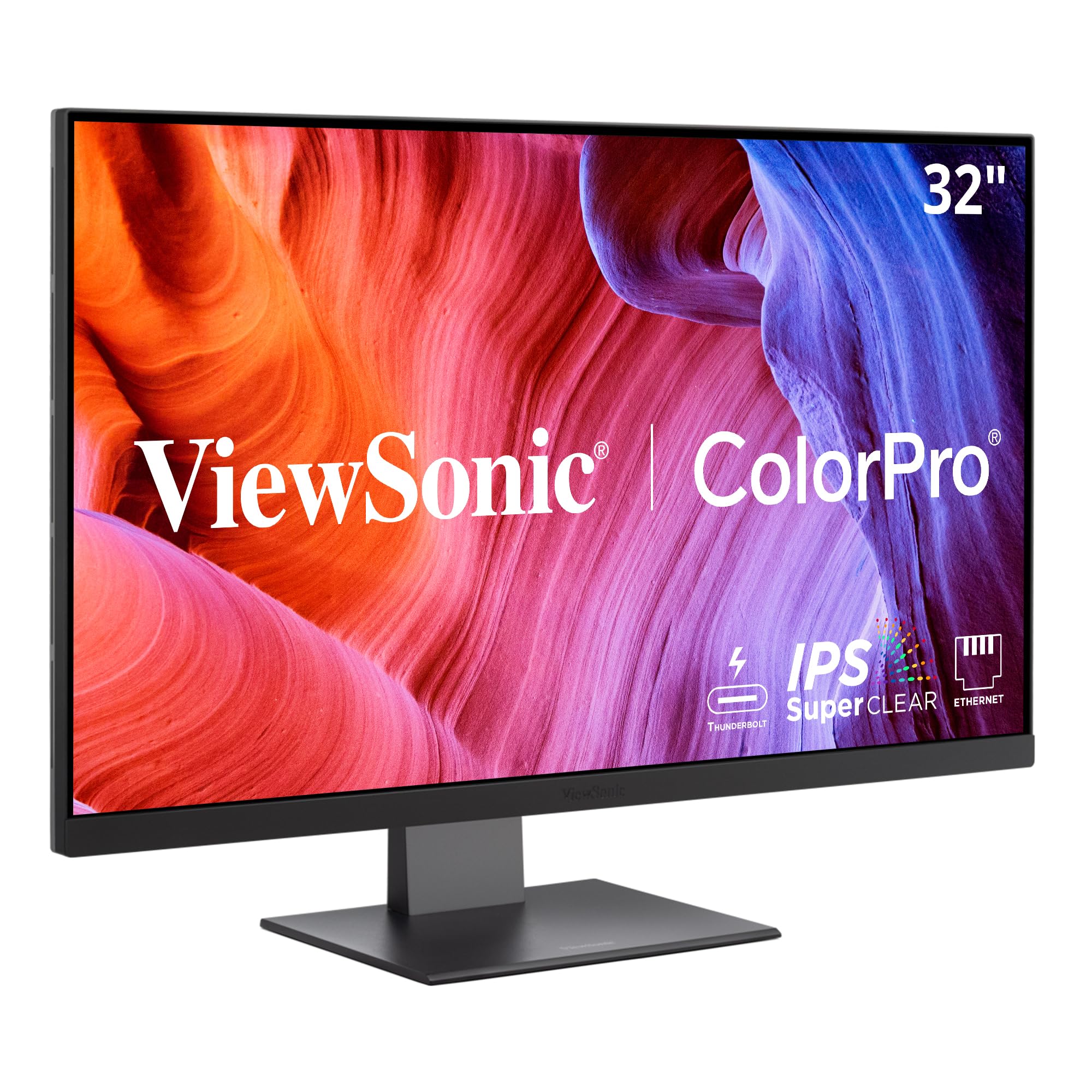
9. ViewSonic VP3276T-4K 32 Inch 4K Docking Monitor
A 32-inch 4K workstation screen that doubles as a Thunderbolt 4 hub
The pull here is a big 32-inch canvas plus a full docking station in one box. The IPS panel runs 3840 x 2160 with VESA HDR400 and 400-nit brightness, and it covers 100% sRGB and 98% DCI-P3, so photos, graphics, and video edits all have accurate color to sit in. Thunderbolt 4 carries 40 Gbps of data, video, and up to 100W of power delivery, so a compatible laptop runs on a single professional cable. You can also push a dual-4K workflow for extra timeline, palette, and code space.
Ports include Thunderbolt 4, USB-C, HDMI, DisplayPort, and RJ45 networking, making this a hub for laptops, desktops, and peripherals. Owners call the color fidelity excellent, with photos looking superb.
Be honest about the fussy parts before you commit. The color temperature leans cool from the start, and the picture presets are narrow — essentially only sRGB is worth using. Some Mac users have to accept that native 4K HiDPI scaling is limited, and the on-screen menu is more cumbersome to navigate than ViewSonic’s simpler 27-inch models. The black frame feels light and can bend, and a few units arrive damaged in transit. Best suited to a patient creator who wants the docking convenience and the 32-inch spread of color.
10. BenQ PD3225U 32 Inch 4K IPS Black Thunderbolt Monitor

The color-graded 32-inch panel built for designers who live in edits
If your work goes to print or broadcast, this monitor’s accuracy is the whole reason you buy it. The IPS Black panel carries a 2000:1 contrast ratio for genuinely deep blacks — its 100% sRGB and 98% P3 coverage at Delta E less than 2 sits in the same precise tier as the Dell UltraSharp U2725QE, but on a larger 32-inch frame. It is Pantone Validated and Calman verified, and it includes an M-Book mode specifically tuned to match Mac colors.
Thunderbolt 3 moves data at 40Gb/s and charges your devices over a single cable, while daisy-chain support lets you build a multi-monitor setup without a pile of adapters. The included hotkey puck and Display Pilot 2 software give you one-touch brightness control, input switching, and desktop partitioning straight from your Mac — no need to hunt through a joystick menu.
Video and audio editors describe rich, solid, trustworthy color for grading in DaVinci Resolve, and switch between a Mac and a PC with the same keyboard and mouse via the dock. One genuine limitation: the panel is built for accuracy over raw brightness, so photo editing in a sunny, glare-heavy room can be a struggle. A small design quirk is the inability to cut USB power through the bottom toggle, which is minor rather than deal-breaking.
get for creators: pro designers, photo editors, and colorists who need verified accuracy on a wide 32-inch panel.
dodge for small rooms: your desk faces direct window light, since the modest brightness favors darker editing spaces.
11. Dell U4323QE UltraSharp 43 4K USB-C Hub Monitor

A 42.5-inch 4K wall of pixels that can double as a four-way split screen
At 42.5 inches, this is the biggest panel on the list, and the point is sheer workspace. It packs multi-PC connectivity and lets you carve the screen into up to four unique Full HD partitions through Internal Multi-Stream Transport — no external software or DisplayPort splitter needed. That means four separate windows living side by side on one 3840 x 2160 canvas, which is why people describe it as a huge step up for monitoring dashboards, trading desks, or security camera walls.
The built-in KVM and Auto KVM let a single keyboard and mouse drive up to four different computers, so you can jump between a work machine and a home rig without re-cabling anything. ComfortView Plus lowers blue light for long sessions, and a wired Ethernet connection keeps your desk network cabling tidy.
Owners who moved from two smaller monitors love the space — no more squinting, and easy zoning into quadrants. Two things to weigh honestly: the Dell Display Manager software and the Network KVM can be inconsistent, so the USB KVM route is the smoother path. And given the size, a few units arrive with transit damage, so inspect the screen at delivery. The picture quality and resolution are strong for the money.
Know the Specs
Panel type and contrast ratio
The panel type decides how dark your darks get and how the screen looks from the side. IPS panels keep their color steady when you view from an angle, which suits editing and office work. IPS Black pushes the contrast to 2000:1 for deeper blacks while keeping that wide angle. QD-OLED needs no backlight, so black pixels switch fully off, which is why it reaches a 1500000:1 contrast ratio and the deepest blacks of any panel here. A higher contrast ratio means dark scenes and black text look richer instead of washed out.
USB-C and Thunderbolt power delivery
Power delivery measured in watts is what lets one cable run your entire desk. A single USB-C connection can send the picture, carry USB data for a mouse and keyboard, and charge your laptop at the same time. Higher wattage charges bigger laptops faster, and Thunderbolt 4 goes further by letting you daisy chain a second compatible 4K monitor without extra adapters. Pick a wattage that matches your laptop so you can close the lid and work off the screen alone.
Refresh rate and response time
Refresh rate, measured in Hz, is how many times per second the screen redraws — higher numbers mean smoother motion. Response time, in milliseconds, is how fast a pixel changes color, and lower is better for keeping fast movement crisp. OLED panels can hit a 0.03 ms response time, while IPS gaming panels sit around 1ms. For desks and editing, a 120 Hz panel feels noticeably smoother than a standard 60 Hz screen.
KVM switches and hubs
A KVM switch lets one keyboard and mouse control more than one computer, so you can flip between a work laptop and a home PC without swapping cables. Built-in USB hubs give you extra ports on the monitor for peripherals and drives. Combined with USB-C or Thunderbolt, these features turn a monitor into the center of your desk, cutting down on dongles and decluttering your workspace.
Common Questions
Is 4K worth it on a 27-inch monitor compared to a 32-inch?
What does USB-C power delivery actually let me do?
Is QD-OLED better than IPS for a 4K monitor?
Do I need Thunderbolt or is regular USB-C enough?
What is a KVM switch and who needs one?
Will a 4K monitor work with my MacBook?
Does refresh rate matter for a 4K monitor if I do not game?
Do built-in speakers on a 4K monitor sound good enough?
How do I avoid burn-in on an OLED 4K monitor?
Can I mount a large 42-inch 4K monitor on an arm?
The Bottom Line
For most people, the best UHD monitor here is the ASUS ROG PG32UCDM, because its QD-OLED panel turns black pixels fully off for a 1500000:1 contrast ratio while running at 240 Hz — the deepest blacks and the smoothest 4K motion in one screen. If factory-calibrated color for photos and video is your priority, the ASUS ProArt PA279CV delivers Calman Verified accuracy at an entry-level price, and it has more reviews behind it than the top pick. For a tidy hybrid-work desk with a KVM and up to 140W of charging, reach for the Dell UltraSharp U2725QE.
How we choose
We do not accept paid placement. Every pick is matched to a real buyer and a real use-case; we do not hands-on test units.
Sources
Specifications: manufacturer listings and product documentation. Review insights: verified customer reviews, as of October 2026. Pricing: not shown on this page (it changes often); check the current price via the retailer link.
As an Amazon Associate, Aappliancez earns from qualifying purchases. This does not affect which products we feature.