Disclosure: Some links in this post are affiliate links. As an Amazon Associate I earn from qualifying purchases, at no extra cost to you. Learn more
Specs are compiled from manufacturer listings and verified buyer reviews and can change over time — please confirm the key details on the product page before buying.
If you are buying a laptop for college and you are tired of scanning the lecture hall for a free wall socket, the fix is simpler than you think. What matters most is real all-day runtime and a screen you can actually read at 8 a.m. This article breaks down eleven laptops built for exactly that, with the honest trade-offs behind each one.
This guide is built by comparing the manufacturers’ published specifications and the patterns across verified customer reviews, so you get each pick’s real strengths and trade-offs instead of marketing spin.
You do not need to spend the most to get through a full day of classes. The picks below range from budget-friendly workhorses to premium machines, and we explain which one fits real student life. Here is a clear, plain-English rundown of the student laptops with long battery life.
Top Picks


How To Choose The Best Student Laptops With Long Battery Life
Buying a student laptop is different from buying a work machine, because your day moves between lecture halls, libraries, and coffee shops. The single biggest mistake is chasing raw power and ignoring battery life and weight. A fast laptop that dies by lunch and feels heavy in your bag will frustrate you every single day.
Battery life is measured in two different ways
Most listings quote an “up to” figure, which is the best-case number a maker publishes, not a promise. A laptop rated for all-day use and one rated for a shorter span both list that number for a reason. Read the watt-hours or the processor class alongside the claim, because an efficient chip that sips power stretches a real day further. Think of the “up to” number as a ceiling, not a floor.
Screen: brightness and glare matter more than size
A 14-inch or 15.6-inch screen both fit in most backpacks, so size is less important than brightness (measured in nits, or how bright the screen glows) and an anti-glare coating. A glossy screen near a sunny window becomes a mirror. An anti-glare panel keeps notes readable even when the sun is behind you.
Storage speed: SSD versus eMMC
SSD and eMMC are both storage types, but they behave differently. An SSD loads apps and boots Windows quickly, while eMMC is slower and cheaper. If you open several heavy programs at once, the storage type shows up in how long you wait between clicks.
RAM: how much is enough for your major
RAM is short-term working memory, and it decides how many tabs and apps run at once without stuttering. 8GB covers essays and streaming. 16GB is the safer choice for video editing or heavy multitasking. For coding or design coursework, 40GB of DDR5 keeps large projects and virtual machines running smoothly.
The weight test
A number in pounds tells you how your shoulder will feel by the end of a long day. Anything near 3.3 pounds moves easily between classes, while a 5-pound machine starts to feel like a brick after a few hours. Weigh the specs against how far you actually walk each day.
Side-by-Side Comparison
| Model | Best For | Battery | RAM | Display | Amazon |
|---|---|---|---|---|---|
| Apple 2025 MacBook Air 15-inch (M4)★ Best Overall | All-day premium power | Up to 18 hours | 16GB | 15.3-inch Liquid Retina | Amazon |
| Microsoft Surface Laptop (2025)Longest Runtime | Longest runtime, light travel | Up to 23 hours | 16GB | 13-inch touchscreen | Amazon |
| NIMO 15.6″ IPS FHD Student LaptopBest Warranty | Warranty and ports | 9–12.75 hours | 16GB | 15.6-inch FHD IPS | Amazon |
| Lenovo Laptop for Home Office & Education | Heavy coursework power | All-day | 40GB DDR5 | 16-inch FHD+ | Amazon |
| Apple 2024 MacBook Air 13-inch (M3, Renewed) | Apple value, refurbished | Up to 18 hours | 16GB | 13.6-inch Liquid Retina | Amazon |
| HP Pavilion 15.6″ HD Touchscreen | Touchscreen on a budget | Up to 11 hours | 16GB | 15.6-inch HD touchscreen | Amazon |
| Lenovo 15.6″ FHD Laptop | Big screen, everyday tasks | — | 8GB LPDDR5 | 15.6-inch FHD anti-glare | Amazon |
| HP 15.6″ FHD Laptop 2026 Edition | Around-the-house use | Long battery life | 16GB | 15.6-inch FHD anti-glare | Amazon |
| HP 14″ Laptop 2026 Edition | Portable student budget | Long battery life | 4GB | 14-inch HD anti-glare | Amazon |
| Lenovo 2026 Laptop for Student & Home | Entry-level basics | Up to 10 hours | 8GB DDR4 | 14-inch HD anti-glare | Amazon |
| Laptop Computer for Student Home Study | Bundle shoppers | Long battery life | 12GB | 14-inch display | Amazon |
Detailed Reviews
1. Apple 2025 MacBook Air 15-inch Laptop with M4 chip
Our pick — 4.5+★ from 1,500+ verified ratings; the strongest balance of quality and price.
The big-screen Apple that skips the charger for a whole day of classes.
This is the laptop to grab if you want one machine that handles everything from essays to video projects and still leaves the charger at home. Apple rates it for up to 18 hours of battery life, and the 15.3-inch screen is 9% larger than the 14-inch Student Home Study laptop. That extra room matters when you are splitting two textbooks across the screen.
The M4 chip does the heavy lifting, and the 16GB of unified memory (a shared pool the processor and graphics draw from together) keeps multiple apps open without lag. Under the hood you get a 15.3-inch Liquid Retina display that supports 1 billion colors, so a lecture slide always looks crisp. It weighs 3.32 pounds, light enough to move between buildings without complaint. Two Thunderbolt 4 ports, MagSafe charging, Wi-Fi 6E, and Bluetooth 5.3 round out the connectivity you actually use.
What wins people over day to day is performance — it is the top-rated pick here at 4.5+ stars across 1,900+ owners, and reviewers credit the M4’s speed for that score. Value, speed, and all-day battery are the themes that repeat across those reviews. The quiet catch is storage: 256GB fills up fast if you shoot video for a whole semester, so a film student may want the larger capacity down the road.
Where It Delivers
- Up to 18 hours of battery life handles a full day without hunting for an outlet.
- The 15.3-inch Liquid Retina screen is bigger than the 14-inch competition, which helps when juggling two documents.
- 16GB unified memory and the M4 chip keep tabs and apps responsive.
Trade-Offs To Weigh
- 256GB of storage is the smallest here, so media-heavy majors may feel the squeeze.
- It carries a premium-tier finish, not an entry-level one.
Buy it if: you want a single premium laptop that does it all and lasts a full day of classes.
Think twice if: you need to store hours of raw video, where 256GB gets tight.
2. Microsoft Surface Laptop (2025)
The runtime champion — rated for a day of classes with room to spare.
If a full day of lectures, note-taking, and streaming drains your current laptop by lunch, this is the one that ends the outlet hunt. It is a Copilot+ PC, the label for Windows machines with a built-in AI engine, and its Snapdragon X Plus chip delivers up to 45 trillion operations per second for snappy on-device tasks.
The Snapdragon X Plus runs an efficient ARM architecture (a low-power chip design that sips battery) so a study session stretches further. It pairs with Bluetooth 5.4 for wireless headphones and carries the AI tools for summarizing and drafting in Windows 11 Home.
The quality of the build is the magnet here — the laptop itself earns top marks for reliability and value across the review pages, and the light, compact feel is a recurring theme. The main thing to watch is the battery itself: most buyers report it lasts well, but a few note it struggled to hold a full charge. Its color also reads as more of a sky blue than a deeper violet in person, so check your expectations before you commit.
The standout spec: up to 23 hours of battery life is the longest rating on this list, which makes it the safest pick for back-to-back class days with no charging window.
One honest note: a handful of units arrive with charging trouble, so buy from a seller with an easy return path.
Reach for this if: maximum runtime and a light, portable build are your top priority.
Look elsewhere if: a larger screen for editing matters more than endurance.
3. NIMO 15.6″ IPS FHD Student Laptop
A big-screen student laptop backed by the longest warranty on the list.
Peer at the fine print on a student budget and you notice most machines offer a standard one-year coverage. This one stands apart with a 2-year manufacturer’s warranty and a 90-day return window, which is the kind of cushion that matters when a laptop lives in a backpack. Its 15.6-inch FHD IPS panel (an IPS screen is built so colors stay accurate from an angle) runs at 1920×1080 for sharp reading and video.
The Intel N150 processor sips power for quiet, efficient work, and the 16GB of RAM keeps coursework tabs open without a stutter. A 65W USB-C PD fast charger (PD means a standard that pushes power through a USB-C cable quickly) comes in the box with a 2-meter cable, so topping up between classes is quick. Storage runs to an M.2 PCIe 3.0 SSD for fast boots, and a Micro SD slot lets you add space later. It also carries a one-touch fingerprint login and a backlit keyboard for late-night typing in a dim dorm room.
You get a lot of plug-in options for the price: dual USB-C, HDMI, three USB-A ports, an audio jack, and a Micro SD reader (a slot for the small memory cards used in cameras). That means you can connect a monitor, a drive, and a mouse at the same time without a dongle (an adapter that adds ports). Wi-Fi 6 (a faster, more stable Wi-Fi standard) and Bluetooth 5.2 (a newer wireless standard for accessories) keep video calls stable. The honest caveat is the battery rating: the maker lists both 9 hours and a standby figure, so expect real-world endurance to land below the premium picks when you stream heavily.
Why students gravitate to it: the 2-year warranty and the full spread of ports give you confidence that few budget machines match.
Pick this if: you want the security of a long warranty and every port built in.
Choose another if: you need the longest possible unplugged runtime for streaming marathons.
4. Lenovo Laptop Computer for Home Office & Education
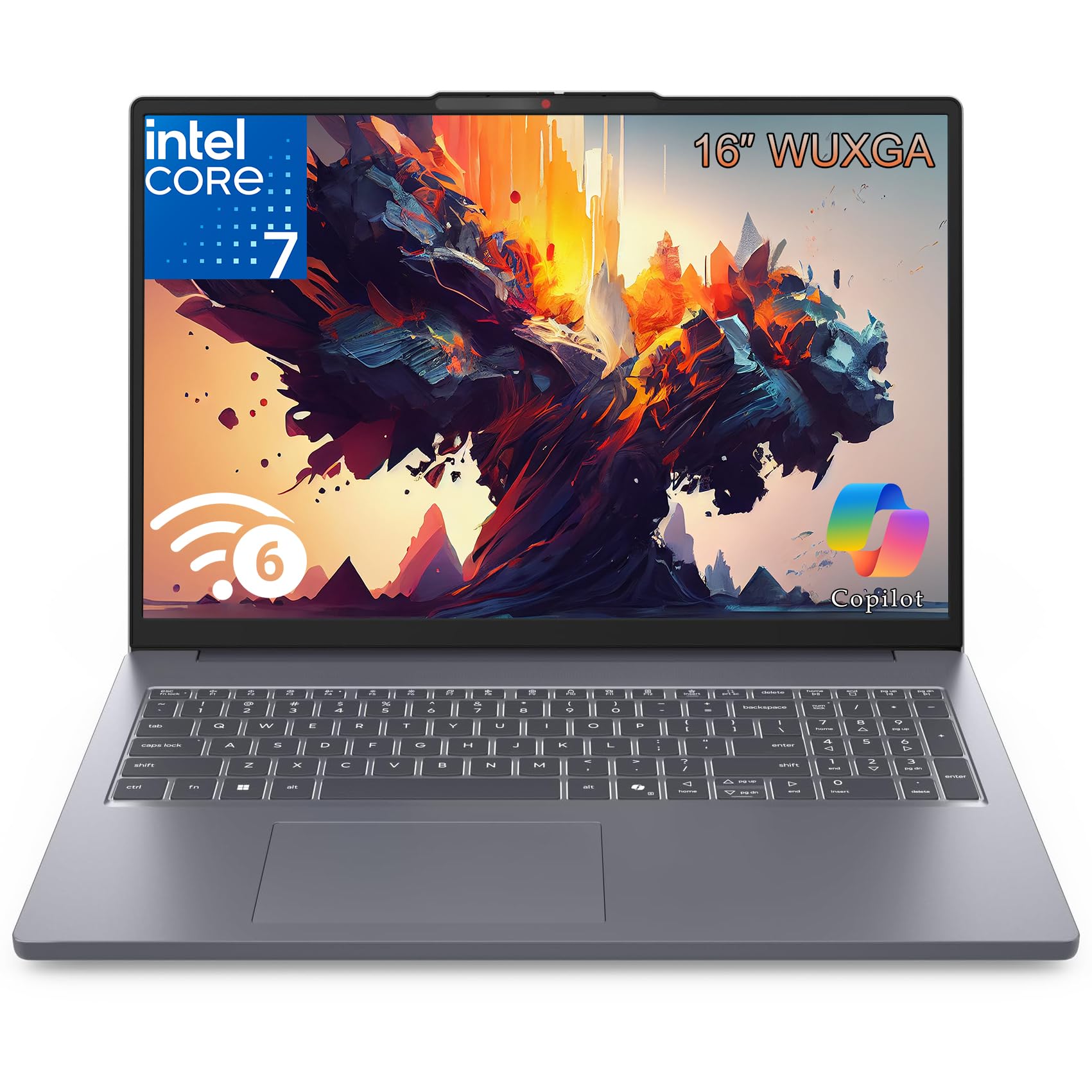
The heavy-lifting machine for majors that open several demanding programs at once.
For a design, coding, or engineering student who edits files all day, this is the muscle car of the group. Its Intel Core i7-13620H 13th Gen processor pairs with 40GB of DDR5 memory — 5x the 8GB in the 14-inch Lenovo budget pick. That gap is the difference between a stutter and a smooth workflow when a timeline, a browser, and a spreadsheet are all open together.
Storage comes in at 1TB SSD, giving you room for presentations, media files, and software without juggling drives. The 16-inch FHD+ screen is the widest here, and at 16 inches it is 3% larger than the 15.6-inch HP model, enough to run a document and a reference page side by side. Windows 11 Home with the Copilot AI assistant is preinstalled, along with Office for web, so you start working right from the start.
The efficient chassis runs cool and quiet through long sessions, and the fast-charging design means a quick top-up carries you through another class. If your coursework leans on video editing, three-dimensional modeling, or running virtual machines, the combination of the i7 and 40GB of memory is what keeps it ahead of the lighter picks here.
Why Power Users Want It
- 40GB DDR5 memory carries demanding multitasking that would stall a 8GB machine.
- 1TB SSD gives plenty of room for large media and software files.
- The 16-inch FHD+ display is the widest here for editing work.
Before You Commit
- All that power comes in the heaviest, least portable frame of the group.
- It is a premium-tier spend aimed at serious majors, not casual note-takers.
This is the one for: demanding coursework that needs raw memory and storage.
Not for: students who value a featherweight bag over sheer performance.
5. Apple 2024 MacBook Air 13-inch (M3, Renewed)

Same Apple endurance and build, with a refurbished price tag.
A renewed laptop is one a professional has inspected, tested, and re-certified, and for a student eyeing Apple on a tighter budget, this is the smart route. This 13-inch MacBook Air carries the M3 chip and 16GB of memory with 512GB of storage — a step above the base storage most people buy. Apple rates it for up to 18 hours of battery life, matching the flagship M4 model on paper.
The 13.6-inch Liquid Retina display supports 1 billion colors for crisp slides and video. It runs macOS with the full set of creative apps preinstalled, including Garageband, Pages, Numbers, and iMovie. The 8-core CPU (the part that runs programs) and up to 10-core GPU (the part that handles graphics like video playback) keep it quick and quiet. At under half an inch thin, it slips into any bag without a second thought.
Buyers describe these renewed units as arriving looking brand new, and the battery health reports have held up well — one owner noted a full charge capacity after a modest number of charge cycles. Value and dependability are the themes that keep coming up. The one thing to verify is the charger: a few units ship with third-party cables rather than original ones, so check what is in the box when it arrives.
The core appeal: 16GB of memory and 512GB of storage on a renewed machine deliver Apple’s all-day battery for less than the newer models.
The check to make: confirm the included charger, since some refurbished units ship with third-party cables.
Best for: buyers who want the Apple experience and 18-hour battery without paying new-macOS pricing.
Skip if: you insist on sealed, factory-new condition.
6. HP Pavilion 15.6″ HD Touchscreen Anti-Glare Laptop

An affordable touchscreen machine for students who prefer tapping over typing.
If you like to scroll and annotate notes with your finger, a touchscreen changes how you study. This HP Pavilion 15.6-inch model brings a touch display at an entry-level price, with 16GB of RAM and a 256GB SSD. HP rates the battery at up to 11 hours, enough to cover a normal schedule of classes and study before a charge.
The Intel processor reaches up to 4.1GHz, and the 15.6-inch anti-glare panel keeps reflections down at a study-carrel window seat. Three USB ports, an HDMI output, a Type-C connection, and dual speakers with Dolby Audio cover the everyday accessories you plug in. Windows 11 Home comes ready to go, so setup is quick.
The performance here is the reliable part — swift startups and smooth video calls are the themes that repeat, and the touchscreen is a love-it-or-leave-it feature depending on how you work. Note that reviews on the touchscreen go two ways, and some units arrive as non-touch versions, so confirm which variant you are ordering. The battery also divides opinion: it fast-charges and covers a normal day, though heavy users will notice it does not stretch as long.
Where it wins: a 16GB touchscreen laptop for everyday study and streaming at an affordable tier.
Grab it if: a touchscreen and a big 15.6-inch display are your priority on a budget.
Consider other options if: a marathon battery is your must-have.
7. Lenovo 15.6″ FHD Laptop
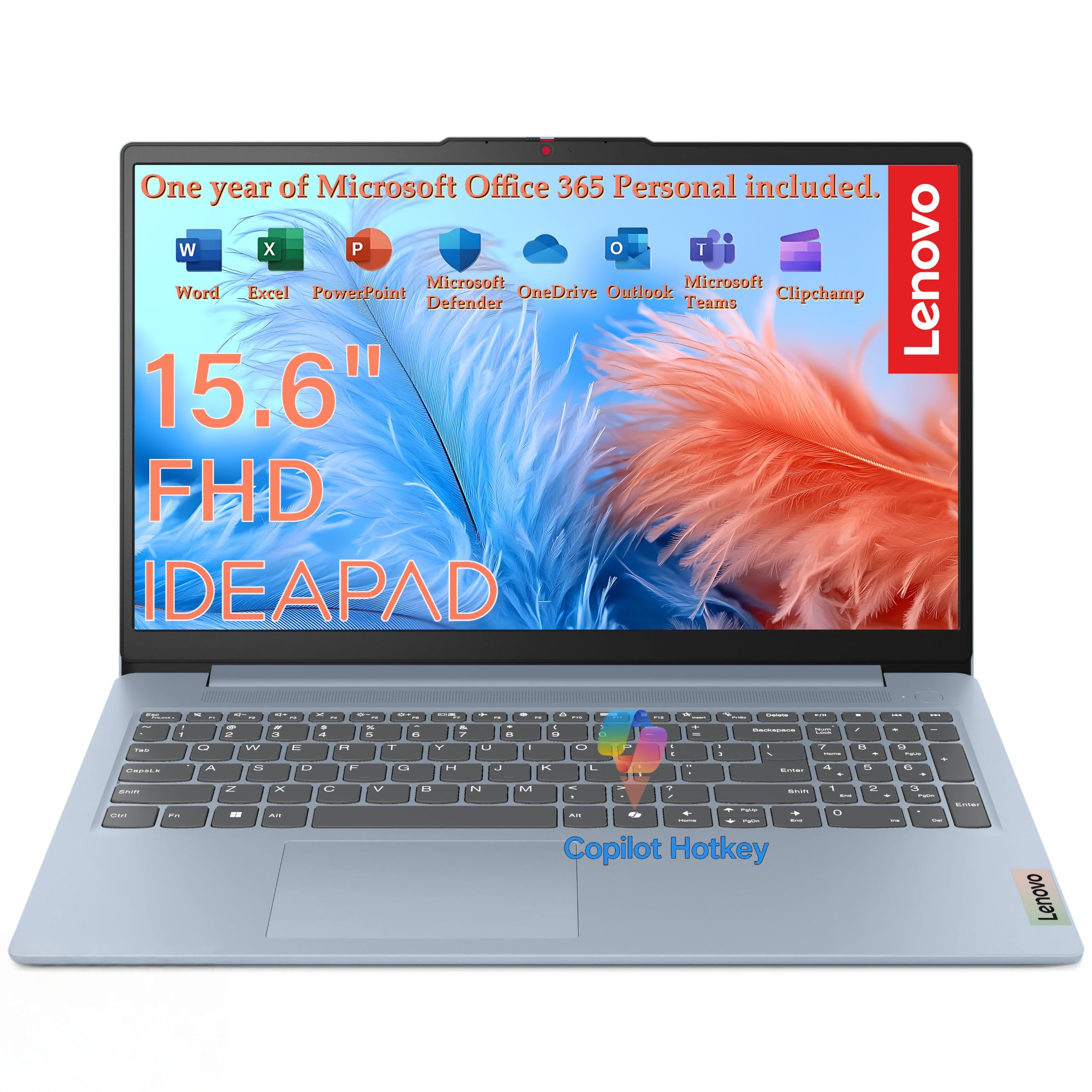
A slim big-screen laptop that makes long study sessions easy on the eyes.
This is for the student who reads and writes more than they edit, and wants a display that stays comfortable hour after hour. The 15.6-inch Full HD panel runs at 1920×1080 with 250 nits brightness (nits measure how bright a screen glows) and an 88% screen-to-body ratio, so the glass fills the frame for a wider view. A TÜV Rheinland Low Blue Light certification reduces eye strain over long study sessions.
The Intel N150 processor with four cores and 8GB of LPDDR5 memory handles browsing, documents, and video without breaking a sweat. LPDDR5 is a low-power memory type that stretches battery life further. A 128GB UFS 2.2 storage drive boots quickly, and an SD card reader makes adding space simple. At 3.42 pounds and 0.70 inches thin, it slides into a backpack with room to spare.
Little conveniences add up for campus life: a 720p camera with a privacy shutter keeps video calls private when you are done, and a firmware TPM 2.0 security chip (hardware that encrypts your files) protects your data. It meets MIL-STD-810H durability standards, tested across 21 toughness items, so it survives a bumpy commute. The catch is storage — 128GB fills up quickly for a media-heavy course load, so plan on that SD card.
Why it stands out: the 88% screen-to-body ratio and anti-glare coating give you more readable screen and less eye strain for the price.
The right call for: note-takers who read and write all day and want a slim big-screen machine.
Look past it if: you plan to store large media locally — 128GB is tight.
8. HP 15.6″ FHD Laptop 2026 Edition
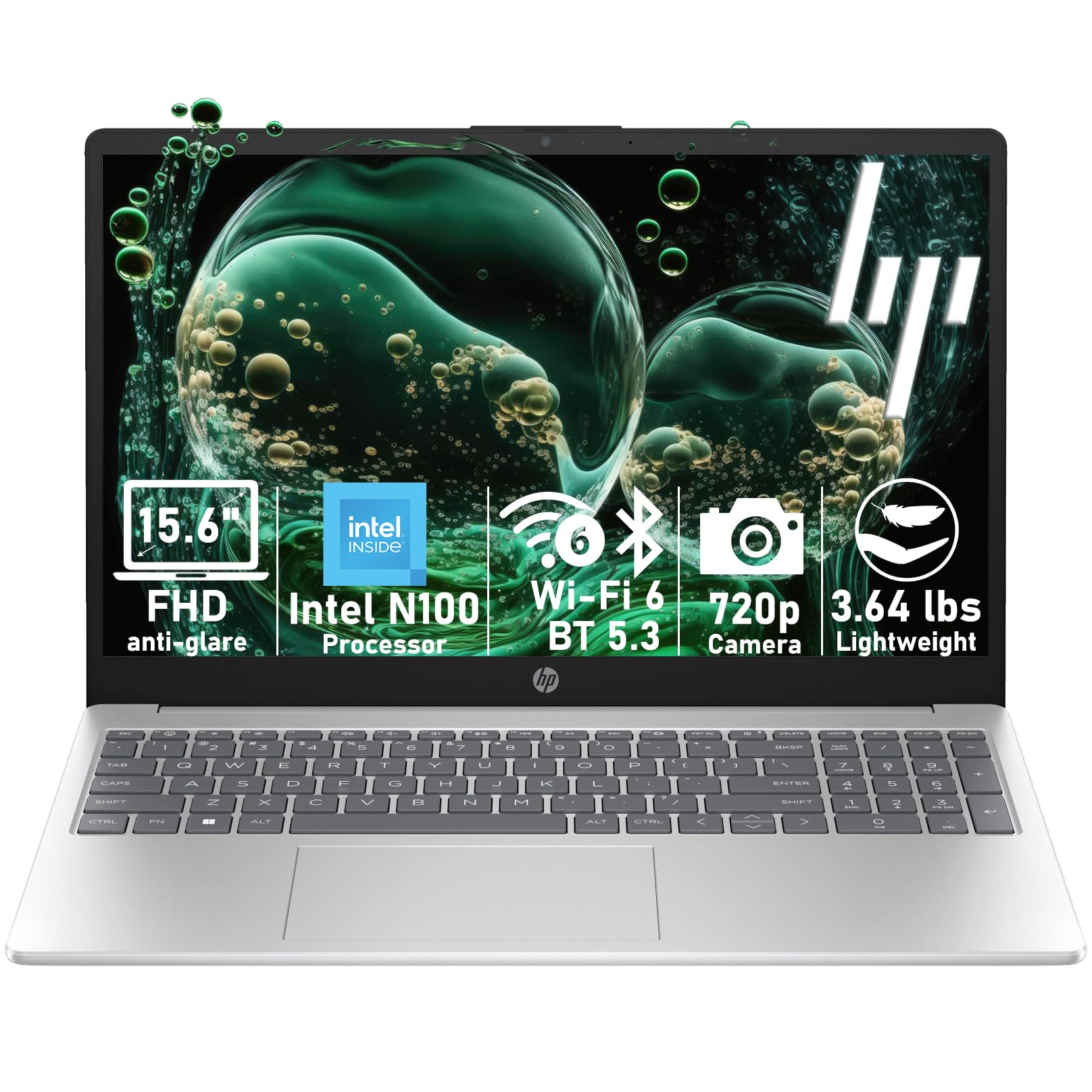
A full-size HP with a keyboard built for long note-taking sessions.
This one suits a shared family machine or a student who types a lot, thanks to a full-size keyboard with a numeric keypad and a generous 15.6-inch anti-glare screen. It packs 16GB of RAM and 512GB of internal SSD — twice the storage of the base Apple M4 at 256GB — plus a 500GB external hard drive included for backups. That is a lot of room for assignments and photos.
The Intel N100 processor reaches up to 3.4GHz and handles browser tabs, web-based Office work, video streaming, and online classes at once. Wi-Fi 6 and Bluetooth 5.3 keep the connection stable for Zoom classes, and the multiple USB ports, HDMI output, and headphone jack leave room for a monitor and a printer. It weighs 3.64 pounds, light enough to move between rooms or a coffee shop.
Buyers praise the performance — it keeps up with research papers and source-hunting comfortably. The honest note is consistency: most units work exactly as expected, while a small number run into crashes, so it is worth buying from a seller with an easy return policy. If you need a dependable around-the-house computer for homework and bills rather than a marathon-road-warrior, this does the job.
What You Get
- 16GB of RAM and 512GB of SSD, plus a bonus 500GB external hard drive.
- Full-size keyboard with a numeric keypad for spreadsheets and papers.
- Wi-Fi 6 and a full set of ports for monitors and printers.
Worth Knowing
- Most units run well, though a small number report crashes, so keep the receipt handy.
- It is designed for everyday work, not for heavy editing or gaming.
A smart fit for: students and families who want big storage and a full keyboard around the house.
Pass on it if: you need a featherweight machine for a long daily commute.
9. HP 14″ Laptop 2026 Edition

The affordable portable that comes with Office and cloud storage ready to go.
For a first laptop that covers essays, email, and streaming without overcomplicating things, this 14-inch HP earns its spot. It bundles a one-year Microsoft Office 365 Personal subscription with Word, Excel, PowerPoint, and Outlook, plus 1TB of OneDrive cloud storage (a terabyte is a lot of space for cloud files). That means your notes sync safely to the cloud and stay off a single drive.
The Intel N150 processor reaches up to 3.6GHz with 4GB DDR4 RAM, which handles a modest load of tabs and documents. A 128GB UFS storage drive boots quickly for everyday tasks. The 14-inch HD anti-glare display runs at 1366×768 and keeps reflections down for comfortable reading. Wi-Fi 6, Bluetooth 5.3, a USB-C port, USB 3.2 ports, and an HDMI output round out the connections you need for a printer or projector.
Buyers like the day-to-day performance and the value it delivers for basic needs. Keep expectations realistic on two fronts, though: the 4GB of RAM is best for light multitasking, so heavy tabs will slow it down. The 1366×768 resolution is also a step below the Full HD panels on the bigger picks, so text looks a little softer when you zoom in.
The value read: a 14-inch laptop with Office 365 Personal and 1TB of cloud storage built in is a strong first-laptop bundle.
The honest limit: 4GB of RAM keeps it to light study tasks rather than heavy multitasking.
Buy this one if: you want an affordable, portable starter laptop with Office included.
Step up if: you plan to keep many apps open or need a sharper screen.
10. Lenovo 2026 Laptop for Student & Home
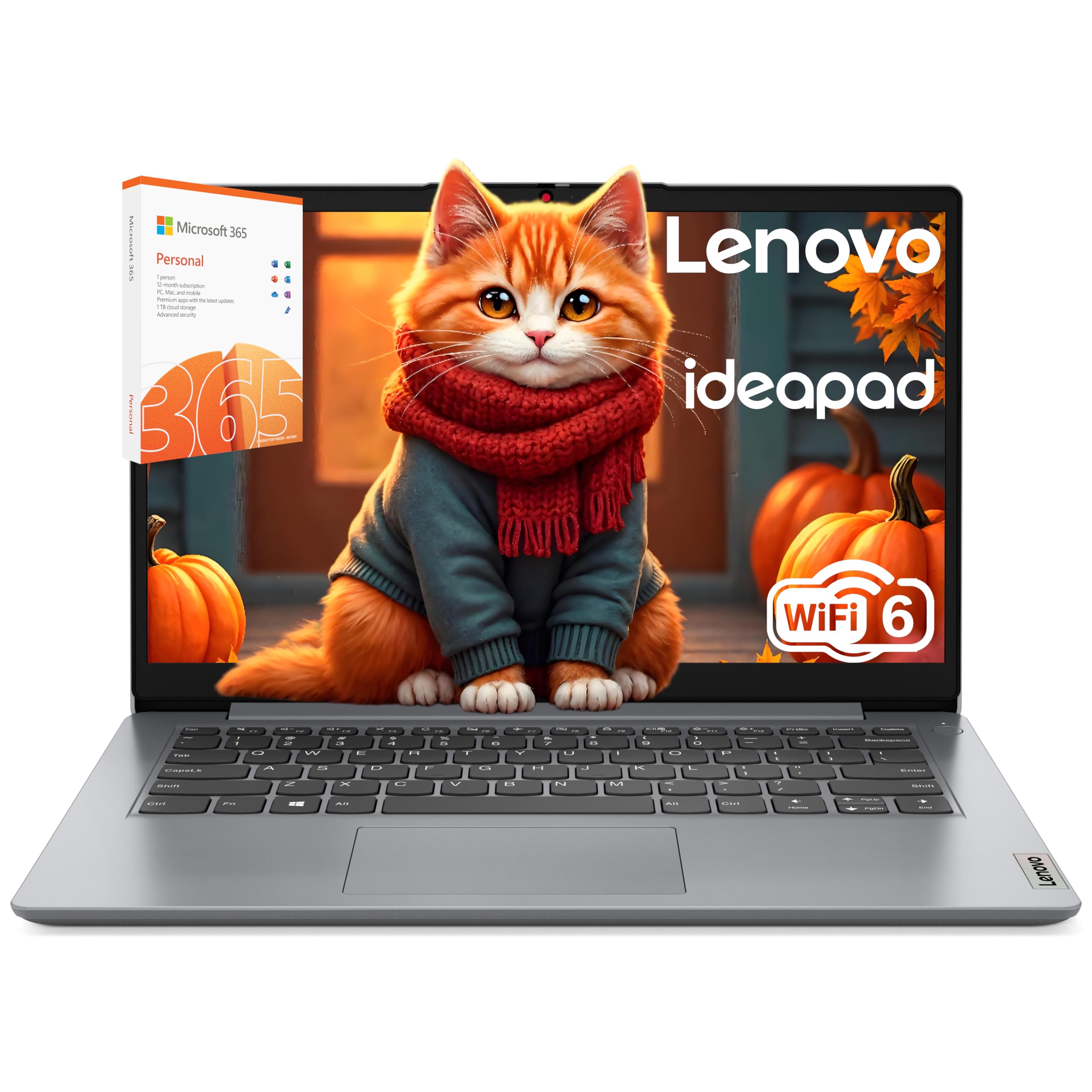
An entry-level Lenovo built to stretch a full day at the library on one charge.
This is the pick for a student whose needs stop at reading, note-taking, and the occasional Zoom class, and who wants a machine that simply lasts. Lenovo rates it for up to 10 hours of battery life, which trails the up-to-18-hours Apple models but covers a full library day. The efficient Intel Celeron N4500 processor runs cool and quiet, so it stays pleasant on a lap during long study sessions.
The 14-inch HD anti-glare screen runs at 1366×768 and handles YouTube, Netflix, and streaming courses at 720p. Wi-Fi 6 and Bluetooth 5.1 keep connections smooth for projectors and wireless headphones. Ports are generous for the price: a USB 2.0, a USB 3.2 Gen 1, a USB Type-C 3.2 Gen 1 for data, HDMI 1.4b, a headphone/microphone combo jack, and an SD card reader. Storage pairs a 256GB SSD with 128GB eMMC for fast boots and extra room.
What draws buyers is affordability and everyday reliability — plenty of students pick it up for classwork and are happy. Be honest about the limits, though: the Celeron processor is on the slower side for heavy apps, and experience divides on quality, so treat it as a light-duty machine. It ships in Windows 11 Home in S mode, which restricts software to verified apps until you switch out of it.
Why budget buyers choose it: up to 10 hours of battery life plus a 14-inch screen and full port selection at an entry-level price.
Best suited to: light-duty students who browse, type, and stream and want a low-cost everyday laptop.
Not the one if: you run demanding programs that need faster processing.
11. Laptop Computer for Student Home Study

A study-focused bundle that pairs fast internal storage with an external drive.
This one targets the student who wants everything in one box, including a place to back up photos and videos. It pairs a 256GB SSD (fast internal storage for quick booting) with a 500GB external HDD (a bigger separate drive for backing up files) — so your important work always has a second home. That is a practical setup if you have ever lost a paper the night before it is due.
The Intel Dual Core processor with 12GB of RAM handles research, video calls, and document editing at the same time. The 14-inch display runs at 1366×768 for comfortable reading and streaming. Wi-Fi 6 and Bluetooth 5.2 keep connections stable. The slim, compact build fits into a backpack or messenger bag, and the maker rates the battery for long campus days without hunting for an outlet.
Office for web is included, so you can start writing right away. What stands out here is the storage arrangement: internal SSD for speed, external HDD for capacity, which is a rare combination in a single purchase. The trade-off is that the 14-inch panel runs at 1366×768 rather than the sharper Full HD you get on the bigger picks, so it is built for study and streaming rather than pixel-perfect editing.
Its calling card: a 256GB SSD plus a 500GB external drive in one purchase delivers a complete backup solution from the start.
Keep in mind: the 1366×768 screen is a step below Full HD, so it suits study and streaming more than design work.
The fit for: students who want fast internal storage and automatic backup covered in one buy.
Choose a Full HD pick if: sharper text on a larger screen is important to you.
Know the Specs
Battery Life Ratings
When a maker says “up to 18 hours,” that is the ceiling, measured under light use. Your actual runtime depends on what you run and how bright the screen is. A machine rated at up to 23 hours will outlast one rated at up to 10 hours in the same conditions, so compare the two numbers directly when you shop. Look for a rating that comfortably covers your longest class-and-study stretch so you are not tethered to a wall.
RAM and Storage
RAM is your working space, so more of it lets you keep more apps open at once. 8GB handles essays and browsing, 16GB handles heavier multitasking, and 40GB of DDR5 is aimed at demanding work like video editing. Storage comes in two flavors: a fast SSD for quick boots versus slower eMMC, which is cheaper but slower. A larger SSD means you never have to shuffle files around to make room.
Common Questions
How long should a student laptop battery actually last?
Is 8GB of RAM enough for a college student?
Do I need an SSD or is eMMC storage fine?
Will a 14-inch screen be too small for studying?
Is a renewed or refurbished laptop a safe buy for school?
Does the processor brand matter for everyday coursework?
How much storage do I need for four years of college?
Will these laptops connectto a campus projector or printer?
Is a touchscreen worth it on a student laptop?
Can I run Microsoft Office on all these laptops?
The Bottom Line
For most students, the student laptops with long battery life winner is the Apple 2025 MacBook Air 15-inch with M4 chip. It gives you up to 18 hours of battery life, so you can get through a full day of classes and library time on one charge. The large 15.3-inch Liquid Retina display (Apple’s high-resolution screen) and the M4 chip (Apple’s processor) handle fast, quiet everyday work. If you want the absolute longest runtime and the lightest bag, reach for the Microsoft Surface Laptop (2025) and its up-to-23-hours rating. And for heavy coursework that needs raw memory and a 1TB SSD (a solid-state drive that stores files with no moving parts), the Lenovo Laptop for Home Office & Education with 40GB of DDR5 (a newer, faster type of memory) is the one to grab. It holds 4.5+ stars across 1,900+ ratings, the highest of any pick here.
How we choose
We do not accept paid placement. Every pick is matched to a real buyer and a real use-case; we do not hands-on test units.
Sources
Specifications: manufacturer listings and product documentation. Review insights: verified customer reviews, as of October 2026. Pricing: not shown on this page (it changes often); check the current price via the retailer link.
As an Amazon Associate, Aappliancez earns from qualifying purchases. This does not affect which products we feature.