Disclosure: Some links in this post are affiliate links. As an Amazon Associate I earn from qualifying purchases, at no extra cost to you. Learn more
Specs are compiled from manufacturer listings and verified buyer reviews and can change over time — please confirm the key details on the product page before buying.
If you pay for a 2-gigabit internet plan and your downloads still crawl, the bottleneck is almost never the line coming into your house. It is the port on the back of your router. Most routers sold today still cap their internet input at 1 Gbps (one gigabit per second), so the second gigabit you are paying for never reaches your devices. The fix is a router with a 2.5 Gig WAN port — the socket where your modem plugs in — and that one feature is the difference between a full-speed connection and a throttled one.
This guide is built by comparing the manufacturers’ published specifications and the patterns across verified customer reviews, so you get each pick’s real strengths and trade-offs instead of marketing spin.
You pay for a 2Gb plan, so you need a router that won’t bottleneck it. Below are nine routers that genuinely accept multi-gig internet, sorted by what each does best. Every pick has a 2.5 Gigabit or faster WAN port (the socket where your modem plugs in), so none will choke the plan you already pay for. Choosing the right router for 2Gb internet depends on that one port, real coverage, and how much control you want over your own network.
Top Picks

How To Choose The Best Router for 2Gb Internet
A 2-gigabit plan is only worth what your hardware lets through. Before you compare any two boxes, check three things: the WAN port speed, the wireless standard, and whether the coverage figure is realistic for your floor plan.
The WAN port is the gate your internet walks through
WAN stands for Wide Area Network — in plain terms, the single Ethernet socket on the router that connects to your modem. If that socket is a 1 Gig port, your 2 Gbps plan gets cut to roughly a gigabit before it ever reaches Wi-Fi. A 2.5 Gig WAN port (2,500 Mbps) lets the whole plan through. This is the number to verify first, because no amount of fancy antenna design fixes a slow input.
Wi-Fi 7 radios decide what your phone actually receives
Wi-Fi 7 is the newest wireless standard, and its headline trick is Multi-Link Operation, or MLO — a way of using more than one radio band at once to keep a device connected. Real-world Wi-Fi speed will always sit below the wired number, because walls and distance eat signal. What Wi-Fi 7 buys you on a 2-gig line is headroom: more devices streaming at once without the queue backing up.
Coverage in square feet is an estimate, not a promise
Manufacturers quote coverage as a single square-footage number. That figure assumes open space with few walls. A 2,000 sq ft rating in a two-story house with a metal roof can behave like a much smaller router. If your home is long, multi-story, or has thick interior walls, plan on a mesh system or an extra node rather than trusting the box number alone.
Side-by-Side Comparison
| Model | Best For | Wireless Speed | Coverage | WAN Ports | Amazon |
|---|---|---|---|---|---|
| Like-New Amazon eero Pro 6E★ Best Overall | Simple whole-home mesh | Up to 2.3 Gbps | 2,000 sq. ft. | 2.5 Gb Ethernet | Amazon |
| NETGEAR Nighthawk RS200Best Value | Everyday Wi-Fi 7 value | Up to 6.5 Gbps | 2,500 sq. ft. | 2.5 Gig WAN + 2.5 Gig LAN | Amazon |
| ASUS RT-BE55Budget Mesh Entry | Budget Wi-Fi 7 mesh entry | Up to 3600 Mbps | 2,000 sq. ft. | 2.5G Ethernet WAN | Amazon |
| Amazon eero 7 | Easiest setup, biggest support base | Up to 1.8 Gbps | 2,000 sq. ft. | Two 2.5 GbE | Amazon |
| GL.iNet Flint 3e | VPN and tinkerers | Up to 6.5 Gbps | 2,500 sq. ft. | Multi-gig Ethernet | Amazon |
| TP-Link Deco 7 BE23 (3-Pack) | Large homes, three nodes | Up to 3.6 Gbps | 6,500 sq. ft. | Two 2.5 Gbps WAN/LAN each | Amazon |
| ASUS RT-BE88U | Wired-heavy networks | Up to 7200 Mbps | 3,000 sq. ft. | 10G SFP+ and 10G WAN/LAN | Amazon |
| TP-Link Archer BE800 | Top-tier tri-band speed | Up to 19,000 Mbps | Large home (4+ bedrooms) | Dual 10G WAN/LAN | Amazon |
| NETGEAR Nighthawk RS500 | Biggest coverage in a single box | Up to 12 Gbps | 3,000 sq. ft. | 2.5 Gig WAN + 2.5 Gig LAN | Amazon |
Detailed Reviews
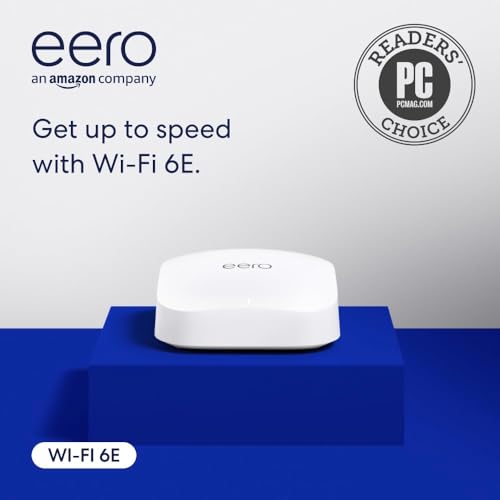
1. Like-New Amazon eero Pro 6E mesh wifi router
Our pick — 4.5+★ from 450+ verified ratings; the strongest balance of quality and price.
A refurbished mesh node that lets a 2-gig plan through without turning your living room into a networking project.
This router earns its spot with a 2.5 Gb Ethernet port — the socket where your modem connects. That port is what makes it a genuine multi-gig router rather than a 1-gig box wearing a “fast” badge. It supports network speeds up to 2.3 Gbps, so your 2-gig plan runs with room to spare. The 6 GHz band (a newer, less crowded slice of airwaves) is available when you pair it with Wi-Fi 6E devices.
The reason this takes the top slot is the sheer ease of living with it. Owners rank reliability above every other trait here, and it shows: this is a set-and-leave network. Inside, eero’s TrueMesh software routes traffic to avoid dead spots, and the app walks you through setup in minutes. A compact shell with no external antennas helps it disappear on a shelf instead of demanding a display position. Backward compatibility with older eero units means you can add a node later without starting over.
It is a TrueMesh system, not just a router, so the same box works as the main gateway or as an extra node. For a 2-gig plan feeding 100+ connected devices, that flexibility matters more than raw spec bragging. The built-in smart home hub also lets it act as a border router for Thread and Zigbee devices controlled through Alexa.
What earns the top billing
- A 2.5 Gb Ethernet port that accepts a full 2-gig internet plan.
- Setup and management handled almost entirely through the app, with phone support in the US.
- The compact body fits any shelf and can act as either main router or extra node.
Where it asks for patience
- Refurbished stock ships in generic Amazon packaging rather than retail boxes.
- The security and extra network tools sit behind a separate subscription.
- Connecting to an existing eero network is usually smooth, but this is not a router built for people who want to tweak every setting.
Take this one: If you want a 2-gig-capable mesh that behaves like an appliance and asks almost nothing of you.
Think twice: If you need granular control over band steering and firewall rules, the app-only philosophy will frustrate you.
2. NETGEAR Nighthawk WiFi 7 Router RS200
A sub-premium Wi-Fi 7 router that swaps in for your old box and quietly lifts the whole house off its bottleneck.
Two 2.5 Gig ports is the detail most buyers skip past, and it is the one that matters for a 2-gig plan. One of those sockets takes your modem in; the second lets you plug a gaming rig or NAS drive straight in at that same multi-gig rate. Add the three 1 Gig Ethernet LAN ports and you have a wired spine for the devices that refuse to live on Wi-Fi.
Coverage runs up to 2,500 sq ft for up to 80 devices, which puts it just ahead of the eero Pro 6E’s 2,000 sq ft figure — 500 more square feet of rated reach. Total wireless throughput sits at 6.5 Gbps across the 2.4 GHz and 5 GHz bands. It is a dual-band router, so there is no 6 GHz band here; if a clean high-frequency channel is your priority, look at the tri-band picks further down.
The everyday experience is what sells it. Buyers report buffering simply stops, and the jump from an undersized older router is obvious within a day. Reviewers post real before-and-after speed tests, and the gains land on both downloads and everyday browsing. Setup is guided through the free Nighthawk app, and the built-in security works from the start, with the Armor protection layer free for 30 days before a subscription kicks in.
The honest catch: Reconnecting a house full of smart gear — thermostats, streaming sticks, cameras — takes more fiddling than the router itself does, and some devices need a fresh reset. Budget an evening for that part, not five minutes.
Who it is for: Anyone on a 2-gig plan who wants Wi-Fi 7 and multi-gig wired ports without paying top-tier money.
Reach for this if: You have a medium-to-large home, a multi-gig plan, and at least one device you want wired at full speed.
Look elsewhere if: You need a third band for a house packed with high-demand devices.
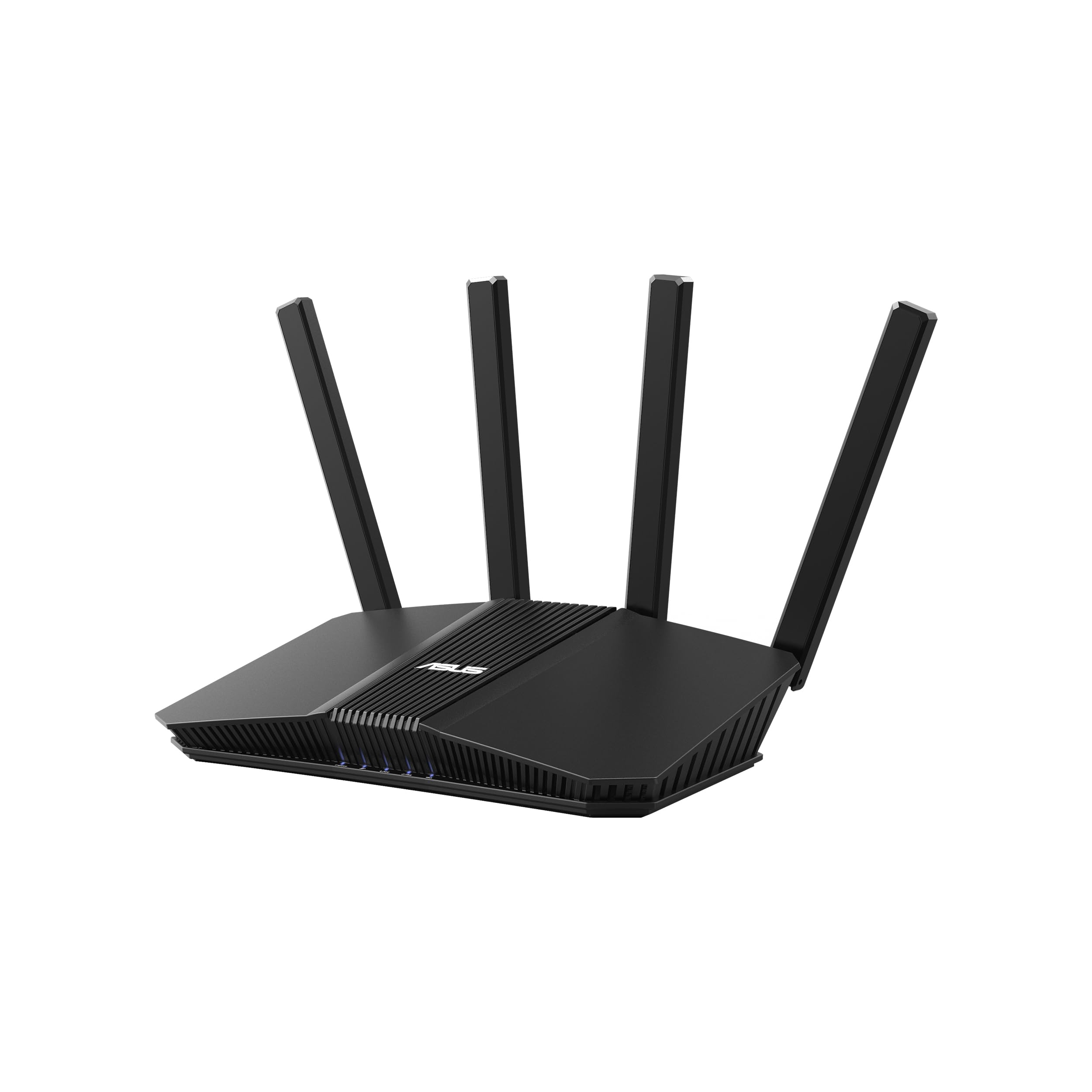
3. ASUS RT-BE55 WiFi 7 Router
The cheap on-ramp to a Wi-Fi 7 mesh, for people who would rather add nodes than buy one big box.
Wi-Fi 7 speeds reach up to 3600 Mbps here, and the 2.5G Ethernet WAN port is the piece that matters for your 2-gig plan — that socket is what lets the full line speed in. Four internal antennas and four high-power front-end modules (amplifier chips that push the signal out) are engineered to close dead zones, with rated coverage up to 2,000 sq ft.
The real draw is AiMesh. Add a second compatible ASUS router and the two form one network with a single name, so phones and laptops hop between them as you move around the house. A separate IoT network, set up as its own SSID (network name), lets you park smart plugs and cameras away from your main devices. Commercial-grade AiProtection and VPN support ride along without an extra subscription.
It is also the smallest footprint in this group by price tier — an entry-level box that still speaks the current standard. If your plan is to start with one node and grow, this keeps the door open without locking you into a premium system today.
Why it earns a place
- 2.5G WAN port passes a 2-gig plan to the rest of the network.
- AiMesh makes adding a second node a matter of signing in and pairing.
- Three SSIDs separate guest, kids, and smart-home traffic on one box.
The fine print
- Setup occasionally stalls in a browser; going directly to the router’s admin address gets you past it.
- This model is sensitive to power dips, so a surge protector or UPS is worth adding.
- The 2,000 sq ft rating assumes open space — thick walls will shrink it.
Suits you if: You are building a mesh slowly and want Wi-Fi 7 with a 2.5G input from the start.
Not for you if: You want one box to blanket a sprawling multi-story home on day one.
4. Amazon eero 7 dual-band mesh Wi-Fi 7 router

Fifteen minutes from box to full-speed network, with two multi-gig ports and the friendliest app in the room.
Two auto-sensing 2.5 GbE ports (2.5 Gigabit Ethernet — sockets that negotiate speed on their own) mean you do not have to guess which one is the modem input. Internet plans up to 2.5 Gbps are supported, with wireless speeds up to 1.8 Gbps. Coverage reaches up to 2,000 sq ft — described as a 25-foot radius — for 120+ devices.
Owners rave about performance first and the app-guided setup a close second. Owners describe going from unboxing to a running whole-home network in well under a quarter of an hour, often keeping their old network name so every device reconnects without reprogramming. Wi-Fi 7 features like multi-link operation (MLO) give compatible devices a second lane to lean on, and the three-year warranty is longer than most routers in this price tier offer.
Here is the one caveat worth knowing before you buy. If you already run an older eero system, adding this newer model alongside it does not always go smoothly — some owners hit slowdowns and buffering on the older gear. Starting a fresh network with the eero 7 as the base avoids that entirely.
What the app gives you: Setup guidance, device management, and automatic updates handled in one place — no browser dashboard, no IP addresses to type.
The ventilation note: Give the unit airflow clearance. Sitting flat on a soft surface with no room to breathe can cause it to run warm and interrupt the connection.
Best fit: First-time mesh buyers and anyone upgrading from a single tired router who wants the network working the same afternoon.
Skip the pairing: If you are grafting this onto an existing older eero setup, plan for a clean rebuild instead.
5. GL.iNet GL-BE6500 Flint 3e Wi-Fi 7 Router

The tinkerer’s router — VPN speeds that stay fast, plus a firewall you can actually read.
Most routers treat a VPN as an afterthought and slow your whole network to a crawl when you switch it on. This one runs WireGuard and OpenVPN at speeds up to 1100 Mbps, so the encrypted tunnel does not become the bottleneck.
The admin panel is the other half of the appeal. AdGuard Home sits built in, acting as a filter that blocks tracking and ads at the network level before they ever reach a device. Parental controls with Bark support let you filter sites and set usage limits. If you have ever wanted a router you could tune rather than merely operate, this is aimed straight at you.
Understand what you are buying. This is not plug-and-play gear. There is no band steering to nudge a phone onto the faster 5 GHz channel after a reboot, and mesh pairing means manually matching network names and passwords. That lack of automation is the trade-off for having real control. Meanwhile the quality of the hardware is what owners consistently name as the standout, with setup and speed close behind.
The honest limit: If you want a router that does the thinking for you, the manual channel management will wear thin fast.
One detail to check: This model runs GL.iNet’s own polished firmware; if you specifically want vanilla OpenWRT, verify compatibility before you buy.
Pick it for: Remote work, Starlink setups, router-wide VPN, and anyone who wants ad-blocking at the source.
Pass if: You want the network to configure itself and stay out of your way.
6. TP-Link Deco 7 BE23 Mesh System (3-Pack)

Three nodes, one network name, and enough reach to cover a very large house without hunting for a signal.
The number to notice is 6,500 sq ft — the rated coverage of all three nodes together — for up to 150 devices. Each node carries two 2.5 Gbps WAN/LAN ports, which matters two ways: the first node takes your 2-gig modem feed, and the others can be linked by Ethernet for a wired backhaul. That wired spine is what keeps a whole-home mesh fast instead of halving the speed at every hop.
Wireless throughput is up to 3.6 Gbps total, split as up to 2882 Mbps on the 5 GHz band and 688 Mbps on 2.4 GHz, with Wi-Fi 7 features like MLO and 4K-QAM on board. AI-driven roaming hands devices between nodes as you walk the house, and the mesh runs a single network name so nothing needs manual switching. Add a private IoT network and VPN client and server support, and you have the full toolkit without a paid tier for the basics.
Setup through the Deco app takes minutes, and splitting smart home gadgets across the three pods spreads the load so heavier devices keep their bandwidth. Buyers praise build quality and easy setup most, and the payoff is a day-to-day network that just quietly works.
Worth knowing: Each unit is a touch larger than photos suggest, so check your shelf or outlet space before they arrive.
The subscription line: Some of the deeper HomeShield protection is paid — the core security, private IoT network, and parental controls stay free.
Built for: Multi-story or long homes where one router’s rated square footage never quite reaches.
Overkill if: You live in a compact apartment — one node would do the whole job.
7. ASUS RT-BE88U WiFi 7 Router

Ten Ethernet ports, two of them at 10-gig speed — a router for the desk, not just the living room.
For a wired household, nothing else here comes close on port count. A 10G SFP+ port (a slot that accepts a fiber or copper module) and a second 10G WAN/LAN port give you headroom far beyond a 2-gig plan today, plus four 2.5GbE and four 1GbE ports for everything else. A quad-core 2.6GHz 64-bit CPU keeps those lanes moving when several are saturating at once.
Wireless throughput reaches up to 7200 Mbps, with Wi-Fi 7 features like multi-link operation and 4096-QAM (a denser encoding method that packs more data into each signal) doing the heavy lifting. Rated coverage is 3,000 sq ft. Five SSIDs via Guest Network Pro let you wall off IoT gear, guests, and kids’ devices without third-party apps. The AiProtection Pro security layer comes from Trend Micro, with site-to-site VPN support for connecting two locations.
One thing to know up front: there is no 6 GHz band on this model, which is why it sits below the tri-band options if a clean high-frequency lane is your priority. For wired-first homes it barely matters — the bandwidth is in the cables. Owners rave about stability, and the router holds a full desk of wired devices without a stutter.
The wired case for it
- Two 10G ports plus eight more Ethernet ports make it a small switch and a router in one.
- The quad-core CPU keeps 30+ connected devices moving without stutter.
- Port forwarding, VLAN, and full admin control with no paid security subscription.
What to weigh
- No 6 GHz band — a deal only if you specifically need that third lane.
- Setup menus are deep enough that beginners may want a guide on hand.
- Occasional reboots needed when pairing with certain cable modems.
Your pick if: You have a NAS drive, a gaming rig, and a shelf of devices that all want ethernet.
Keep looking if: You want the newest tri-band wireless configuration and nothing else.
8. TP-Link Tri-Band BE19000 WiFi 7 Router (Archer BE800)

The fire hose of the group — three bands, nineteen thousand megabits, and dual 10-gig wired connections.
Break down that 19,000 Mbps figure and it makes sense: up to 11,520 Mbps on the 6 GHz band, 5,760 Mbps on 5 GHz, and 1,376 Mbps on 2.4 GHz. Yes, those numbers only matter if your devices can use them — but for a 2-gig plan feeding a house full of laptops, consoles, and 8K screens, the headroom is real. Wi-Fi 7 tools like 320 MHz channels (wider lanes of airwaves) and multi-link operation run alongside eight internal antennas with beamforming.
The wired side is just as serious. Two 10G WAN/LAN ports — one RJ45 and one SFP+ combo that takes fiber or copper — let you feed a fiber line straight in and still have a 10G lane for a NAS. Four 2.5G ports and a USB 3.0 port round out a flexible wired setup. Buyers praise fiber-line speed most, with full-bar coverage in every room a close second.
The honest bit: with an LED display on the front and a tri-band radio set pushing this hard, it runs hot enough that you want it on an open shelf with airflow. Given how much is crammed inside, both are the expected cost of the performance.
The performance read: Two of these meshed together push multi-gig throughput across a whole property on a matching fiber line, so a 2-gig plan finally feels like a 2-gig plan.
The tuning note: Keep mesh nodes to two. Adding a third introduces lag as devices bounce between signals.
Skip the display: The LED panel is bright and returns to on after updates — nice for speed tests, distracting the rest of the time.
The one for you if: You have fiber, a NAS, and a house full of demanding devices that all want maximum throughput.
Overkill if: Your electronics are a few years old — they cannot use the headroom you are paying for.
9. NETGEAR Nighthawk WiFi 7 Router RS500

A tri-band tower with a six-antenna array that carries a 2-gig plan across a large house and out into the yard.
Up to 12 Gbps across three bands — 2.4, 5, and 6 GHz — is the headline, with a dedicated third band for demanding devices. Coverage reaches up to 3,000 sq ft for up to 120 devices, the highest single-box rating on this list. A six-antenna array does the broadcasting, with MU-MIMO and OFDMA (two techniques that share airtime efficiently among many devices) keeping everything fed at once.
The ports are the same 2.5 Gig WAN plus 2.5 Gig LAN plus three 1 Gig LAN arrangement as the RS200 above, which is exactly right for a 2-gig plan. What you pay a premium for here is reach and the extra band — useful in a house where a single router has to cover multiple floors and a patio without a mesh node.
Setup runs through the Nighthawk app in minutes, though the deeper settings live in the web interface. In the real world, this box turns a slow plan into a fast one and holds it, with performance and setup the two strengths buyers bring up most. Meanwhile the firmware updates keep the 6 GHz band healthy, and the router does not drop connections once it is settled.
The honest friction: Locking down advanced mode means logging into the router’s web address rather than the app, and the app sometimes misbehaves mid-setup. If you are comfortable on a laptop, that is a ten-minute detour; if you are not, budget the extra time.
Worth the step up: If one box has to cover a big property without a second node, the tri-band and 3,000 sq ft reach justify it.
Ideal for: Large single routers — a sprawling ranch, a long floor plan, or a yard you want signal in.
Save your money if: You already plan to run a mesh, where a single high-coverage node matters less.
Know the Specs
WAN Port Speed (the 2.5 Gig rule)
WAN is the socket your modem plugs into. A 2.5 Gig WAN port accepts up to 2,500 Mbps, which covers a 2-gig plan with headroom. A 1 Gig WAN port caps everything at roughly 1,000 Mbps no matter what your plan says. Look for “2.5G WAN” or “multi-gig WAN” in the spec sheet — if the listing only says “gigabit,” assume it will throttle a 2-gig line.
Wired LAN Ports and Backhaul
LAN ports are the sockets you plug devices into. Having a 2.5 Gig LAN port lets a gaming PC or NAS drive run at full multi-gig speed over a cable. In a mesh system, connecting the nodes with Ethernet — called wired backhaul — keeps their speeds high instead of halving at each hop. Wireless backhaul still works, but wired is the faster option when you can run the cable.
Wi-Fi 7 vs Older Standards
Wi-Fi 7 is the newest wireless standard, with tools like multi-link operation and wider 320 MHz channels. It matters on a 2-gig plan because older Wi-Fi can become the limiting factor as device counts climb. The new standard also adds 6 GHz support on tri-band models — a less-congested band that only newer devices can use. If your phones and laptops predate Wi-Fi 7, a Wi-Fi 6E router remains practical, though less future-proof.
Coverage Ratings and Square Footage
Coverage is quoted in square feet, but that number assumes open space. Walls, floors, and interference from neighbors all shrink real-world reach. Multi-story homes and thick material construction tend to need a mesh node or a second unit. Compare coverage figures as a starting point, then plan based on your floor plan and the number of rooms between the router and the farthest corner.
Common Questions
Do I need a special modem to get 2-gig internet into my router?
Will a Wi-Fi 7 router actually deliver 2 Gbps over the air to my laptop?
Is a mesh system better than one router for a 2-gig plan?
Can I use an old router as an extra node alongside a new one?
Will a tri-band router beat a dual-band one on a 2-gig plan?
Do I lose speed if I use wireless backhaul between mesh nodes?
How many devices can a 2-gig router handle before speeds drop?
Do I need a Wi-Fi 7 router if my plan is already 2-gigabit?
Are security features extra, or included?
Does the 6 GHz band really matter for a 2-gig plan?
The Bottom Line
For most homes on a 2-gig plan, the router for 2gb internet that gets out of your way is the eero Pro 6E. It brings a 2.5 Gb Ethernet port, TrueMesh software, and a setup process that finishes in minutes, so the second gigabit reaches your devices instead of dying at the input. If you want the highest wireless speed in this group on a budget, the NETGEAR RS200 gives you Wi-Fi 7 and dual 2.5 Gig ports for less than the premium picks. And for a wired-heavy household that wants ten ports and 10G headroom, the ASUS RT-BE88U is the one to reach for. Start with the port, then buy for coverage — that order will get you the most out of the line you already pay for.
How we choose
We do not accept paid placement. Every pick is matched to a real buyer and a real use-case; we do not hands-on test units.
Sources
Specifications: manufacturer listings and product documentation. Review insights: verified customer reviews, as of October 2026. Pricing: not shown on this page (it changes often); check the current price via the retailer link.
As an Amazon Associate, Aappliancez earns from qualifying purchases. This does not affect which products we feature.