Disclosure: Some links in this post are affiliate links. As an Amazon Associate I earn from qualifying purchases, at no extra cost to you. Learn more
Specs are compiled from manufacturer listings and verified buyer reviews and can change over time — please confirm the key details on the product page before buying.
Here is the short answer: buy by print resolution and paper freedom first, looks second. The Gloryang JD-23 is the one most buyers should start with, because it does the everyday job of making sticky labels and journal prints without ever asking you to buy ink. Every option below uses heat instead of ink, so the only running cost you will ever face is the sticker paper itself — and that is where the choices genuinely split apart.
This guide is built by comparing the manufacturers’ published specifications and the patterns across verified customer reviews, so you get each pick’s real strengths and trade-offs instead of marketing spin.
A pocket printer lives or dies on two things: how sharp the letters come out and whether it lets you use cheap paper. This guide covers both, plus which units lock you into branded rolls. Read on for the honest breakdown of every portable sticker printer worth considering.
Top Picks
How To Choose The Best Portable Sticker Printer
You are not shopping for a printer in the traditional sense. You are shopping for a small heat-driven gadget that turns a phone screen into sticky paper, and the wrong pick will either print fuzzy text or quietly charge you a fortune for refills. Get these four things right and the machine will keep earning its place on your desk.
Resolution is the whole ballgame on tiny text
Resolution is measured in DPI, or dots per inch — how many microscopic heat dots the print head can place in a single inch. A 203 DPI head (the common baseline) is fine for name tags and to-do lists. A 300 DPI head puts noticeably denser detail on the paper, so small print on a spice jar or a journal caption stays legible instead of smearing into grey. If you plan to label small objects or print photos, chase the higher number.
Paper width decides what you can actually make
These devices print on rolls, and the roll width caps your creativity. Most units here max out at 2 inches, which covers standard labels and small sticker shapes. A machine that accepts 2-inch and 3-inch rolls lets you print wider photos and bigger shipping labels. Check the supported widths before you fall in love with a design you saw online.
Branded paper versus free paper — the hidden subscription
Your long-term paper cost depends on one thing: whether the printer accepts cheap third-party thermal rolls (heat-sensitive paper that needs no ink) or only its own brand. Some printers are locked to their own label rolls, so off-brand paper can throw an error or refuse to feed. Others happily chew through cheaper third-party thermal rolls. That single difference decides your long-term paper cost more than the printer’s design does, so pick convenience or freedom before you buy.
Where the app does the heavy lifting
The printer body is mostly a motor and a heat head, so the app carries the design work. Fonts, templates, borders, and image tools all live in the companion app, and that app is what you will actually use every day. Look for free templates that cover your real jobs — pantry jars, school notes, gift tags — and be aware that some apps gate the nicer designs behind a paid tier.
Side-by-Side Comparison
| Model | Best For | Print Resolution | Max Media Width | Claimed Speed | Amazon |
|---|---|---|---|---|---|
| Gloryang JD-23★ Best Overall | Everyday stickers and journaling | 203 x 203 DPI | 2 inch | 30 pages per minute | Amazon |
| PM260 Label MakerOrganizer’s Choice | Pantry and office organizing | 203 DPI | 2 inch | — | Amazon |
| NIIMBOT B1 | Fast home labeling | — | 2 inch | 50 pages per minute | Amazon |
| Memoking T02 | Students and study notes | 203 DPI | 2 inch | 25 pages per minute | Amazon |
| ORGBRO X3 | Wider photos and labels | 300 DPI | 3 inch (28/57/80mm) | 12 pages per minute | Amazon |
| NIIMBOT B21 Pro | Sharp small-print labels | 300 DPI | — | — | Amazon |
Detailed Reviews
1. Gloryang JD-23 Sticker Printer
Our pick — 4.5+★ from 500+ verified ratings; the strongest balance of quality and price.
The pocket-sized workhorse that treats sticker paper as an open door, not a lock.
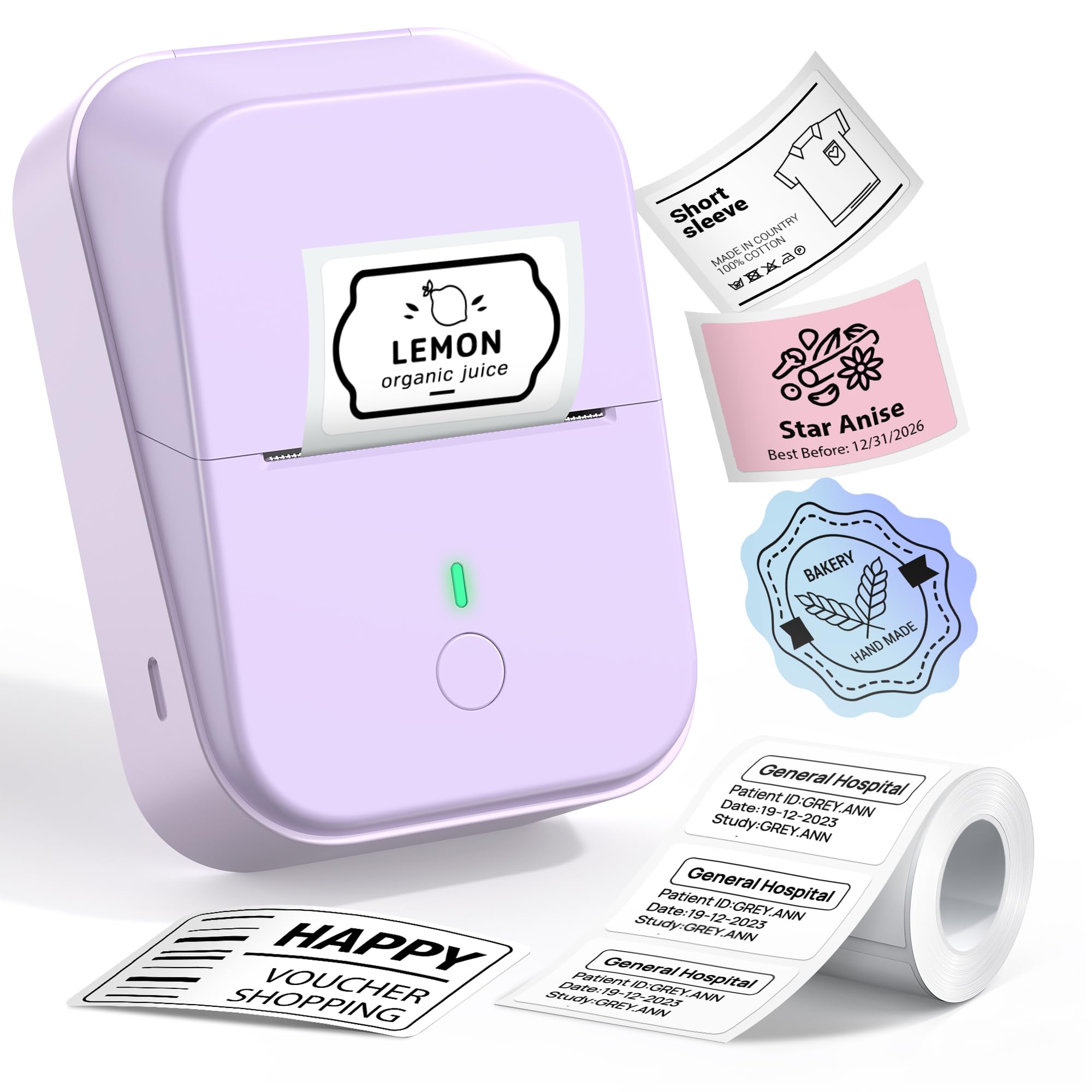
What wins people over here is simply how done it feels. This little green box weighs 0.32 lbs and measures 3.39″ x 3.5″ x 1.54″, which means it disappears into a tote pocket or a school bag without you noticing the extra weight. Setup runs through the Jadens Printer App over Bluetooth, and the printouts are the classic black-and-white thermal kind — no ink, no toner, no ribbons to buy ever again.
The real draw is paper freedom: it takes generic 2-inch thermal rolls instead of branded ones. It is built to accept continuous and gap labels, sticky and non-sticky stock, and standard white, coloured, or transparent sticker paper at 2-inch width. That openness matters enormously, because buying generic thermal rolls keeps your cost-per-sticker low instead of trapping you in a branded-paper loop. The box even ships with one 50×30mm label roll and one 50mm continuous adhesive roll, so you can start sticking things the day it lands.
Now the honest part. The print head runs at 203 x 203 DPI, so colour is off the table entirely and photo-heavy designs will look a little flat. The app’s AI-assisted image tools and template library are genuinely generous, but they cannot turn a heat print into a glossy colour photo. Charge it fully before the first run, grab spare rolls if you print a lot, and treat it as a sticker-and-label machine rather than a photo printer.
Where It Genuinely Delivers
- Two rolls in the box — a label roll plus a continuous adhesive roll — so you print immediately
- Weighs 0.32 lbs and slips into a pocket or bag without a second thought
- Accepts coloured and transparent sticker paper as well as plain white, at 2-inch width
- A built-in serrated cutter tears clean lines instead of ragged edges
The Reality Check
- 203 x 203 DPI and black-and-white only — no colour printing at any price
- Heavy users will burn through those two starter rolls and need spares fast
Made for: journalers, students, and gift-givers who want a cheap, cheerful, inkless sticker machine from day one.
Think again if: you need colour output — this one prints black and white, full stop.
2. PM260 Label Maker Machine with Tape
Built for the person who labels the spice jars before the spices even arrive.
If your motivation is a tidier kitchen, this is the unit that fits that job. It prints on 2-inch tape at 203 DPI, which is exactly the size that reads cleanly on a spice lid or a cable tag, and it runs at 30 pages per minute in simplex (one side only) fashion. The headline for organizers is the app: 90+ fonts, 14+ languages, and 450+ material presets means you rarely have to design a label from scratch.
It is also the roomiest of the compact picks, so it sits more like a small desk appliance than a pocket toy. At 5.12″D x 3.94″W x 2.72″H it stands taller than the Gloryang JD-23, which measures 3.39″ x 3.5″ x 1.54″. A built-in rechargeable battery with auto-shutoff after 15 minutes of inactivity keeps it from draining in a drawer.
One thing to plan for: this printer expects its own label stock. It is calibrated around specific rolls, and off-brand paper can trigger an app error, so budget for branded refills as part of the deal. The bigger caveat is app-only control, which is smooth when it works and frustrating when a software update lands badly. If you want a set-and-forget organizer tool, it delivers; if you want total independence, the Gloryang gives you more room on paper.
What it does best: turning a messy drawer into labelled rows without any design skill — the template library and 450+ material presets carry you.
The trade-off: it only recognizes its own label rolls, so cheaper third-party thermal paper may trigger a warning you have to work around.
Reach for this if: pantry, closet, and office organization is your main goal and you like an app that hands you ready-made templates.
Look elsewhere if: you want to feed it whichever cheap thermal roll you find — this one prefers its own stock.
3. NIIMBOT B1 Label Maker Machine

A 50-page-per-minute label maker that outpaces nearly every pocket rival here.
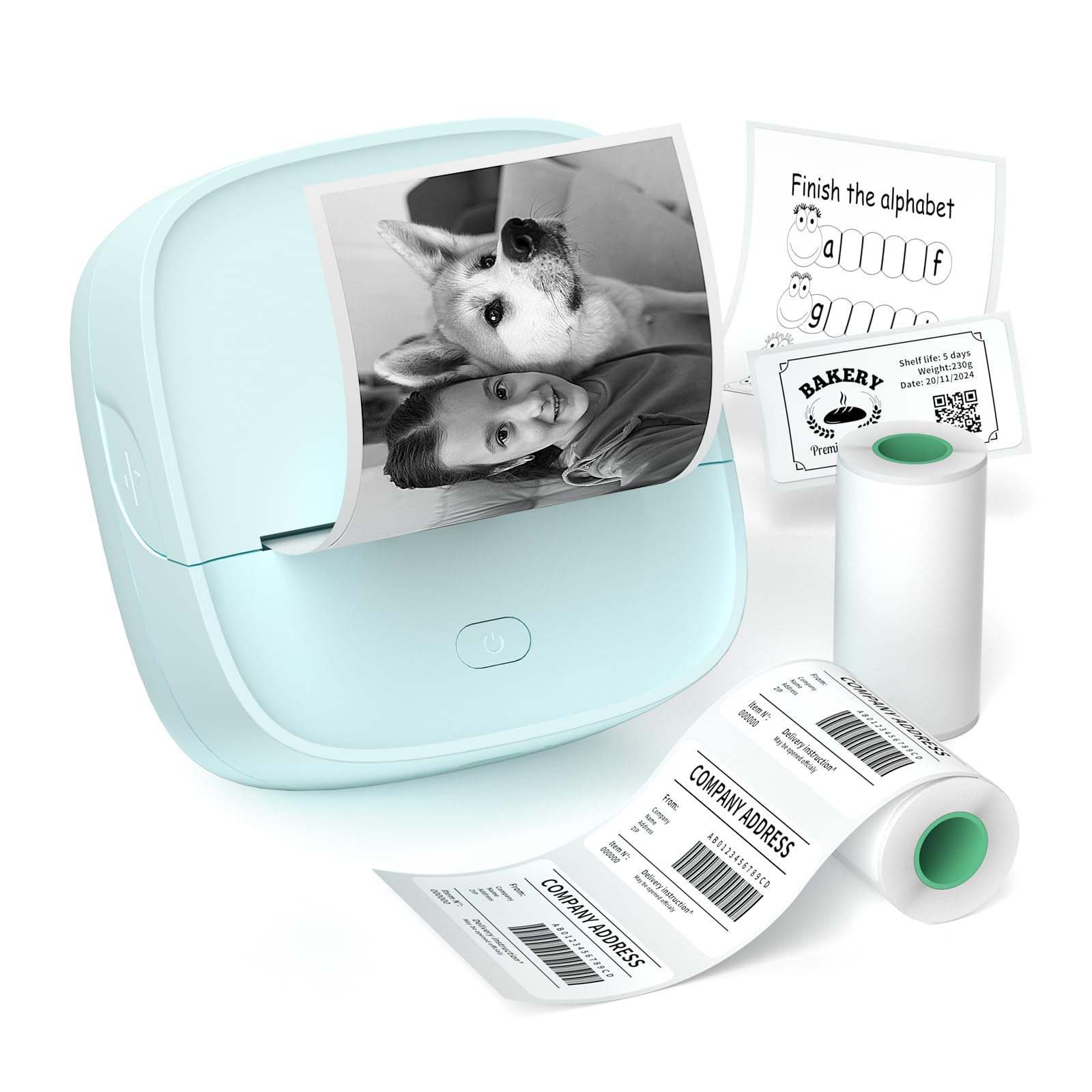
Where the Memoking T02 below manages 25 pages per minute and the ORGBRO X3 only 12, this blue NIIMBOT B1 claims 50 pages per minute. That matters when you are batch-printing a whole shelf of jar labels in one sitting — the machine keeps pace with your tapping. It prints on 2-inch-wide thermal stock with no ink or toner, and the 1500 mAh rechargeable battery is rated for up to 100 days of standby, so it survives months in a drawer and still fires up.
At 293g it is light enough to move around the house, and the NIIMBOT app is stocked with 10+ fonts and languages, 100+ borders, and 1500+ symbols, barcodes, and icons. The free tier covers daily labels comfortably. Weddings, craft fairs, and school labelling all fit here — the app’s batch tools let you build a design once and roll it across dozens of items without retyping.
The catch is paper again, and this time it is stricter than most. Only NIIMBOT thermal label paper is supported, and off-brand rolls may not be recognized at all, which can cause poor printing or a flat malfunction. It also does not support iPads, and it is monochrome only. None of that spoils the job it is built for, but it does mean your running cost tracks NIIMBOT’s refill pricing rather than the open market.
Best fit: high-volume home organizers who want raw speed and a battery that refuses to die between uses.
One limit to accept: it prints only on NIIMBOT’s own label paper, so plan refills around their roll lineup.
4. Memoking T02 Mini Sticker Printer
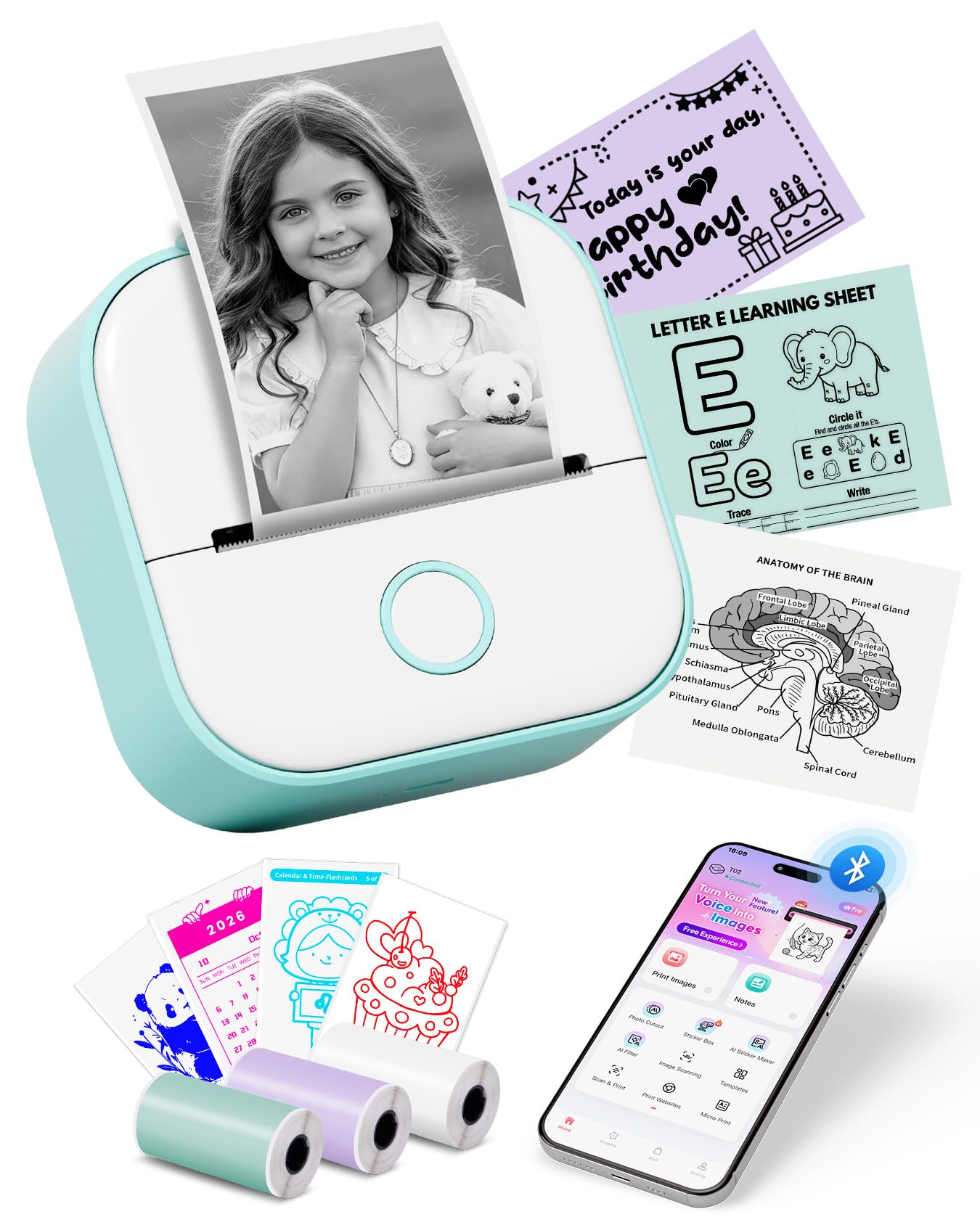
The one that turns anatomy flashcards and class notes into peel-and-stick study aids.
This is the pick for students, because it fits in a pencil case and comes with paper already in the box. It arrives with three rolls of thermal paper, weighs 0.32 kg, and measures 3.39 x 3.39 x 1.42 inches. The 203 DPI head (203 dots per inch, the print sharpness) prints black and white at 25 pages per minute, which is plenty for the study workflow it targets: scan a diagram in the Phomemo app, print it, and stick it straight onto a notebook page.
what separates it from the Gloryang is the app’s creative layer, which turns a rough idea or a photo into a printable sticker with almost no design effort. AI Photo Cutout, AI Sticker, AI Filter, AI Image Blending, and AI Voice-to-Image do that work for you. It also handles sticky and non-sticky white thermal paper plus colour and clear transparent sticker sheets, so your notes can carry a bit of personality.
Set your expectations on output. Photos come out soft rather than sharp — the 203 DPI ceiling is the reason, and it is the same ceiling the Gloryang shares. Text, sketches, and line diagrams read cleanly, while detailed photo prints look grainy. It also will not talk to a computer; this is a phone-and-tablet printer through and through. For notes and labels it is a quietly great tool; for photo keepsakes, temper your hopes.
Why Students Will Like It
- Three thermal rolls included, so the study printing starts without an extra order
- AI sticker and cutout tools turn photos into printable shapes with a few taps
- Handles colour and transparent sticker paper alongside plain white thermal stock
- Palm-sized footprint that fits in a pencil case
What to Know Before Buying
- 203 DPI means photo-quality prints are out of reach — fine for text, soft for pictures
- No computer printing; it pairs with phones and tablets only
Pick it for: nursing students, note-takers, and journal keepers who want AI-assisted sticker design on a budget.
skip it if: you expect sharp photo prints or want to plug it into a laptop.
5. ORGBRO X3 Sticker Printer Machine
Two upgrades in one box: a 300 DPI head and room for 3-inch paper.
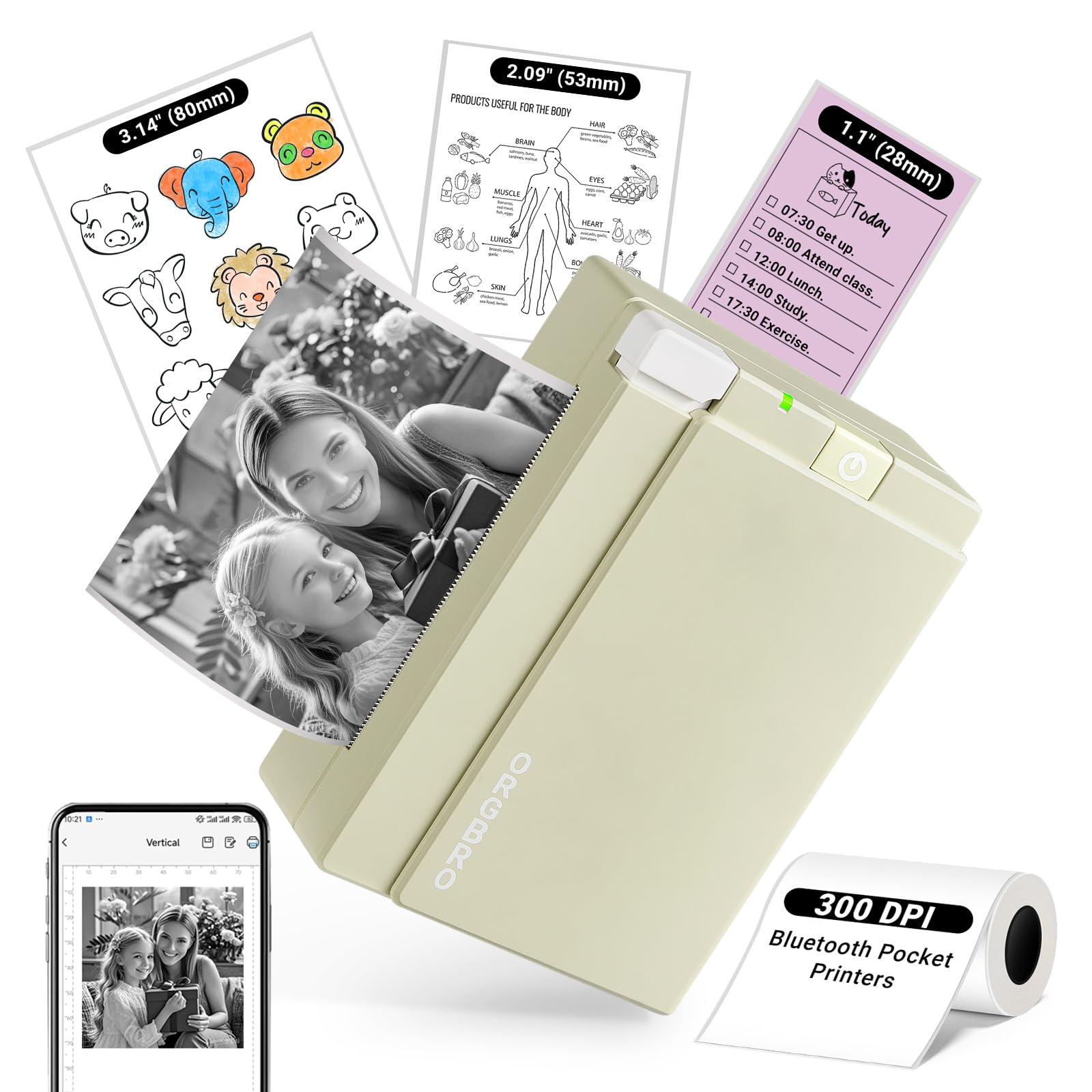
Two numbers define this one, and both are steps up from the budget crowd. First, 300 DPI — a denser print head than the 203 DPI baseline, so fine text and line art come out noticeably crisper. Second, it accepts 28/57/80mm media, which extends to 3 inches, giving you bigger photo prints and roomier shipping labels than the 2-inch ceiling on the Gloryang and the PM260. It ships with one 80mm×3m roll of thermal paper, and it prints at 12 pages per minute.
The Snap & Tag app carries 100+ free templates and pulls straight from your phone gallery or social feed. The build is a compact 3.3″D x 4.7″W x 1.9″H at 8.32 ounces, with an olive-green look that reviewers consistently describe as retro rather than toy-like. It also accepts cheaper third-party thermal sticker rolls if you use a spindle, which softens the refill cost compared to the more locked-down brands.
Here is where the specs fight each other. That extra resolution and wider paper come with a slower 12 pages-per-minute output, so a big batch takes longer than on the NIIMBOT B1. And this is still a grayscale machine — photos render with a stylized, slightly grainy look rather than true photo gloss. For wide labels, journal spreads, and class projects it is excellent; for fast volume labelling, the B1 wins on pace.
Standout spec: 300 DPI at up to 3-inch width is a combination none of the 2-inch, 203 DPI picks above can match.
Honest limitation: 12 pages per minute is the slowest here — great for careful prints, not for cranking out dozens at speed.
You’ll want this if: bigger prints, wider labels, and sharper detail matter more than raw speed.
Not for you if: you need to churn through large batches fast — this is the deliberate, careful printer.
6. NIIMBOT B21 Pro 300DPI Sticker Printer
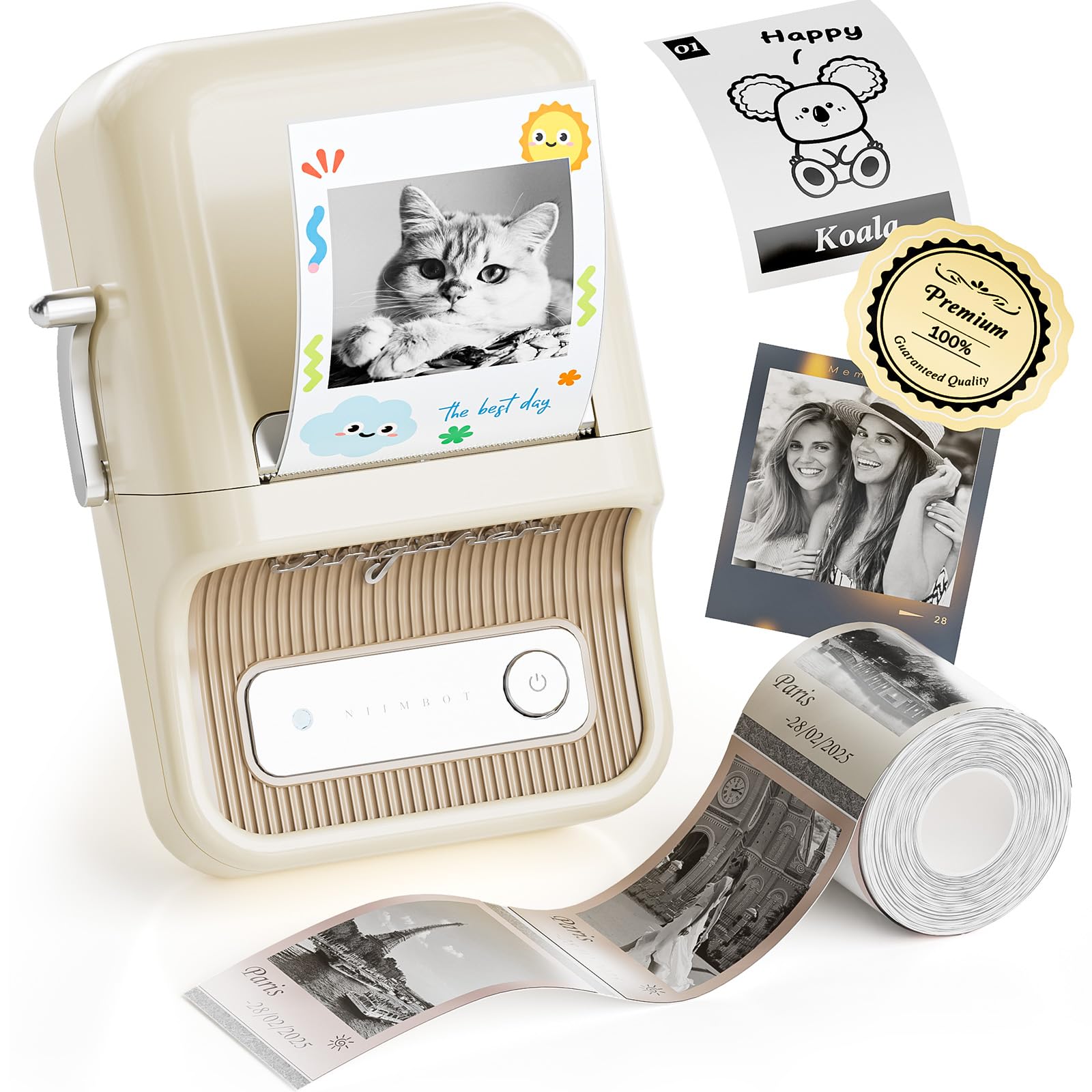
The premium pick for anyone whose labels need to survive a close-up look.
This is the one you buy when the label itself is the point. The 300 DPI head puts real density behind tiny type, so essential oil bottles, jewelry tags, and boutique price stickers read clearly at arm’s length instead of blurring together. It also supports grayscale photo printing and can lay down red and black in the same run — a genuine step beyond the strictly monochrome crowd, though both those tricks require the matching special label paper.
Look at the shape before you commit. It is the heaviest body here at 322g and 11.2 ounces, but NIIMBOT frames that against a bottle of water, and the compact 130×94×61mm footprint sits neatly on a desk. Its 1500 mAh battery is rated for up to 100 days of standby on a single charge. The app layers in scanning, image recognition, and batch printing, with 20+ languages, 100+ fonts, 100+ borders, and 1000+ icons.
The honest trade-off is paper cost and the photo caveat. Dual-colour and photo work depend on special label rolls, and the standard roll bundled in the machine is 2″x1.2″ — small labels that get crowded past a couple of lines. Black-and-white photo printing also looks stylized rather than true-to-life. What is not in dispute is the build: the vintage housing, the crisp small text, and the wireless setup make this the pick that feels a tier above the rest on a desk.
The right call for: small businesses, boutique sellers, and hobbyists whose labels need to look deliberate and sharpen up close.
Worth weighing: dual-colour and photo printing need NIIMBOT’s special paper, and the bundled roll is small at 2″x1.2″.
Know the Specs
DPI and Print Quality
DPI stands for dots per inch — the number of heat spots the print head can place in one inch of paper. A 203 DPI head is the everyday baseline and handles labels, notes, and bold text well. A 300 DPI head packs in more detail, so fine print and thin lines stay legible instead of muddying. Budget-friendly units usually sit at 203 DPI; the sharper picks in this list step up to 300 DPI, which is why they cost more.
Media Width and Paper Type
Media width is simply how wide a roll the machine can accept — commonly 2 inch, with some stepping up to 3 inch. Wider rolls let you print larger photos or bigger shipping labels, while narrow ones suit jar labels and tags. It is just as important to check paper type: continuous versus gap-labelled, and sticky versus non-sticky. Some printers only accept their own branded rolls, which limits your choices and your savings over time.
Common Questions
Do these printers need ink or toner?
Can I use cheap third-party sticker paper instead of the brand paper?
Will a portable sticker printer work with my iPhone or Android phone?
What is the difference between 203 DPI and 300 DPI on these small printers?
How long does the battery last on a portable sticker printer?
Can these printers print in colour?
Can I print shipping labels or long stickers with these?
Do I need to subscribe to a premium app tier?
Why do the sticker prints look faded or blurry on photos?
Is a portable sticker printer worth it for a small business?
The Bottom Line
For most people, the portable sticker printer winner is the Gloryang JD-23 because it does the everyday job — labels, journal strips, gift tags — with two rolls in the box, no ink bill, and paper freedom that the locked-down brands do not offer. If speed and battery life are what you chase, the NIIMBOT B1 at 50 pages per minute and up to 100 days of standby is the faster machine. And for boutique sellers who need small text to read sharp, the NIIMBOT B21 Pro brings 300 DPI (300 dots per inch, a sharper print) and dual-colour printing to the table.
How we choose
We do not accept paid placement. Every pick is matched to a real buyer and a real use-case; we do not hands-on test units.
Sources
Specifications: manufacturer listings and product documentation. Review insights: verified customer reviews, as of October 2026. Pricing: not shown on this page (it changes often); check the current price via the retailer link.
As an Amazon Associate, Aappliancez earns from qualifying purchases. This does not affect which products we feature.