Disclosure: Some links in this post are affiliate links. As an Amazon Associate I earn from qualifying purchases, at no extra cost to you. Learn more
Specs are compiled from manufacturer listings and verified buyer reviews and can change over time — please confirm the key details on the product page before buying.
Three matched panels turn a racing rig into a cockpit — but only if all three share the same resolution and refresh rate. Mismatched panels leave you with a stitched-together image and a centre screen that runs at a different speed from its neighbours. This guide separates the panels that hold a clean, fast, wrap-around image across three screens from the ones that break it.
This guide is built by comparing the manufacturers’ published specifications and the patterns across verified customer reviews, so you get each pick’s real strengths and trade-offs instead of marketing spin.
You will see which screen sizes, curves and refresh rates actually matter when you line up three displays, and which trade-offs are worth living with. Here is the shortlist of the monitors for triple sim racing that hold a fast, matched image across all three panels.
Top Picks


How To Choose The Best Monitors for Triple Sim Racing
A triple rig lives or dies on matching all three panels. One panel that outpaces the other two creates a centre screen that feels faster than its neighbours, and your eyes catch it on every corner. Before you buy three of anything, lock these choices down.
Match all three panels, not just the hero screen
Buy three identical units whenever you can. When the resolution, refresh rate and panel type are the same across all three, the image flows from one screen to the next without a visible jump in colour or speed. Mixing a 1080p centre with 1440p sides forces the graphics card to run everything at the lower setting anyway.
Pick a curve that wraps without distorting
A curve radius is the size of the circle the screen is bent around — a smaller number means a tighter, more wrap-around bend. A 1000R curve (a tight bend) pulls the side panels toward you and shrinks the gaps between screens. A 1500R curve is gentler and easier to line up on a flat desk.
Resolution and refresh rate decide your graphics card bill
Every extra screen multiplies the pixels your graphics card must push. Three 1080p panels at 240Hz is a far lighter load than three 4K panels at the same speed. Choose the refresh rate your card can actually hold across all three, or you will be staring at stutter on the corners.
Side-by-Side Comparison
| Model | Best For | Resolution | Refresh Rate | Panel / Curve | Amazon |
|---|---|---|---|---|---|
| ASUS ROG PG32UCDM★ Best Overall | The no-compromise centre screen | 3840 x 2160 | 240Hz | QD-OLED, flat | Amazon |
| Dell Alienware AW3225QFConsole Ready | Console 4K racing | 3840 x 2160 | 240Hz | QD-OLED, curved | Amazon |
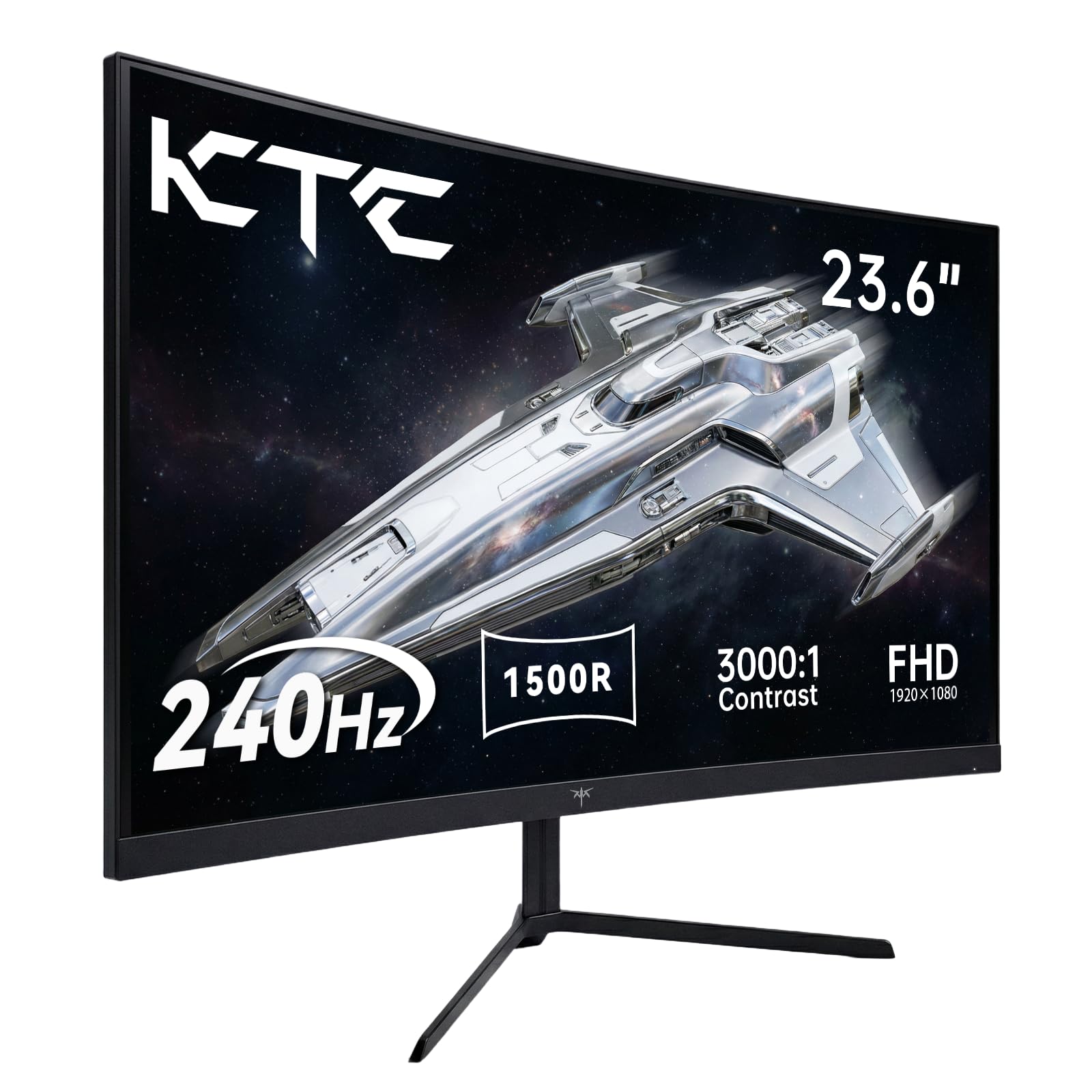
| KTC H24S17PBudget Triple Star | Budget triple on a budget GPU | 1920 x 1080 | 240Hz | LCD, 1500R | Amazon |
| LG 32GS60QC-B | rich mid-range wrap | 2560 x 1440 | 180Hz | VA, 1000R | Amazon |
| Samsung Odyssey G5 (G50F) | Sharp QHD with height adjustment | 2560 x 1440 | 180Hz | IPS, flat | Amazon |
| Z-Edge 34″ WQHD | Ultrawide at a keen value | 3440 x 1440 | 240Hz | VA, curved | Amazon |
| Kado Triple 3-Pack 27″ | One-box triple set | 1920 x 1080 | 75Hz | VA, flat | Amazon |
| ASUS TUF VG34VQ3B | Value ultrawide with USB hub | 3440 x 1440 | 180Hz | LCD, 1500R | Amazon |
| LG 45GX900A-B | Big-screen OLED centre | 3440 x 1440 | 240Hz | OLED, 800R | Amazon |
Detailed Reviews
1. ASUS ROG PG32UCDM 32 Inch OLED Gaming Monitor
Our pick — 4.5+★ from 600+ verified ratings; the strongest balance of quality and price.
A 32-inch QD-OLED centre panel that keeps blacks truly black and the racing line razor sharp.
This is the panel you build a serious rig around. The 3840 x 2160 resolution (4K, four times the pixel count of a 1080p screen) on a 32-inch panel means the road markings and brake markers stay crisp even when you sit close. The QD-OLED panel is a self-lit display that switches each pixel fully off, so a night stage looks like actual darkness rather than a grey wash.
Speed is not the compromise here. The 240Hz refresh rate — the screen redraws 240 times a second — and the 0.03 ms response time (the delay for a pixel to change colour) keep a fast corner free of smear. The contrast figure of 1500000:1 dwarfs the 3000:1 of the KTC budget pick, and its 0.03 ms is far quicker than the KTC’s 1 ms, which is exactly why this panel leads a fast triple rig. G-SYNC Compatible support keeps the image tear-free when all three screens are synced.
What owners keep coming back to is the raw picture — deep colour, honest blacks and a fast refresh — and the panel quality is the thing buyers praise most. As one enthusiast put it, the “140 PPI allows 1440p gaming (60FPS RT on 7900 GRE), saving GPU cost,” so you can drop the resolution when a demanding sim needs extra frames. The catch is real: 4K at 240Hz on three panels needs a very strong graphics card. Thoughtful extras help — a custom heatsink and graphene film to limit burn-in risk, a 90W USB-C port for single-cable hookup, and a 3-year warranty that covers burn-in.
What earns its place up top
- 1500000:1 contrast for genuinely black night stages
- 0.03 ms response keeps a fast corner smear-free
- 90W USB-C, HDMI 2.1 and KVM in one connection
- 3-year warranty with burn-in coverage
What to weigh first
- Three 4K 240Hz panels demand a top-tier GPU
- Glossy finish picks up room reflections
- Static HUDs need the built-in OLED care routines
Built for: the sim racer with a high-end card who wants the sharpest, fastest centre image and will pay for it.
Think twice if: your GPU has to run three of these at full 4K — drop to 1440p or pick a lighter panel.
2. Dell Alienware AW3225QF Curved Gaming Monitor
The rare 4K panel that a PS5 will actually drive at high frame rates on a curved screen.
If you race on a console, this is the spec that matters: it is the only panel here proven to run Warzone at 4K 120Hz on a PS5, while the other screens top out at 1440p 120Hz. The 3840 x 2160 resolution on a 31.6-inch curved QD-OLED gives you four times the pixels of the KTC’s 1920 x 1080, so distant apex markers hold their shape. The 0.03 ms response time and 240Hz refresh keep the motion clean, and G-SYNC Compatible plus HDMI 2.1 make it a console-friendly centre screen.
The 1000000:1 contrast and true-black QD-OLED make night racing pop, and the pixel refresh cycle every 4 hours keeps the panel honest. The picture itself wins people over — colours are vivid and the blacks are deep. Where it wobbles is reliability: the recurring gripe is the occasional display cut-out, and support can point you back to the retailer rather than fixing it. A few refurbished listings also arrive with cosmetic marks on the stand.
The cockpit draw: 4K at 240Hz, HDMI 2.1 and a curved QD-OLED make this a genuine console-plus-PC centre screen, with height, tilt and swivel adjustment and a 100 x 100 mm VESA mount for a triple stand.
Worth knowing: HDR 1000 mode dims SDR desktop content, so you may want to tune contrast in your GPU settings for everyday use.
Reach for this if: you want a curved 4K OLED that a next-gen console can push at speed.
Look elsewhere if: you need proven long-term reliability with zero fuss — this panel has a track record of the odd cut-out.
3. KTC H24S17P 24 Inch Curved Gaming Monitor
Three of these cost less than one OLED upgrade, and the 1500R curve tucks them into a rig neatly.
For a triple setup on a sensible budget, matching three of these is the smart maths. The 24-inch 1920 x 1080 panel with a 1500R curve (a gentle bend) wraps around you without the side screens poking out at odd angles. The 240Hz refresh and 1 ms response time keep the frame fast, and adaptive sync on both FreeSync and G-Sync means the three screens stay in step with your card.
Owners love how clean a fast corner looks — no ghosting, comfortable curve, and every cable and adapter in the box. The panel’s weaker point is contrast and brightness next to the OLEDs: its 3000:1 contrast and 350 cd/m² brightness are modest beside the ASUS ROG’s 1500000:1, so dark stages are less deep. Colour leans slightly cool from the start but adjusts. A three-year warranty backs the set.
The honest value read: 1080p at 240Hz is the lightest load three screens can carry at high speed, and the included HDMI 2.0 and DisplayPort 1.4 inputs make wiring three simple.
Set expectations: the base does not adjust for height, so plan a triple VESA stand for a true cockpit line-up.
Great match for: a mid-range GPU and a budget that cannot stretch to three expensive panels.
Not ideal for: buyers chasing deep OLED blacks — this is an LCD, and it shows in dark scenes.
4. LG 32GS60QC-B Ultragear Curved Gaming Monitor

That 1000R bend is the tightest here, pulling side screens toward you for a real cockpit wrap.
The curve is the headline. A 1000R radius is a tight bend — the smallest number in this line-up — and it is the one that makes three screens feel like one curved wall. The 2560 x 1440 resolution (QHD, sharper than 1080p but lighter than 4K) on a 32-inch screen gives crisp detail without hammering three panels at once. The 180Hz refresh and 1 ms GtG response keep the road smooth, and AMD FreeSync trims tearing.
The 3000:1 contrast on the VA panel is punchy for the money, and 99% sRGB colour makes the scenery rich. What buyers notice is how much screen you get for the tier — sharp text, a curve you feel, and easy setup. Two honest notes from the sim seat: VA panels show some ghosting on fast dark transitions, and the build is light enough that you handle it with care. The steep curve also shows more on a small desk than a flatter panel would.
Where it shines: the 1000R curve is the strongest wrap-around feeling in the line-up, and HDR10 plus Black Stabilizer help you pick out a dark corner.
The trade-off: VA ghosting on fast transitions is the price of that contrast, and the tight bend needs a desk deep enough to sit back from it.
Best for: the racer who wants maximum immersion from the curve and a sharp mid-resolution image.
Skip if: you are highly sensitive to motion blur on dark transitions — a faster panel suits you better.
5. Samsung 32” Odyssey G5 (G50F) Series QHD Gaming Monitor

A flat IPS QHD screen with height adjustment — the easy one to line up across a triple desk.
Flat panels are the simplest to butt together, and this 32-inch 2560 x 1440 screen is built for exactly that. The IPS panel gives a wide 178° viewing angle, so the outer two screens in a triple row still look right when you glance sideways. The 180Hz refresh and 1 ms GtG response keep the motion quick, and G-Sync compatibility keeps the three in sync.
Display quality is what wins people over — deep blacks, accurate colour and a pin-sharp image, with HDR10 adding depth. The height-adjustable stand pivots, tilts and swivels, which matters when you are nudging three screens to line up. The recurring gripe is that adjustability beyond that is limited, and there is only one HDMI and one DP input per screen, so plan your cables. Black Equalizer and Virtual Aim Point round out the gaming tools.
The triple-rig fit: a flat IPS QHD at 180Hz is a balanced middle, sharp enough for detail and light enough for a mid-range card.
Plan around: the single HDMI and single DP mean you cannot chain extra devices to one panel in a busy rig.
Pick this if: you want a flat, sharp, height-adjustable QHD that lines up cleanly in a triple row.
Consider another if: you need lots of inputs or a deeper curve for wrap-around feel.
6. Z-Edge 34 inch Curved Gaming Monitor
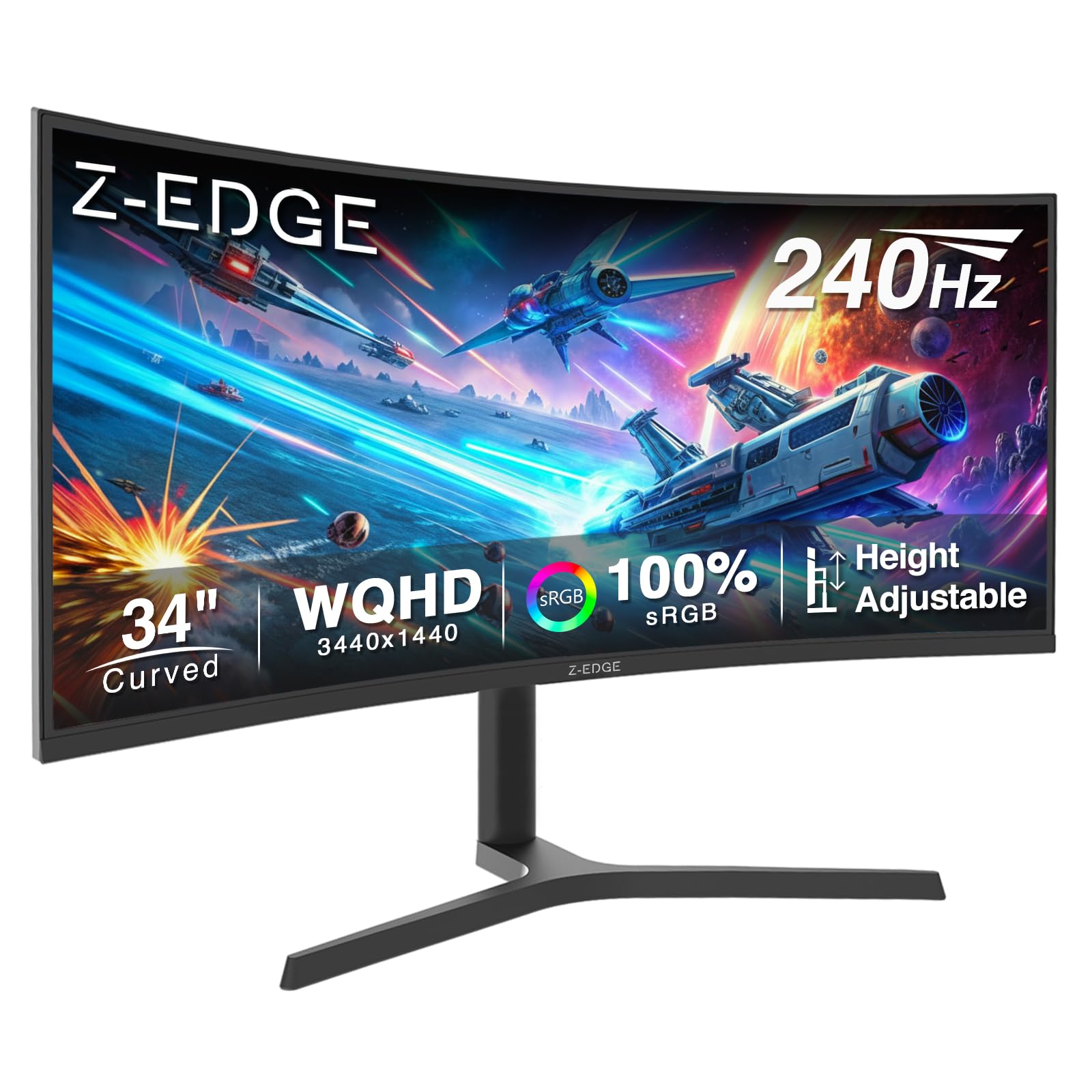
A 21:9 ultrawide that throws a wide, fast, curve-around view for racing on a leaner budget.
If you would rather have one wide panel than stitch three, this 34-inch 3440 x 1440 ultrawide is the value play. The 21:9 aspect ratio is wider than the standard 16:9, so the corners come into view without the distortion of a stitched triple. The 240Hz refresh (over DisplayPort 1.4) and 1 ms MPRT response cut motion blur, and FreeSync keeps the frame tear-free.
Owners value the immersion — a compact, wide, curved view that sim racers name well suited to flight and driving. The 4000:1 contrast gives deep blacks for the tier. The honest caveats: the built-in speakers are weak, audio quality is the noisy weak point, and one long-run owner reported a first dead pixel after roughly 8000 hours of heavy use. Picture quality draws mixed notes, so do not expect reference colour.
Why racers like it: PIP and PBP let you run two sources on one screen, and a height-adjustable stand with tilt and swivel sets the view where you want it.
Set your expectations: the speakers are a fallback, not a cockpit audio solution — plan a separate speaker or headset.
Right for: the racer who wants one wide curved screen and fast refresh without a triple stand.
Not the pick if: you need flawless audio or a proven pixel record over thousands of hours.
7. Kado Triple Monitor 3-Pack 27″ Computer Monitor
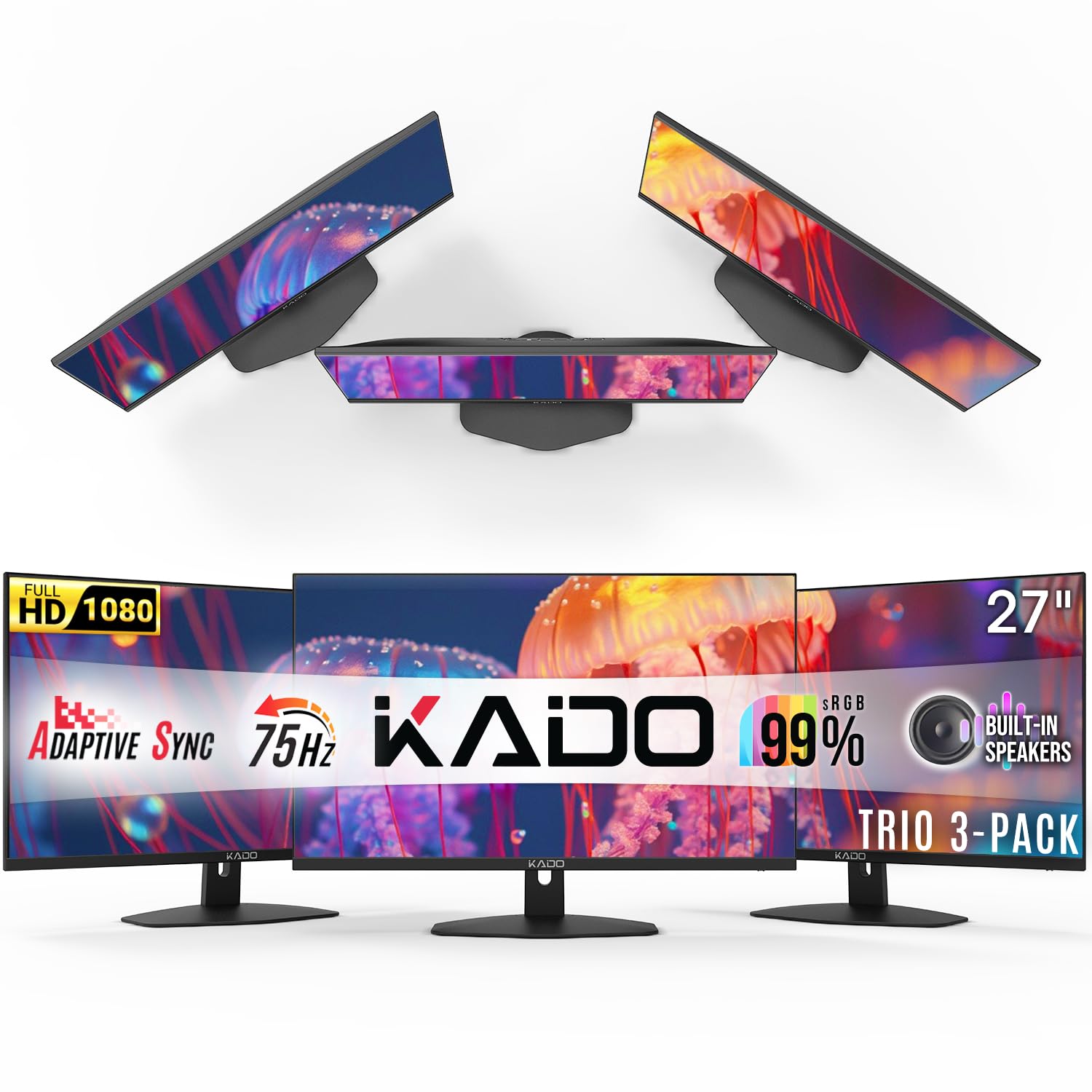
Three matching 27-inch screens in one order — the simplest path to a level triple row.
Buying all three at once means every panel matches perfectly. Three 27-inch 1920 x 1080 screens with a 75Hz refresh (75 times per second) give you an even, smooth row without the mismatch of mixing brands. The 100% sRGB colour gamut (a standard colour range) keeps the picture consistent from screen to screen, so your racing line looks the same on every monitor. The fast response time trims ghosting (blur behind moving objects) between pixels, so fast cars stay sharp.
It works and it lines up cleanly, and the included HDMI cables and built-in speakers are handy. Where it falls short for racing is refresh — 75Hz is far gentler than the 240Hz the fast panels offer, so high-speed motion will not feel as crisp. The built-in speakers are a touch quiet, worth pairing with real audio for a sim rig.
The convenience win: identical 27-inch panels in one box remove all the matching headaches of a hand-built triple.
The honest limit: 75Hz is fine for desktop work but lags the 180Hz and 240Hz options for a fast racing line.
Made for: a first triple setup or a work station where matching screens and low fuss matter most.
Pass on this if: you want high-refresh racing — go for a 240Hz panel instead.
8. ASUS TUF VG34VQ3B 34 Inch Ultrawide Gaming Monitor

An ultrawide with a USB hub in the base — one cable run instead of four.
The practical draw here is the USB 3.2 Gen 1 Type-A hub built into the panel, which turns one screen into the wiring hub for a whole rig. The 34-inch 3440 x 1440 QHD on a 1500R curve gives a wide, gently bent view. The 180Hz refresh and 1 ms MPRT response keep the motion smooth, and FreeSync Premium trims tearing by default.
Picture quality impresses — realistic colour, a bright image and a resolution that holds detail across the wide span. HDR and 90% DCI-P3 colour add depth, and the 4000:1 static contrast keeps darks solid. The built-in speakers are functional but plain. One downside is real: a few buyers have hit screen lines that needed a warranty repair, so keep the three-year cover in mind as a safety net.
The connectivity story: HDMI, DisplayPort and four USB 3.2 Gen 1 Type-A ports make this the tidy hub of a triple or single-wide rig.
The honest caveat: it is a strong picture-and-value ultrawide, but a small number of buyers have needed to use the warranty on panel lines.
Suits you if: you want a wide, bright 1440p view plus a USB hub to simplify a busy rig.
Look on if: you want the deepest OLED blacks — this is a bright, fast LCD instead.
9. LG 45GX900A-B Ultragear Curved Gaming Monitor

A 45-inch OLED wall of curve that swallows the whole cockpit in a single panel.
This is the big-screen option: a 45-inch 3440 x 1440 WQHD OLED with a steep 800R curve, the tightest wrap in this line-up. The self-lit OLED panel gives near-perfect blacks and up to 98.5% DCI-P3 colour, and the 240Hz refresh with 0.03 ms response keeps gameplay fast. AMD FreeSync Premium Pro and G-SYNC compatibility keep the frame in sync across PC and console.
Owners rave about the size and colour — a huge screen that fills your view, with OLED blacks (true dark pixels) that suit night racing. OLED Care tools and a 2-year warranty covering the panel add confidence, and USB-C with 65W power delivery (one cable for video and charging) cleans up the cables. The trade-off is resolution at this size: 3440 x 1440 stretched over 45 inches is less dense than the same resolution on a 34-inch panel, and buyers with sharp eyes notice. An occasional used unit arrives with panel lines, so buy new where you can.
The rich case: a 1.5M:1 contrast OLED (deep blacks and bright highlights) at 240Hz with an 800R curve (a tight wrap-around bend) gives you a single-panel cockpit experience.
Weigh the density: less pixel density across 45 inches is the price of the size, so it rewards sitting back and taking in the whole view.
Choose this if: you want one huge OLED to replace a triple and prize immersion over pixel density.
Hesitate if: you want tight, sharp detail at close range — a smaller, dense panel serves that better.
Know the Specs
Refresh Rate and Response Time
Refresh rate is how many times a second the screen redraws — 240Hz means 240 times, 180Hz means 180. A higher number keeps a fast corner smoother and your reaction honest. Response time is how quickly a pixel changes colour; a lower figure like 0.03 ms means less smear and ghosting than a 1 ms panel. For a triple rig, aim for the fastest both your card and your budget can match across all three screens.
Panel Type: OLED, IPS and VA
OLED panels light each pixel themselves, so blacks go fully dark — great for night stages. IPS panels give wide viewing angles that keep the outer two screens in a triple looking right when you glance sideways. VA panels trade a little colour accuracy for deep contrast at lower cost. Matching the panel type across all three keeps colour and speed consistent from screen to screen.
Common Questions
Do all three monitors in a triple sim racing setup have to be identical?
Is a 240Hz monitor wasted on a triple sim racing rig?
Does a curved monitor work better than flat for three-screen racing?
What resolution should I pick for three monitors on one graphics card?
Will G-Sync and FreeSync work across three screens at once?
Do OLED monitors need special care in a sim racing rig?
How much desk depth do three curved monitors need?
Should I use an ultrawide instead of three separate monitors?
What response time actually matters for sim racing?
Can I mount three monitors on a single stand?
The Bottom Line
For most sim racers building a triple rig, the panel to beat is the ASUS ROG PG32UCDM — 4K QD-OLED at 240Hz with a 0.03 ms response, and the crispest, fastest centre image here. If you want one wide curved screen instead of three, the Z-Edge 34-inch ultrawide delivers a fast 240Hz view for a leaner budget. And for a first matched row with zero matching headaches, the Kado triple 3-pack gets three identical screens on the desk in one order. Whichever you pick, match the refresh and resolution across every panel — that consistency is what makes a triple feel like one cockpit.
How we choose
We do not accept paid placement. Every pick is matched to a real buyer and a real use-case; we do not hands-on test units.
Sources
Specifications: manufacturer listings and product documentation. Review insights: verified customer reviews, as of October 2026. Pricing: not shown on this page (it changes often); check the current price via the retailer link.
As an Amazon Associate, Aappliancez earns from qualifying purchases. This does not affect which products we feature.