Disclosure: Some links in this post are affiliate links. As an Amazon Associate I earn from qualifying purchases, at no extra cost to you. Learn more
Specs are compiled from manufacturer listings and verified buyer reviews and can change over time — please confirm the key details on the product page before buying.
If you model in Blender, SolidWorks, or Maya, the laptop you want is the one that keeps the viewport spinning while the render bakes in the background. Two things decide that: a graphics chip with enough dedicated video memory, and a cooling system that does not collapse after twenty minutes of sculpting. Everything else — screen, keyboard, weight — is secondary to those two. This guide walks you through eleven machines built for that exact job, from budget-friendly starters to premium workstations.
This guide is built by comparing the manufacturers’ published specifications and the patterns across verified customer reviews, so you get each pick’s real strengths and trade-offs instead of marketing spin.
You will see which GPUs carry dedicated video memory, which screens show accurate color for texturing, and where each machine cuts a corner. By the end you will know which of these laptops fits your software, your scene sizes, and your desk.
Top Picks


How To Choose The Best Laptops for 3D Modeling
Most buyers assume the processor decides everything. In modeling it does not. Your scene lives in the graphics card’s memory while you work, and the moment that memory fills up, the viewport stutters no matter how fast the CPU is. Start your shortlist with the GPU and its dedicated video memory, then work outward.
Dedicated Video Memory Comes First
Dedicated video memory (called VRAM) is the graphics card’s own private pool of memory, separate from the system RAM. A card with 4 GB of GDDR6 handles lighter scenes and slicing chores fine. Models with dense meshes, high-resolution textures, or multiple sculpt layers want 8 GB or more. Several picks here list their VRAM openly — the RTX 5060 machines carry 8GB of GDDR7, the RX 6550M carries 4 GB of GDDR6, and the RTX 5080 carries 16GB of GDDR7.
Screen Refresh Rate and Resolution
Refresh rate, measured in hertz, is how many times per second the screen redraws. A 165Hz panel redraws 165 times a second, which makes orbiting a model feel fluid instead of choppy. Resolution matters too: a 1920 x 1200 panel gives you more vertical rows for toolbars and outliner panels than a standard 1920 x 1080 screen.
Cooling That Survives an All-Nighter
Rendering pushes the graphics card hard for minutes at a time, and heat is what forces a chip to slow itself down. Look for a vapor chamber, multiple heat pipes, or a tri-fan setup — those are the physical parts that move heat away. The ASUS ROG Strix G16 lists an end-to-end vapor chamber with tri-fan technology, and the MSI Katana uses a dual-fan, five-heat-pipe design.
System Memory and Storage for Scene Files
System RAM holds your operating system, your modeling software, and your scene data. DDR5 memory is the current generation, and 32GB DDR5 is the comfortable working size for large assemblies. Storage speed matters when you open a multi-gigabyte scene — a PCIe Gen 4 SSD is the fast modern standard, and one pick here runs a Gen5 drive.
Side-by-Side Comparison
| Model | Best For | Graphics Card | Memory | Display | Amazon |
|---|---|---|---|---|---|
| ASUS ROG Strix G16 (2025)★ Best Overall | All-round modeling and rendering | NVIDIA GeForce RTX 5060 | 16GB DDR5 | 16” 1920 x 1200, 165Hz | Amazon |
| GIGABYTE AERO X16Thin-and-Light Creative | Thin-and-light creative work | NVIDIA GeForce RTX 5070 | — | 16” 1600p | Amazon |
| HP Victus 15.6Best Budget Modeler | Budget modeling and slicing | AMD Radeon RX 6550M (4 GB GDDR6) | 32GB DDR5 | 15.6” FHD, 144Hz | Amazon |
| ASUS V16 | Fast everyday viewport work | NVIDIA GeForce RTX 5060 (8GB GDDR7) | 16GB | 16” 1920 x 1200, 144Hz | Amazon |
| Acer Nitro V 16S AI | AI-assisted creative workloads | NVIDIA GeForce RTX 5060 (572 AI TOPS) | 32GB DDR5 | 16” 1920 x 1200, 180Hz | Amazon |
| Dell Precision 3490 | CAD and professional ISV-certified workflows | Intel graphics | 64GB DDR5 | 14” FHD 1920 x 1080 | Amazon |
| MSI Katana 15 HX | Maximum CPU horsepower | NVIDIA GeForce RTX 5070 | 32GB DDR5 | 15.6” QHD, 165Hz | Amazon |
| LG gram Pro 17 | Portable creative work | NVIDIA GeForce RTX 5050 | 32GB | 17” variable 31–144Hz | Amazon |
| Lenovo Legion Pro 7i Gen 10 | Heavy rendering and OLED color work | NVIDIA GeForce RTX 5080 (16GB GDDR7) | 32GB DDR5-6400MT/s | 16” 2560 x 1600 OLED, 240Hz | Amazon |
| NIMO 17.3 FHD | Entry-level student budget | Radeon 660M (6 GPU cores) | 32GB DDR5 | 17.3” FHD 1920 x 1080 | Amazon |
Detailed Reviews
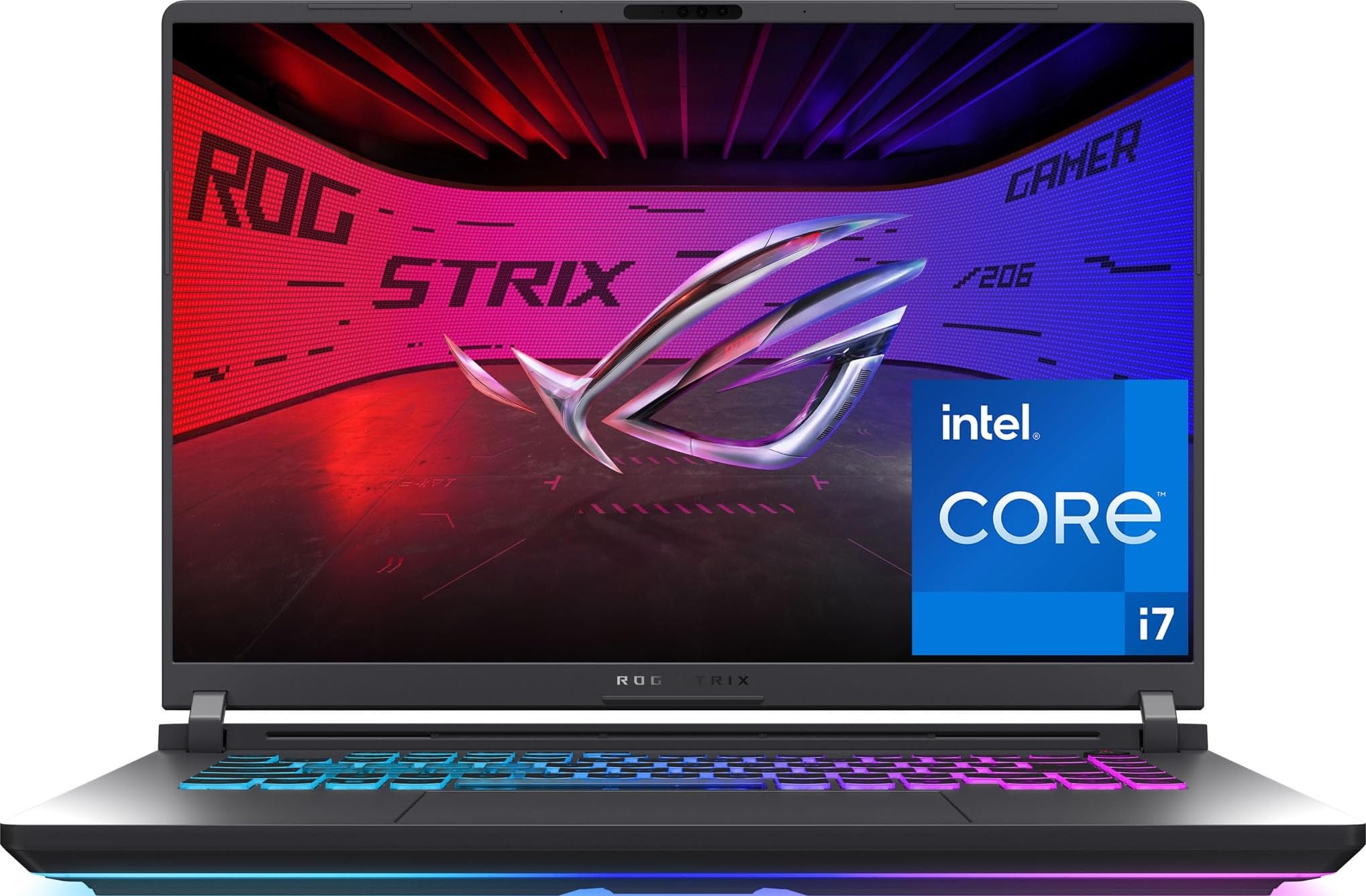
1. ASUS ROG Strix G16 (2025) Gaming Laptop
Our pick — 4.0+★ from 600+ verified ratings; the strongest balance of quality and price.
The balanced machine that keeps its cool while your render bakes for hours.
You want one machine to model, texture, and render without babysitting the fans. This is the laptop to buy for that. Inside sits an NVIDIA GeForce RTX 5060 laptop GPU built on the NVIDIA Blackwell architecture, with DLSS 4 and Max-Q technologies. In plain terms, that is a graphics chip designed to run ray-traced scenes (realistic lighting and reflections) and AI-assisted upscaling (software that boosts resolution to keep frame rates up) on a mobile power budget. That combination is what keeps a heavy viewport responsive while you rotate and sculpt.
The processor is an Intel Core i7 14650HX, a 14th-generation chip reaching a maximum speed of 5.2 GHz. For comparison, the NIMO 17.3 tops out at 4.5 GHz — and the ROG Strix is also the one with the dedicated NVIDIA card rather than integrated graphics, which is the bigger difference for modeling. Memory is 16GB of DDR5-5600MHz and storage is a 1TB PCIe Gen 4 SSD, so scene files and texture libraries load fast and you have room for a full project folder.
What wins people over is the build and the cooling. Owners consistently describe it as a quality machine that runs games without problems, and the thermal setup backs that up: an end-to-end vapor chamber, tri-fan technology, and Conductonaut extreme liquid metal applied to the chipset. That last part is a liquid metal compound that transfers heat off the processor more effectively than standard paste, which matters when a render queue pins the chip for an hour. The 16-inch 1920 x 1200 screen runs a 165Hz refresh rate and uses an ACR film that boosts contrast and cuts glare.
The catch is honest and worth planning around. Cooling draws mixed feedback — plenty of quiet, cool sessions, but some heavy-load heat reports too, so work on a hard surface or a stand with the vents clear. Battery life is also listed at 2 hours with 50 hours of standby, which is typical for a machine with a real graphics card; treat it as a desk machine that occasionally travels. Windows Hello login and the LAN port get occasional gripes as well. At 4.0+ stars across 600+ owners it is the crowd favorite for good reason.
Where the Strix Pulls Ahead
- Dedicated RTX 5060 GPU with DLSS 4 for ray-traced scene work
- Vapor chamber, tri-fan, and liquid metal cooling keep long sessions stable
- 165Hz 1920 x 1200 panel that stays smooth while you orbit a model
- 1TB PCIe Gen 4 SSD and 16GB DDR5-5600MHz handle big project files
- Wi-Fi 7 keeps asset downloads and cloud sync fast
What to Plan Around
- 2 hours of listed battery life means it lives near a wall outlet
- Heavy-load heat reports make a cooling stand a sensible add-on
- 16GB of memory is the working size, not a roomy one for huge assemblies
Reach for this if: you want the most dependable all-rounder here — a real dedicated GPU, serious cooling, and a fast screen in one machine.
Look elsewhere if: you need all-day unplugged runtime or plan to keep enormous multi-gigabyte assemblies open at once.
2. GIGABYTE AERO X16
A 4.18 lb creative machine that carries a desktop-class GPU badge and enough battery to leave the desk.
Modeling on a laptop usually means giving up portability. The AERO X16 tries to refuse that trade. It measures 16.75 millimeters (0.65 inches) thin and 1.9 kilograms (4.18 lbs), so it slips into a bag for class or a client visit. Yet it carries an NVIDIA GeForce RTX 5070 laptop GPU with NVIDIA Studio drivers and DLSS 4. The studio driver line is the part that matters for creative apps, since it is tuned for stability in content tools rather than only for games.
The processor is an AMD Ryzen AI 9 HX 370, part of AMD’s AI-focused laptop chip line. Battery life is listed at 14 hours, which is a genuinely different proposition from the two-hour gaming machines in this list. If you model on site visits, in a studio without spare outlets, or on a train, that number changes your day. The screen is a 1600p panel, and it gets praised for being bright, sharp, and color-accurate — important when you are judging texture tones by eye.
Performance is the aspect buyers praise most, with value for money close behind. Owners describe it as fast for heavy video editing and gaming without stutter, and one buyer who ran it hard for two weeks called it flawless with good cooling, low heat, and better-than-expected battery. A cooling pad keeps the CPU and GPU in the mid-60s °C range according to one detailed write-up. The GiMATE software layer handles device control, and the aluminum build reads premium in hand.
Two caveats to know before you commit. Fan noise is a mixed topic — quiet in normal use, noticeable under heavy loads, which is when you would want headphones anyway. And there is only one USB-C port, so a dock or hub is a wise pickup if you plan to run external drives, a second display, and a tablet together.
The portability play: at 0.65 inches and 4.18 lbs with 14 hours of listed battery life, this is the pick for a modeler who actually moves between rooms, sites, or a café table.
Worth knowing: one USB-C port is lean for a creative desk setup, so budget for a hub if your workflow chains external storage and a display.
Choose it for: creative work that travels — the RTX 5070, 1600p screen, and 14 hours of runtime together beat most thin machines on this list.
Not your machine if: you want a bank of USB-C ports without buying a dock.
3. HP Victus 15.6″ FHD 144Hz Gaming Laptop
The budget entry that a modeler actually confirmed handles 3D work and slicing without complaint.
Not every modeling laptop needs to cost like a workstation. The Victus pairs an AMD Radeon RX 6550M graphics card — a dedicated chip with 4 GB of GDDR6 memory, built on AMD RDNA 2 architecture — with 32GB of DDR5 system memory and a 1TB PCIe SSD. That 4 GB of VRAM is the number to watch: it handles moderate scenes and slicer work comfortably, and it is the honest ceiling on this machine for dense meshes.
Buyers praise value for money most here, and the modeling proof is direct. As one buyer put it, it “handles my 3d modeling and slicing chores with ease.” That is exactly the workload this pick is built for: a hobbyist learning Blender, a student running simpler SolidWorks parts, or someone doing print-prep slicing for a 3D printer. The 15.6-inch FHD IPS screen (full high definition, 1920×1080, on an in-plane switching panel for wide viewing angles) refreshes at 144Hz, so a rotating viewport does not feel like a slideshow.
The processor is an AMD Ryzen 5 7535HS with 6 cores and 12 threads, boosting to 4.55 GHz, and cache of 16 MB. Connectivity includes Wi-Fi 6 and Bluetooth 5.3, and the machine measures 0.93 inches thick at 5.06 lbs. A backlit keyboard with a numeric pad helps when you are entering coordinates and dimensions late at night.
The trade-off is thermal behavior under load: without clear airflow the fans get loud and the chassis warms up, so a cooling pad or a hard desk surface is not optional for long sessions. Storage and screen quality are both praised alongside the price, and at 4.0+ stars the machine earns its budget crown.
The budget case: 32GB of DDR5 memory and a 1TB SSD at this tier is a lot of working room, and the 4 GB GDDR6 card is dedicated rather than shared.
The honest limit: 4 GB of video memory caps how dense a scene you can load, so very heavy meshes will push you up the list.
Worth grabbing if: you are starting out in modeling or slicing prints and want real dedicated graphics without the premium tier.
Think twice if: your scenes already push past what 4 GB of graphics memory can hold.
4. ASUS V16 Gaming Laptop

Eight gigabytes of the newest graphics memory in a machine built for everyday creative speed.
For a modeler, the headline on the V16 is the graphics memory: an NVIDIA GeForce RTX 5060 GPU with 8GB of GDDR7. GDDR7 is the newest generation of graphics memory, and 8GB is a comfortable working pool for textured scenes and multi-layer sculpts. Compare that to the HP Victus above and its 4 GB of GDDR6 — double the video memory, which is the difference between opening a heavy assembly and waiting for it to load in pieces.
The processor is an Intel Core 7 240H, built with a performance hybrid architecture of 10 cores and 16 threads. In plain terms, it splits work between fast cores for your active tool and efficient cores for background tasks like texture baking or a render queue. The 16-inch WUXGA panel runs 1920 x 1200 at a 144Hz refresh rate with 300-nit sustained brightness. That brightness rating matters when you are modeling near a window.
Owners describe it as fast with clear, sharp graphics, and the numeric keypad off to the side gets singled out — handy for entering precise dimensions. There is no per-key RGB or vapor chamber here — just the core parts at a mid-range price. Storage is 512GB, which is the smallest capacity on this list, so plan on managing project files or adding an external drive.
Two things to weigh. The chassis is not as thin as the product photos suggest, and if you planned to use it as a compact workstation on a tight desk, that extra bulk could surprise you. And 16GB of memory with 512GB of storage is a modest pairing for large assemblies. Build quality and screen clarity otherwise read solid, and at 4.0+ stars it lands as a fair value pick.
What Earns It a Slot
- 8GB of GDDR7 graphics memory — double the Victus’s 4 GB pool for heavier scenes
- 10-core, 16-thread Intel Core 7 240H handles multitasking well
- 16-inch 1920 x 1200 screen at 144Hz with 300-nit brightness
The Reality Check
- 512GB of storage is the tightest here — external drives become necessary
- Chassis runs thicker than the photos imply, so desk space matters
Pick this when: you want 8GB of current-generation graphics memory and a bright 16-inch panel without paying premium-tier money.
Pass if: you need generous on-board storage or a genuinely slim frame.
5. Acer Nitro V 16S AI Gaming Laptop

A serious modeling machine that has already proven itself in ten to twelve hour engineer workdays.
If you are doing generative or simulation work alongside your modeling, this is the pick that has the receipts. The NVIDIA GeForce RTX 5060 GPU carries 572 AI TOPS — TOPS is a measure of AI processing throughput, and a high number means faster local machine-learning tasks like AI denoising, upscaling, or running local models. The AMD Ryzen 7 260 processor sits alongside it with up to 38 AI Overall TOPS of its own.
The display is a 16-inch WUXGA panel at 1920 x 1200 with 100% sRGB color coverage and a 180Hz refresh rate. The sRGB coverage is the number a texture artist cares about — it means colors render true to source rather than shifting. Storage is a 1TB PCIe Gen 4 SSD, and there are two M.2 slots with one still open for expansion. Memory is 32GB of DDR5-5600MHz filling both slots.
People praise performance most here, and it holds up in the toughest use case. One detailed write-up describes three months of ten to twelve hour days in an AI engineering role, with the RTX 5060 running PyTorch, TensorFlow, and fine-tuning work without GPU throttling (the graphics chip slowing itself down to avoid overheating) under sustained load. The fans stay quiet even when the CPU peaks around 79°C after hours of use, according to that write-up. Battery life is a mixed bag: four to five hours browsing, less under heavy load.
Heat management is the recurring note, and it is best handled deliberately: a cooling stand and a custom power plan keep fan spikes in check. The screen is called mediocre by some, and the lid shows fingerprints. Budget an hour for driver updates and a custom power plan before your first long session.
The AI angle: 572 AI TOPS on the RTX 5060 plus 32GB of DDR5 makes this the pick whose value grows as more of your workflow leans on AI denoising and local models.
Plan for this: heat and fan behavior improve markedly with a cooling stand and a tuned power profile.
Go for it if: your modeling runs alongside AI, simulation, or machine-learning work and you want the hardware already tested on long days.
Skip the upgrade if: you want great battery life while unplugged or a genuinely bright display panel.
6. Dell Precision 3490 Mobile Workstation
The one built for engineers whose software certificate matters more than frame rates.
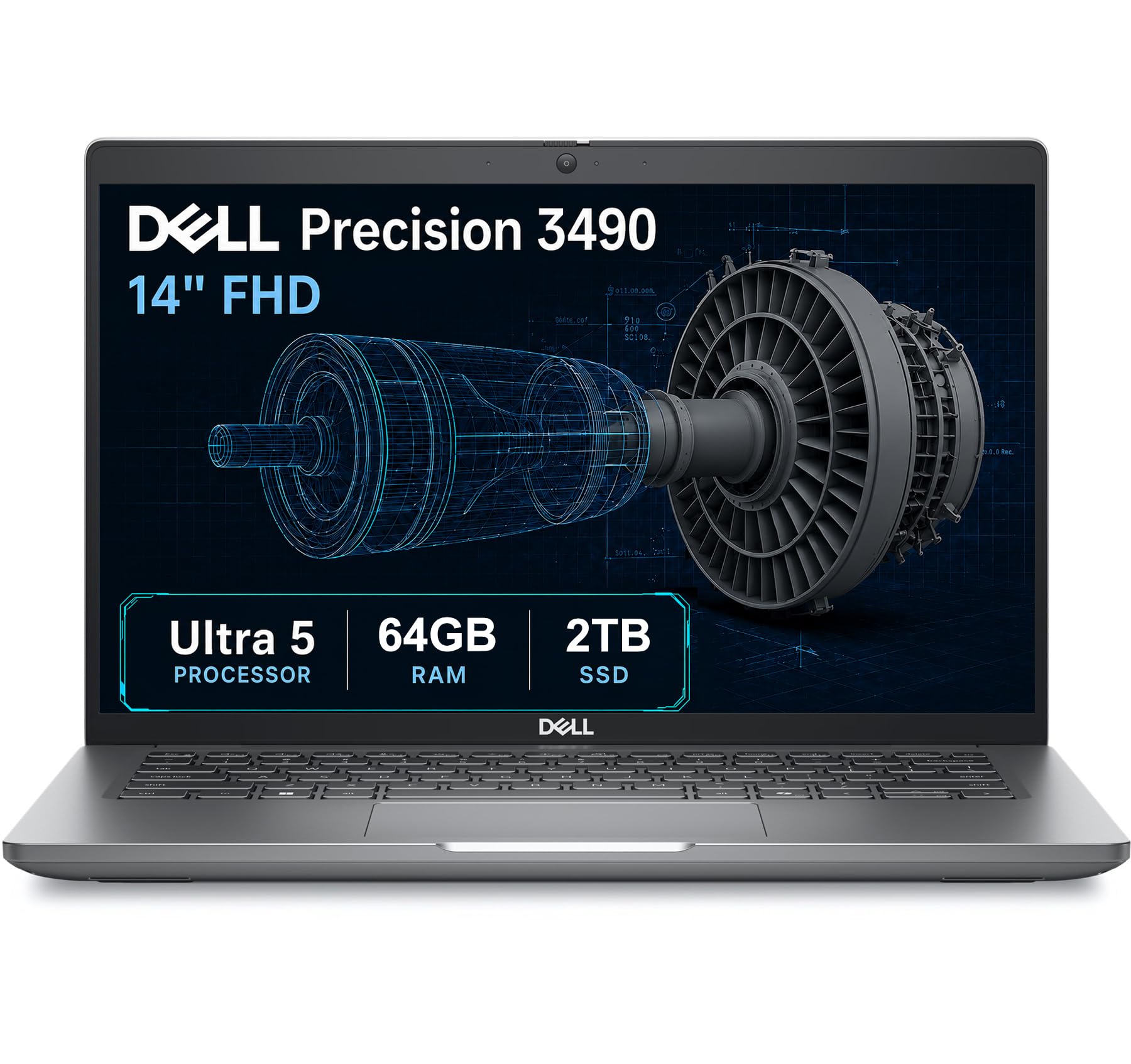
This is a different category of machine. The Precision 3490 carries ISV certifications — independent software vendor certifications, which are formal confirmations that professional programs like CAD and 3D rendering packages have been tested to run dependably on this hardware. If your job involves software that will not open or runs unreliably on consumer laptops, that certification is the whole reason to buy here.
Memory is the other headline: 64GB of DDR5 RAM, the largest of any machine on this list, paired with a 2TB SSD. For large assemblies, simulation datasets, or a dozen browser tabs plus your model, that amount of memory is the difference between smooth and stalled. The processor is an Intel Core Ultra 5 135H with 14 cores reaching up to 4.6 GHz. The 14-inch FHD screen runs 1920 x 1080.
Portability is where it earns its keep for field work: 3.09 lbs and tested to MIL-STD 810H military standards, which is a durability standard for shock, vibration, and temperature extremes. The port selection is professional-grade — two Thunderbolt 4, two USB-A, HDMI, Ethernet, and an audio combo jack — and it supports up to three external monitors at 4K@60Hz without a dock. A fingerprint reader and a privacy shutter on the webcam round it out.
The honest catch: this laptop runs on Intel graphics, not a dedicated GPU. Light modeling and CAD parts will be fine, but GPU rendering and heavy ray-traced work will not match the RTX-equipped picks in this list. It is a workstation for professional precision, not gaming horsepower. Reliability is the resounding theme, and 4.0+ stars reflects a well-liked, no-drama machine.
The professional pick: ISV certifications, 64GB of DDR5, 2TB of storage, and MIL-STD 810H durability — the credentials matter when your software and your data do.
The trade-off: integrated Intel graphics rules out heavy GPU rendering, so this is for precision CAD work rather than render-farm output.
Made for you if: you run certified professional CAD software and need maximum memory in a light, durable field machine.
Wrong tool if: your workflow depends on a dedicated GPU for rendering.
7. MSI Katana 15 HX

Twenty-four processing cores for the modeler whose bottleneck is simulation, not frame rate.
Simulation and physics solver work live or die on processor cores, and this machine brings 24 of them. The Intel Core i9-14900HX uses a hybrid architecture — a mix of performance cores and efficiency cores — reaching a maximum speed of 5.8 GHz, the highest clock on this list. Where the ASUS ROG Strix tops out at 5.2 GHz and the NIMO at 4.5 GHz, this chip runs the longest at the top of its range for sustained compute tasks.
Graphics is an NVIDIA GeForce RTX 5070 with NVIDIA Blackwell architecture, ray tracing, and DLSS 4. The screen is a QHD panel at a 165Hz refresh rate with 100% DCI-P3 coverage — DCI-P3 is a wide color space, and full coverage means the panel can display the saturated colors your textures are built from. A four-zone RGB keyboard marks the WASD keys, and the port selection includes USB-C Gen 2, HDMI up to 8K, RJ45, Wi-Fi 6E, and Hi-Res Audio.
Performance is strong and well documented: owners hammer Cyberpunk, Hogwarts Legacy, and Modern Warfare 3 at high and ultra settings above 100 frames per second, with Cooler Boost keeping throttling away. The 1TB Gen 4 SSD reads around 7000MB/s, so scene loading is genuinely quick. Heavier machines need heavier cooling, and the dual-fan, five-heat-pipe design is the answer here.
Be clear-eyed on the heat and battery: it runs warm enough that a cooling pad helps, and battery life is listed at 2 hours. The chassis is plastic, the numpad is cramped, and the power brick is bulky. At this weight and with a 2-hour battery, plan on a desk outlet rather than a backpack. At 4.0+ stars it is a fair deal for the core count you get.
The Case for the Katana
- 24-core i9-14900HX reaching 5.8 GHz — the most cores and speed on this list
- RTX 5070 with ray tracing and DLSS 4 for GPU rendering and viewport work
- QHD 165Hz panel with 100% DCI-P3 for accurate texture color
Be Ready For
- Runs hot under load — a cooling pad is effectively part of the kit
- 2 hours of battery life keeps it tethered to an outlet
Built for: heavy simulation, physics solving, and multi-core rendering where 24 cores do the heavy lifting.
Not the pick if: you travel frequently or need a light, cool-running machine.
8. LG gram Pro 17-inch

A 17-inch modeling canvas you can carry one-handed across a studio.
Most 17-inch screens come in laptops that stay on a desk. This one weighs 3.3 lbs and measures 0.6 inches thin, and it has passed seven military-grade standards for resilience. A 17-inch display in a frame that light means a real workspace on the road — more rows for your outliner, more room for the viewport — without a sore shoulder at the end of the day.
The graphics card is an NVIDIA GeForce RTX 5050, which handles smooth rendering and light gaming. The processor is an Intel Core Ultra 9 285H, reaching 5.4 GHz, paired with 32GB of DDR5 memory and a 2TB SSD. The screen runs a variable refresh rate that adapts from 31Hz to 144Hz — it climbs when the viewport needs smoothness and drops when you are reading to save power.
The battery is the standout figure: 25 hours of listed video playback from a 90Wh pack, with an AI smart assistant that studies your usage patterns to stretch efficiency further. For a field modeler who works on site or travels, that is a genuinely useful number. Owners call it near perfect and say the ultra-light build still feels sturdy, with a sharp screen and fast wireless. Some describe ditching their heavier 17- and 18-inch machines for it entirely.
Two honest limits. The RTX 5050 is a lighter graphics card than the RTX 5070 and 5080 picks here, so demanding GPU renders will take longer. And there is a real-world report that CAD programs like Civil3D can lag on this machine — for the heaviest professional CAD suites, a workstation with certified graphics is the safer call. For lighter modeling, photo work, and writing, the 3.3 lb frame and 25-hour battery make it easy to carry all day.
The portability champ: 3.3 lbs, a 17-inch screen, and 25 hours of battery make it the most travel-friendly big-screen pick here.
Know your software: the RTX 5050 is a lighter GPU, and heavy CAD suites are the one place buyers report lag.
Grab it if: you model on the move and want a big screen plus all-day battery in one light package.
Look past it if: your daily driver is a heavy professional CAD suite that demands a certified GPU.
9. Lenovo Legion Pro 7i Gen 10

Sixteen gigabytes of the newest graphics memory feeding an OLED panel built for color-critical renders.
For the absolute heaviest modeling and rendering, this is the machine to beat on paper. The NVIDIA GeForce RTX 5080 carries 16GB of GDDR7 graphics memory (video memory, the fast pool a graphics chip uses for scene data) — the largest VRAM pool here, four times the HP Victus’s 4 GB. It also runs a boost clock of 2287MHz, a thermal design power of 175W (the heat load the cooling must handle), and 1334 AI TOPS (trillions of AI operations per second). In plain terms, that is a desktop-class amount of graphics muscle in a laptop frame, and it is what lets enormously dense scenes load without swapping to slower memory.
The screen matches the ambition: a 16-inch WQXGA panel at 2560 x 1600, OLED, HDR 1000 True Black, 100% DCI-P3, 500 nits, and a 240Hz refresh rate with low blue light output. OLED means each pixel makes its own light, so blacks are truly black and contrast is deep — useful when you are judging a render’s shadow detail or a texture’s tone. The processor is an Intel Core Ultra 9 275HX with 24 cores, reaching 5.4 GHz, paired with 32GB of DDR5-6400MT/s memory and a 1TB PCIe Gen5 SSD.
Build and cooling hold up to the spec sheet. A per-key RGB keyboard, a 5MP camera with privacy shutter, and a 400W power supply round the package out. Owners mention it stays under 75°C running heavy titles, and describe it as a top-tier machine that beats the gaming laptops they came from.
As a desktop replacement it expects an outlet: one to two hours of gaming battery means the 400W charger stays close. The one other note is not a hardware issue — there is a report of an account compromise that led to an unauthorized order, a reminder to keep your store account locked down on any high-value purchase. At 4.0+ stars it is a serious investment for serious work.
The render engine: 16GB of GDDR7 and a 175W thermal design power make this the most capable GPU on the list for heavy renders and dense scenes.
Desk-bound truth: 1 to 2 hours of battery life means this lives plugged in and doubles as your workstation display.
This is your machine if: render time is the cost you want to cut most and you want the deepest color accuracy an OLED can give.
Not worth it if: you need to work away from an outlet for long stretches.
10. NIMO 17.3″ FHD Gaming Laptop

A large-screen starter with generous memory, offered with a two-year warranty and 90-day returns.
The best reason to look here is not the spec sheet — it is the safety net. This machine ships with a two-year manufacturer’s warranty and 90-day returns, which is a meaningful cushion on a first modeling laptop for a student on a tight budget. The screen is a 17.3-inch FHD IPS anti-glare panel at 1920 x 1080 with an 85% screen-to-body ratio, the biggest display on this list and a comfortable canvas for a beginner learning the ropes.
The internals are sensible for light work: an AMD Ryzen 5 6600H with 6 cores and 12 threads reaching up to 4.5 GHz, paired with 32GB of upgradable dual-channel DDR5 RAM and a 1TB PCIe SSD. Charging uses a 100W USB-C PD fast charger with a 6.56-foot cable, and a 15-minute charge gives up to 2 hours of standby. Battery life is listed at 9 hours with 12.75 hours of standby — long enough for a full class day, which the two-hour gaming machines cannot match.
Understand its graphics honestly: it uses a Radeon 660M with 6 GPU cores at 1900 MHz. That is integrated graphics, not a dedicated card, so light modeling and simpler scenes are the realistic ceiling — expect it to struggle once meshes and textures get dense.
A word of real caution here: this is the one product on the list where delivery quality has been a genuine problem. Customers note units that arrived failing to power on, and one buyer wrote it “crashed 3 times from the start.” The warranty and return window are the reason it earns a slot, but verify your unit works the moment it arrives.
Why it is here: 32GB of DDR5 memory, a 17.3-inch screen, and a two-year warranty give a beginner room to grow without a huge commitment.
The honest risk: it is the one pick with a real track record of out-of-box failures, so test it immediately and use the return window.
Consider it for: a student who needs a big screen and lots of memory on a strict budget, with a warranty to fall back on.
Look elsewhere if: your scenes need dedicated graphics or you want a machine with a proven reliability record.
11. Lenovo V15 G4 Business Laptop
The plain, reliable desk laptop for setting up a modeling workstation and getting the admin done.
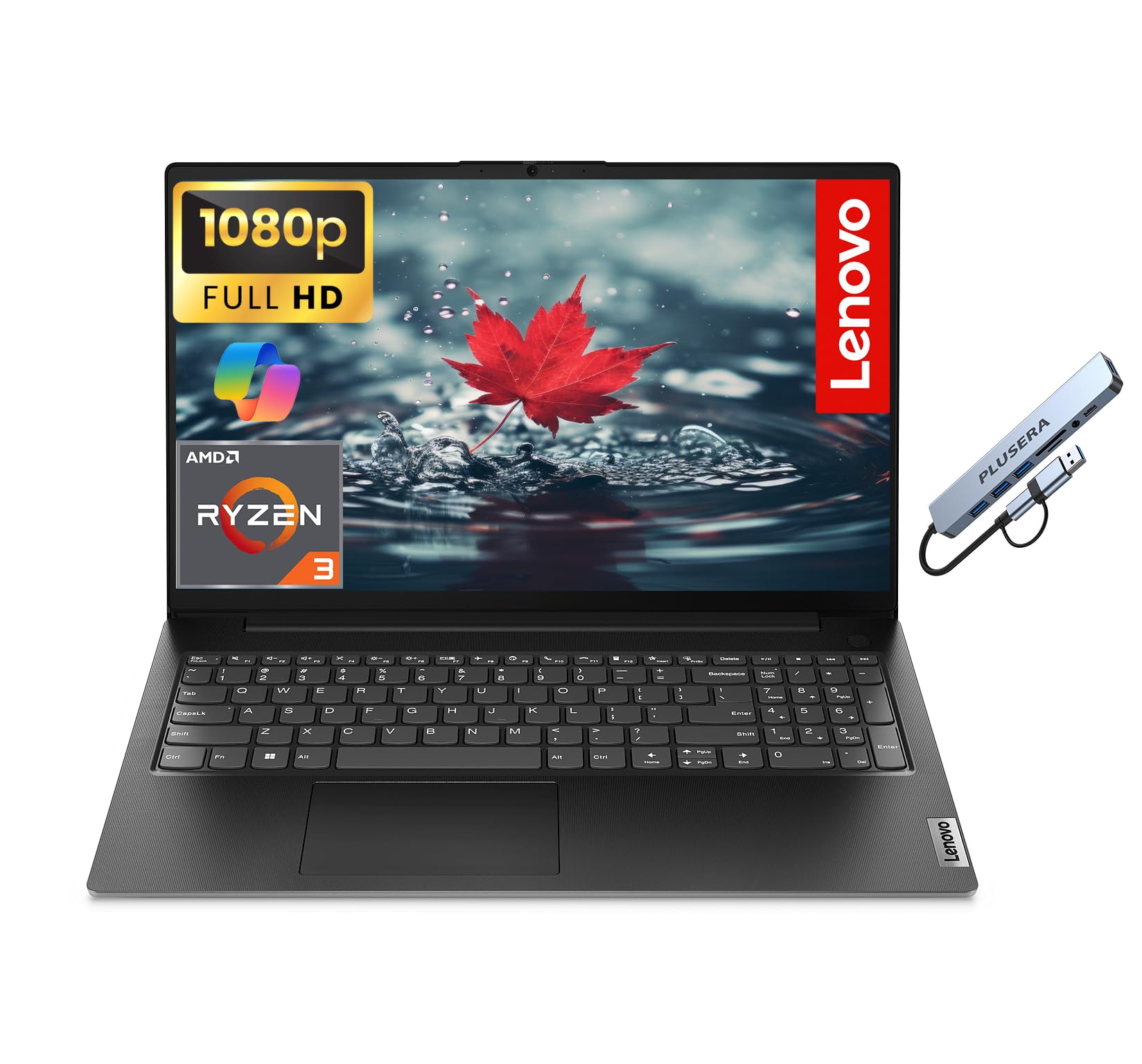
Be clear about what this machine can and cannot do. It is not a rendering machine — it uses AMD Radeon integrated graphics, not a dedicated card, so it is the wrong pick for heavy 3D work. Where it belongs is as a companion machine: the laptop you keep for documentation, project tracking, and lighter drawing or drafting tasks while a bigger workstation does the rendering.
The processor is an AMD Ryzen 3 7320U with four cores and 8 threads, reaching 4.1 GHz. Memory is 16GB of LPDDR5 RAM with a 1TB solid-state drive, which is plenty for office software, spreadsheets, and a dozen browser tabs. The 15.6-inch LED screen runs 1920 x 1080 at a 60Hz refresh rate, and there is a numeric keypad and a camera privacy shutter on board.
What people praise most is reliability — this is a machine that keeps working. Setup is easy and speed is called out positively. The port selection is genuinely useful for a desk setup: one USB-C, two USB-A, Ethernet, HDMI, and a headphone/microphone combo jack, plus Wi-Fi and Bluetooth. The touchpad gets a mixed response, with some users switching to a wireless mouse. Weight and battery life draw mixed feedback too, and the build feels less substantial than the premium picks.
There is also one buyer whose unit crashed repeatedly and a seller dispute that followed — treat that as a rare individual case, not a pattern across the product. For light office and drafting work, this is an honest, straightforward machine at 4.0+ stars.
Where a Desk Laptop Wins
- Reliability ranks first among what people value on this machine
- Ethernet port plus HDMI and USB-C make desk docking simple
- 16GB LPDDR5 and a 1TB SSD for everyday office workloads
What It Will Not Do
- Integrated AMD Radeon graphics rules out serious 3D rendering
- Build feels lighter-duty than the premium picks in this list
Right tool for: a budget desk machine for documents, admin, and light drafting that pairs with a stronger rendering computer.
Not for: anyone who needs a dedicated graphics card for modeling or renders.
Know the Specs
Graphics Memory (VRAM)
VRAM is the graphics card’s private memory pool. It holds your polygons, textures, and shading data while you work. More VRAM means you can keep heavier scenes loaded without the software swapping in and out. The picks here range from 4 GB of GDDR6 on the HP Victus and RX 6550M, through 8GB of GDDR7 on the RTX 5060 machines, up to 16GB of GDDR7 on the RTX 5080. If your models are dense, aim high.
Refresh Rate and Resolution
Refresh rate, in hertz, is how often the screen redraws each second. A 165Hz panel redraws 165 times a second, so a rotating viewport looks fluid rather than stepped. Resolution controls workspace: 1920 x 1200 gives extra vertical rows over 1920 x 1080, while a 2560 x 1600 OLED panel offers the most detail. Higher numbers mean smoother interaction and more on-screen room for toolbars.
Dedicated vs Integrated Graphics
A dedicated GPU has its own chip and memory, so it does the heavy lifting for 3D work. Integrated graphics share the processor and system memory, which is fine for documents and light scenes but struggles as geometry grows. The Dell Precision and Lenovo V15 use Intel and AMD Radeon integrated graphics; every other pick carries a dedicated card.
Cooling Systems
Heat forces a chip to slow itself down, so the cooling parts matter. A vapor chamber spreads heat across a wide surface, heat pipes carry it to the fans, and liquid metal compound transfers it off the processor faster than paste. The ASUS ROG Strix lists a vapor chamber with tri-fan cooling and liquid metal; the MSI Katana uses a dual-fan, five-heat-pipe design. Work on a hard surface so the vents can breathe.
Common Questions
How much graphics memory do I need for 3D modeling?
Can I do 3D modeling on a laptop with integrated graphics?
Does screen refresh rate matter for modeling, or just gaming?
Will a gaming laptop overheat during long renders?
Is 16GB of RAM enough for 3D modeling on a laptop?
What does ISV certification mean on the Dell Precision?
How long does a modeling laptop’s battery actually last?
Can I upgrade the memory or storage later?
Is an OLED screen better than IPS for rendering work?
The Bottom Line
Picking the right laptops for 3d modeling depends on matching the graphics card to the scenes you actually build. The ASUS ROG Strix G16 is the general winner: an RTX 5060, a vapor chamber with tri-fan cooling and liquid metal, a 165Hz panel, and the strongest owner consensus in this list. If portability is the priority, the GIGABYTE AERO X16 drops to 4.18 lbs while holding 14 hours of battery. For the heaviest renders and OLED color depth, the Lenovo Legion Pro 7i with its 16GB of GDDR7 leads the pack. And if your software demands certification over frame rates, the Dell Precision 3490 is the professional’s choice. Whichever you pick, run it on a hard surface with the vents clear so the fans can pull air through during long renders.
How we choose
We do not accept paid placement. Every pick is matched to a real buyer and a real use-case; we do not hands-on test units.
Sources
Specifications: manufacturer listings and product documentation. Review insights: verified customer reviews, as of October 2026. Pricing: not shown on this page (it changes often); check the current price via the retailer link.
As an Amazon Associate, Aappliancez earns from qualifying purchases. This does not affect which products we feature.