Disclosure: Some links in this post are affiliate links. As an Amazon Associate I earn from qualifying purchases, at no extra cost to you. Learn more
Specs are compiled from manufacturer listings and verified buyer reviews and can change over time — please confirm the key details on the product page before buying.
You want your phone’s screen on a 120-inch wall, and you do not want to buy a dongle to make it happen. That is the whole job of an iPhone compatible projector, and it is where most listings get vague fast: some models mirror iOS natively over Wi-Fi, some need a Lightning or USB-C to HDMI adapter, and a few block app mirroring entirely for copyright reasons. The guide below sorts the eight strongest picks by what they actually do with an iPhone, so you pick the right one on the first try.
This guide is built by comparing the manufacturers’ published specifications and the patterns across verified customer reviews, so you get each pick’s real strengths and trade-offs instead of marketing spin.
Brightness, native resolution and how the phone connects decide almost everything here, and the biggest surprise is that a licensed smart system usually beats an adapter cable for iPhone playback. Here is the honest shortlist for the best iPhone compatible projector, ranked by what each one does best.
Top Picks
How To Choose The Best iPhone Compatible Projector
Choosing the phone is the easy part. The hard part is picking a projector whose mirroring method, light output and lens work with how you actually watch. Work through these four checks before you commit.
How the iPhone actually connects
Three routes exist. Wi-Fi mirroring casts your iPhone screen wirelessly through the projector’s own network. A built-in smart system runs apps like Netflix directly on the projector, so the phone stays in your pocket. A wired adapter sends video through a Lightning or USB-C to HDMI dongle, which is the only reliable path when an app blocks casting. Check which route your model supports before anything else, because this is the one spec that decides whether movie night works at all.
Brightness in ANSI lumens, not marketing numbers
ANSI lumens are a measured light-output rating, so they are the only brightness figure you can compare across brands. A dim bedroom can survive on a few hundred lumens. A lamp-lit living room or an early-evening backyard needs far more, and light output is what keeps colors from washing out when the sun is still up.
Native resolution versus 4K support
Native 1080P means 1920 x 1080 pixels are actually produced by the panel. “4K support” usually means the projector accepts a 4K signal and decodes it down to that 1080P panel. Both are fine; just know that the panel, not the support label, sets how sharp the picture looks on a big wall.
Auto focus, keystone and where you place it
Keystone correction squares up an image that is being projected at an angle. Auto keystone does it for you in seconds, which matters hugely if you move the unit between rooms or set it on a slanted table. Pair it with auto focus and you skip the fiddly lens ring entirely.
Side-by-Side Comparison
| Model | Best For | Brightness | Native Resolution | Streaming Setup | Amazon |
|---|---|---|---|---|---|
| HAPPRUN 3000 ANSI with Google TV★ Best Overall | Bright rooms and backyard nights | 3000 ANSI lumens | 1920 x 1080 | Built-in Google TV | Amazon |
| Alvar Smart Netflix ProjectorBiggest Sound | Loud built-in sound | 2500 ANSI lumens | 1920 x 1080 | Built-in apps, 50W speakers | Amazon |
| Lisowod L02 Smart ProjectorBest for iOS Mirroring | Instant iOS mirroring from any screen | 1900 lm | 1920 x 1080 | Built-in store, 1000+ apps | Amazon |
| HAPPRUN Native 1080P Bluetooth | First projector on a tight budget | — | 1920 x 1080 | TV stick via HDMI | Amazon |
| FUDONI WiFi Bluetooth Projector | Built-in Wi-Fi mirroring bargain | 400 ANSI lumens | 1920 x 1080 | Wi-Fi mirroring, no adapter | Amazon |
| XuanPad Smart Mini Projector | Travel and camping | — | 1920 x 1080 | Built-in apps, 360° stand | Amazon |
| Sovboi E30Max Google TV | Voice control and automatic setup | — | 1920 x 1080 | Built-in Google TV | Amazon |
| HAPPRUN KC7 PRO Outdoor Smart | Plug-in-and-watch simplicity | 3000 ANSI lumens | 1920 x 1080 | Built-in apps, dual HDMI | Amazon |
Detailed Reviews
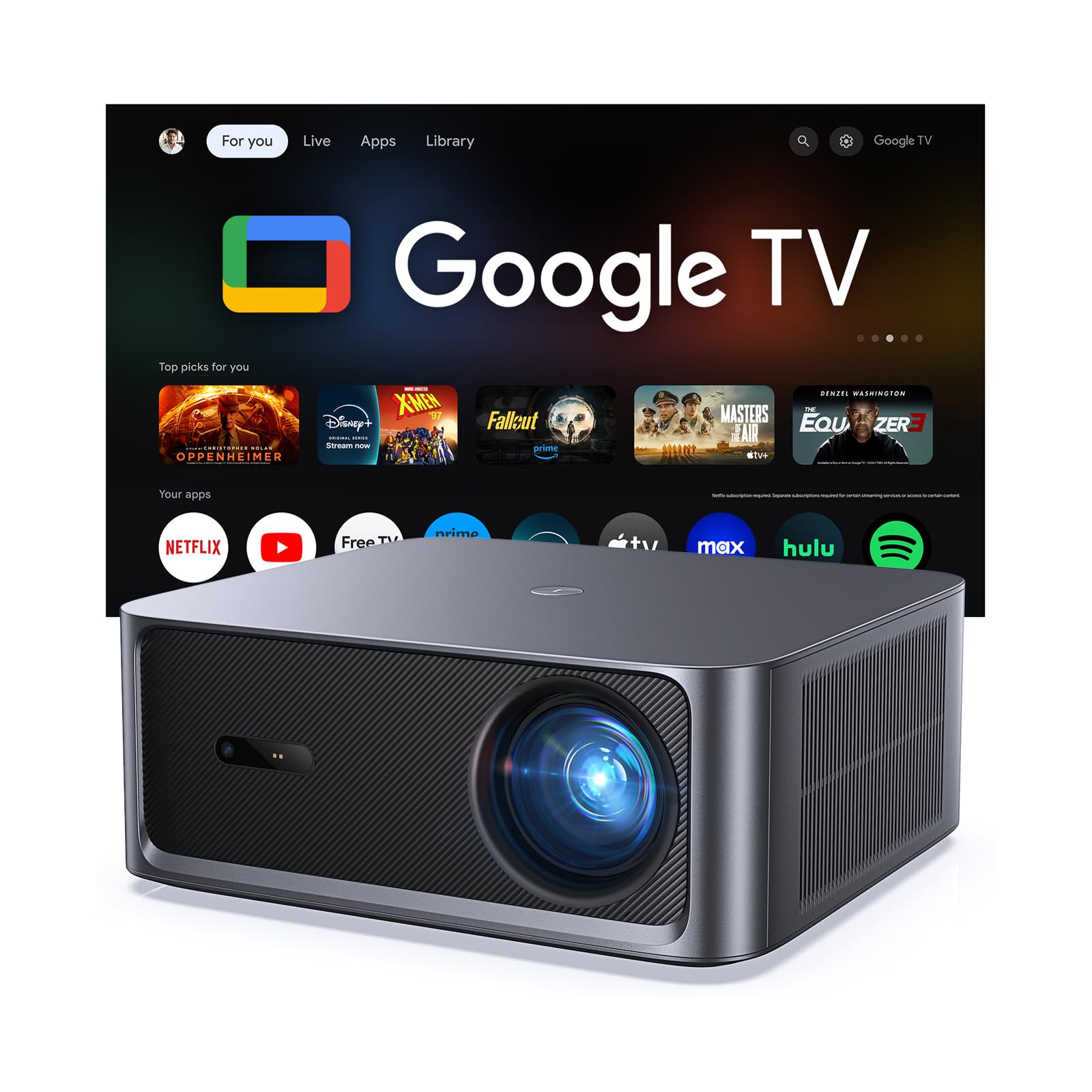
1. HAPPRUN 3000 ANSI Lumens Outdoor Projector
Our pick — 4.5+★ from 100+ verified ratings; the strongest balance of quality and price.
Three thousand lumens and licensed Google TV: the one that makes daylight viewing realistic.
Take the brightness first, because it is what earns this unit the top slot. At 3000 ANSI lumens — a measured light-output figure you can compare honestly across brands — it outshines the Alvar below, which is rated 2500 ANSI lumens. That extra light is exactly what keeps a picture readable when the room lights are still on or the sun has not fully set.
The second reason it suits an iPhone owner: there is no dongle in the loop. Licensed Google TV puts Netflix, Prime Video, YouTube, Hulu and Disney+ straight on the projector over Wi-Fi 6, and the HDMI, USB and 3.5mm ports still take an iPhone through a compatible adapter when you want to mirror a specific app. Setup is quick because 6D auto keystone and auto focus square and sharpen the image on their own, and 4K decoding with HDR10+ and a 20,000:1 contrast ratio rounds out the picture. The image scales from 40″ up to 300″ with 50% to 100% zoom.
Overall build quality is the most-praised point in owner reviews by a wide margin, with picture quality close behind. Owners describe a sharp, bright image, a genuinely easy first setup, and auto focus that dials in within seconds. The sound holds up for casual viewing too, though the honest notes point the same direction twice: a number of buyers find the fan louder than expected, and at least one unit shut off by itself in the first month — “it sometimes shuts off randomly,” as that buyer put it, which is worth knowing but reads as an outlier in an otherwise warm review set.
Where it pulls ahead
- 3000 ANSI lumens keeps the picture clear with ambient light in the room.
- Official Google TV means no TV stick and no extra remote on the coffee table.
- 6D auto keystone and auto focus align it in seconds from odd angles.
- Dual 10W Dolby speakers cover a small room without help.
- Wi-Fi 6 and Bluetooth 5.2 handle streaming and headphones cleanly.
Where it asks a little patience
- The cooling fan is more audible than buyers tend to expect.
- Built-in audio is fine, not cinematic — a soundbar lifts it noticeably.
- An occasional unit has powered off on its own; a warranty claim covers it.
Reach for this if: you want one box, maximum light and licensed apps, without hunting for an adapter every time.
Look elsewhere if: you need near-silent operation in a small bedroom where the fan sits close to your head.
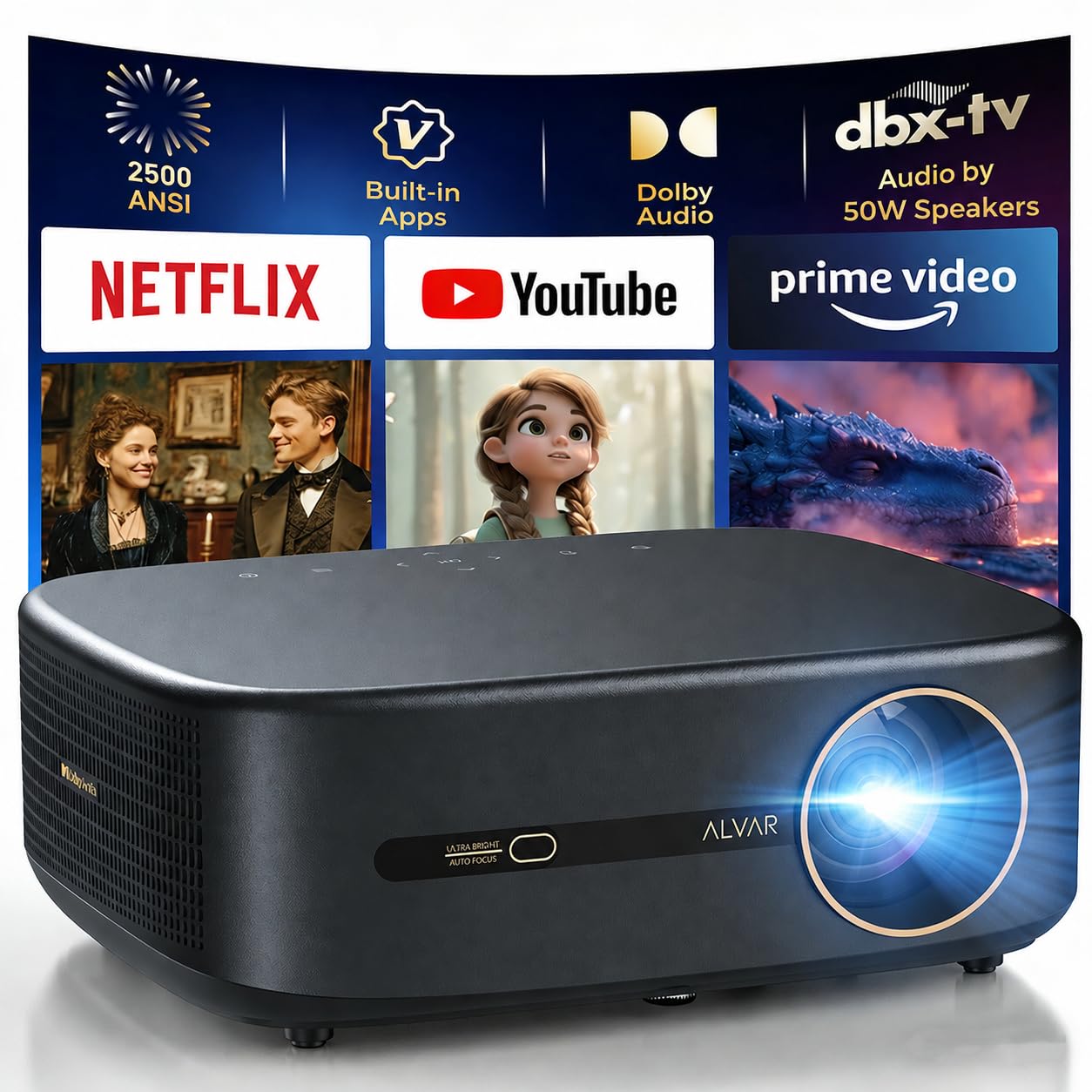
2. Alvar Smart Netflix Projector 4K
Fifty watts of built-in Dolby audio means you may never plug in a soundbar again.
Most projectors treat sound as an afterthought you fix with a Bluetooth speaker. This one leads with 50W of built-in Dolby Audio driven by dbx-tv Total Sonics, which is the sort of speaker array that fills a medium-sized room on its own. If your movie nights are about hearing every whistle and cheer clearly, that wattage is the reason to start here.
Picture-wise it runs 2500 ANSI lumens with native 1920 x 1080 and HDR10+ support, and it handles a 4K input through its HD port while displaying at that native 1080P panel. The other half of the pitch is the 4-in-1 auto setup: focus, keystone, obstacle avoidance and screen fit all happen without your input, which is the difference between a two-minute setup and a fifteen-minute one. Wi-Fi 6 and Bluetooth 5.3 cover phone streaming and headphone pairing, and the 300″ ceiling with 50% zoom gives it room to grow.
Read the fine print on apps before you buy. The built-in system runs Netflix, Prime Video and YouTube natively, but third-party streaming apps are not supported, and mirroring those apps from an iPhone is blocked by the same copyright rule that trips up most smart projectors. Owners who wanted everything solved that by adding a TV stick through HDMI. What buyers praise most is the overall quality, and the recurring grumble is the app store — a software story, not a picture story.
Pick it for: the loudest built-in speaker system of the group and hands-off alignment.
Only caveat: the app catalogue is short, so budget for a streaming stick if you live on Disney+ or Hulu.
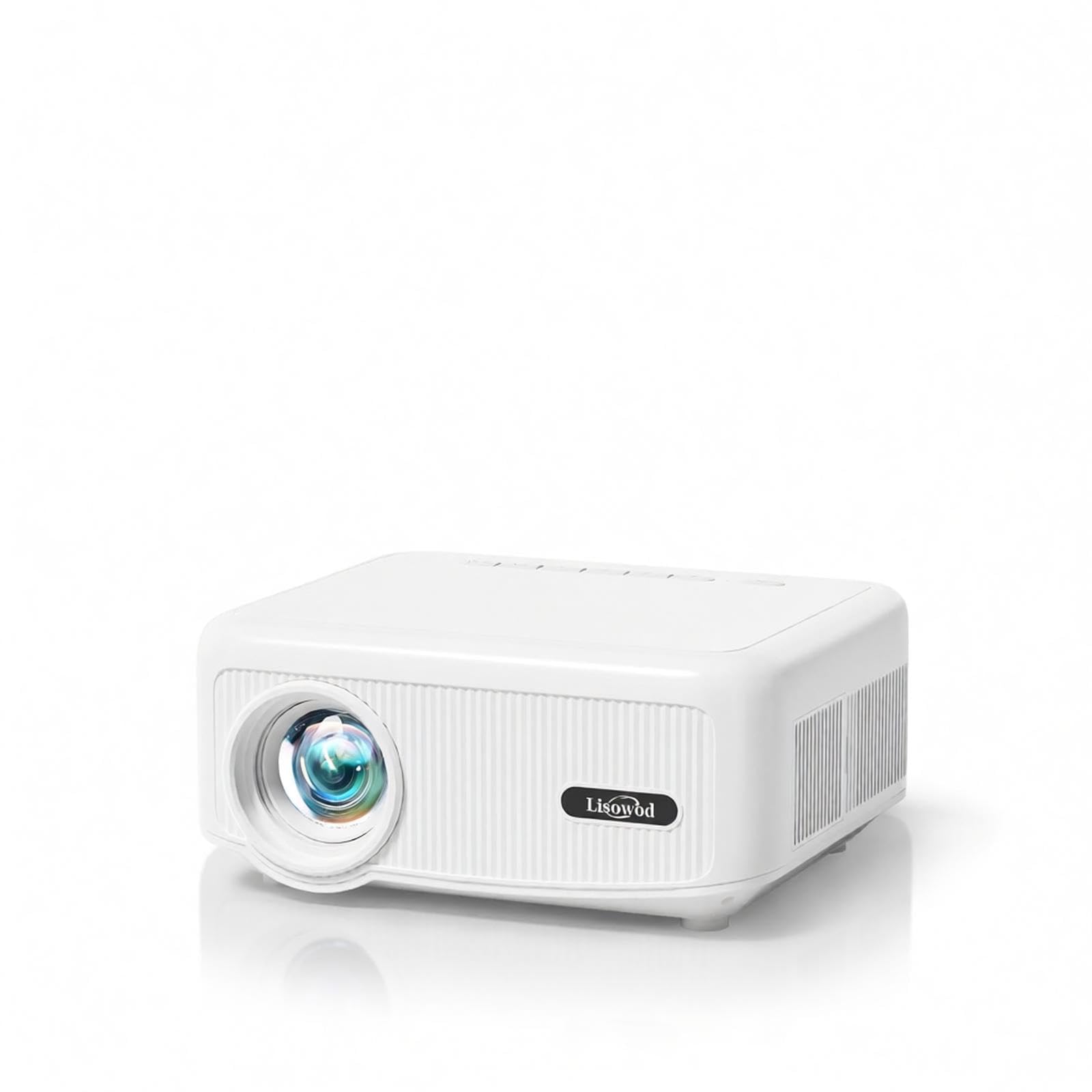
3. Lisowod L02 Smart Projector
The most iPhone-friendly trick here: mirror from any screen, then keep texting.
Here is the detail that matters if your phone is the source. Standard smart projectors park you on a dedicated waiting page before they will mirror an iPhone. This one lets iOS devices mirror instantly from whatever screen you are already on, and it keeps the phone usable during a cast — text or browse while the movie keeps playing on the wall. For anyone who watches on a phone and half-works at the same time, that is the real upgrade.
The rest of the spec sheet holds up. Native 1080P resolution with 100% RGB color, a 30,000:1 contrast ratio and 4K video decoding through HDMI sit behind 1900 lm of brightness, and one-touch electric focus means you sharpen from the sofa with the remote instead of walking up and twisting the lens. Auto ±30° vertical keystone with manual 4P adjustment squares the image from a side table, and 70% digital zoom resizes without moving the unit. It weighs 1.5 lbs, so it goes in a backpack without debate.
The audio is the one part that splits opinion. Dual 20W Hi-Fi speakers carry indoor viewing comfortably, but buyers report the sound needs help once you are outdoors at a party. The picture, by contrast, is a near-unanimous win. One father of a fifteen-year-old reports the teen abandoned his TV entirely for the projection wall.
The mirroring advantage: instant iOS casting from any interface, with background multitasking that most rivals lock out.
Sized honestly: 1900 lm is a solid indoor figure; treat outdoor use as dusk-and-after, and plan a Bluetooth speaker for a big crowd.
Best matched to: iPhone households that cast constantly and want the phone to stay free while the movie runs.
Think twice if: you expect full-sun outdoor brightness — you will want more light output than 1900 lm.
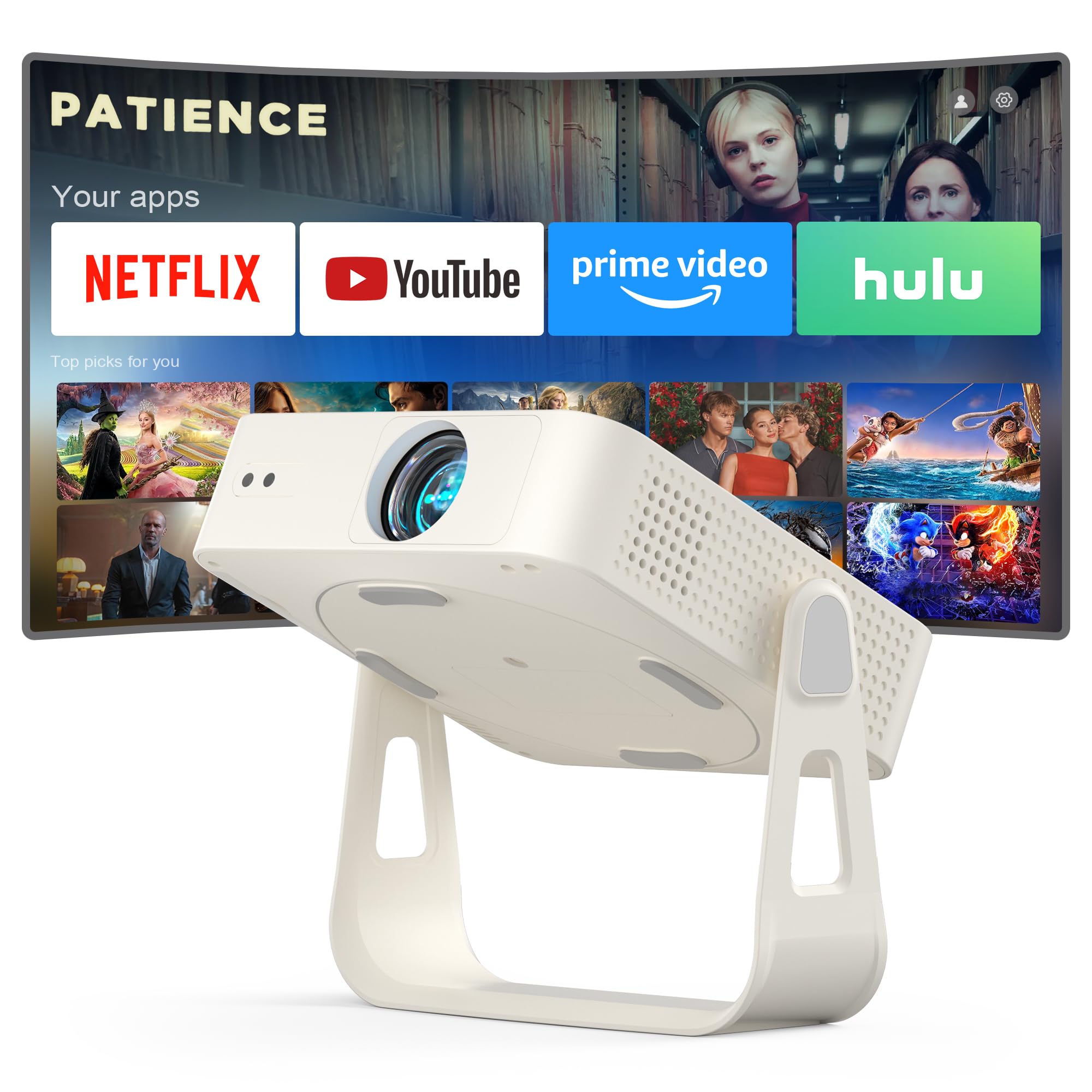
4. XuanPad Smart Mini Projector with 360° Stand
Under two pounds with a detachable rotating stand: point it at any wall or ceiling.
Camping, a rented room, the slanted ceiling in a loft — this is the pick that goes wherever you go. It weighs 1.89 lbs and runs about 2.69 inches thick, roughly the size of a small tablet, so it drops into a backpack beside the phone you are casting from. The 360° rotating, detachable stand means you can aim the image at a wall, a ceiling or a tent side without hunting for a flat surface.
Inside, it is native 1080P with 4K and a licensed app system that covers Netflix, YouTube and Prime Video, plus wireless screen mirroring and HDMI for phones that prefer a cable. AI auto focus is rated to lock focus in 3 seconds, and 6D one-touch keystone squares skewed images instantly. Bluetooth 5.2 handles headphones and speakers, dual-band 5G and 2.4G Wi-Fi keeps the mirroring steady, and the image runs from 40″ to 200″.
The thing owners praise most is picture quality, and value runs right behind it. Where it gets mixed is the operating system — a limited app store frustrates anyone expecting a phone-like library, and the onboard speaker is not loud. Route sound through Bluetooth or a small speaker and the experience tightens up considerably.
Travel-first design: 1.89 lbs, a removable rotating stand and a tablet-sized body make it the easiest unit here to pack and reposition.
The honest trade-off: the software is locked to its own app store and the speakers are quiet — bring a Bluetooth speaker and a streaming stick for the widest choice.
Choose it when: portability outranks raw brightness and you want a big screen from a tiny bag.
Pass if: you need a wide open app catalogue without extra hardware attached.
5. FUDONI WiFi Bluetooth Projector, Native 1080P
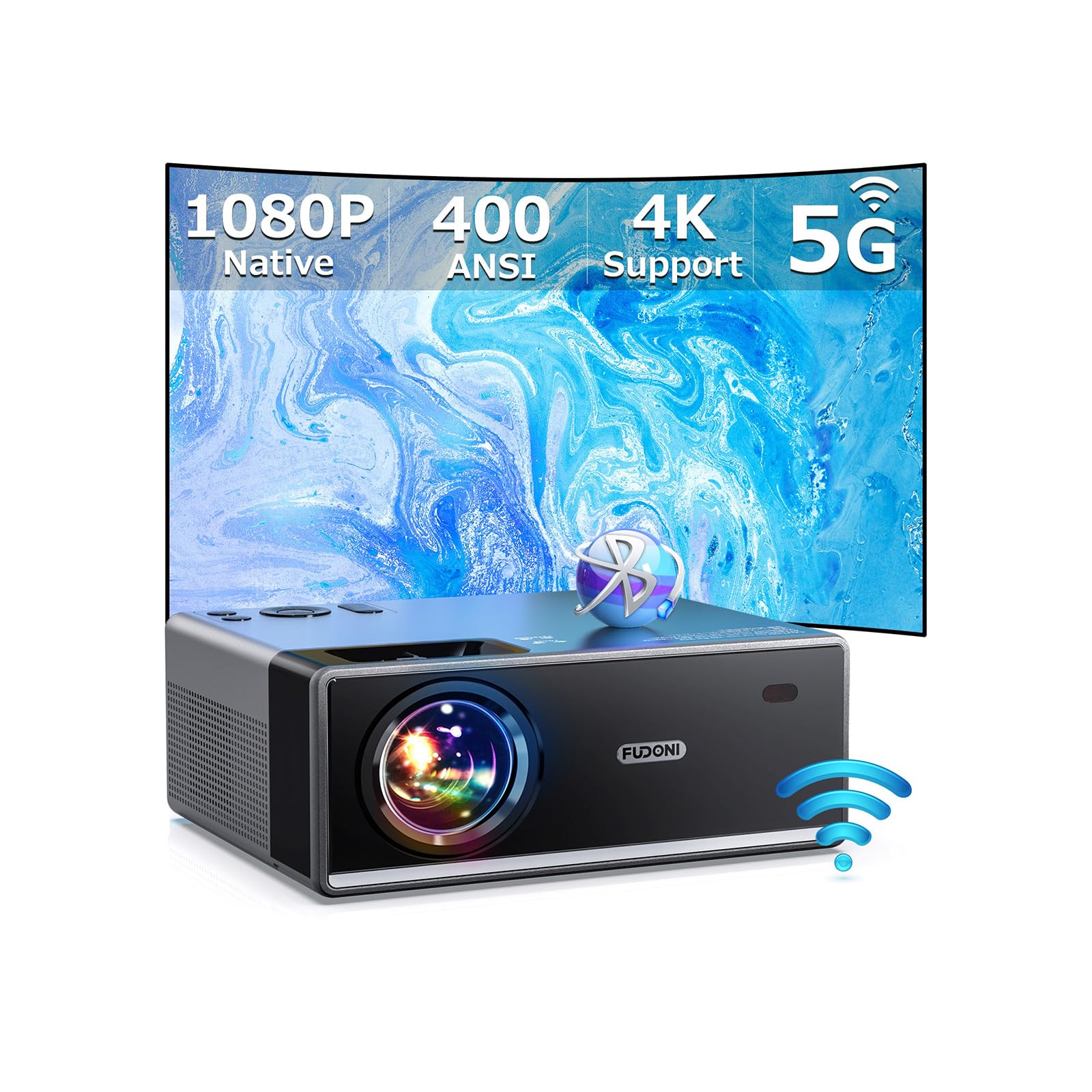
Wireless iPhone mirroring with no adapter, no app and a modest price.
If your priority is getting your iPhone’s screen onto the wall without buying a dongle, this is the value route. It supports screen mirroring for iOS, Android and Windows devices with no extra adapters or apps, running over ultra-fast 5G Wi-Fi for a stable, lag-free stream. Mirror a slideshow, a live game or a video clip straight from your phone.
The panel is native 1920 x 1080 with a 10000:1 contrast ratio and up to 400 ANSI lumens — a figure that clears the ambient-light bar for a dim room but not for daytime. The image stretches from 41″ to 300″ across a 5 to 34 ft throw, with a 100% to 50% zoom so you can size it without moving the unit. Bluetooth 5.1 pairs a soundbar or headphones, and USB, HDMI, AV and audio ports take the rest.
Know the copyright limit up front: apps like Amazon Prime, Disney and Hulu will not play directly on this projector, so connect a TV stick for those. Performance is the praise leader with picture quality close behind, and the honest counterpoint is a fiddly side — auto focus advertised but missing on some units, and a zoom ring that does not always respond. Buyers size that as occasional, not routine.
Good fit for: a first projector where iPhone mirroring and low spend matter more than app polish.
Worth knowing: plan on manual focus and a TV stick for the major paid streaming apps.
6. Sovboi E30Max Smart Projector with Google TV
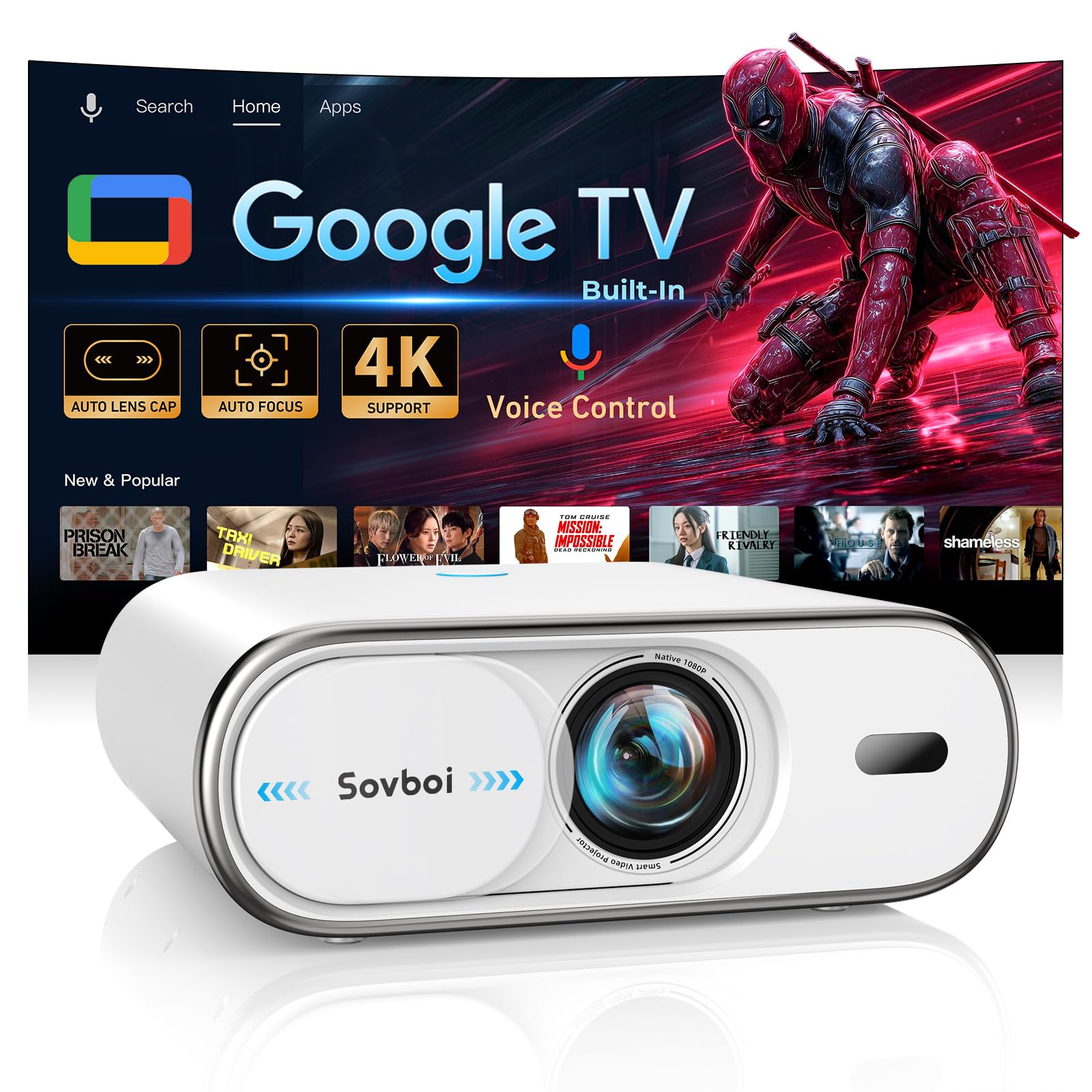
A self-closing lens cover and voice search in 200+ languages, for hands-off nights.
The feature you will notice daily is the auto lens cap. It shuts over the glass the moment power drops, shielding it from dust and pet hair — the small maintenance chore that quietly degrades most projectors over time. Pair that with AI auto focus and ±50° auto keystone, both advertised to work in about 3 seconds, and the setup routine mostly disappears.
The licensed Google TV system carries 10,000+ official apps and native Netflix, Disney+ and HBO Max streaming, so your iPhone can stay on the charger while the projector runs the show. A 360° Bluetooth voice remote works from any angle without aiming, and Chromecast is built in for wireless mirroring when you do want your phone involved. Wi-Fi 6 and Bluetooth 5.2 handle the connection, and the picture caps out at a 400″ image with 75% to 100% zoom.
Now the fairness check. Picture quality is what draws the most praise by a clear margin, and owners describe a bright, vibrant image with strong contrast for the class. Reliability is the split point: most units run flawlessly, but a minority report a stuck lens cap or a unit that stopped responding, and keystone that wants recalibrating between sessions. That mixed record is why it sits mid-pack rather than higher.
Automatic where it counts: lens cap, focus and keystone all handle themselves, so the daily routine is press-on and watch.
The caveat to weigh: reliability is uneven across units, so buy where the return policy is straightforward and register for the protection plan.
Suits you if: voice control and a licensed app library matter more than a spotless reliability record.
Second thought if: you want the safest track record — the HAPPRUN above is the steadier bet.
7. HAPPRUN KC7 PRO Outdoor Smart Projector, 3000 ANSI

The same 3000-lumen punch as the top pick, with a simpler smart system inside.
The headline here is the 3000 ANSI lumens. This shares the 3000 ANSI lumens rating of the Best Overall pick, which puts it well above the standard 500 to 1,000 lumen range that demands a pitch-dark room. In plain terms, that means vibrant images with the lights on or in daylight — a real advantage if your movie nights start before the sun is fully down.
It leans on a built-in streaming system with access to over 1,000 apps including Netflix, Prime Video, YouTube and Hulu, so plugging in and pressing play is the whole routine. Smart AI handles focus and image alignment wherever you set it down, and the picture runs on 4K decoding with a 20,000:1 contrast ratio, 95% color gamut and HDR10+ support. Dual 10W speakers with Dolby Audio cover the sound. The body is larger and less portable than the smaller HAPPRUN, so this is a living-room or patio fixture rather than a travel unit.
App coverage is the friction point. The app store carries the big names but skips some — essential+ and HBO among them — which is easily solved with a spare streaming stick in one of the HDMI ports. Owners describe colors that stay vibrant with lamps on and sound that fills the room, and the auto focus and keystone land sharp with on-screen confirmation, so nobody has to fiddle.
Ideal for: a permanent living-room or backyard setup where brightness and simplicity top the list.
Not for: anyone who needs to carry it room to room — the body and lens are noticeably larger than the compact picks.
8. HAPPRUN Native 1080P Bluetooth Projector
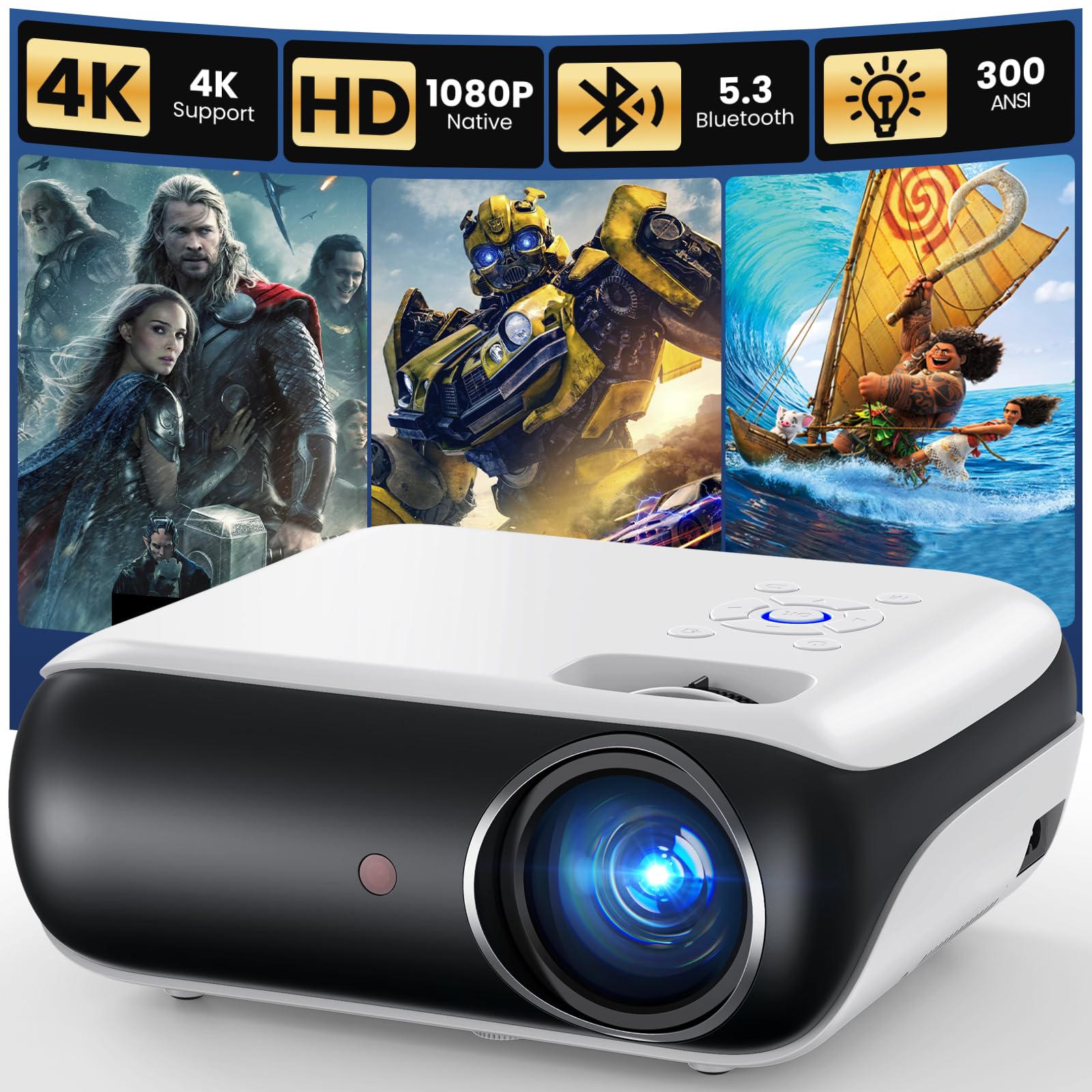
The cheapest way onto a 200-inch wall, provided you own an HDMI adapter.
Be clear about the iPhone connection here, because it is the whole decision. This unit is not a wireless mirroring projector. An iPhone or iPad needs a compatible Lightning or USB-C to HDMI adapter, sold separately, to send video through the included HDMI cable, and playback may vary by device, app and HDCP requirements. If you want to cast with no cable, look at the XuanPad or the FUDONI instead.
What you get for the modest outlay is native 1920 x 1080 resolution, a 10000:1 contrast ratio, a 200″ maximum image, and a body light enough to carry on a tripod, desktop or ceiling mount. Bluetooth 5.3 handles audio only — it pairs a speaker or headphones but does not cast video. A Fire TV Stick or Chromecast through HDMI is the smoothest route to streaming content, and it is recommended by the maker for that reason.
Among budget projectors, this one has a loyal following. Quality and value are the aspects it earns most praise for, with picture sharpness close behind. Two notes keep it honest: Bluetooth and the built-in speaker both draw a mixed response, and the phone route needs that adapter. Neither is a dealbreaker at this end of the market — they are simply the trade-offs of the lowest-priced tier.
Smart-buyer math: native 1080P, a 200″ image and Bluetooth 5.3 for less than any other pick here — as long as you supply the adapter or a TV stick.
The real-world catch: no wireless iPhone mirroring and no auto focus, so expect a manual lens ring and a cable in the bag.
The honest read: a strong first projector if you already own an HDMI adapter or Fire Stick, and want 1080P without stretching the budget.
Skip the idea of: wireless iPhone casting — this model was never built for it.
Know the Specs
ANSI Lumens and real-room brightness
ANSI lumens are a measured light-output figure, so they are the fair way to compare projectors from different brands. Higher numbers resist ambient light better — 3000 ANSI lumens is rated for lights-on and daylight viewing, while 400 ANSI is suited to a dim room. Match the lumen rating to the room you actually watch in, not the brightest spec on the shelf.
Native resolution versus 4K support
Native 1080P means the projector’s panel physically produces 1920 x 1080 pixels. A “4K support” or “4K decoding” label means it accepts and processes a 4K signal, then displays it at the panel’s native resolution. Both are worth having; the native panel number is what determines visible sharpness on a big wall.
Keystone correction and auto focus
Keystone correction reshapes a skewed image into a rectangle when the projector is off-axis. Auto keystone handles it without your input, and higher-end units like the Sovboi offer ±50° auto keystone. Auto focus pulls the lens into sharpness electronically, often in about 3 seconds, so you can move the unit between rooms and re-sharpen from the remote.
iPhone mirroring and copyright limits
Wi-Fi mirroring streams your iPhone’s screen over the projector’s network. Built-in smart systems run apps directly on the projector, but most block you from mirroring protected apps like Netflix or Disney+ from your phone — that is a copyright rule, not a defect. When mirroring is blocked, connect a TV stick through HDMI and log in there instead.
Common Questions
Can an iPhone connect to a projector without an adapter?
Why will Netflix not mirror from my iPhone to a projector?
How many ANSI lumens do I need for a backyard movie night?
Is 4K support the same as a 4K projector?
Can I run a projector from a power bank for camping?
Will Bluetooth carry the video signal from my iPhone?
How far from the wall should the projector sit for a 100-inch image?
Does auto focus mean I never have to adjust the picture?
Can a projector replace my TV in a lit living room?
Is it cheaper to buy a smart projector or add a TV stick?
The Bottom Line
If you want the easiest, brightest result, the HAPPRUN with Official Google TV is the leader — 3000 ANSI lumens, licensed apps and no dongle between your iPhone and a 300-inch wall, and a 4.5+ star average across a large batch of verified reviews backs it. If your phone is the constant source and you want to keep using it mid-movie, the Lisowod L02 is the one built for that. And if you already own an HDMI adapter or Fire Stick and want native 1080P at the lowest spend, the HAPPRUN budget model delivers a 200-inch image without the premium tag.
How we choose
We do not accept paid placement. Every pick is matched to a real buyer and a real use-case; we do not hands-on test units.
Sources
Specifications: manufacturer listings and product documentation. Review insights: verified customer reviews, as of October 2026. Pricing: not shown on this page (it changes often); check the current price via the retailer link.
As an Amazon Associate, Aappliancez earns from qualifying purchases. This does not affect which products we feature.