Disclosure: Some links in this post are affiliate links. As an Amazon Associate I earn from qualifying purchases, at no extra cost to you. Learn more
Specs are compiled from manufacturer listings and verified buyer reviews and can change over time — please confirm the key details on the product page before buying.
If you are drowning in 4K video, RAW photo files, or a library of backups that no longer fits, you need serious storage capacity — not a drive that forces you to delete memories. The challenge is that most drives promise “high capacity” but hide the traps: slower rotational speeds, hot enclosures, or workloads they simply were not designed to handle. The nine drives below cover the real breadth of what is available right now.
This guide is built by comparing the manufacturers’ published specifications and the patterns across verified customer reviews, so you get each pick’s real strengths and trade-offs instead of marketing spin.
If you store years of home video, edit feature-length footage, or run surveillance, the drive you pick has to match the job. This guide separates the workhorses from the hype so you can pick the highest capacity hard disk drive for your setup.
Top Picks

How To Choose The Best Highest Capacity Hard Disk Drive
Picking a high-capacity drive is not about grabbing the biggest number on the box. It is about matching three things: how you will use the drive, how hard you will push it, and where it will physically live. Get those wrong and even a 24TB drive will frustrate you.
Rotational Speed And Cache Size
A 7200 RPM drive spins its internal platters faster than a 5400 RPM unit, which translates to quicker file transfers when you are moving large video files or performing routine backups. Cache memory, measured in megabytes, acts as a small buffer that smooths out bursts of data — so a 512 MB cache will handle sustained writes more gracefully than a smaller one. If you routinely move files measured in gigabytes, speed and cache matter as much as capacity.
Workload Rating And Duty Cycle
Workload rating tells you how much data the drive is designed to handle per year without excess wear. A drive rated for heavy workloads like 550TB per year is built for constant recording or enterprise NAS duty, while a light-duty desktop drive may only handle a fraction of that. If your drive will run 24/7 — in a NAS, a DVR, or a surveillance system — this rating is your durability forecast.
Side-by-Side Comparison
| Model | Best For | Capacity | Speed | Cache | Amazon |
|---|---|---|---|---|---|
| Toshiba N300 20TB★ Best Overall | Home/office NAS | 20 TB | 7200 RPM | 512 MB | Amazon |
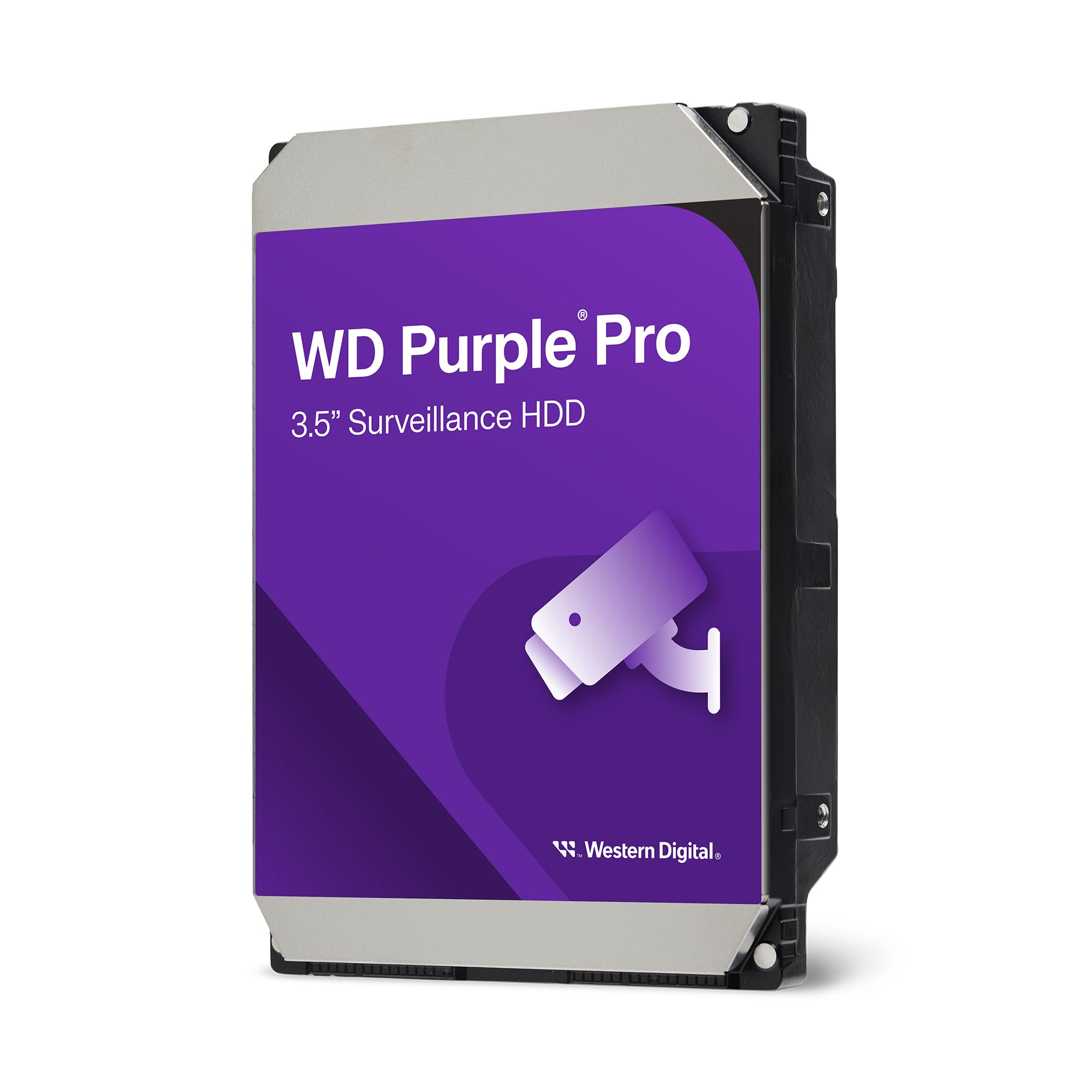
| WD Purple Pro 24TBSurveillance Pick | Surveillance systems | 24 TB | 287 MB/s | 512 MB | Amazon |
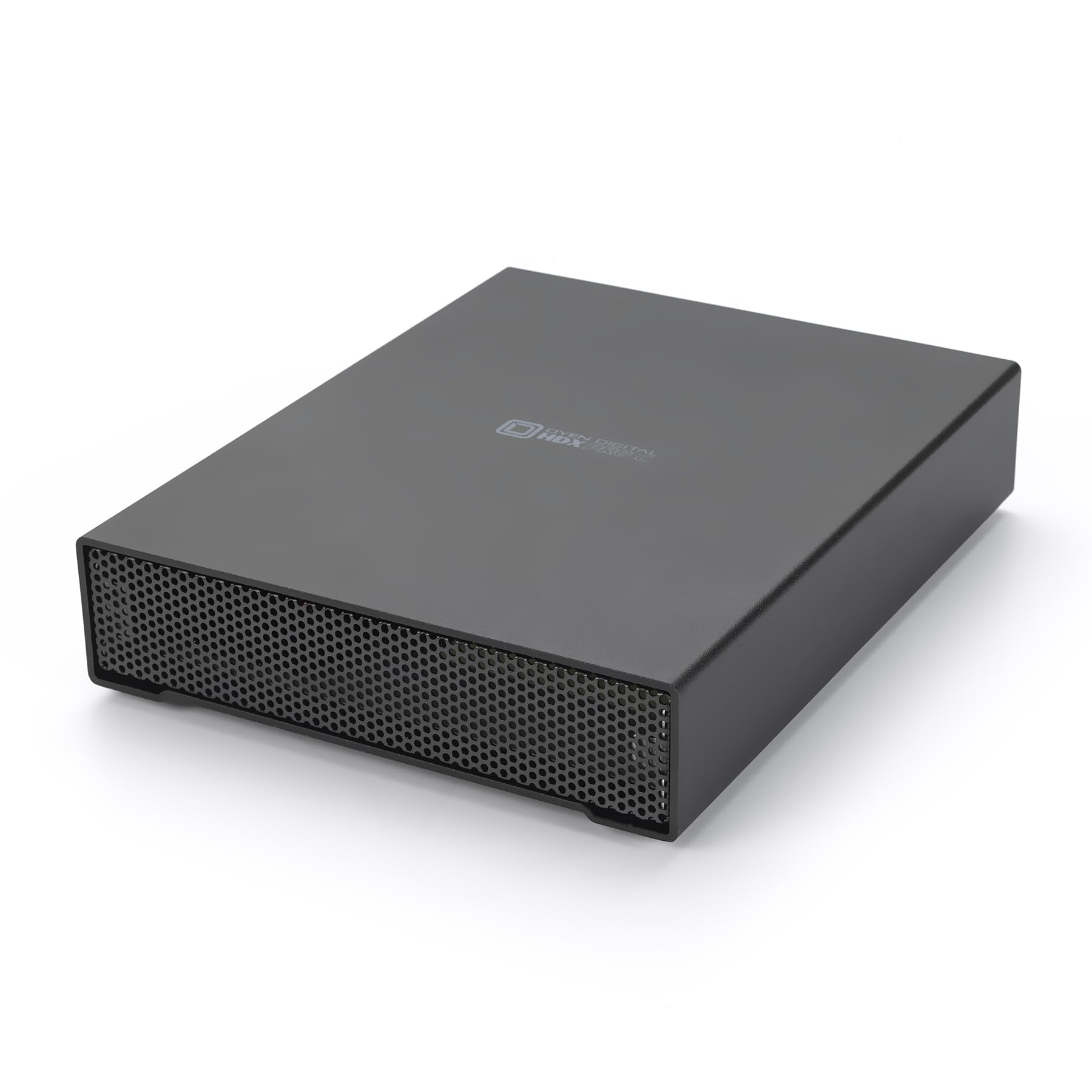
| Oyen Digital HDX Pro C 24TBBest External | Portable enterprise workflows | 24 TB | 7200 RPM | — | Amazon |
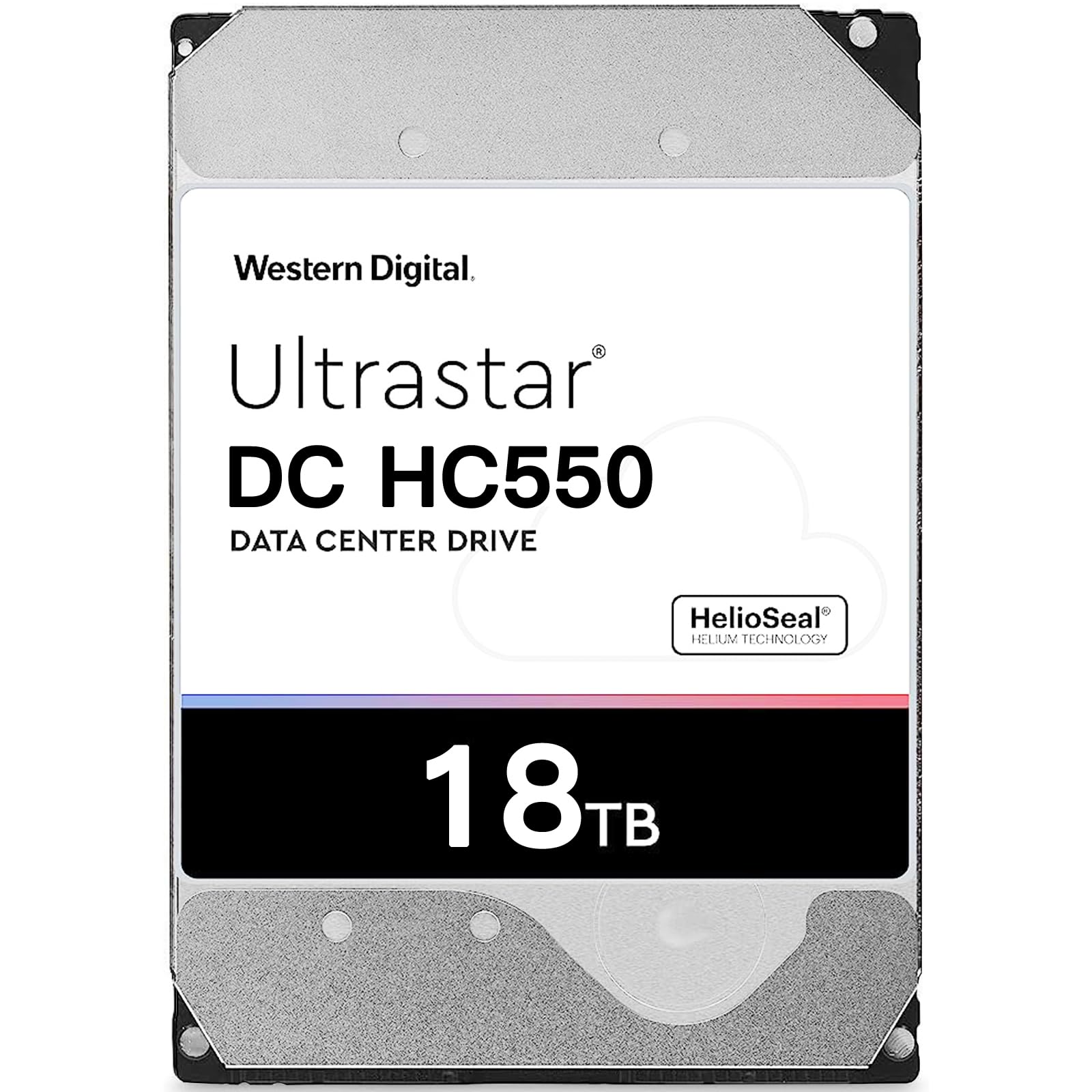
| WD DC HC550 18TB | Enterprise NAS/DVR | 18 TB | 7200 RPM | 512 MB | Amazon |
| Seagate SkyHawk 4TB | DVR/NVR surveillance | 4 TB | 5000 MB/s | 256 MB | Amazon |
| MDD 22TB Enterprise | Hyperscale/cloud storage | 22 TB | 7200 RPM | 256 MB | Amazon |
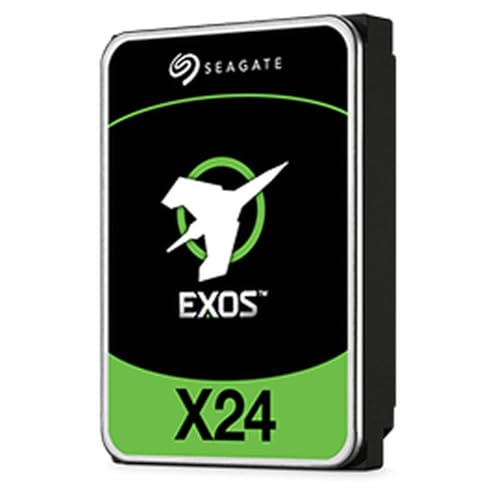
| Seagate Exos 20TB | Enterprise mass storage | 20 TB | 400 MB/s | 20 MB | Amazon |
| WD My Book 24TB | Desktop backup | 24 TB | USB 3.2 Gen1 | — | Amazon |
| Glyph Blackbox PRO 20TB | Creative professional workflows | 20 TB | 260 MB/s | — | Amazon |
Detailed Reviews
1. Toshiba N300 20TB NAS 3.5-Inch Internal Hard Drive
Our pick — 4.5+★ from 450+ verified ratings; the strongest balance of quality and price.
The NAS workhorse that just keeps spinning — 20TB of enterprise-grade reliability for your home or office server.
If your NAS runs around the clock and you need storage that can take the heat, the Toshiba N300 20TB is the drive to beat. It spins at 7200 RPM with a 512 MB cache, which means large file transfers move quickly even under sustained load. The 180TB per year workload rating tells you this drive is built for constant operation, not occasional backups.
What wins people over is the reliability — the track record across verified reviews speaks for itself. As buyers report: “Bought 5 for a Synology NAS on my company network to serve as iSCSI and NFS storage, running 24-7 for about a dozen users. Been running about a year now with no issues on any of the drives and all report healthy.” That is the kind of real-world validation that matters when your data is on the line.
The honest trade-off is noise. The drive runs louder than some competing models up close, and the temperature can climb depending on your NAS enclosure’s airflow. A few units have failed after roughly two years of service, which is worth knowing if you are building a RAID array — always keep a spare on hand. For the capacity, speed, and reliability combination, it is hard to argue with what Toshiba delivers here.
What earns its keep
- 20TB capacity with 7200 RPM speed and 512 MB cache
- 180TB/year workload rating for 24/7 NAS operation
- Integrated RV sensors (rotational vibration sensors that keep performance stable in multi-drive bays)
What to expect
- Runs louder than some competing drives
- Can run hot depending on enclosure airflow
- Some units have failed after roughly two years
Built for: Home and small-office NAS owners who need dependable 24/7 storage with fast transfer speeds.
Think twice if: You need a silent drive for a bedroom or living-room setup.
2. Western Digital 24TB WD Purple Pro
A surveillance specialist that handles a full camera array without dropping a single frame.
For security systems running multiple cameras around the clock, the WD Purple Pro 24TB is purpose-built. It packs 24TB of storage and supports workloads up to 550TB per year — enough headroom for a serious multi-camera installation recording continuously. The 512 MB cache and 287 MB/s transfer rate keep playback smooth even when you are reviewing footage while new recordings are being written.
This drive keeps your security footage intact where a general-purpose drive would drop frames, thanks to AllFrame technology (WD’s firmware that reduces video frame loss during recording). It also carries a 2.5 million hour MTBF rating (mean time between failures, a measure of expected reliability) and a 5-year limited warranty, so a long-term deployment is less of a gamble. Owners value the storage capacity most — one reviewer noted it can save over two months of video from 10 security cameras. Buyers also consistently praise the speed gains over standard drives.
Where it gets complicated is reliability — some owners mention drives failing immediately after installation. That said, the vast majority of feedback confirms solid performance, and a single bad unit is not a pattern. Just test your drive thoroughly during the return window. Value and noise levels get mixed reactions, with some finding it noisier than expected for a surveillance drive.
The case for it: 24TB, 550TB/year workload rating, AllFrame technology, and a 5-year warranty make this a serious choice for any surveillance deployment that cannot afford gaps in recording.
Keep in mind: Reliability feedback is genuinely mixed — some units fail early, so test during the return period and keep a spare drive ready.
Made for: Security professionals and serious DIY installers running 8+ camera systems who need maximum retention.
Not the one if: You want a general-purpose desktop drive — surveillance firmware is overkill for casual backups.
3. Oyen Digital HDX Pro C 24TB
Enterprise storage you can carry — 24TB in an aluminum enclosure with a fan quiet enough to forget.
Plug-and-play 24TB with no enclosure to buy separately — that is the pitch here, and it delivers. The HDX Pro C connects via USB-C at 10Gbps, includes both USB C-C and USB C-A cables, and houses a 7200 RPM enterprise drive capable of up to 270 MB/s. A built-in fan and power supply mean you are not hunting for a separate enclosure or power brick.
Its USB-C interface runs at 10Gbps, versus the 6 Gb/s SATA interface on the Toshiba N300 above. The daisy-chain port lets you stack multiple drives off a single USB connection, which keeps cable clutter down.
The catch is the user experience around power. Customers note that shutdowns happen when too many units share a single power strip — each drive needs its own outlet to avoid problems. It is also a desktop-bound drive: at 3.5-inch form factor with an internal fan, this is not something you toss in a laptop bag. But if you need to move 24TB of data between machines quickly and reliably, the speed and build quality justify it.
Where it shines
- 24TB enterprise drive with 7200 RPM and up to 270 MB/s read speeds
- USB-C 10Gbps with daisy-chain support and included cables
- Built-in fan and power supply in an aluminum heat-dissipating enclosure
Watch out for
- Each drive wants its own power outlet to avoid shutdowns
- Desktop form factor with fan — not truly portable
- Small review pool means less long-term data
Ideal for: Video editors and IT professionals who need fast, high-capacity external storage that moves between workstations.
Pass if: You want a pocket-sized drive for travel — this needs its own wall outlet and desk space.
4. Western Digital 18TB DC HC550
The data-center drive that found a second life in home labs — 18TB of helium-sealed endurance.
If you run a home lab or small NAS and want enterprise-grade hardware without the enterprise price tag, the WD DC HC550 18TB is worth a long look. It holds 18TB, spins at 7200 RPM with a 512 MB cache, and delivers sustained read/write speeds up to 260 MB/s. The helium sealing technology — which fills the drive with helium to reduce internal friction — also cuts power consumption to as low as 5.1W idle and 6.8W during read/write.
Reliability is what you are paying for here. The MTBF rating (mean time between failures, a measure of expected reliability) reaches 2.5 million hours, and the annual write endurance (TBW, the total data you can write per year) reaches 550TB — enough to keep writing day after day without wearing out. The Oyen Digital HDX Pro C above holds 24TB, 33% more than this drive’s 18TB. But the HC550’s enterprise pedigree at 18TB still makes it a strong value if you do not need every last terabyte. Owners consistently highlight dependability and storage quality. As one buyer reports, they run four in a UGREEN NAS that have “been working as expected.”
The honest caveat is that some units arrive DOA or fail within the first couple of weeks. That is the reality of the recertified enterprise market — you are buying tested but used hardware, so run a full SMART check and stress test before you trust it with anything irreplaceable. The trade-off is worth it for the price-to-capacity ratio you get.
Standout trait: 18TB of helium-sealed enterprise storage with 550TB/year write endurance and a 2.5 million hour MTBF — data-center specs at a fraction of the cost.
Honest limitation: Recertified drives carry real DOA risk. Test everything in the first two weeks and always keep backups.
Reach for this if: You are building a home lab or budget NAS and want enterprise reliability without paying new-drive prices.
Look elsewhere if: You need a brand-new, out-of-box-guaranteed drive for mission-critical production work.
5. Seagate SkyHawk 4TB Video Internal Hard Drive

The budget-friendly security drive that punches above its weight for smaller camera setups.
Not every surveillance system needs 24TB. For a small office or home setup running four to eight cameras, the Seagate SkyHawk 4TB delivers exactly what is needed without overkill. It handles up to 180TB per year — enough for 64 simultaneously streaming HD cameras, according to Seagate — and its RV sensors keep performance stable in multi-bay enclosures. The drive also comes with three years of in-house Rescue Data Recovery Services included.
What makes it easy to live with is how simple it is to install and how quietly it operates in most enclosures. Quality is the aspect owners value most here, with storage capacity running a close second. Reviewers point out using it in everything from Eufy NVRs to a Ubiquiti UDM Pro without problems. One buyer notes it is “very very fast” but adds a warning about noise: “The 7200 rpm you can hear from across the room but it’s definitely tolerable for a high capacity hard drive.”
Durability feedback is genuinely split — some report months of trouble-free service while others report failure after around four months. It is not the drive for a large-scale deployment where a single failure could cost you important footage. But for a modest camera count and a tight budget, it gets the job done.
Why it works for small systems
- 4TB capacity with 180TB/year workload rating for multi-camera recording
- RV sensors keep performance stable in multi-bay enclosures
- Three-year warranty plus Rescue Data Recovery Services included
Trade-offs to know
- Durability reports are split — not ideal for large-scale deployments
- Audible spin noise at 7200 RPM
- Only 4TB — smaller retention window than higher-capacity drives
Perfect for: Homeowners and small businesses running 4-8 security cameras who need reliable recording on a budget.
Skip if: You are recording 10+ cameras or need weeks of footage retention — go higher capacity.
6. MDD MAXDIGITALDATA 22TB

Big capacity, bigger warranty — 22TB for media libraries and backup archives that keep growing.
Media hoarders, this one is for you. The MDD 22TB enterprise drive spins at 7200 RPM with a 256 MB cache and connects over SATA 6Gb/s. It is designed for hyperscale and cloud data center applications, which means the underlying hardware is built for constant use. Its spec sheet lists a 2.0 million hour MTBF and a 0.44% annualized failure rate. It is a renewed (refurbished) drive, but the bundle is backed by a 5-year warranty.
What matters most to buyers is the combination of capacity and that warranty. This is a drive people buy in multiples — one reviewer notes buying 6 over several years for media storage and backup. Another ran a 2-day Synology NAS test and found no bad sectors. For cold storage, backups, and large media libraries, the capacity-to-reliability ratio is excellent.
There are two things to plan around. First, it ships as a bare drive — no screws, no cables — so you supply your own mounting hardware. That Synology reviewer had to break a notch off their drive tray to make it fit; bottom hole placement differs from newer drives, so check compatibility with your enclosure before buying. Second, one unit failed just under two years in, but the seller honored the warranty and replaced it without hassle. For a renewed drive with a five-year warranty and this much capacity, that is a fair risk to take.
Why buyers keep coming back: 22TB with enterprise-grade internal hardware, a 5-year warranty, and a proven track record for media storage — shoppers say adding more of these over time.
Plan around this: Bare drive with no mounting hardware included, and the bottom screw-hole pattern may not match newer NAS trays.
Buy it for: Large media libraries, backup archives, and NAS builds where you want a long warranty and are comfortable working with renewed hardware.
Not your drive if: You need a screw-in-and-go package with all mounting accessories supplied.
7. Seagate 20TB Exos Enterprise Hard Drive (ST20000NM002H)
Built for hyperscale data demands, but this enterprise drive has a reliability question mark.
This is a serious piece of hardware. The Seagate Exos 20TB delivers 2.5 million hours MTBF, a 5-year limited warranty, and data recovery service included. It is designed for big data applications, dense architectures, and hyperscale deployments where rack-space efficiency matters. The 400 MB/s transfer rate and enhanced caching keep latency low for demanding workloads.
Performance is what owners praise most. Buyers describe it as enterprise-grade storage that is fast, quiet, and reliable for storing large project files. One long-term owner reports it is still going strong in a NAS. Another notes it works well after being hooked directly to a motherboard — though they mention their server bay maxed out at 16TB, so check your hardware compatibility. At 20TB, it holds five times the Seagate SkyHawk’s 4TB but falls 4TB short of the Oyen Digital’s 24TB.
Here is the honest concern: a significant number of buyers report drives failing within a year, and some report receiving units that were dead on arrival. Seagate’s warranty support also gets complaints, with some buyers saying replacements were refused despite the advertised coverage. That mixed reliability picture is real and worth weighing. If you buy, test thoroughly and purchase from a seller with clear return policies.
What it brings to the table
- 20TB capacity with 400 MB/s transfer rate and enhanced caching
- 2.5 million hours MTBF and 5-year limited warranty
- Data recovery service included for extra protection
The honest caveats
- Multiple reports of failures within the first year
- Some owners mention warranty replacement difficulties
- Requires direct motherboard connection for full capacity on some servers
For you if: You run enterprise infrastructure and need 20TB of scalable storage with low latency for analytics workloads.
Think hard if: You want bulletproof reliability from the start — the failure feedback here is not a one-off footnote.
8. WD 24TB My Book Desktop External Hard Drive

Plug it into your Mac or PC, and 24TB of backup protection is ready in minutes.
For the person who just wants everything backed up without building a NAS or buying an enclosure, the WD My Book 24TB is the straightforward answer. It arrives formatted and ready for both Windows and Mac, includes backup software with ransomware defense, and offers password protection with hardware encryption. USB 3.2 Gen1 keeps the connection simple — one cable, one wall outlet.
The capacity is the reason people buy it. It holds 24TB for archiving photos, videos, music, and documents, and buyers use it for everything from storing over 100,000 images to Time Machine backups on a Mac. One buyer calls it “the answer” after a computer crash left them needing to recover a massive photo library — easy to configure, fast, and large enough to grow with. Xbox One S users also report it works well for expanded game storage.
The mixed signals here are worth knowing. Some customers note drives that failed shortly after arrival, and some note slow spin-up times. In most cases, an exchange resolved the issue — and one buyer found that removing WD’s software and reformatting with Apple Disk Utility fixed a drive that appeared dead. If you are on Windows, exFAT formatting means it works right away; Mac users may prefer to reformat for Time Machine.
The convenience factor
- 24TB of plug-and-play backup for Windows and Mac right from the start
- Password protection and hardware encryption built in
- Backup software with ransomware defense included
Before you commit
- Some units fail soon after arrival — test immediately
- Slow spin-up times reported by some users
- Requires its own AC power outlet
Your match if: You want 24TB of dead-simple desktop backup with encryption, without any technical setup.
Look past it if: You need a bus-powered portable drive or already run a NAS for centralised storage.
9. Glyph Blackbox PRO Desktop Drive 20TB
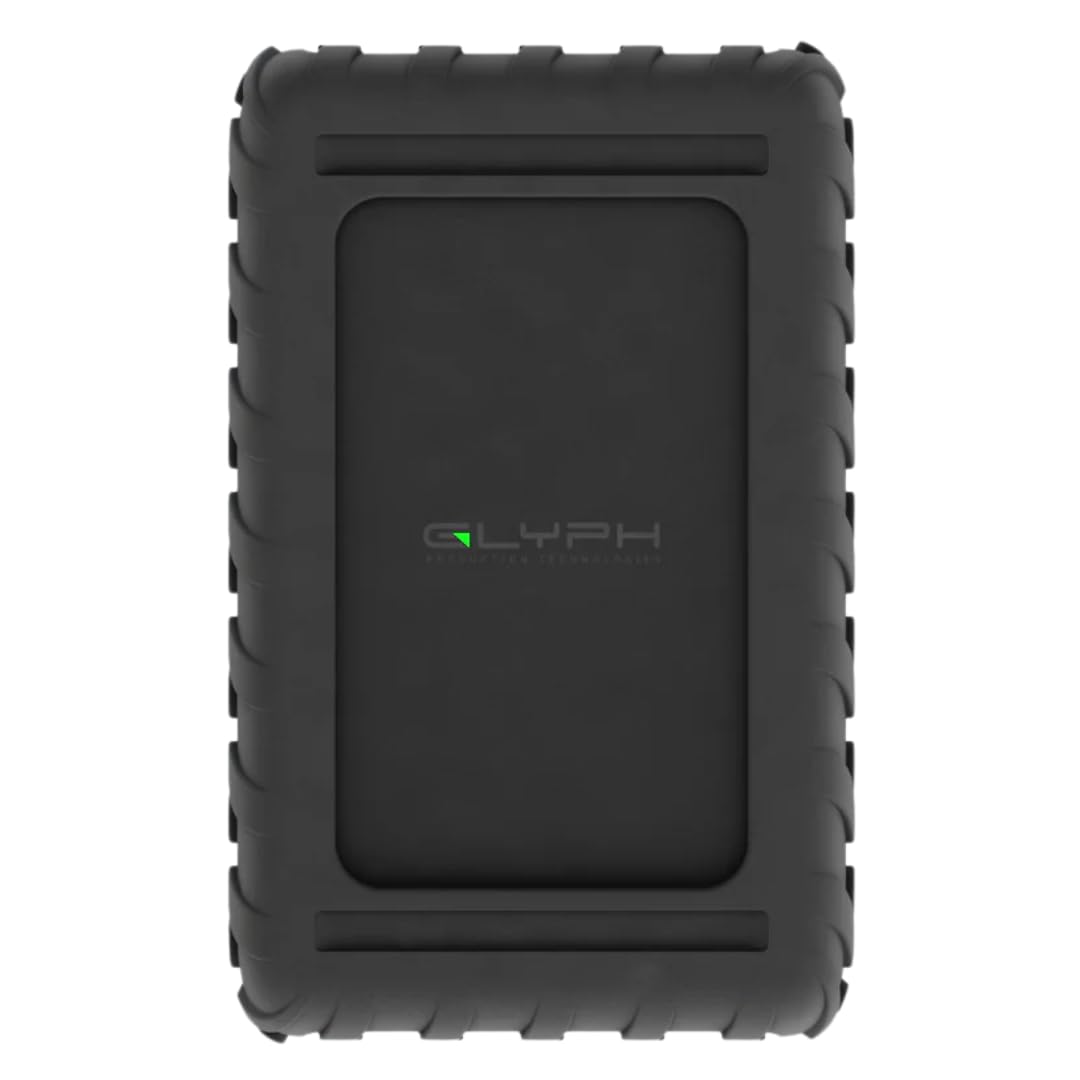
A rugged aluminum tank of a drive, built for filmmakers who move serious data every day.
Creative professionals need storage that can keep up with massive video files and survive being moved between studios. The Glyph Blackbox PRO 20TB delivers enterprise-class 7200 RPM performance with speeds up to 260 MB/s over a USB-C 3.2 port that is also compatible with Thunderbolt 3 and older USB standards. The aluminum shell acts as a heatsink to keep the internal drive cool during sustained transfers.
The warranty package is what sets this apart — Glyph’s 3-2-1 coverage includes three years of hardware coverage with cables, two years of Level-1 data recovery, and one year of advanced replacement, so a failed drive does not mean losing your files. Glyph has built storage drives for over 29 years, and that experience shows in the aluminum enclosure. One owner reports writing video from a SanDisk Extreme Pro SSD at 255-260 MB/s over USB 3.0, above its rated speed. Another switched to Glyph after two bad experiences with other brands and reports it has not frozen or failed.
There is one significant compatibility snag: a buyer reports the drive not being recognized by a Windows 10 PC, which Glyph’s site attributes to a Glyph Manager driver issue on 64-bit Windows. The workaround is to change the drive mode via USB first, but it is an extra step that not everyone will expect. Mac users will have a smoother experience since it ships Time Machine ready.
The standout: Enterprise-class 7200 RPM speed up to 260 MB/s in a rugged aluminum enclosure, backed by a 3-2-1 warranty that includes data recovery and advanced replacement.
The snag: Windows 10 users have reported driver recognition issues that require a workaround — Mac users will have a smoother out-of-box experience.
Ideal for: Filmmakers, photographers, and music producers who need fast, rugged storage with strong warranty protection.
Think twice if: You are on Windows 10 and want a zero-friction setup — the driver workaround adds a step.
Know the Specs
Capacity And Workload Rating
Capacity is measured in terabytes (TB), where 1TB equals roughly one trillion bytes. But raw capacity alone does not tell you whether a drive can handle your use case. Workload rating — expressed in TB per year — tells you how much data the drive is designed to write annually without premature wear. A surveillance drive rated for 180TB/year is built for constant recording, while a general-purpose desktop drive may handle far less. Match the workload rating to your actual usage, or you risk shortening the drive’s life.
Rotational Speed And Cache
Rotational speed is how fast the internal platters spin, measured in RPM (revolutions per minute). A 7200 RPM drive accesses data faster than a 5400 RPM unit, which matters most when you are transferring large files or running multiple simultaneous operations. Cache memory, measured in megabytes, is a buffer that holds recently accessed data. A larger cache — 512 MB versus 256 MB, for example — helps smooth out bursts of read/write activity and can improve sustained throughput.
Common Questions
What is the highest capacity hard disk drive available right now?
Can I use an enterprise hard drive in a regular desktop PC?
What does 7200 RPM mean for real-world file transfers?
Will a surveillance drive work in a NAS?
How long do high-capacity hard drives typically last?
Do I need a special enclosure for a 3.5-inch internal drive?
What is the difference between CMR and SMR hard drives?
Should I buy a refurbished or renewed enterprise drive?
Can I use a high-capacity drive with a game console?
The Bottom Line
If you want one dependable pick, the highest capacity hard disk drive winner is the Toshiba N300 20TB because it pairs a 7200 RPM spin speed and 512 MB cache with a proven track record for 24/7 NAS reliability. If you need maximum capacity in an external package, grab the Oyen Digital HDX Pro C 24TB — its 24TB and USB-C 10Gbps interface make it ideal for video editors on the move. And for straightforward desktop backup with encryption, the WD My Book 24TB is the one to reach for. Whichever drive you choose, buy from a seller with a clear return policy and test it thoroughly in the first two weeks — that is the single best habit for protecting your data.
How we choose
We do not accept paid placement. Every pick is matched to a real buyer and a real use-case; we do not hands-on test units.
Sources
Specifications: manufacturer listings and product documentation. Review insights: verified customer reviews, as of October 2026. Pricing: not shown on this page (it changes often); check the current price via the retailer link.
As an Amazon Associate, Aappliancez earns from qualifying purchases. This does not affect which products we feature.