Disclosure: Some links in this post are affiliate links. As an Amazon Associate I earn from qualifying purchases, at no extra cost to you. Learn more
Specs are compiled from manufacturer listings and verified buyer reviews and can change over time — please confirm the key details on the product page before buying.
If your video files seem to take forever to move, the drive is usually the bottleneck, not your camera. A flash drive built for video work needs a fast read speed and enough capacity to swallow whole project folders in one trip. Read speed is measured in MB/s (megabytes per second — how much data the drive hands back to your computer every second), and it is the single number that decides whether a 4K clip lands on your timeline in seconds or drags on for minutes. Below are seven drives that handle video well, sorted so you can match one to your actual workflow.
This guide is built by comparing the manufacturers’ published specifications and the patterns across verified customer reviews, so you get each pick’s real strengths and trade-offs instead of marketing spin.
Match the connector, capacity, and read speed to the footage you actually shoot. Every pick here is judged on those three things in plain terms, which is exactly how this flash drive for videos selection was narrowed down.
Top Picks

How To Choose The Best Flash Drive for Videos
Video eats storage faster than any other kind of file. A single 4K recording can run into the gigabytes, so a drive that feels fine for documents can choke during an edit session. Three specs decide everything: read speed, capacity, and the connector type.
Read speed is the number that decides your editing flow
Read speed is how fast the drive hands files to your computer — think of it as how quickly the drive can hand a clip over to your editor. A drive rated up to 150 MB/s reads far slower than one rated up to 1000 MB/s. If you routinely copy long recordings, the faster drive saves you real waiting. The catch: your computer’s USB port must support the same standard, or the drive drops to the slower speed.
Capacity, and why “256GB” is never all usable
Capacity is the total storage the drive holds. Formatting and preinstalled security software take a slice, so a 512GB drive hands you roughly 460GB of usable room after formatting. Buy for the footage you shoot in a month, plus a buffer, so you are not shuffling clips off mid-project.
USB-A, USB-C, or both: match the port you actually own
Most laptops and desktops still use the rectangular USB-A port. Newer phones, tablets, and MacBooks lean on the smaller USB-C port. A dual-connector drive has both heads on one body, so you can pull footage straight off a phone without hunting for an adapter. If you only ever plug into a computer, a single USB-A drive is simpler and cheaper.
Side-by-Side Comparison
| Model | Best For | Read Speed | Capacity | Connector | Amazon |
|---|---|---|---|---|---|
| Samsung BAR Plus 3.1★ Best Overall | All-round video storage | Up to 300 MB/s | 128 GB | USB-A | Amazon |
| PNY PRO Elite V3 256GBFastest Read | Fastest large-file transfers | Up to 1000 MB/s | 256 GB | USB-A | Amazon |
| SanDisk Ultra Flair 128GB | Budget video backups | Up to 150 MB/s | 128 GB | USB-A | Amazon |
| Lexar JumpDrive M400 256GB | Fast everyday transfers | Up to 150 MB/s | 256 GB | USB-A | Amazon |
| SanDisk Ultra Flair 512GB | Big video libraries | Up to 150 MB/s | 512 GB | USB-A | Amazon |
| Lexar JumpDrive D400 512GB | Phone-to-computer video moves | Up to 170 MB/s | 512 GB | USB-C + USB-A | Amazon |
| SSK 1TB USB SSD Thumb Drive | Massive 4K video projects | Up to 1000 MB/s | 1 TB | USB-C + USB-A | Amazon |
Detailed Reviews
1. Samsung BAR Plus 3.1 USB Flash Drive, 128GB
Our pick — 4.5+★ from 23,500+ verified ratings; the strongest balance of quality and price.
The keyring drive that shrugs off pocket abuse and still reads video fast.
Samsung puts a lot into this little bar: read speeds up to 300 MB/s over USB 3.1 (the fast plug standard your laptop has likely used for years) with a sturdy metal body. In practice that means a 3GB 4K UHD video file goes from this drive to your PC in about 10 seconds, to use Samsung’s own figure. It is the drive to grab when you want footage off a camera and onto an edit machine without babysitting the transfer.
The metal casing is the reason this drive earns its place near the top. It carries a waterproof, shock-proof, temperature-proof, magnet-proof, and X-ray-proof rating (those protections mean splashes, drops, hot cars, and airport scanners are all survivable) and it is backed by a 5-year limited warranty. That is the kind of build you want bouncing around a camera bag between shoots.
Here is the honest picture. Between the two fastest drives here, the PNY’s 1000 MB/s read is clearly quicker than Samsung’s 300 MB/s, so if you move enormous video files for a living, that gap matters. For everyone else shooting phone or mirrorless footage, this drive is fast enough and tougher than most. It runs warm after long transfers, and a few find the plug grips ports tightly, but the fit-and-finish reputation across tens of thousands of owners keeps it the safest all-round pick.
Where it earns its keep
- 300 MB/s read moves a 3GB 4K file in about 10 seconds
- Waterproof, shock-proof, temperature-proof, magnet-proof and X-ray-proof body
- Backed by a 5-year limited warranty
- Integrated keyring keeps it from going missing
What to keep in mind
- Runs warm after long transfer sessions
- The plug is a tight fit in some USB ports
- 128GB fills fast with a steady 4K shooting habit
My call: Grab this if you want one durable drive to carry footage from camera to computer without babysitting it.
Look past it if: your day is measured in hundreds of gigabytes of video and you need the fastest read available.
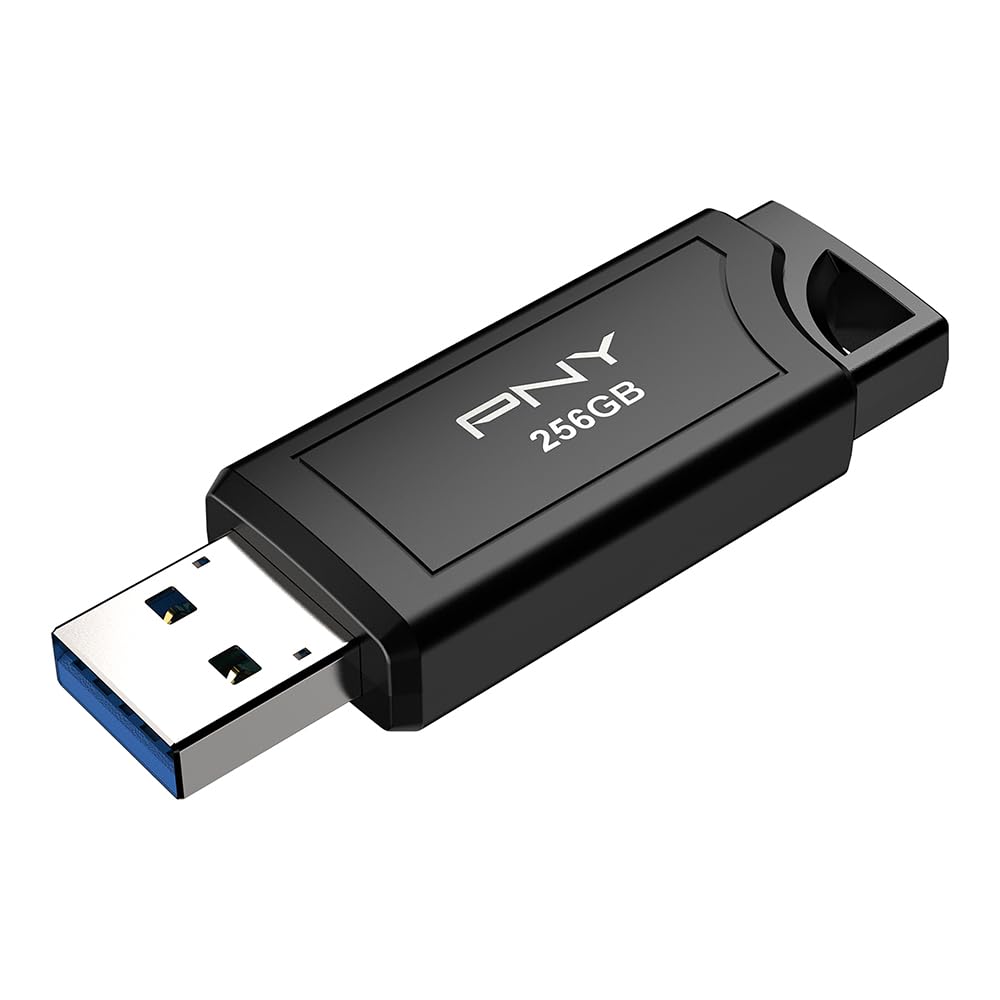
2. PNY 256GB PRO Elite V3 USB 3.2 Gen 2 Flash Drive
The drive that treats a 4K clip like a text file and barely breaks a sweat.
PNY’s PRO Elite V3 is the speed specialist here. It runs read speeds up to 1000 MB/s and write speeds up to 800 MB/s over USB 3.2 Gen 2 (the newer, faster plug standard that doubles the ceiling of the older Gen 1 port). Set it next to the SanDisk in this list, and its 1000 MB/s read is a large step ahead of that drive’s 150 MB/s. When you are pulling long recordings off a camera or pushing them back onto a laptop, that headroom shows up as minutes saved per project.
Owners set this drive up in a Tesla’s glove box for its video recording features, and the stock being replaced is the reason: speed and capacity line up for the job. It also stores the same capacity as two of the 128GB drives here — 256GB versus 128GB — so you carry more footage in one stick. The metal body feels solid, and it slides down small enough to lose track of, so pick a case or keyring.
The one quirk worth knowing is the sliding connector. It can retract when you push the drive into a tight port, so inserting it sometimes takes two hands. Runs warm under heavy use is the other note, which is normal for a drive this fast. Neither knocks it off its spot: it is the pick for anyone who moves large video files regularly and wants it done quickly.
Why it leads on speed: 1000 MB/s read and 800 MB/s write put it at the top of this group for raw video transfer, and the 256GB capacity holds more footage than the 128GB options before you start freeing space.
The slide to watch: that sliding connector retracts under pressure from some ports — expect an occasional two-handed insert.
Suits: video shooters and editors who copy big files often and hate waiting.
Not for: anyone on an older USB 3.0-only laptop — the drive falls back to that slower speed and you will not feel the full benefit.
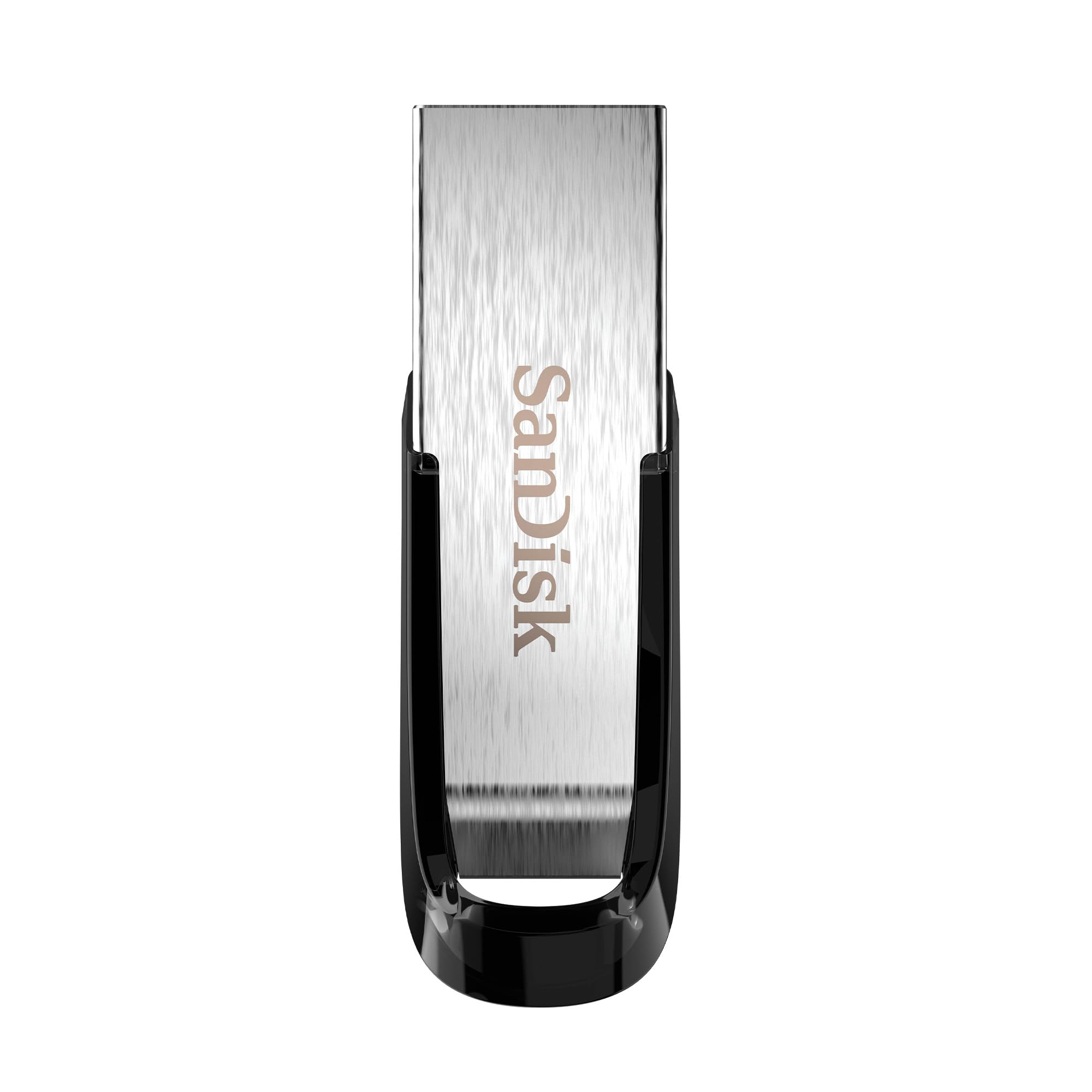
3. SANDISK 128GB Ultra Flair USB-A Flash Drive
A whole movie in under 30 seconds, without paying a premium for the privilege.
The Ultra Flair is SanDisk’s workhorse at its simplest: up to 150 MB/s read speeds over USB 3.0, enough to transfer a full-length movie in less than 30 seconds by the company’s own measure. It hangs off a metal casing that survives a backpack or a keyring, and it works plug-and-play on Windows and Mac. The built-in password protection uses 128-bit AES encryption (a strong, standard lock on your private files) via free software download.
Owners use it to fix the “storage low” warning on a Sony Bravia TV — plug it in, format it through settings, and copy apps and photos across. It handles backups, phone video, and file shuttling between machines, though its 150 MB/s read is modest for 4K. It is also very small, which is a double edge — easy to lose, so thread it onto a keyring.
The speed is the honest caveat. SanDisk’s 150 MB/s read is modest next to the PNY’s 1000 MB/s, so long 4K sessions will feel slower here. Write speed lags further on the bigger versions, and the metal body gets warm during long transfers. For phone clips, HD video, and general backup duty, none of that gets in the way. At 150 MB/s read and a low price, it is a sensible first drive for HD video and backups.
Good starting point if: you need an affordable drive for TV storage fixes, backups, and moving everyday video off a phone.
Think twice if: your footage is 4K-heavy and you have grown impatient with slow transfers.
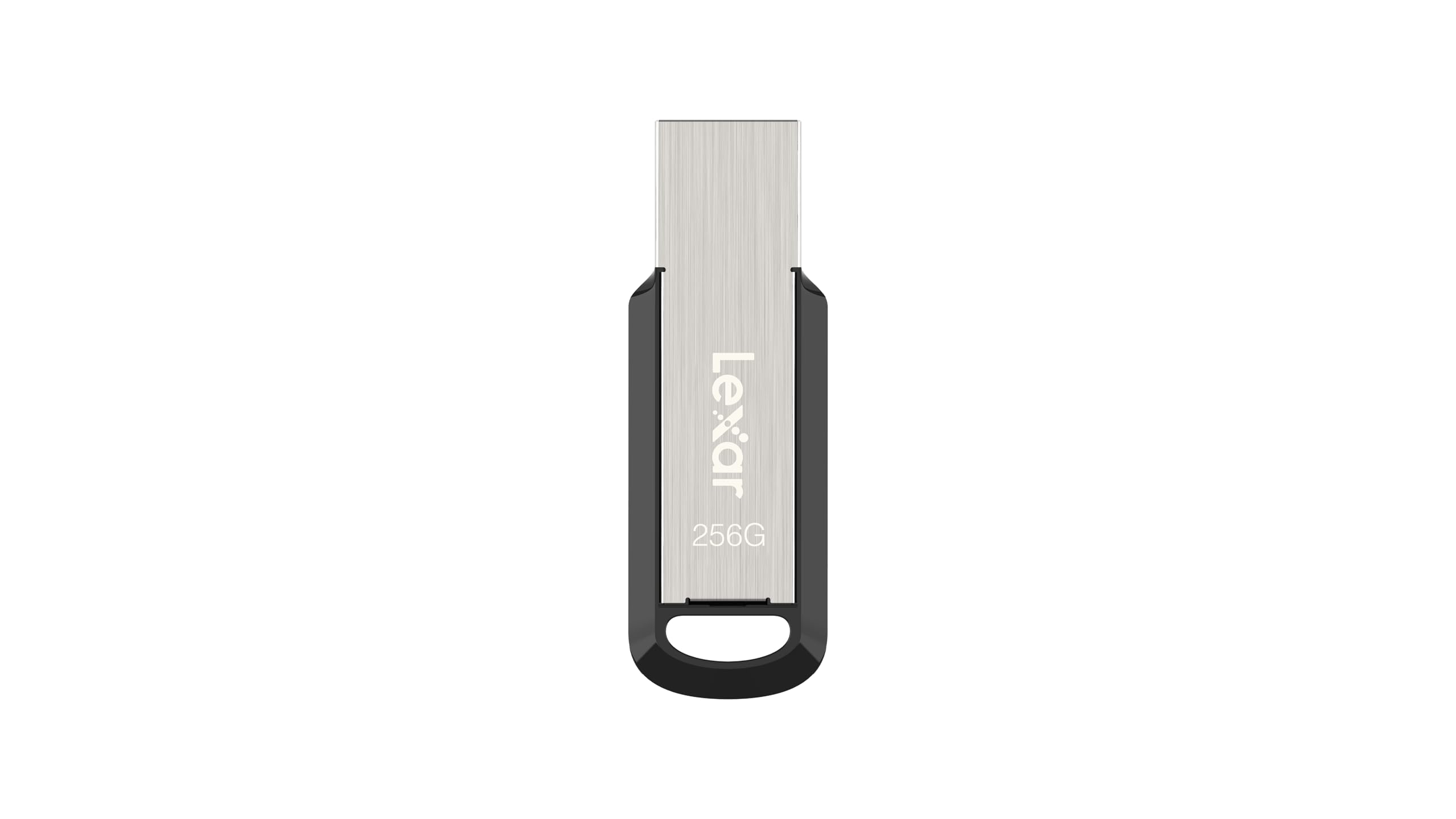
4. Lexar 256GB JumpDrive M400 Flash Drive
Slips into a Fire TV Stick and gives your streaming apps room to breathe.
Lexar’s M400 is a 256GB stick at up to 150 MB/s read over USB 3.2 Gen 1. What makes it interesting for video is where owners put it: a Fire TV Stick 4K Plus, where the faster read and write speeds let more apps live on the external drive via an OTG cable. It writes 40GB of everyday files in about 8 minutes, which is quick enough that clearing a camera card does not become a chore.
The metal body has a keyring loop, so it survives a bag or a pocket. Lexar’s DataShield software handles file security if you want to lock a folder, and it works with PC and Mac. It is a modest 150 MB/s drive built for streaming-stick expansion and everyday file moves, not for 4K dumps.
The trade-off is that 150 MB/s is mid-pack here, and the drive runs warm while working. If your real job is dragging huge 4K projects around, the PNY and SSK drives will beat it handily. But for streaming expansion, BIOS updates, and moving video between home machines, the M400 gets the basics right at a modest size.
What works well
- 256GB gives plenty of room for apps and video files
- Runs well as external storage for a Fire TV Stick 4K Plus with an OTG cable
- Metal body with keyring design
- Writes 40GB in about 8 minutes
Trade-offs to know
- 150 MB/s read is slower than the top picks here
- Runs warm while in use
Worth it when: you want extra room on a streaming stick or a sturdy drive for everyday video files.
Pass on it when: raw transfer speed is the reason you are shopping.
5. SANDISK 512GB Ultra Flair USB-A Flash Drive
Twice the room of the 128GB version, for a video library that keeps growing.
This is the same Ultra Flair you just read about, with the storage turned up to 512GB. Read speeds stay up to 150 MB/s over USB 3.0, the metal casing is durable, and the password protection works the same way. For video people, the draw is simply having four times the space of the 128GB Ultra Flair, so a season of footage fits without offloading mid-project. DJs use these to hold a whole music library on a CDJ deck, which is a fair picture of how much media it swallows.
Owners have verified the drive is genuine by running read and write tests: about 50–60MiB/s write and 100–160MiB/s read sequential, with roughly 460GB usable after formatting. That spare slice is normal — the drive sets it aside for its own lifespan. It is fine for photo storage, backups, and offloading dashcam cards too.
The catch is the write speed, which is the slower side of the two figures. If your need is dumping huge 4K files fast, the PNY and SSK drives lead clearly on read speed. The Ultra Flair trades top speed for capacity and value, and it does that job well for anyone who needs somewhere big to park footage.
The case for the room: 512GB means fewer offload trips, and the 150 MB/s read handles everyday HD video and music libraries without fuss.
Slow lane: write speed runs at the modest end, so a giant 4K dump will feel it.
For you if: you want a big, affordable bucket for a growing video library and backups.
Skip if: every session involves moving huge 4K files and speed is the priority.
6. Lexar 512GB JumpDrive D400 Dual Flash Drive

One stick with both plugs, so video hops from phone to computer in one move.
The D400 carries a USB-C head and a USB-A head on one swivelling body, rated up to 170 MB/s read over USB 3.2 Gen 1. That means you can pull 4K footage straight off an iPhone, iPad, or Android phone and then plug the other end into a laptop — no dongle, no adapter, no stopping. The swivel design swings back and forth with a positive click, and the metal housing protects both plugs when one is stowed.
Owners lean on it to move big projects between an iPhone, iPad, computer, and cloud storage, and it is a go-to for cross-platform work across PC, Mac, and Android. The 512GB capacity holds a real video library. Lexar’s DataShield software adds file security, and it formats and mounts on most systems without fuss.
Two things temper the enthusiasm. The casing is solid but a few note a flimsy feel and no connector cap. And on the model owners checked, around 12GB of the capacity was taken by Lexar’s own software, handing them about 116GB usable if they chose a smaller version. Neither spoils the deal for phone-to-computer video and photo moves — it is the dual connector that sells this drive, and it delivers that well.
Why the dual head wins
- USB-C and USB-A on one drive for phone-to-computer moves
- 512GB holds a large project library
- Swivel body covers the unused plug
- 170 MB/s read over USB 3.2 Gen 1
Trade-offs on record
- Casing feels less substantial than the metal bricks here
- No connector cap
- Some capacity is used by Lexar’s security software
Best for you if: your footage lives on a phone and you edit on a laptop — one drive bridges both.
Reconsider if: you want the rugged solid-metal feel of a straight USB-A stick.
7. SSK 1TB USB SSD Thumb Drive

A terabyte of video storage that fits where your thumb does.
When you need to carry a whole project in your pocket, this is the drive. SSK’s SD301 PRO packs 1TB with read and write speeds up to 1000 MB/s over USB 3.2 Gen 2, and it carries both USB-C and USB-A heads so it works on a laptop, tablet, or phone with no cables and no power brick. Owners pull 3–6GB videos off an Android phone in seconds, and one dumps 350GB of files onto it with no trouble. For 4K video, that kind of room matters.
The build is a zinc alloy shell with a double-head protective cover, and it handles data transfers fast enough that a full-size project moves instead of crawling. It reads and writes 4K video and high-resolution photos without complaint, and it is recognised instantly by almost anything with a USB port — including the 4K60Hz ProRes HDR workflows listed for it.
The trade-offs are real and worth naming. On older USB 3.0 ports the drive is capped at the slower speed, so it only flies at 1000 MB/s when your port supports Gen 2. Under load it gets extremely hot, and heavy sustained use is best broken into shorter bursts. The USB-A cap is also easy to misplace. None of that changes what it is: the biggest, fastest video carrier in this group, for people who need the space.
The standout: 1TB at up to 1000 MB/s read and write, with USB-C and USB-A in one shell — enough room for a serious 4K library.
The limit: speed depends on your port, and the body runs very hot under sustained load.
Reach for it if: you carry large 4K projects and need the most capacity and speed in a pocket-size drive.
Look elsewhere if: your computer only has older USB 3.0 ports — you will never see its full speed.
Know the Specs
Read Speed in MB/s
Read speed is how fast the drive hands files back to your computer. MB/s means megabytes per second — the amount of video data the drive delivers each second. A drive rated up to 1000 MB/s moves a large clip far quicker than one rated up to 150 MB/s. Your port has to match, though; a Gen 2 drive on an older port drops to the slower speed.
USB Generations and Connectors
USB 3.2 Gen 2 is the newest fast standard here, and it doubles the ceiling of older USB 3.2 Gen 1 and USB 3.0. Connectors matter just as much: USB-A is the classic rectangular plug, USB-C the smaller reversible one on phones and modern laptops. A dual-connector drive carries both, so you can move video off a phone and onto a computer without an adapter.
Common Questions
What read speed do I need for 4K video files?
Can I record video straight onto a flash drive?
Why does my 512GB drive show less usable space?
Will a USB-C drive work with my older laptop?
Why does my flash drive get hot while transferring video?
Is a fast flash drive better than a small SSD for video?
How much video fits on 128GB versus 512GB or 1TB?
Do these drives protect the files if I lose one?
Will a dual-connector drive work with my iPhone?
Why does one drive hit 1000 MB/s and another only 150 MB/s on the same laptop?
The Bottom Line
If you want one drive that handles video well and survives the bag, the Samsung BAR Plus 3.1 is the safest all-rounder, with its 300 MB/s read, rugged metal body, and 5-year warranty. When pure speed is the job, the PNY PRO Elite V3 leads with up to 1000 MB/s read and 800 MB/s write. And if you are moving footage off a phone, the dual-connector Lexar D400 bridges phone and computer in one stick. Whichever you pick, match the read speed and connector to the port you own — a Gen 2 drive on an older port drops to the slower speed.
How we choose
We do not accept paid placement. Every pick is matched to a real buyer and a real use-case; we do not hands-on test units.
Sources
Specifications: manufacturer listings and product documentation. Review insights: verified customer reviews, as of October 2026. Pricing: not shown on this page (it changes often); check the current price via the retailer link.
As an Amazon Associate, Aappliancez earns from qualifying purchases. This does not affect which products we feature.