Disclosure: Some links in this post are affiliate links. As an Amazon Associate I earn from qualifying purchases, at no extra cost to you. Learn more
Specs are compiled from manufacturer listings and verified buyer reviews and can change over time — please confirm the key details on the product page before buying.
If you mainly want a big screen for framing shots, scanning documents, and taking video calls, buy the Apple iPad Air 11-inch (M4). It pairs a 12MP front camera with a 12MP back camera, and no other tablet here matches that front-camera setup on paper. If you would rather spend less and shoot with Android, the TCL TAB A1 Plus and the Lenovo Idea Tab give you big screens and usable cameras for a lot less money. Everything below is sorted by what each tablet’s cameras and screen actually do.
This guide is built by comparing the manufacturers’ published specifications and the patterns across verified customer reviews, so you get each pick’s real strengths and trade-offs instead of marketing spin.
Three specs decide a camera tablet: front-camera resolution for calls, rear-camera quality for documents and photos, and a screen bright enough to frame a shot outdoors. This guide walks through all nine picks so you can match one to how you actually shoot. The picks below cover every budget tier, but the smart money goes to the camera tablet whose front and rear cameras fit how you shoot.
Top Picks

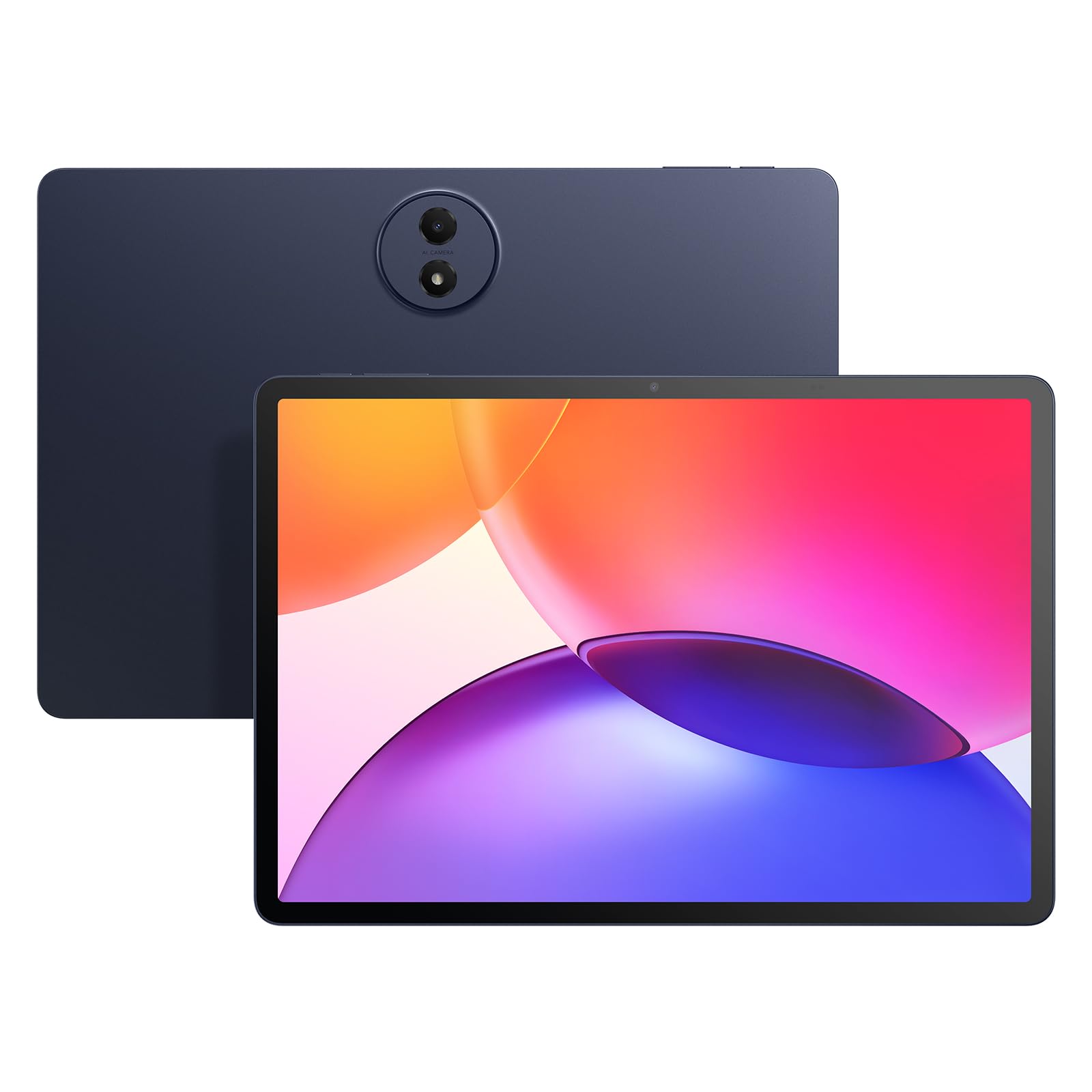

How To Choose The Best Camera Tablet
Before you compare megapixels, decide what you actually shoot with a tablet: video calls, document scans, travel photos, or art reference. Before you compare megapixels, decide what you actually shoot with a tablet: video calls, document scans, travel photos, or art reference.
Front camera first, rear camera second
For video calls, online classes, and vlogging, the front camera does the heavy lifting. The iPad Air 11-inch (M4) leads here with a 12MP Center Stage front camera, which keeps you centered as you move. The Samsung Galaxy Tab S10+ Plus and the Galaxy Tab S9 FE+ Plus both carry a 12MP front camera too. Budget Android tablets often drop to 5MP on the front, which shows as soft, grainy faces on a call.
Rear camera and the LiDAR question
Rear cameras on tablets rarely match a phone, so treat them as document scanners and quick-snap tools. A 12MP or 13MP rear sensor is plenty for receipts, whiteboards, and reference photos. The iPad Pro 13-inch (M5) goes further with a LiDAR scanner, a laser sensor that measures distance for depth and augmented-reality apps. If you never touch AR or 3D scanning, that feature will sit unused.
Brightness and screen size for framing
A camera tablet is also your viewfinder, so the screen has to stay readable outdoors. The TCL TAB A1 Plus pairs a 12.2-inch 2.4K display with a 120Hz refresh rate, and buyers report the screen stays bright outside. The 11-inch iPad Air is smaller but easier to hold one-handed while shooting. Match screen size to how you hold the tablet: 11 inches for one-handed framing, 12 inches and up for tripod or tabletop work.
Side-by-Side Comparison
| Model | Best For | Front Camera | Rear Camera | Screen | Amazon |
|---|---|---|---|---|---|
| Apple iPad Air 11-inch (M4)★ Best Overall | Best all-round camera tablet | 12MP Center Stage | 12MP Wide | 11-inch Liquid Retina | Amazon |
| TCL TAB A1 PlusBig Screen Value | Big screen on a budget | 5MP | 8MP | 12.2-inch 2.4K 120Hz | Amazon |
| Lenovo Idea TabStudy and Sketch | Students who scan and annotate | — | — | 11-inch 2.5K 90Hz | Amazon |
| Samsung Galaxy Tab S10 FE | 4K video on a mid-range budget | 12MP ultrawide | 13MP Wide | 10.9-inch 90Hz LCD | Amazon |
| Lenovo Idea Tab Pro | Large screen for art reference | Front | Rear | 12.7-inch 3K 90Hz | Amazon |
| Samsung Galaxy Tab S9 FE+ Plus | Rugged outdoor shooting | 12MP | Dual 8MP | 12.4-inch WQXGA 90Hz | Amazon |
| Microsoft Surface Pro | Windows workflow plus a camera | Front | Rear | 12-inch PixelSense 60Hz | Amazon |
| Samsung Galaxy Tab S10+ Plus | Artists who shoot and sketch | Front | Rear | 12.4-inch AMOLED 120Hz | Amazon |
| Apple iPad Pro 13-inch (M5) | Pro imaging and LiDAR scanning | 12MP landscape Center Stage | 12MP Wide + LiDAR | 13-inch Ultra Retina XDR | Amazon |
Detailed Reviews
1. Apple iPad Air 11-inch (M4)
Our pick — 4.5+★ from 900+ verified ratings; the strongest balance of quality and price.
Two 12MP cameras and a 1TB drive make this the reference camera tablet in this list.
The front camera is what earns this tablet the top slot. It is a 12MP Center Stage camera, meaning it tracks you and keeps your face centered as you move during a video call. That is double the 5MP front camera on the TCL TAB A1 Plus, and for anyone who runs Zoom classes or records video for a living, that jump shows up as a sharper, cleaner face on screen.
The rear is a 12MP Wide camera that shoots 4K video and handles document scanning. 4K is four times the pixels of standard 1080p video, so text on a scanned receipt or whiteboard stays readable when you zoom in later. Storage goes up to 1TB (a terabyte), which is roughly enough for hundreds of hours of 4K footage before you ever think about a drive.
The 11-inch Liquid Retina screen uses P3 wide color and True Tone, a feature that shifts the white balance to match your room’s lighting so skin tones look natural. The catch: as owners mention, it is “a bit heavier than my older one,” and the M4 chip plus that 1TB drive push the price into premium territory. If your camera use is casual, you are paying for headroom you may never touch.
Where the camera money goes
- 12MP Center Stage front camera that follows you on calls
- 12MP Wide rear camera that records in 4K
- Up to 1TB of storage for video and photos
- P3 wide color and True Tone for accurate skin tones
What you trade for it
- Heavier than the base iPad it replaces, per buyer reports
- Battery life draws mixed feedback
- Premium tier pricing for the M4 and 1TB combo
The fit: Choose this if you video-call, vlog, or scan documents daily and want the best front camera in the group.
The reality check: The M4 and 1TB storage are more than a casual shooter needs, and the tablet carries more weight than its predecessor.
2. TCL TAB A1 Plus
A 12.2-inch screen that stays bright outdoors, without the premium-tier price.
Screen size is the story here: at 12.2 inches it is larger than the 11-inch iPad Air, and for framing a shot on a tabletop that extra real estate helps. The 2.4K resolution keeps details crisp, and the 120Hz refresh rate makes scrolling and video playback feel smooth. Buyers confirm it, with the display described as staying bright outside — a real advantage when you are shooting or reviewing photos in daylight.
Camera specs are modest. The front is 5MP and the rear is 8MP, so this is a tablet for calls and document snaps, not for vlogging or pro photography. An 8000mAh battery (milliamp-hours, the standard measure of battery capacity) and 20W fast charging keep it running through a day of classes or streaming. The metal body is just 6.7mm thin and 1.19 lb.
The honest catch is the battery and software. Customers note the battery life is “really low” for some users, and a few note glitchy moments when closing apps. Connectivity and screen size draw mixed feedback in the review pages. For casual shooting and streaming, though, it delivers a huge screen at a budget price — as buyers put it, “an absolute steal.”
Best for big-screen shooters: If you mainly use the camera for document scans and video-call framing, the 12.2-inch 2.4K display gives you a huge viewfinder at an entry-level price.
The trade-off to own: A 5MP front and 8MP rear camera will not match a 12MP sensor, and some buyers find the battery drains quickly under heavy use.
Reach for this if: You want the largest screen in a budget tablet for scanning, streaming, and calls.
Look elsewhere if: Sharp selfies or low-light video matter, because the front camera tops out at 5MP.
3. Lenovo Idea Tab
Built for students who annotate slides and scan notes more than they snap photos.
This is the tablet for the lecture hall, not the photo studio. The 11-inch 2.5K IPS touchscreen at 90Hz is sharp and smooth, and the 256GB of storage is double the 128GB on the TCL TAB A1 Plus — plenty for scanned pages, recorded lectures, and app downloads. The box includes a Tab Pen and folio case, so you can annotate a screen grab of a document without buying extra gear.
Battery life is rated at up to 12 hours, and a 7216mAh cell backs it. Reviewers point out about a day of heavy use and praise the fast charging. The MediaTek Dimensity 6300 processor with 8GB of memory keeps multitasking tidy, and the quad Dolby Atmos-tuned speakers make recorded lectures easy to hear.
Two honest notes. Shoppers say Wi-Fi drops occasionally, and the stylus takes an uncommon AAAA battery, which you may need to hunt down. Camera specs are not listed in the data, so do not buy this one expecting a standout shooter. It earns its place on screen, storage, and the included pen.
Where it shines: 256GB of storage and a bundled pen make it a strong pick for scanning documents and annotating class notes all semester.
The catch to know: Camera specs go unlisted here, so treat it as a study tool first and a camera second.
This one suits: Students who need storage and a pen for documents more than a rear camera.
skip it if: You want a tablet you can shoot with confidently, because its camera details are not published.
4. Samsung Galaxy Tab S10 FE
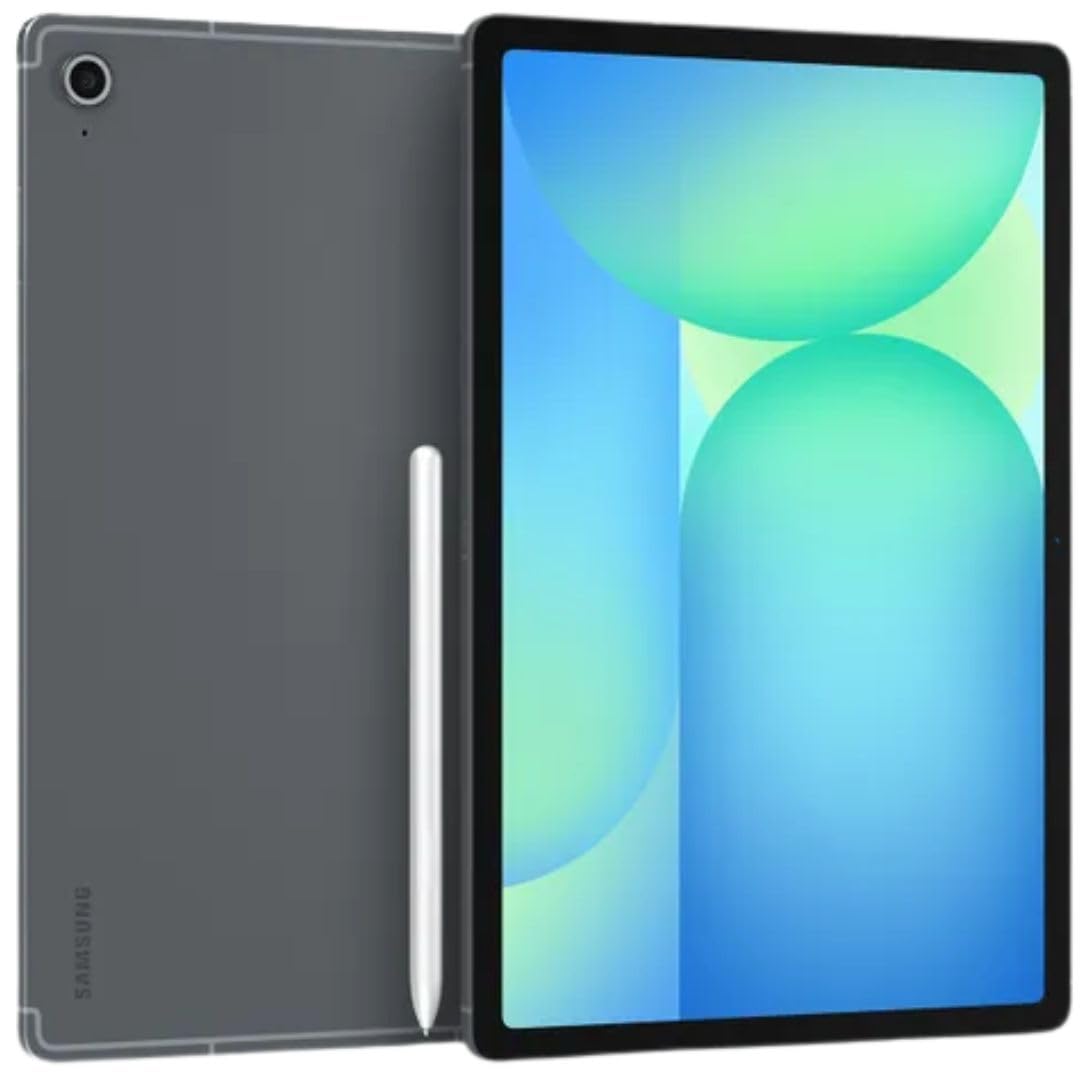
A 13MP rear camera and 4K video at a mid-range price — the camera-to-cost ratio here is hard to argue with.
Camera hardware punches above this tablet’s price. The rear is a 13MP wide sensor with an f/2.0 aperture (a wider opening that lets more light in, so low-light shots look cleaner). It records 4K video. The front is a 12MP ultrawide camera, which means more of the room fits behind you on a call — useful for group calls or showing a whiteboard.
The 10.9-inch IPS LCD runs a 2304 x 1440 resolution at 90Hz, and the S-Pen is included. That combination of a 13MP rear and an included stylus is the practical pairing for anyone scanning receipts and annotating documents. An 8000mAh battery and 25W charger are bundled, and the Exynos 1580 processor handles multitasking. Buyers describe the display as crisp and the performance as smooth.
The real caveat is regional: some units ship as an international model, and a buyer who bought two reported one arrived with a different regional setup than the US version. Others note the value-for-money question swings on price. Check the seller’s regional listing before you order, because a Wi-Fi-only international model will not suit everyone.
Camera strengths that matter
- 13MP rear camera with a wide f/2.0 aperture
- 12MP ultrawide front camera for group calls
- 4K video capture from a mid-range tablet
- S-Pen included for annotating scans
Friction worth knowing
- Some listings are international models without domestic warranty
- Regional setup differences reported between units
- Value question depends on the price you pay
The buy: Great camera hardware for the tier if you want 13MP stills and 4K video without paying premium.
The check first: Confirm the listing is a US model, not an international one, before you commit.
5. Lenovo Idea Tab Pro

The 12.7-inch viewfinder for people who want a big screen for art reference and note-taking.
Every camera needs a screen worth looking at, and this one brings a 12.7-inch 3K LCD with a 2944 x 1840 resolution. That is the biggest, sharpest display in the Android crowd here besides the TCL, and artists use it as a reference board. Buyers report it runs Clip Studio and Krita smoothly, even at high canvas resolution, and the included Tab Pen Plus has low lag for drawing.
Battery is a 10200mAh cell rated for 11 hours of video streaming, with 45W quick charge to top it back up. The MediaTek Dimensity 8300 processor and 8GB of memory handle Linux-style multitasking and even PS2 emulation, and owners mention PUBG-level gaming is fine at medium settings. The quad JBL Dolby Atmos speakers make it a serious media tablet too.
What buyers keep flagging is weight and battery behavior. At 12.7 inches it is heavy to hold for a long shoot, and the battery draws mixed reports — some call it amazing, others find it poor early on. If you shoot with the tablet propped on a stand and want a big canvas, that weight is a fair trade.
For the big-canvas shooters: A 12.7-inch 3K screen and a 10200mAh battery make it a strong pick if you review and edit photos at a desk.
Holders beware: The size adds weight, and the battery feedback is split, so plan on a stand for long sessions.
Choose it if: You want the largest sharp Android canvas for drawing and editing reference shots.
Think twice if: You shoot handheld for long stretches or lean on battery life estimates.
6. SAMSUNG Galaxy Tab S9 FE+ Plus
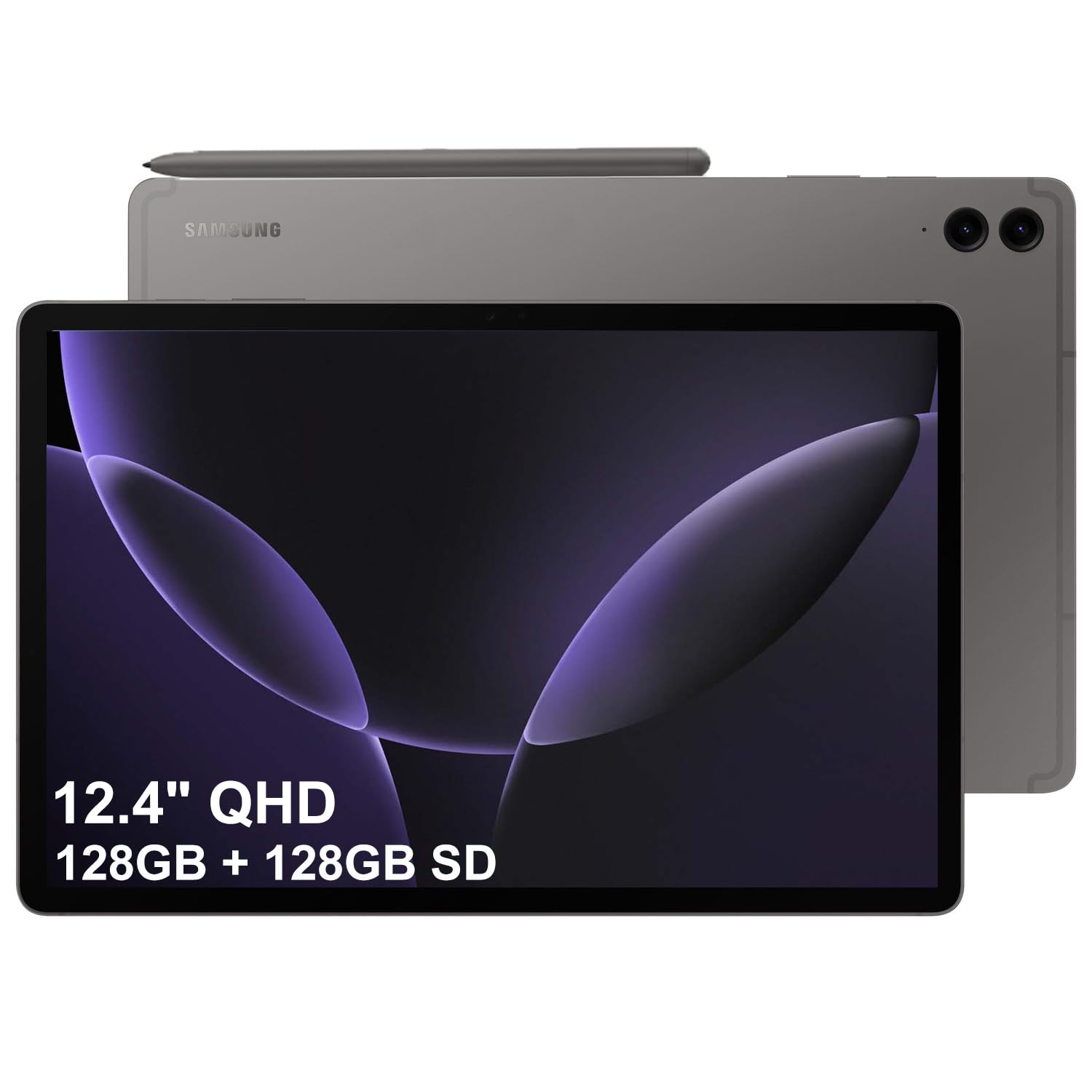
The tablet you can take into the rain and keep shooting, thanks to its IP68 rating.
IP68 is the standout spec, and it matters for outdoor shooters. IP68 means the tablet is dustproof and survives being submerged in water — so a sudden downpour or a splash at the beach does not end your session. That durability pairs with a 12.4-inch WQXGA (2560 x 1600) display at 90Hz, which keeps framing crisp on the move.
The camera setup is a 12MP front camera plus dual 8MP rear cameras, backed by a 10090mAh battery rated for 18 hours. The Exynos 1380 processor and 8GB of memory handle multitasking, and the included S Pen needs no charging for note and sketch duty. Buyers describe the build as a flagship feel, and one notes it stays durable when dropped.
What buyers flag is weight and gaming muscle. The 12.4-inch body reads a bit heavy for some hands, and the Exynos 1380 is better at productivity than intense gaming. Neither is a deal for a camera-and-notes tablet, but if you want a gaming-first device this is not the one.
Why the outdoor crowd picks it: IP68 protection plus an 18-hour battery means you can shoot all day in weather that would sideline a non-rugged tablet.
Where it holds back: The Exynos 1380 favors everyday tasks over heavy gaming, and the large body feels substantial in hand.
Built for: Outdoor shooters, field workers, and anyone who needs a tablet that shrugs off dust and splashes.
Not for: Heavy gamers who want frame rates over durability.
7. Microsoft Surface Pro

A full Windows PC in tablet form for photographers who shoot and edit in the same device.
This is the pick for workflow, not camera hardware. The 12-inch PixelSense touchscreen at 2196 x 1464 gives you a sharp, compact viewfinder, and the Snapdragon X Plus processor with 16GB of memory and 512GB of storage runs full desktop software. It is a Copilot+ PC running Windows 11, so the apps you edit photos in on a laptop run here too.
Battery is rated at up to 16 hours, and customers note it lasts a full workday while noting it does not always hit the full estimate. The build is compact and light enough to travel with, and there is a front and rear camera for calls and quick snaps. The kickstand props it up so you can shoot tethered or view frames hands-free.
Two catches. The data lists support for xD flash memory, an older card format, which is worth verifying if you need removable storage for photos. And RAW editing is slow going — a buyer who edits in Lightroom reports Denoise crawls. For photo capture and everyday editing it works; for heavy RAW work, look at a laptop.
Why the workflow crowd likes it
- Full Windows 11 with 16GB RAM and 512GB storage
- Compact 12-inch PixelSense touchscreen
- Battery rated at up to 16 hours
- Built-in kickstand for hands-free framing
Where it trips up
- RAW editing in Lightroom runs slow
- Not a high-performance desktop replacement
- Battery life and value draw mixed buyer feedback
Made for: Photographers who want one compact device to capture, view, and edit in a desktop app.
Not ideal for: Heavy RAW processing, where a true laptop still wins.
8. Samsung Galaxy Tab S10+ Plus
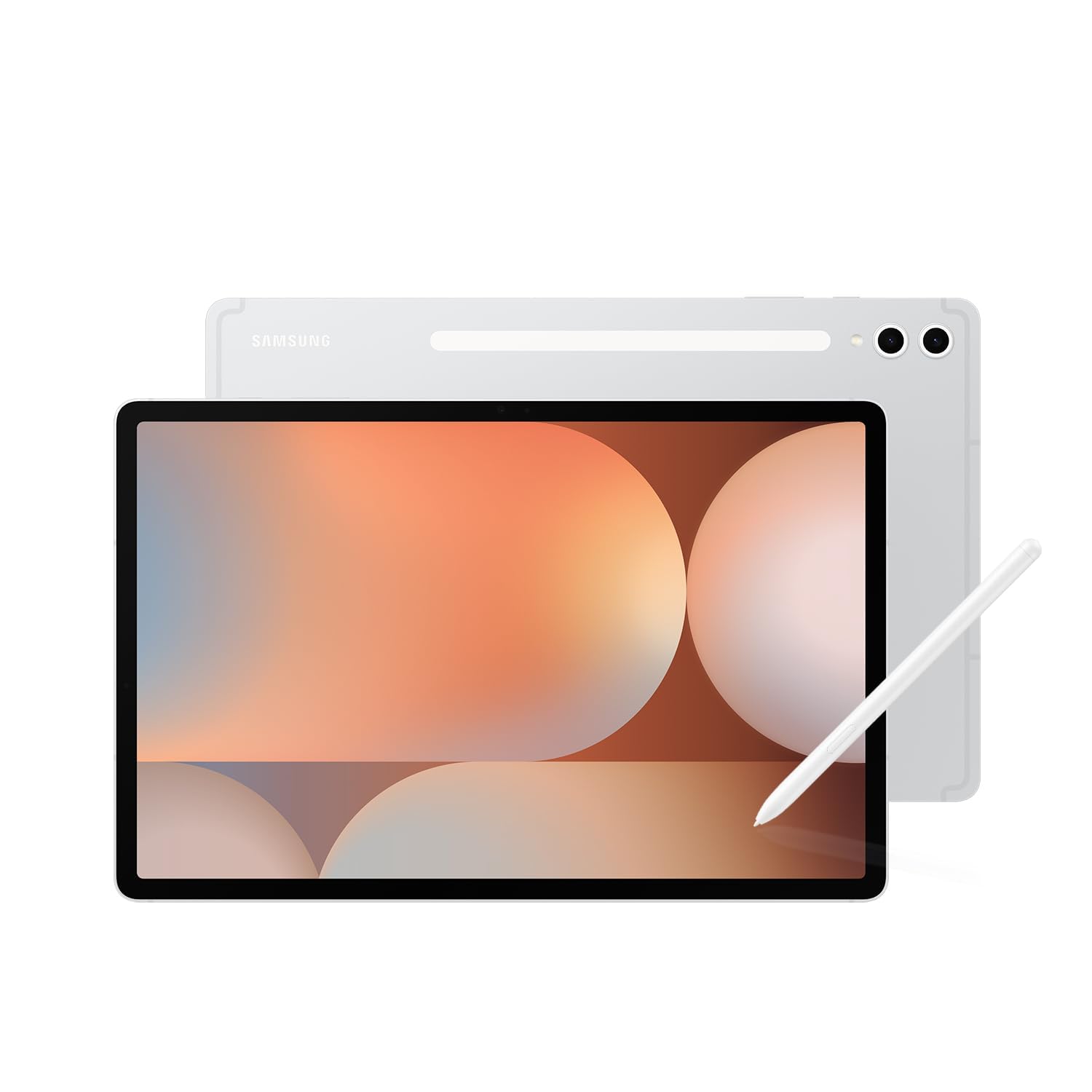
A 12.4-inch AMOLED screen at 120Hz, built for artists who view and mark up photos at a desk.
The display is what you buy this for. A 2800 x 1752 AMOLED panel (AMOLED means each pixel lights itself, so blacks go truly black) at 120Hz makes photos and video look rich. For reviewing shots or using a photo as art reference, that contrast matters. Buyers describe the graphics as very good, and one notes it does not strain the eyes.
The MediaTek Dimensity 9300+ processor with 512GB of storage and a micro SD slot handles heavy multitasking, and the S Pen is compatible for sketching. Galaxy AI adds Sketch to Image, which turns a rough drawing into a fuller image, plus Note Assist to summarize notes. Artists report Krita and Clip Studio Paint run smoothly, and it doubles as a second screen for Photoshop on a PC.
The cost is weight and price tier. Reviewers point out it is too heavy and unwieldy for casual reading, and it is better as a laptop replacement. Battery runs roughly 8-10 hours of continuous use. The pen magnet area can also get warm on a flat surface. If you want a big, brilliant canvas, those are the compromises.
The artist connection: A 12.4-inch AMOLED panel and AI Sketch to Image make it a natural pick for turning sketches into finished work.
Weight of the choice: It is a desk companion more than a handheld camera, and the pen area warms up on flat surfaces.
The right buyer: Artists and note-takers who want a brilliant 12.4-inch AMOLED canvas and AI sketching tools.
The wrong buyer: Anyone who wants a light tablet for shooting photos on the go.
9. Apple iPad Pro 13-inch (M5)

The only tablet here with a LiDAR scanner, for depth, 3D, and AR work alongside a 12MP camera pair.
The LiDAR scanner sets this apart from every other tablet in the group. LiDAR is a laser sensor that measures distance by timing bounced light, and it feeds the depth data used in AR apps, 3D room scans, and more accurate autofocus. Combined with a 12MP Wide rear camera and adaptive True Tone flash, it is the most capable imaging package on paper here.
The front is a 12MP landscape Center Stage camera, so you get the same face-tracking as the iPad Air, framed for a horizontal shot. A 13-inch Ultra Retina XDR display with ProMotion shows photos with high brightness and precise contrast. The M5 chip with 512GB of storage keeps load times short, and four studio-quality microphones capture clean audio for video.
The catch is price tier and weight. At 13 inches it is heavy for one-handed shooting; shoppers say one-handed use fatigues and a two-handed grip feels awkward. It is the most expensive tablet here, and battery life draws mixed reports. If you need LiDAR or pro-grade editing, it is the pick; if not, the iPad Air gets you most of the camera for less.
What makes it the imaging flagship
- LiDAR scanner for depth and AR work
- 12MP landscape front and 12MP Wide rear cameras
- 13-inch Ultra Retina XDR with ProMotion
- Four studio-quality microphones for video audio
What it asks of you
- The 13-inch body is heavy for handheld shooting
- Battery life feedback is split
- Top-tier pricing among the picks here
The pro’s tool: For AR, 3D scanning, or LiDAR-assisted work, this is the only tablet in the group that does it.
For everyone else: Without a LiDAR need, the iPad Air delivers strong cameras for a lighter body and lower tier.
Know the Specs
Front camera megapixels and Center Stage
The front camera is what a video call sees, so its megapixel count decides how clean your face looks on screen. A 12MP front camera captures twice the detail of a 5MP one, which shows up as sharper video in meetings and online classes. Center Stage, found on the iPad Air and iPad Pro, moves the frame to keep you centered. If your main camera use is video calls, prioritize the front camera over the rear.
Rear camera, 4K video, and LiDAR
The rear camera handles document scans and quick photos. A 12MP or 13MP sensor keeps text readable when you zoom into a scanned page, and 4K video records at four times the pixel count of 1080p. LiDAR, a laser distance sensor on the iPad Pro, adds depth data for AR apps and 3D scanning. If you never touch AR or 3D, a standard 12MP or 13MP rear camera covers scanning and snapshots fine.
Common Questions
Does a higher front-camera megapixel count actually improve video calls?
Can a tablet camera replace my phone for taking photos?
What does a LiDAR scanner on a tablet actually do?
Is a 90Hz or 120Hz screen important for a camera tablet?
Will a 5MP front camera be enough for online classes?
Does the Samsung Galaxy Tab S10 FE really record in 4K?
Which tablet here is best for scanning documents and receipts?
Is a water-resistant tablet worth it for outdoor shooting?
Do I need 1TB of storage if I only use the camera occasionally?
Can the Microsoft Surface Pro run full photo-editing software?
The Bottom Line
For most people, the best camera tablet here is the Apple iPad Air 11-inch (M4) because its 12MP Center Stage front camera and 12MP rear camera cover calls, vlogging, and scanning in one device. If budget is the priority and a big screen matters most, the TCL TAB A1 Plus gives you a 12.2-inch 2.4K display and a usable camera pair for far less. And if you need a rugged shooter that survives the elements, the Samsung Galaxy Tab S9 FE+ Plus with its IP68 rating is the one to reach for. Whichever you pick, weigh the front camera and the rear camera together — on a camera tablet, that pair does more for your daily use than any other spec.
How we choose
We do not accept paid placement. Every pick is matched to a real buyer and a real use-case; we do not hands-on test units.
Sources
Specifications: manufacturer listings and product documentation. Review insights: verified customer reviews, as of October 2026. Pricing: not shown on this page (it changes often); check the current price via the retailer link.
As an Amazon Associate, Aappliancez earns from qualifying purchases. This does not affect which products we feature.