Disclosure: Some links in this post are affiliate links. As an Amazon Associate I earn from qualifying purchases, at no extra cost to you. Learn more
Specs are compiled from manufacturer listings and verified buyer reviews and can change over time — please confirm the key details on the product page before buying.
You do not need a fast laptop to tune a car — you need one that keeps its USB ports alive, holds a stable connection while a flash is writing, and does not fall over when the tuning software asks for a driver. That is the whole job. Speed matters far less than reliability, and the picks below are chosen around that reality: machines with genuine storage, real memory headroom, and ports that behave.
This guide is built by comparing the manufacturers’ published specifications and the patterns across verified customer reviews, so you get each pick’s real strengths and trade-offs instead of marketing spin.
Tuning software is unforgiving: a dropped USB link mid-write can brick an ECU, so the laptop has to be boring and dependable. Below you will find the practical differences that actually matter when you are sitting in a driveway with a cable plugged in, ranked into a shortlist of budget laptop for tuning cars picks.
Top Picks


How To Choose The Best Budget Laptop for Tuning Cars
The tuning laptop is a tool, not a workstation. It sits on a passenger seat, runs one or two pieces of software, and talks to a vehicle over a cable. Buy for reliability and ports, and you will spend less and get a machine that does the job.
Ports beat processors
Most tuning cables connect over USB, and some interfaces still use a serial port (the old nine-pin connector). A laptop with a full set of USB 3.2 ports and an HDMI output will cover almost everything. If your cable is serial, look for a machine that has that port built in rather than trusting a cheap adapter mid-flash.
A stable connection matters more than speed. When a flash is writing to the ECU, a dropped link can leave the car undrivable, so ports that behave reliably matter more than a fast chip.
RAM and storage you can grow into
Tuning suites, datalog viewers, and Windows itself all want memory. 16GB of RAM is a comfortable working amount, and two SO-DIMM slots (the slots that hold laptop memory sticks) mean you can add more later. Storage of 512GB or more gives you room for log files, software, and backups without constant housekeeping.
Screen sharpness for tables and maps
Fuel tables, ignition maps, and datalog graphs are dense. A 1920×1080 panel (often called 1080p) gives you the room to see a full table. A 1366×768 screen works, but you will be scrolling more often, so factor that in if you read maps for hours.
Durability in a garage
A tuning laptop gets knocked about. Rugged models with MIL-STD-810G or MIL-STD-810H certification (a US military test standard for drops, shock, dust, and temperature) are built for exactly that treatment. Standard laptops survive fine on a seat, but they dislike being dropped on concrete.
Side-by-Side Comparison
| Model | Best For | RAM | Storage | Display | Amazon |
|---|---|---|---|---|---|
| MALLRACE 15.6″ Ryzen 7★ Best Overall | Expandable tuning rig | 16GB DDR4 | 512GB SSD | 15.6″ 1920×1080 | Amazon |
| jumper 15.6″ FHDMost Storage | Storage per dollar | 12GB | 512GB SSD + 128GB EMMC | 15.6″ 1920×1080 IPS | Amazon |
| Molegar 15.6″ N5100Night-Shift Pick | Backlit keys at night | 8GB DDR4 | 256GB SSD | 15.6″ 1920×1080 IPS | Amazon |
| Dell Latitude Rugged 5414 | Knockabout field use | 16GB | 512GB SSD | 14″ 1366×768 | Amazon |
| HP Ultrabook N150 | Light everyday carry | 8GB DDR4 | 128GB | 14″ 1366×768 | Amazon |
| Dell Latitude 5400 | Heavy software loads | 32GB | 1TB NVMe | 14″ 1920×1080 | Amazon |
| HP EliteBook 840 G6 | Long sessions off mains | 32GB | 512GB SSD | 1920×1080 | Amazon |
| Toughbook CF-31 MK5 | Serial-port tuning | 16GB | 1TB SSD | 13.1″ 1366×768 touch | Amazon |
| Toughbook CF-54 MK2 | Rugged with a DVD drive | 16GB | 512GB SSD | 14″ 1366×768 | Amazon |
| HP 15.6″ Touch i3 | Touchscreen navigation | 16GB DDR4 | 1TB PCIe SSD | 15.6″ 1366×768 touch | Amazon |
| Toughbook FZ-55 MK1 | Bright screen, big build | 32GB | 1TB SSD | 14″ 1920×1080 touch | Amazon |
Detailed Reviews
1. MALLRACE Gaming Laptop 15.6″ Ryzen 7
Two memory slots and two drive slots make this the tuning rig you can grow with.
Expansion is what sets this MALLRACE apart from the rest of the shortlist. You get 16GB of DDR4 RAM running at 3200 MHz (a speed that keeps multitasking snappy) sitting in two SO-DIMM slots, and the maker lists expansion up to 64GB. Compared with the Molegar’s 8GB at 2933 MHz, that is double the starting memory and a faster memory clock — so multiple tuning windows and a datalog viewer stay smooth.
Storage is the real win. The 512GB M.2 2280 NVMe PCIe 3.0 SSD (a fast stick-style drive) shares space with a second M.2 slot, and each slot supports up to 2TB for a total of up to 4TB. That means you can keep years of datalogs, software versions, and backups on an internal drive instead of shuffling thumb drives in a driveway.
The catch is the graphics: it relies on integrated Radeon graphics rather than a dedicated card. This ships with AMD Radeon graphics on the chip, not a separate graphics card, and it will not run modern 3D titles well — one buyer put it plainly: “How do you call this a gaming Laptop with no dedicated GPU??” For tuning work that is irrelevant, but do not buy it expecting a gaming machine. There is also a documented early failure reported after a few months of use, so check the return window and set it up promptly.
What earns it the top spot
- Two SO-DIMM slots with expansion listed up to 64GB of DDR4 at 3200 MHz.
- Dual M.2 2280 slots, each supporting up to 2TB, for up to 4TB total.
- 8 ports including 3 USB 3.2, HDMI 1.4, and a full-function Type-C.
The honest trade-offs
- Integrated Radeon graphics, not a dedicated card, so modern games are out.
- 4800 mAh battery is modest for long sessions away from an outlet.
- At least one early unit failure has been reported — test yours immediately.
Built for the long game: buy this if you want a tuning laptop you can add memory and storage to for years instead of replacing.
Skip if you want gaming: the integrated graphics will disappoint anyone hoping for a real gaming machine.
2. jumper 15.6″ FHD Laptop, 12GB RAM 640GB Storage
A big screen, a big drive, and Office bundled — set up, plug in, flash.
For pure capacity per device, this jumper is the straightforward answer. It pairs a 512GB SSD with 128GB of EMMC storage for 640GB total, and the comparison table puts that against the Molegar’s 256GB — a 2.5x gap. If you keep multiple tuning suites, large datalogs, and a pile of software versions, that room is genuinely useful.
The screen is the part you will notice daily. It is a 15.6-inch Full HD IPS panel (IPS means the picture stays clear from an angle) at 1920×1080 with 5mm bezels and an anti-glare coating, so reading a fuel table in daylight is comfortable. It also ships with a one-year Office 365 licence pre-activated, which covers the documents and notes that come with any tuning project.
Be realistic about pace. The Intel Celeron 5205U dual-core processor runs at a fixed 1.9GHz, and that is the limiting spec here. One buyer wrote: “The computer is a lot slower than my old computer. Downloads, websites…. I have the same internet speed. slow performance.” Tuning software itself is light, but expect to wait on big Windows updates and large file transfers.
The practical read: the 38Wh battery is small, so plan on keeping the charger nearby during a full reflash session, and note one buyer’s frustration that the SSD expansion path is not obvious in practice.
Where it wins: if storage headroom and a full Office suite from the start matter more than CPU speed, this is the sensible value pick.
Reach for this if: you want maximum storage and a bundled Office licence on a large, easy-to-read screen.
Look elsewhere if: you need snappy day-to-day responsiveness — the Celeron 5205U is the bottleneck.
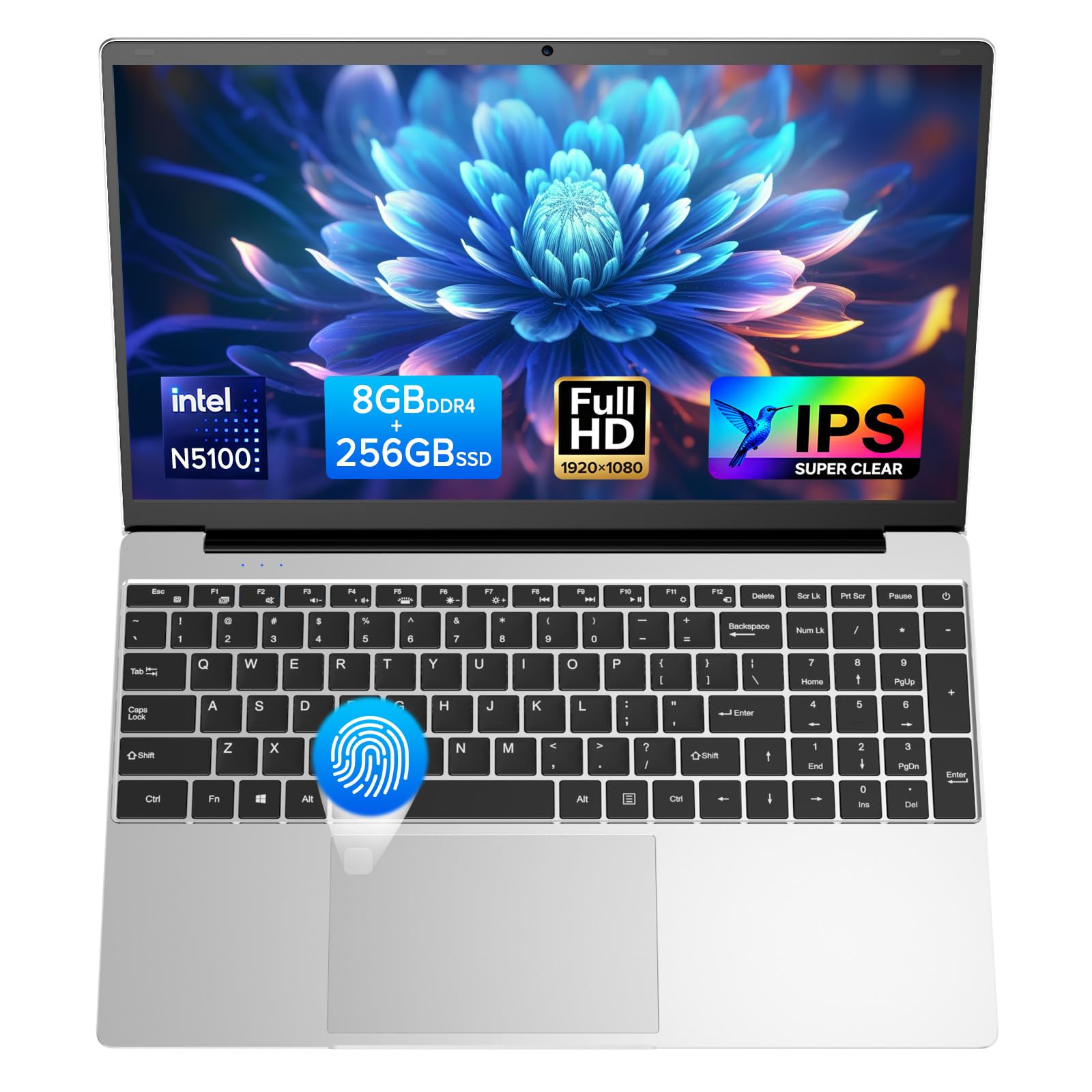
3. Molegar 15.6″ IPS FHD Laptop N5100
Backlit keys for late-night driveway flashes, when the garage light is behind you.
If your tuning sessions happen after dark, this is the one with the keyboard you can actually see. The backlight toggles with FN+F5, and there is a fingerprint reader for a one-second open up so you are not typing a password with greasy hands. It weighs about 3.5 pounds and opens to a full 180 degrees, which helps when you are balancing it on a seat or a toolbox.
On paper the hardware is modest but workable: an Intel Celeron N5100 processor (up to 2.8GHz) with 8GB of DDR4 RAM at 2933 MHz and a 256GB SSD. That RAM figure is where it trails the MALLRACE — 8GB against 16GB, and 2933 MHz against 3200 MHz — so heavy multitasking has less room. The 15.6-inch 1920×1080 IPS screen is the same sharpness class as the jumper, and Windows 11 runs on it fine.
The honest note is reliability: feedback is mixed, with some units arriving dead or developing faults. The pattern in the feedback is mixed on that front, and the most-discussed theme is exactly that — some units have arrived dead or developed a fault, including a battery that stopped holding charge after a few months. Measured against that, an occasional good report is worth hearing too, with buyers describing straightforward setup and no Microsoft account needed from the start. Treat it as a machine to test thoroughly in the first week.
Why it earns a place
- Backlit keyboard and fingerprint login, both handy in a dark garage.
- 1920×1080 IPS display on a 15.6-inch panel for readable tuning tables.
- 180-degree hinge and roughly 3.5 pounds make it easy to position.
What to weigh up
- Reliability is mixed in the feedback — some units arrived faulty.
- 8GB of RAM is the tightest amount among the expandable picks here.
- 38WH battery is rated for up to 4 hours, so long sessions need mains power.
Best fit: evening tuners who work in low light and want a lit keyboard without paying premium money.
Play it safe if: you are risk-averse about refurb-tier reliability — the first-week test is essential here.
4. Dell Latitude Rugged 5414 Laptop
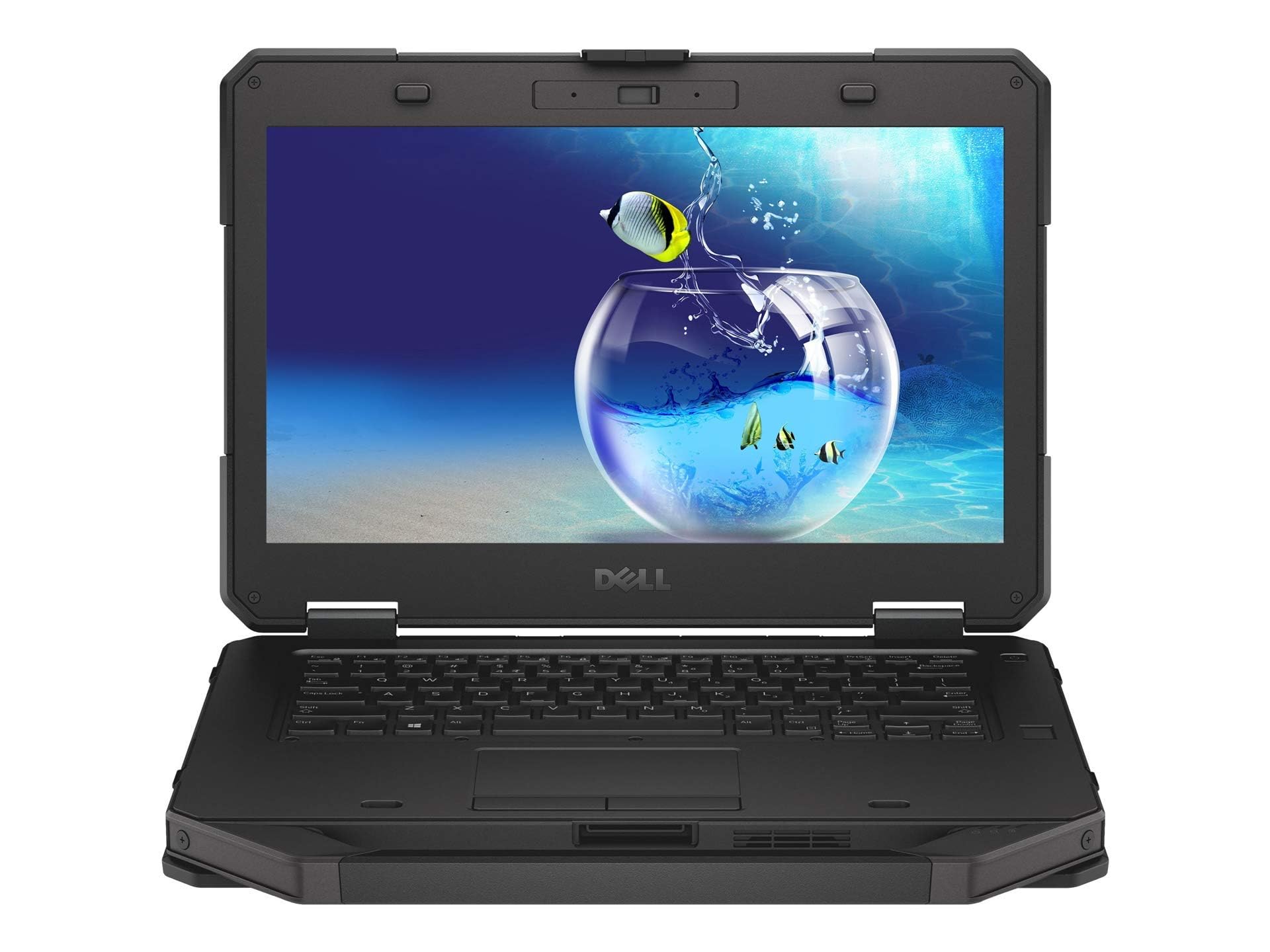
A laptop built to survive a drop onto the workshop floor and keep flashing.
This is the pick for someone who tunes outside, in the rain, or on a lift beside a running engine. The Dell Latitude Rugged 5414 wears a heavy protective shell and has the reputation of a laptop that takes a knock. Functionality is what buyers praise most here, with durability following close behind — the practical read being that it works and it survives, which is exactly the brief.
The hardware is older but roomy: an Intel Core i5-6300U with two cores at up to 3GHz, 16GB of RAM, and a 512GB SSD, all running Windows 11 Pro. That 16GB and 512GB pairing matches the MALLRACE’s headline figures and leaves plenty of space for tuning software and logs. The screen is a 14-inch 1366×768 panel — lower resolution than the 1080p options, so expect more scrolling through dense tables.
Battery life is the honest compromise. Even the positive reports describe the battery as poor, especially when the processor is working hard, and one reviewer noted the cell was at about 80-90% of new capacity and replaced it. A replacement battery is a normal running cost on a renewed rugged machine. Buy it for the shell and the ports, not for all-day cordless work.
Who it is for: anyone flashing cars in dusty, wet, or cramped conditions where a standard plastic laptop would not last a season.
The trade-off: it is heavy and bulky by design, and that 1366×768 screen is the weakest part of the package for reading large tuning maps.
Worth it for: garage and field tuners who value a machine that survives real abuse over one that is thin and light.
Not the one if: you mostly work indoors at a desk and want a crisp, sharp display.
5. HP Ultrabook Laptop with Copilot AI

A 3.24-pound machine you can sling in a bag and carry to any car.
Here is the portability pick, and it earns that spot on weight and connectivity. At 3.24 lbs with a 14-inch anti-glare screen, it slips into a backpack easily, and it carries WiFi 6, Bluetooth 5.4, USB-C, and two USB-A ports — plenty for a tuning cable plus a mouse. A one-year Microsoft 365 licence is bundled, and the Intel N150 four-core processor runs up to 3.6GHz.
What it does not have is headroom. The 8GB of DDR4 RAM is fixed, and the 128GB of flash storage is the smallest amount in this shortlist — fine for tuning software and a few logs, tight for much else. Its 14-inch screen is 1366×768, so map reading means more scrolling than on the 1080p machines. For a job where the laptop runs one program and sits on a seat, though, that specification is enough.
The openness caveat is performance under pressure. The feedback pattern shows it works well for basic tasks, but the fan ramps up under heavy load and responsiveness can drop when the chip is pushed. Setup can also stall on a known WiFi hiccup that needs a workaround. Keep the work light and it behaves; ask it to do more and it will show the limits of a low-power chip.
Strengths worth noting
- 3.24 lbs makes it the easiest to carry between cars.
- WiFi 6 plus USB-C and two USB-A ports cover tuning cables and peripherals.
- Microsoft 365 licence included for notes, logs, and documents.
Trade-offs to accept
- 128GB storage is the smallest here and cannot be expanded on this spec sheet.
- 8GB of RAM is fixed, with no slots listed for adding more.
- Fan noise and slowdowns appear under sustained heavy load.
Carry-friendly choice: a good match if the laptop travels to the car rather than living on a workbench.
Pass if: you need big internal storage or room to add RAM later — both are capped here.
6. Dell Latitude 5400 14″ Core i5

Enough memory and drive space that tuning software never has to fight for room.
The numbers here are the reason to pick it. You get 32GB of RAM and a 1TB NVMe SSD (a fast solid-state drive) paired with an Intel Core i5-8265U quad-core processor that boosts up to 3.9GHz. Compared with the HP Ultrabook’s 8GB and 128GB, that is four times the memory and roughly eight times the storage — though the HP is a consumer machine and this is a refurbished business laptop, so the comparison is about raw capacity only. For working with multiple tuning applications open, 32GB simply never runs out of room.
The screen is a 14-inch 1920×1080 panel, which is genuinely sharp for table work, and the machine is a business model with Thunderbolt, USB 3.1, and HDMI. Buyers describe it booting in about ten seconds and running all day without fuss, and one noted it replacing an older laptop with a clear jump in responsiveness.
The refurb caveat deserves a straight warning: this is a used machine, and conditions vary between units. Some arrive flawless, while others have shown a worn streak across the screen or software that needs cleaning up before use. It is worth budgeting an hour to wipe and reinstall before you trust it with an ECU flash — and worth checking the display the moment it arrives.
Why it stands out: 32GB of RAM plus a 1TB drive is the most generous working setup among the mainstream picks at this level, and the 1080p screen suits dense tuning tables.
The catch: refurbished condition varies, so a careful inspection on arrival is part of the deal.
Right for: tuners running several programs at once who want serious memory and storage without premium-tier money.
Hesitate if: you want a brand-new machine with a sealed box — this one is renewed.
7. HP EliteBook 840 G6 Core i7

A 14-hour battery rating means you can flash without hunting for an outlet.
The standout figure on this EliteBook is the battery: it is rated at 14 hours, which is the longest in this lineup. For anyone tuning at a track day or in a car park far from power, that alone justifies a look. The rest of the hardware is serious too — an Intel Core i7-8665U, 32GB of RAM, and a 512GB SSD, running Windows 11 Pro with a fingerprint reader for quick secure logins.
The build is a genuine high point. Buyers describe the brushed aluminium chassis as a clear step above older EliteBook generations, arriving with stock Windows 11 Pro and no bloatware, so setup is quick. The panel is a 1920×1080 display, which gives you crisp tables, and there is plenty of processing headroom for running virtual machines and development tools alongside your tuning software.
The honest downside is refurb variance: some units arrive perfect, others with missing audio or a dead camera. Some units arrive perfect, while others have been reported with missing audio or a camera that does not work, and battery health in a used machine is never guaranteed. The EliteBook itself is a strong machine; the seller’s quality check is the variable. Verify audio, camera, and battery health in the first week.
Where it pulls ahead
- Rated 14-hour battery — the longest endurance figure in this shortlist.
- Core i7-8665U with 32GB of RAM handles heavy multitasking.
- Fingerprint reader and a brushed aluminium chassis.
The realistic worries
- Refurb condition varies — some units have arrived with faults.
- Used battery health may not match the rated figure in practice.
- Many Windows updates needed before it is ready for tuning work.
Built for this: tuners who work away from power and want a business-grade machine with long endurance.
Check before you commit: confirm the specific refurb seller’s return policy, since quality varies unit to unit.
8. Panasonic Toughbook CF-31 MK5

A real serial port and a shell tested for six-foot drops — a tuner’s native tool.
This is the only laptop here with a built-in serial port, and for older tuning interfaces that is a decisive advantage — no adapter, no driver fights, just plug in and connect. The CF-31 MK5 carries MIL-STD-810G certification, which covers six-foot drops plus shock, vibration, rain, dust, sand, altitude, freeze and thaw, and high and low temperature. If it lives in a toolbox next to a car, that is exactly the right kind of build.
It is well equipped for the work: an Intel Core i5-5300U at 2.3GHz, 16GB of RAM, and a 1TB SSD, all with Windows 11 Pro, a backlit keyboard, a 13.1-inch touchscreen, and even a DVD drive and 4G LTE. Performance is the most-praised theme in the feedback, and buyers report it handling older games smoothly and booting instantly after updates. A second battery is a popular addition for near all-day running.
The trade-offs are size and screen sharpness. It is a heavy, chunky machine, and the 1366×768 display is the least sharp on this list — you will scroll through maps more than on a 1080p screen. Touch calibration has also been reported as touchy on used units. Neither issue affects a cable-driven flash, but they are real day-to-day costs.
Who should buy it: anyone whose tuning cable ends in a serial plug, or whose laptop will be dropped, rained on, or used in a dusty workshop.
What you give up: a big, heavy body and a 1366×768 screen, in exchange for the durability and the port selection.
No contest for: older serial-based tuning setups and anyone who needs one machine to survive garage life.
skip it if: you work indoors at a desk and want a light, sharp-screened laptop.
9. Panasonic Toughbook CF-54 MK2
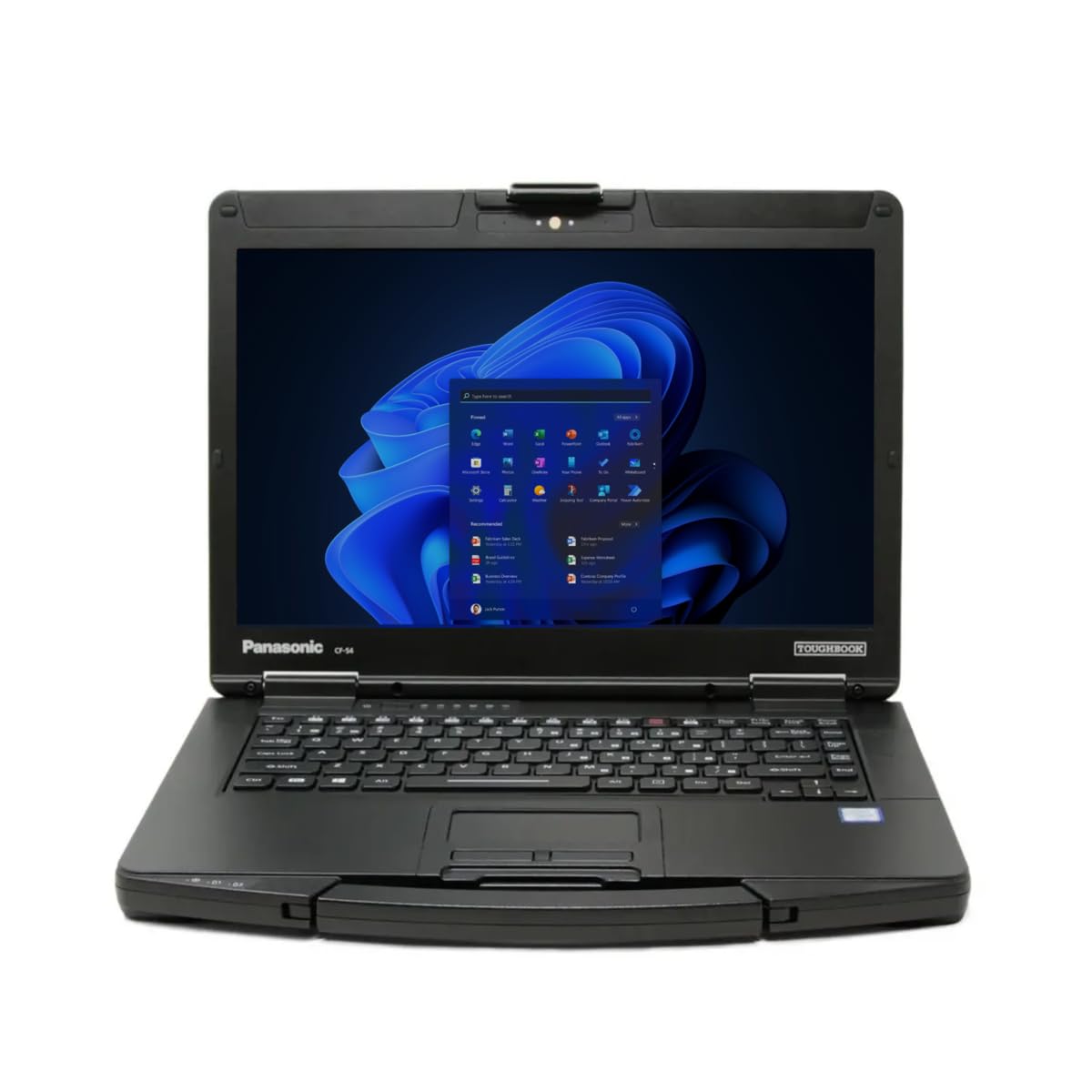
Dust-proofed construction, a backlit keyboard, and a disc drive for legacy tuning software.
If you are still loading tuning software from a disc, this is your machine — the CF-54 MK2 includes a DVD Super Multi Drive, and that is rare in a modern laptop. It is a rugged Panasonic with a backlit emissive keyboard and a 14-inch non-touch 1366×768 screen, driven by an Intel Core i5-6300U vPro processor at 2.4GHz with Turbo Boost up to 3.0GHz, 16GB of RAM, and a 512GB SSD.
Connectivity is where it shines for automotive work: three USB 3.0 ports, HDMI, an SDXC card slot, a SIM slot, an Ethernet port, and 4G LTE multi-carrier support. That means you can drop in a SIM and have internet in a paddock or a car park. The 4G LTE makes it self-sufficient for looking up a firmware file or an error code away from home WiFi.
The catch is the battery. It is the most-discussed weak point, with several used units arriving with a cell that will not hold a charge, and some buyers simply bought a replacement and moved on. Factor that into your plan. There is also a report of a unit with a failing keyboard after a few months, so test every key on arrival.
What it does well
- Built-in DVD drive for legacy tuning discs.
- 4G LTE multi-carrier plus Ethernet for connectivity anywhere.
- Three USB 3.0 ports, SDXC, and HDMI.
What to plan around
- Battery life is the weak point — several units arrived unable to hold a charge.
- A 1366×768 screen is the trade-off for the rugged build.
- Used condition varies, so test the keyboard and ports promptly.
Choose this for: a rugged laptop that runs old disc-based tuning software and connects over 4G.
Budget for it: a replacement battery is a likely extra cost on a used CF-54.
10. HP Notebook 15.6″ Touchscreen i3

A big touchscreen with a full terabyte of storage and 16GB of memory.
The combination here is unusual: 16GB of DDR4 RAM and a 1TB PCIe NVMe M.2 SSD (a very fast drive) in a 15.6-inch touchscreen laptop, driven by an Intel Core i3-1115G4 processor at up to 4.10GHz. That storage is double the MALLRACE’s 512GB, and it gives you room for logs, software, and video walkthroughs of a tuning job. The touchscreen makes panning around a large map natural, and it is the kind of interface people take to quickly.
Performance is the most-praised part of the feedback, with buyers describing it as quick and pleasant to use for both work and the school run. The keyboard is a standard full layout with a numeric pad, and the port selection covers USB-C, two USB-A, HDMI, and an SD card reader — everything a tuning laptop needs.
Two honest caveats. First, the screen is 1366×768, not 1080p, so despite the size it is no sharper than cheaper models for dense tables. Second, reliability is mixed, with some buyers reporting faults developing over time, and one noted the manufacturer warranty was already expired on registration. The touchscreen is also a drain on a battery that several buyers describe as only lasting a few hours.
The value read: a terabyte of storage and 16GB of RAM is a lot of working room, and the touchscreen makes reading maps easy on the eyes.
Worth knowing: the 1366×768 resolution undersells the large panel, and the battery is better suited to desk work than cordless sessions.
Good fit for: someone who wants lots of storage, a touchscreen, and a big display for reading maps indoors.
Think again if: you want sharp 1080p text or rely on long battery runtime away from power.
11. Panasonic Toughbook FZ-55 MK1

A 1000-nit screen that stays readable in direct sun, on a rugged chassis.
Brightness is the headline here. The 14-inch 1920×1080 touchscreen is rated at up to 1000 nits (a measure of screen brightness), which is what makes it the pick for working outdoors — you can read a tuning table in sunlight without cupping a hand over the screen. It is MIL-STD-810H certified and IP53 sealed, so it takes knocks and resists dust and splashes.
The hardware is genuinely high-end: an Intel Core i7-8665U vPro processor boosting up to 4.8GHz, 32GB of RAM, and a 1TB M.2 SSD, with 4G LTE onboard, a 1080p webcam with a privacy cover, and Windows Hello login through an infrared camera. Quality is the most-praised theme, and buyers have described adding a second battery, upgrading the drive, and running virtual machines without trouble.
The honest compromises are the weight of this heavy, thick chassis and a quad-core chip that is not built for gaming or heavy virtualisation. One buyer also noted units often arrive with textured paint on the lid, which is cosmetic but worth expecting on a used device. Also note the warranty and return terms before you buy, given the refurb market.
Why it is the premium pick
- Up to 1000-nit touchscreen — the brightest display here.
- MIL-STD-810H certified and IP53 sealed for outdoor work.
- Core i7-8665U with 32GB of RAM and a 1TB SSD.
What you accept
- Heavy and thick compared with a standard laptop.
- The quad-core chip is not a serious gaming or heavy virtualisation processor.
- Cosmetic textured paint on the lid is common on used units.
Made for the outdoors: this is the one for track days, sunny driveways, and dusty workshops where a bright, sealed screen matters.
Leave it if: you want something light and thin to carry indoors every day.
Know the Specs
RAM and memory slots
RAM is the short-term workspace for your programs. 8GB runs Windows and one tuning app fine; 16GB lets you keep a datalog viewer open alongside. Two SO-DIMM slots mean you can add a stick yourself, and the MALLRACE lists expansion up to 64GB — that is the difference between a laptop you keep for years and one you replace.
SSD vs EMMC storage
An SSD (solid-state drive) writes and reads fast, so Windows boots quickly and files move without a wait. EMMC is slower, flash-based storage often used alongside an SSD for extra room. The jumper pairs a 512GB SSD with 128GB of EMMC for 640GB total; the MALLRACE and others stick to pure SSD, which is faster but smaller per dollar.
Screen resolution for tuning tables
Resolution is the number of pixels across and down. 1920×1080 (1080p) shows more of a fuel or ignition table without scrolling than 1366×768. If you read dense maps for hours, the sharper panel is worth the extra outlay; if you only check logs briefly, the lower figure is fine.
Rugged ratings and battery
MIL-STD-810G and MIL-STD-810H certification indicate a laptop has passed US military tests for drops, shock, vibration, dust, and temperature swing. IP53 is an ingress rating for limited dust and water spray. These matter if the laptop lives outside. Battery figures vary widely — a rated 14 hours on the EliteBook versus a small 38Wh pack on the jumper — so plan your charging schedule around real endurance.
Common Questions
Will any laptop work with my tuning cable?
How much RAM do I need for tuning software and a datalog viewer?
Is a 1366×768 screen good enough for reading fuel maps?
Do I need a dedicated graphics card for tuning?
Is a refurbished Toughbook reliable enough for ECU flashing?
How long should battery life last during a tuning session?
Can I upgrade the storage on these laptops?
Do I need Windows 11 Pro for tuning work?
What is the difference between MIL-STD-810G and MIL-STD-810H?
Will a touchscreen help with tuning software?
The Bottom Line
For most people, the right budget laptop for tuning cars is the MALLRACE 15.6″ Ryzen 7, because two memory slots and two drive slots let you add capability as your tuning work grows. If your cable ends in a serial plug or the laptop lives in a dusty workshop, the Toughbook CF-31 MK5 is the one to reach for, thanks to its built-in serial port and drop-tested shell. And when you need serious memory and storage in one machine, the Dell Latitude 5400 with 32GB of RAM and a 1TB drive is the standout.
Take one small piece of advice: buy the laptop with the ports and storage that suit your own cable setup, then test it thoroughly in the first week. A tuning laptop earns its keep through reliability, not speed, so favour the picks here with expansion room and a sturdy build.
How we choose
We do not accept paid placement. Every pick is matched to a real buyer and a real use-case; we do not hands-on test units.
Sources
Specifications: manufacturer listings and product documentation. Review insights: verified customer reviews, as of October 2026. Pricing: not shown on this page (it changes often); check the current price via the retailer link.
As an Amazon Associate, Aappliancez earns from qualifying purchases. This does not affect which products we feature.