Disclosure: Some links in this post are affiliate links. As an Amazon Associate I earn from qualifying purchases, at no extra cost to you. Learn more
Specs are compiled from manufacturer listings and verified buyer reviews and can change over time — please confirm the key details on the product page before buying.
You want a big 4K picture without paying flagship money, and a few specific models do it far better than the rest. The trick is knowing which specs actually matter at this level — native refresh rate (how many times per second the screen redraws the picture), local dimming (darkens parts of the backlight so black areas look truly black), and HDR format support (the standards that expand contrast and color) — because those three separate a genuinely good budget 4K TV from a box that just says “4K” on it. Below you get nine picks sorted by what they do best, from a Mini-LED set with 600 dimming zones (600 separate patches of backlight that can dim independently) to a small QLED that sips power at 100 kwh a year (about the same as running a fridge for a few months).
This guide is built by comparing the manufacturers’ published specifications and the patterns across verified customer reviews, so you get each pick’s real strengths and trade-offs instead of marketing spin.
The picks range from small bedroom sets to 55-inch living-room screens, and each one earns its spot for a different reason. Read on for a plain-English breakdown of the budget 4k tvs worth buying right now.
Top Picks


How To Choose The Best Budget 4K TVs
Buying a budget 4K TV is really about spending your money on the two or three specs you will actually notice every day, and ignoring the rest. Here is what to weigh before you pick.
Native refresh rate beats marketing motion numbers
The refresh rate is how many times per second the screen redraws the picture, measured in hertz (Hz). A native 120Hz or 144Hz panel redraws smoothly enough for fast sports and console gaming, while a 60Hz panel can smear during quick pans. Brands often quote inflated “motion rate” figures like Motion Rate 480 — that is a processing number, not the real panel speed. Always hunt for the word “native” next to the hertz figure.
Local dimming and dimming zones control your black levels
Local dimming means the backlight is split into separate zones that brighten or darken independently, so dark scenes look genuinely black instead of washed-out grey. More zones generally means tighter control and less “halo” — that faint glow that can appear around a bright object on a dark background. A Mini-LED set packs many tiny LEDs, which is why it can hit high brightness while keeping shadows deep.
HDR formats and peak brightness decide how much pop you get
HDR (High Dynamic Range) expands the range between the darkest and brightest parts of a picture. The main formats are Dolby Vision, HDR10+, HDR10, and HLG, and a TV that supports more of them will look its best across more streaming apps. Peak brightness, measured in nits, matters too — a brighter panel holds up in a sunlit room, while a dimmer one is best saved for a darker space.
Side-by-Side Comparison
| Model | Best For | Panel / Backlight | Native Refresh | Annual Energy | Amazon |
|---|---|---|---|---|---|
| Hisense 55″ U6 Series Mini-LED (55U65QF)★ Best Overall | Best overall picture | Mini-LED, 600 zones | 144Hz | — | Amazon |
| Samsung 43-Inch QLED Q7F (43Q7F)Best for Bright Rooms | Bright-room color | QLED, Full Array | — | — | Amazon |
| Roku 55-Inch Plus SeriesBest Smart Platform | Easiest smart platform | QLED Mini-LED | VRR | 175 kwh | Amazon |
| TCL 55″ T7 4K QLED (55T7) | Gaming and motion | QLED, Direct LED | 120Hz | — | Amazon |
| Hisense 55-Inch A6 Series (55A6H) | Value 4K streaming | 4K LED | 60Hz | 175 kwh | Amazon |
| TCL 55″ Class 4-Series Roku TV (55S435) | Proven crowd favorite | 4K LED | 60Hz | 100 kwh | Amazon |
| VIZIO 55″ V-Series (V555M-K01) | Fast WiFi streaming | Full Array LED | — | 204 kwh | Amazon |
| VIZIO 55″ V-Series (V4K55C-0801) | Lightweight wall mount | 4K UHD LED | VRR | 357 kwh | Amazon |
| HORION Roku TV 32″ QLED | Small-room QLED | QLED, Direct LED, 720p | — | — | Amazon |
Detailed Reviews
1. Hisense U6 Series 55U65QF
Mini-LED with 600 dimming zones puts real contrast on a starter budget
This is the set to buy when you want the deepest blacks and the smoothest motion for the money. Its backlight is split into up to 600 local dimming zones, which means the screen shuts off light in the dark parts of a scene so they read as genuinely black instead of grey. Those zones are lit by Mini-LEDs — tiny pinpoints of light — that push the panel to a peak brightness of up to 1000 nits, bright enough to hold up in a room with the blinds open. The picture quality here is what wins people over most, and the brightness and color are the reasons.
Motion is the other headline. The panel refreshes a native 144 times a second, and in 144Hz Game Mode Pro the Variable Refresh Rate (which matches the screen’s refresh to the frame rate of your game) runs from 48Hz to 144Hz, which keeps fast action and console games free of the stutter you get on a slower screen. Your games and movies land through AMD FreeSync Premium support (a system that syncs the screen to your graphics card), so frames stay in sync without tearing. On color, QLED quantum dots (tiny light-emitting particles that produce pure colors) render over a billion shades, and the Hi-View AI Engine uses a dedicated chip to sharpen whatever you are watching. A built-in subwoofer handles the bass without you buying a separate soundbar, and Dolby Atmos (a surround-sound format that places audio around you) surrounds the sound.
As an operating system, Fire TV keeps your apps on one home screen with a full Alexa voice remote. Setup is quick by every account. The honest catch is that the smart interface itself draws the most divided feedback — the picture and build are broadly loved, but a share of viewers run into occasional hiccups with the software and streaming functions. So the panel and audio are the safe bet; lean on a streaming stick later if you want the app experience to feel snappier.
What earns it the top spot
- Up to 600 local dimming zones for deep blacks and less halo
- Up to 1000 nits peak brightness holds up in a bright room
- Native 144Hz panel with VRR from 48Hz to 144Hz for smooth gaming
- QLED color, Dolby Vision IQ, and HDR10+Adaptive all on board
- Built-in subwoofer plus Dolby Atmos means no soundbar required
What to keep in mind
- The Fire TV software splits opinion; a few owners hit streaming glitches
- No power figure was published, so you cannot gauge running cost here
Made for: Anyone who wants Mini-LED contrast and 144Hz motion without stepping up to a flagship price.
The trade-off: The app platform is the weak link — if you live in one streaming app all day, a cheap stick smooths that over.
2. Samsung Q7F Series 43Q7F
A 43-inch QLED built to keep its colors in a sun-soaked room
If your TV sits across from a big window, this is the one to reach for. Its QLED layer uses quantum dots — nano-sized particles — that the maker says display over a billion colors and hold their accuracy even at high brightness. Dynamic tone mapping in HDR10+ boosts contrast so dark scenes reveal their detail instead of turning into a grey mush. That brightness handling is exactly why owners say the picture copes with sun and open windows far better than older sets.
Inside runs the Q4 AI Gen1 Processor, which upscales lower-resolution content toward crisp 4K and tunes the color and sound by content type. For gaming you get Game Mode and a Gaming Hub in one place. Sound uses Object Tracking Sound Lite, which steers audio around the screen based on where the action is. Samsung TV Plus adds 2,700+ free channels, including 400+ premium ones, and Samsung Knox Security guards PINs and connected devices with three layers of protection. Built-in Bluetooth 5.3 lets you pair headphones or a speaker.
One thing to plan around: this set relies on a smartphone app for setup, and it has no optical port — if you own an older soundbar, you will route audio over the HDMI eARC connection instead. Owners also flag the Tizen smart interface as slow compared with a dedicated streaming stick. A 43-inch screen is ideal for a bedroom or compact living room; for a wide seating spread you would want a larger panel.
Where the value sits: Picture clarity, upscaling, and bright-room color are the strengths buyers keep coming back to, and the Q7F packs those flagship-style features into a smaller footprint. The Q4 AI Gen1 chip does the upscaling for off-air and streaming content, so older shows look sharper than they would on a plain HD set.
Plan around this: Setup leans on your phone, there is no optical output for legacy soundbars, and the smart menu feels slower than a plugged-in streamer. None of that hurts the picture — it just shapes who this suits.
Ideal when: You need a smaller QLED that fights glare and handles 4K upscaling well.
Rethink if: You want a big cinematic panel or an optical out for an older soundbar.
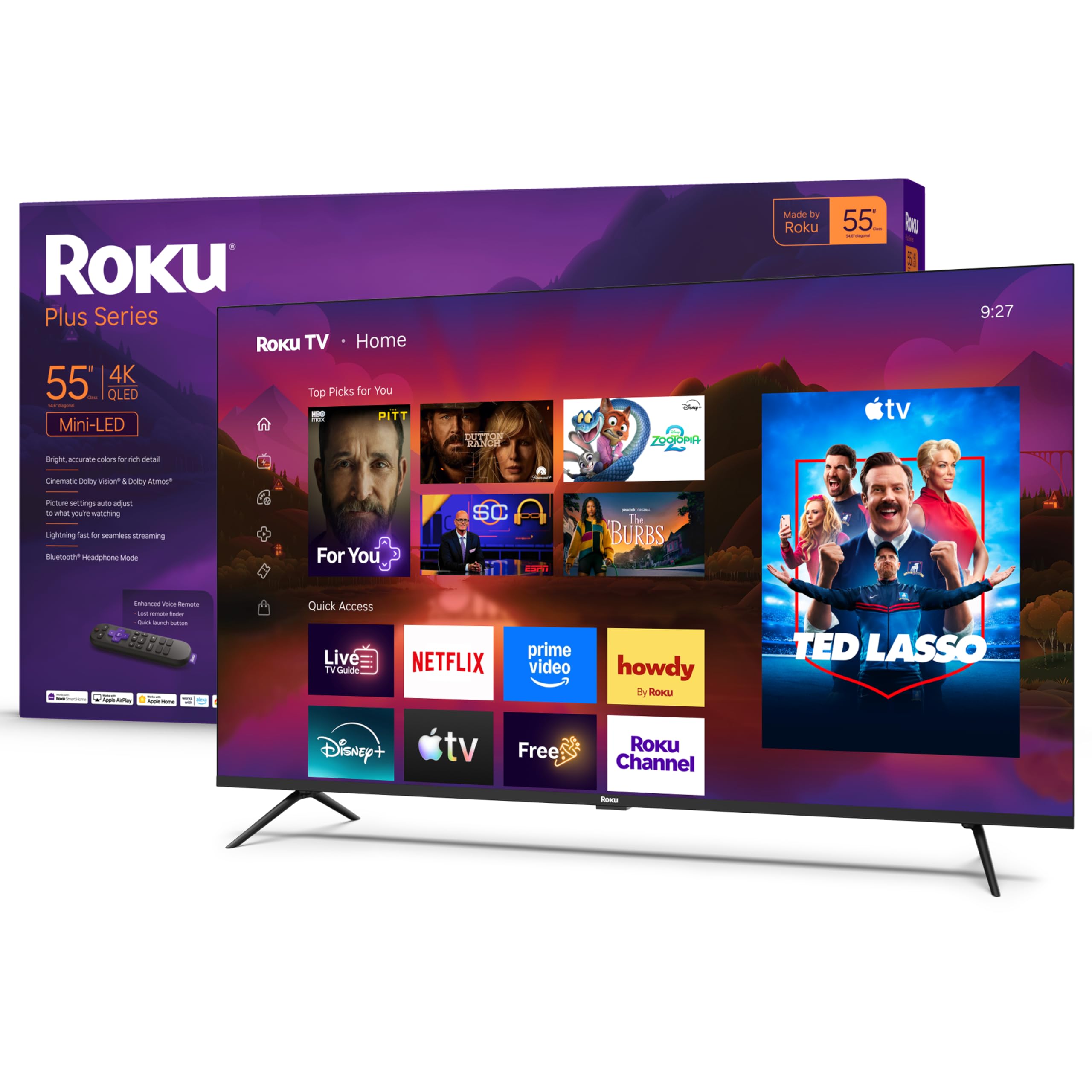
3. Roku 55-Inch Plus Series Smart TV – 4K QLED Mini-LED
Roku’s simplest interface paired with QLED Mini-LED picture chops
The reason to pick this one is the platform. Roku’s home screen keeps every app in one place and the bundled Enhanced Voice Remote makes searching automatic, so you are watching within minutes of unboxing. Picture-wise it is no slouch either: Mini-LED backlighting, a QLED screen, and Dolby Vision combine for striking color and bright highlights, and the picture is bright and clear with vivid color and strong contrast. The smart features are laid out so plainly that even a first-time smart-TV owner can follow along without a manual.
Audio goes deeper than most rivals here thanks to a built-in subwoofer paired with Dolby Atmos, so rumbling movie scenes have weight without extra speakers. Bluetooth Headphone Mode lets you listen late at night without waking the house, and you can even turn the display off and keep the audio going. Voice control works with Roku Voice plus Siri, Alexa, and Google Assistant, and Apple AirPlay beams video, photos, and music from your phone. Roku Smart Picture Max refines color and sharpness automatically for each show.
Two honest notes. The remote divides opinion — plenty of owners find it simple and easy, a few find the layout fussy, though the lost-remote finder is a genuine save. And DTS-HD MA audio will not play natively over certain setups, so a niche of movie buffs with specific files will need a workaround. For a big-screen 55-inch set with the friendliest software around, both of those are minor.
The thing everyone raves about: Ease of use — a fast, uncluttered home screen that puts all your apps in one spot without hunting through inputs.
The recurring gripe: The DTS-HD MA limitation catches a small slice of home-theater owners; if you rely on that format, plan for a workaround.
Reach for this if: You value a straightforward, fast smart interface as much as the QLED Mini-LED picture.
Look elsewhere if: You own a large surround setup needing native DTS-HD MA playback.
4. TCL 55″ T7 4K QLED Google TV with 144Hz Gaming (55T7)
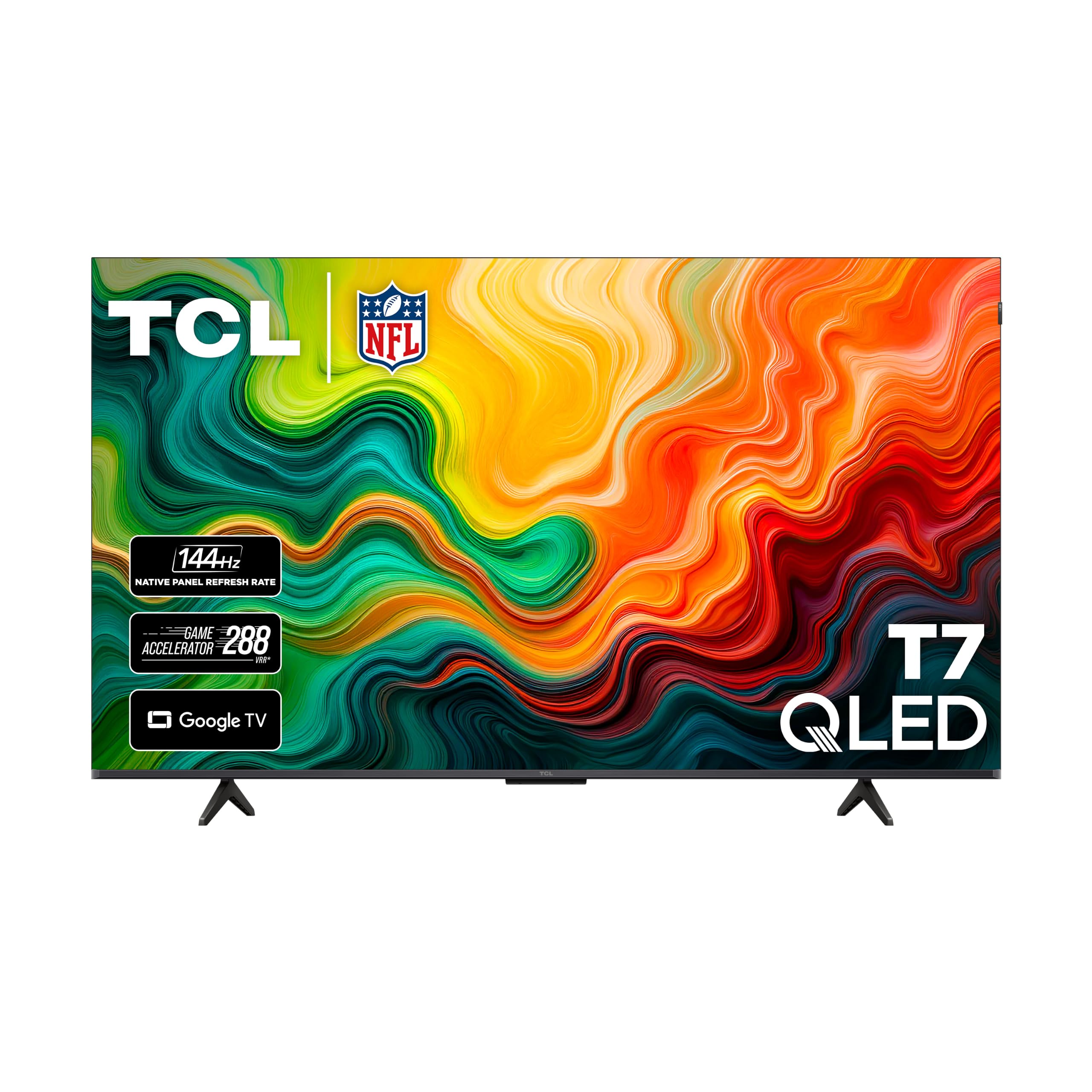
A 120Hz QLED that swings both ways as a gaming monitor
Games and sports are where this set makes its case. The panel refreshes a native 120 times a second and adds a variable gaming refresh up to 240Hz, so fast pans and twitchy shooters stay smooth instead of smearing. A powerful TCL AIPQ Pro processor sharpens color, contrast, and clarity frame by frame, and Motion Rate 480 with MEMC frame insertion smooths the in-between movement. The 4K resolution packs four times the pixels of a 1080p Full HD set, so fine detail holds up close up. Picture quality and vibrant highlights are what owners praise most.
Color goes wide with QLED quantum dots covering nearly the entire DCI-P3 color space, the range used by filmmakers, so scenes look rich rather than flat. HDR PRO+ supports Dolby Vision, HDR10+, HDR10, and HLG — the broadest format support in this lineup. Audio relies on Dolby Atmos spatial processing. If you game on a PC or console, flip on Game Mode first; without it the picture will feel laggy, but once enabled you get the smooth, responsive feel gamers want. Four HDMI inputs, one with eARC, cover a console, a receiver, and a streamer all at once.
Run it all through Google TV, which gathers your movies, shows, and live channels together and works with Alexa, Google Assistant, and Apple HomeKit for hands-free control. WiFi 5 keeps streaming stable. The trade-offs are modest: a bright room throws a little glare on the screen, though dimming the lights handles it, and the built-in speakers are fine but not room-filling.
Why gamers like it: A real 120Hz panel with variable gaming refresh up to 240Hz and Game Mode that turns the set into a legit secondary gaming display.
Worth knowing: Native DTS over USB or certain formats is thin, but for standard streaming and consoles the format list is the most complete here.
Great fit when: You split time between console or PC gaming and movies, and want the widest HDR format list.
Less ideal if: Your room is loaded with direct sunlight on the screen.
5. Hisense A6 Series 55A6H

A budget 4K workhorse that streams everything and outputs optical audio
You buy this Hisense when streaming is the whole plan and you want the picture to look better than the price suggests. The panel handles 4K Ultra HD with four times the detail of plain HD, and Hisense’s AI UHD Upscaler lifts non-4K content toward near-4K quality. Dolby Vision HDR brings darker darks and brighter brights, with HDR10 as a second format for over-the-air signals. Brightness and color are steady, and value for the money is what buyers praise most, with some comparing the picture to far pricier sets.
Google TV brings your movies, shows, and live TV together and arranges them for you, and you also get Chromecast built in plus Alexa compatibility for hands-free control. Game Mode Plus bundles a 60Hz panel, variable refresh rate, and auto low latency, which together help a next-gen console feel responsive. Sports Mode is a preset that automatically tunes motion and color for the game you are watching. There is also a working optical audio out, which makes adding a soundbar straightforward.
Two practical notes from the owner side. Off-angle viewing thins out, so this set looks best watched fairly straight-on, and the Google TV menus take a little getting used to. There is no RCA video jack for very old gear, and no printed manual ships in the box. Plan for a surge protector and let it bed in for a couple of weeks.
Where it shines: A bright, clear 4K picture, easy WiFi setup, and a working optical audio out that many budget sets skip.
Honest limit: Off-angle viewing is the weak spot — seat it in front of the couch rather than off to the side.
Buy it if: You want maximum streaming value, a Dolby Vision picture, and an optical out for a soundbar.
Pass if: You watch from a steep angle or need RCA inputs for legacy devices.
6. TCL 55″ Class 4-Series 4K UHD HDR Smart Roku TV (55S435)

The entry-level 4K Roku TV that thousands of buyers keep coming back to
With 4.6 stars across tens of thousands of ratings — more than any other set here — this is the lowest-risk first 4K TV on the list. The TCL 4-Series pairs 4K Ultra HD resolution with HDR for bright, accurate color, and it runs on the Roku operating system, which keeps your broadcast, streaming, and console inputs front and center without menu-digging. Quality and value for money are what owners praise most, and picture quality lands right behind them.
Roku’s platform puts 500,000-plus movies and TV episodes one click away, and the Roku mobile app adds private headphone listening. Voice control works through Amazon Alexa, Google Assistant, Siri, and the Roku app. Setup is quick, the remote comes pre-paired, and the Advanced Digital TV Tuner adds a live channel guide for free over-the-air broadcast. It even pulls double duty as a 4K HDR monitor for an Apple TV box, complete with built-in AirPlay.
Here is where a budget set reminds you it is one. The panel tops out at 60Hz and there is no HDMI 2.1 port, just ARC, so serious next-gen gaming is better served by a 120Hz pick like the TCL T7 above. One owner found the volume and mute buttons on the remote sit right where a thumb rests, so accidental presses happen. Reliability runs mixed, as is common at this level — if that worries you, a surge protector is cheap insurance. Its 100 kwh annual energy figure is the lowest in this lineup.
Why owners keep it
- 4K Ultra HD with HDR at an entry-level price
- Roku interface puts all apps and inputs in one place
- 500,000+ movies and shows plus free live channel guide
- Lowest published energy use here at 100 kwh a year
Where it cuts corners
- 60Hz panel with no HDMI 2.1 — not built for fast next-gen gaming
- Remote buttons sit where thumbs rest, so accidental volume presses happen
Best pick for: First-time 4K buyers and Roku loyalists who want a proven set at an entry price.
Go bigger if: You need 120Hz motion for competitive gaming.
7. VIZIO 55-inch V-Series 4K LED HDR Smart TV (V555M-K01)

WiFi 6E streaming muscle for people who hate a buffering wheel
This Vizio exists for one strong reason: its connection. Built-in tri-band WiFi 6E 802.11ax delivers, per the maker, more than double the bandwidth of WiFi 5 — enough to stream 4K without starving other devices on your network. Picture processing runs on the IQ Active Processor, and Full Array LED backlighting with Active Pixel Tuning sharpens contrast and brightness. WatchFree+ adds 250+ free live streaming channels with no subscription, login, or fee. That annual energy figure of 204 kwh is well below the Vizio V4K55C-0801 at 357 kwh, so the running cost stays gentler too.
Gaming gets its own attention via the V-Gaming Engine, and owners who plugged in an Xbox Series X report the 4K picture and customizable settings are spot-on for headphones or built-in sound. There is also Bluetooth headphone support if you want to listen privately. The Dolby Vision and HDR10+ formats are both covered, and the XRT260 voice remote comes with batteries straight away.
The honest downside here is consistency. This Vizio has drawn the most divided owner comments in the lineup — some absolutely love the picture while a share run into reliability trouble down the road. A smaller group finds the smart menu slow to power on into a channel rather than a streaming screen. If you need fuss-free, grab one that leads with a simpler interface.
Its real strength: WiFi 6E for stutter-free 4K streaming, plus WatchFree+ for a huge library with no monthly commitment.
The honest caveat: Durability pulls mixed owner attention here, so drop the set into a quality surge protector and buy into the extended coverage if you want confidence.
For you when: You want one of the fastest streaming connections and the most free-channel content.
Hold off if: Long-term reliability ranks above all else on your checklist.
8. VIZIO 55 Inch V Series 4K UHD HLG Smart TV (V4K55C-0801)
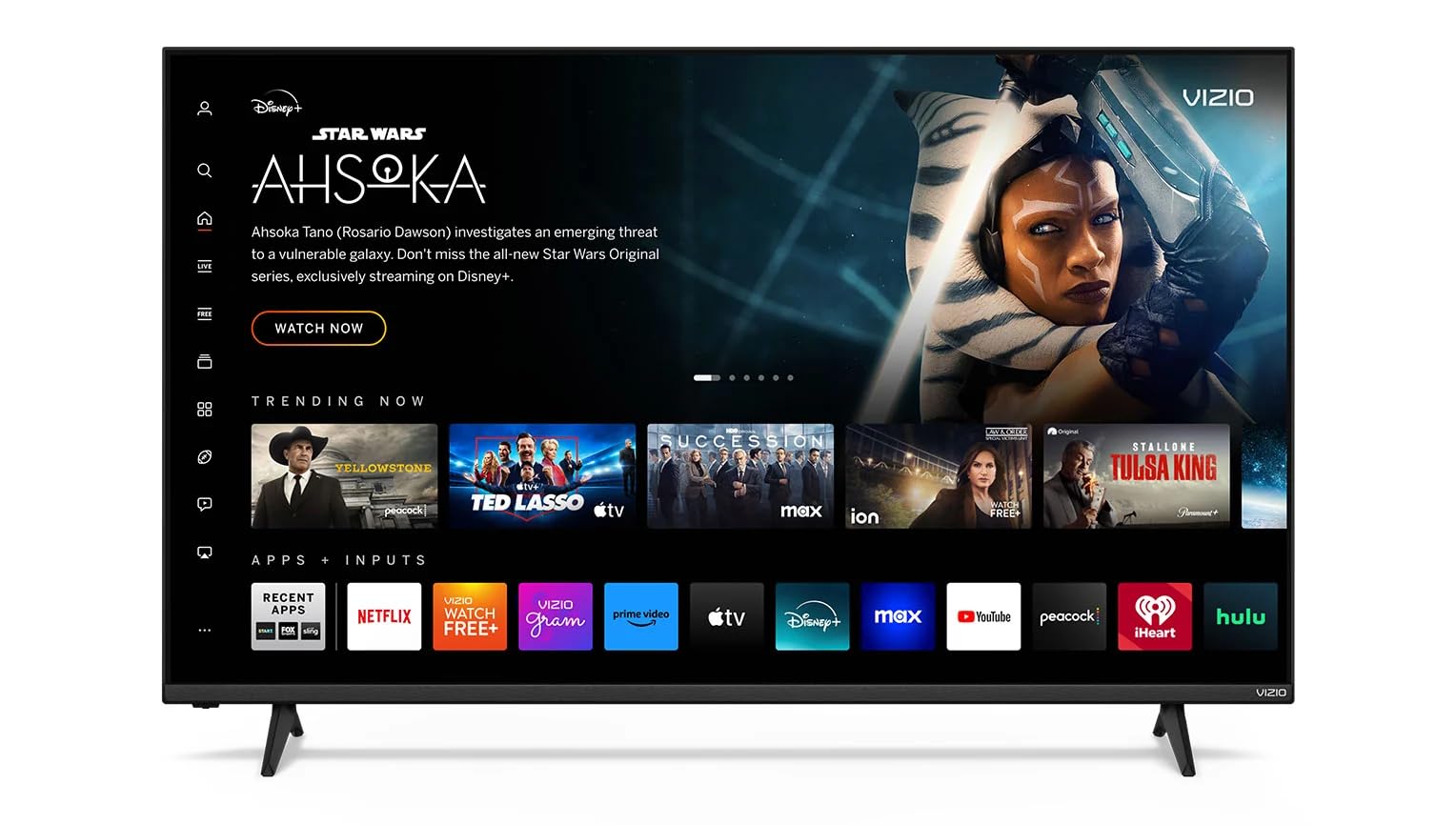
Light enough to wall-mount solo, with a Dolby Vision picture to match
Two things define this set: it is genuinely light to handle, and the picture is a real step up from basic HD. Owners who have mounted it comment on how easy it is to lift into place, and reviewers describe the picture as clear and amazing with crisp detail, backed by Dolby Vision HDR and HDR10+ (two HDR formats that expand contrast and color) for deeper contrast and richer color. The 4K UHD resolution (3840×2160 pixels, four times the detail of 1080p) keeps every detail sharp, and its quality is what owners praise most. Coming from an older set, the panel feels like a true upgrade.
Gaming gets serious treatment with the V Gaming Engine and Variable Refresh Rate working together to cut input lag and smooth out fast action. Streaming runs over WiFi 6 dual-band, which the maker says gives faster, more reliable performance so 4K streams launch without hiccups. Bluetooth compatibility lets you pair wireless headphones or a speaker so you can enjoy clean audio without cables. The remote is basic but functional, and setup is easy enough that most buyers are running within minutes.
The reality check is energy and consistency. This model is the thirstiest set on the list at 357 kwh a year, so if running costs matter, look at the V555M-K01 above at 204 kwh instead. It also splits opinions on stability — many buyers are perfectly happy, a few have seen it power off periodically or switch inputs on its own. It is a great value for light use, with those caveats worth knowing going in.
Why it works for the wall: Low weight makes single-person mounting realistic, and Dolby Vision HDR lifts the picture beyond basic HD.
One thing to weigh: At 357 kwh a year it uses the most power here — the energy mismatch with its stablemate is real.
A smart buy if: Wall mounting matters most and you want a Dolby Vision picture from a lightweight 55-inch set.
Wait if: You want the lowest running cost — the 204 kwh V555M-K01 is the leaner choice.
9. HORION Roku TV 32″ QLED Smart HD Television

A 32-inch QLED that skips WiFi entirely if you want it to
This is the small-room answer: a 32-inch QLED that fits a bedroom, kitchen, dorm, or spare room without dominating it. Quantum Dot color (tiny light-emitting particles that produce pure colors) delivers vibrant, true-to-life images, and the 1366×768 HD resolution (a step below 1080p) with 200 cd/m² brightness (a measure of screen light output) and a 1200:1 contrast ratio (the difference between the darkest black and brightest white) keeps the picture clean within the frame. A 178° wide viewing angle means color stays accurate from almost anywhere in the room. The real distinct feature is a rare one: it can run in antenna mode with no WiFi ever required, so a non-technical user can set it up and just watch TV — no forced app landing page, no ads. Roku still handles the smart side when you want it. Picture quality, sound, and vivid color are the strengths these buyers describe.
Smart-home reach is broad for the size. Apple AirPlay beams video, photos, and music from your phone to the screen, and it works with Amazon Alexa, Google Assistant, Apple Home/Siri, and Roku Smart Home for voice control. The free Roku mobile app turns your phone into a remote with private headphone listening and fast voice search. Three HDMI ports, an AV input, and an optical output cover most devices, and automatic background software updates keep the channels fresh.
Two trade-offs to size up. First, this is an off-brand set, so the setup experience can be rocky for some buyers — the vast majority are happy, but a small share run into snags, and one owner found the WiFi refused to connect to a Starlink router. Second, responsiveness splits reviews, with smooth navigation for most but lag on a few units. If you need a cheap 32-inch second screen, this works; if you want a big cinematic panel, look up the list.
Where the value sits: Quantum Dot color and a 178° viewing angle in a compact 32-inch frame, with the rare option to skip WiFi and run over-the-air only.
Plan around this: An off-brand set with uneven setup for some owners and no batteries in the remote box, so grab a pack before it arrives.
Right for you if: You want a small, low-profile QLED for a bedroom, kitchen, or dorm, and prefer a cable-free setup.
Skip if: You want a full-size living-room screen or a plug-and-play branded setup.
Know the Specs
Native refresh rate vs motion rating
The refresh rate is how many times per second the screen redraws, measured in hertz (Hz). A native 144Hz panel, like the Hisense 55U65QF, redraws fast enough to keep sports and console games fluid, whereas a 60Hz screen can blur during quick motion. Manufacturer “motion rate” numbers such as Motion Rate 480 are enhancement figures, not the real panel speed, so always look for the word “native” next to the hertz value.
Local dimming and what more zones buy you
Local dimming splits the backlight into separate zones that dim or brighten on their own, so dark scenes look black instead of murky grey. More zones generally means tighter control and less halo around bright objects. A set using up to 600 local dimming zones covers a dark scene with far more precision than a panel with only edge control, which is why Mini-LED models can pull off strong contrast at a lower price.
Peak brightness in nits
Peak brightness, measured in nits, decides how well a TV holds up against room light. A brighter panel can push up to 1000 nits and stay punchy with the curtains open, while a dimmer set is best kept in a darker room for critical viewing. The number tells you how much HDR highlight pop you can realistically expect, so match it to your room’s light level.
HDR formats and coverage
HDR (High Dynamic Range) widens the bright-to-dark range in one frame. Dolby Vision, HDR10+, HDR10, and HLG are the main formats, and a TV that supports more of them looks its best across more apps. If you mostly stream, Dolby Vision is the one to prioritise, since major services use it for their flagship shows.
Smart platform and WiFi generation
The operating system decides how quickly you reach your shows. Roku keeps everything on one clean home screen, Google TV arranges content by your habits, and Fire TV ships with Alexa voice control. WiFi generation matters too: WiFi 6E carries more bandwidth for uninterrupted 4K streaming, which helps if your household streams on several devices at once.
Annual energy consumption
Annual energy consumption, listed in kilowatt-hours (kwh), estimates annual running cost based on typical use. A lower figure means cheaper running, which is why the TCL 55S435 at 100 kwh a year costs noticeably less to run than the VIZIO V4K55C-0801 at 357 kwh. If the picture looks equal, the lower kwh figure is the smarter long-term pick.
Common Questions
Is 60Hz good enough for a budget 4K TV or do I need 120Hz?
What is the difference between Mini-LED and regular LED on these sets?
Will a budget 4K TV upscale my old 1080p and cable content?
How much internet speed do I need to stream 4K without buffering?
Do these budget 4K TVs work with a soundbar and older AV gear?
Which of these TVs is best for gaming on a PS5 or Xbox Series X?
Are these budget 4K TVs good for a bright room with windows?
Do I need to connect these smart TVs to WiFi or can I use them without internet?
How long do these budget 4K TVs typically last?
What size budget 4K TV is right for a bedroom or small roomFor a bedroom or small room, a 32-inch to 43-inch screen fits best without overwhelming the space. The HORION 32″ QLED suits a kitchen, dorm, or spare room, while the Samsung 43Q7F works well for a bedroom or compact living room. A 55-inch model such as the Hisense 55U65QF or TCL 55T7 fills a larger living room where you sit several feet back.?
The Bottom Line
For most people, the budget 4k tvs winner is the Hisense 55″ U6 Series Mini-LED (55U65QF) because it delivers Mini-LED contrast with up to 600 dimming zones (600 separate patches of backlight that can dim independently), up to 1000 nits of brightness (a measure of screen light output), and a native 144Hz panel that keeps games and sports smooth — the deepest set of picture and motion specs here. If the smart platform matters as much as the screen, the Roku 55-Inch Plus Series is the one to grab, pairing a QLED Mini-LED picture with the plainest navigation around. And for a first-time or budget-focused buy you can trust, the TCL 55″ 4-Series Roku TV tops this lineup at 4.6 stars across tens of thousands of owners, making it the lowest-risk pick here. Whichever you choose, it depends on one question: the best picture your money buys, or the most dependable value — this list answers both.
How we choose
We do not accept paid placement. Every pick is matched to a real buyer and a real use-case; we do not hands-on test units.
Sources
Specifications: manufacturer listings and product documentation. Review insights: verified customer reviews, as of October 2026. Pricing: not shown on this page (it changes often); check the current price via the retailer link.
As an Amazon Associate, Aappliancez earns from qualifying purchases. This does not affect which products we feature.