Disclosure: Some links in this post are affiliate links. As an Amazon Associate I earn from qualifying purchases, at no extra cost to you. Learn more
Specs are compiled from manufacturer listings and verified buyer reviews and can change over time — please confirm the key details on the product page before buying.
You want to print something big — a full helmet, a car part, a mold — and you are tired of cutting the model into six pieces and gluing them back together. A true 600mm build plate is rare, so the smarter buy is a printer with a genuinely large enclosed volume, a heated chamber for engineering plastics, and a proven feed system. The heated chamber is what keeps big ABS and ASA prints from warping at the corners three hours in.
This guide is built by comparing the manufacturers’ published specifications and the patterns across verified customer reviews, so you get each pick’s real strengths and trade-offs instead of marketing spin.
You will see build volumes spelled out in millimetres, chamber temperatures, nozzle limits and speed figures, each explained in plain words, so you can match the machine to the parts you actually print. This breakdown of the 600mm 3d printer options separates the machines that handle big enclosed parts from the ones that only look the part.
Top Picks


How To Choose The Best 600mm 3D Printer
The biggest mistake buyers make here is chasing a headline number. A spec sheet line that reads 600mm/s is a speed figure, not a bed size — it tells you how fast the toolhead moves, not how big a part you can fit on the plate. Read the build volume in millimetres first and treat everything else as a tiebreaker.
Start with the plate, not the printed part
Build volume is written as three numbers: width × depth × height. A 350×350×350mm plate prints a full helmet shell in one pass with room for supports. A 300×300×300mm plate handles most cosplay pieces but usually forces you to split a large shell at the crown. If your parts are already designed around a smaller bed, a smaller machine saves you floor space and money.
Then look at the chamber
Engineering filaments like ABS, ASA and carbon-fibre nylon shrink as they cool, which pulls the corners of a big print off the bed. An actively heated chamber holds warm air around the part so it cools slowly and evenly. The printers here quote chamber figures of up to 60 °C or 65 °C — that number matters more than acceleration for large functional parts.
Multi-colour means units, not just colours
A multi-filament box lets the machine swap spools mid-print. Reaching 16 colours typically means chaining four boxes together, and most combos ship with only one box in the crate. Check what is actually included before you plan a four-colour print.
Weight is a delivery problem, not a spec boast
These are heavy machines — some run past 80 pounds. If the printer has to come up stairs or through a narrow door, plan for a second pair of hands on delivery day. A rigid die-cast frame is why the weight is there, and it is also why the machine stays steady during long prints.
Side-by-Side Comparison
| Model | Best For | Build Volume | Max Speed | Main Extras | Amazon |
|---|---|---|---|---|---|
| Official Creality K2 Combo★ Best Overall | First large printer, multi-colour | 10.24 × 10.24 × 10.24 in | 600 mm/s | CFS multi-colour, chamber AI camera | Amazon |
| Creality K2 Pro Combo (A)Engineering Grade | Engineering materials | 300 × 300 × 300 mm | 600 mm/s | 60 °C heated chamber, dual AI cameras | Amazon |
| ELEGOO Jupiter 2Resin Detail | Large resin prints | 302.4 × 161.98 × 300 mm | — | 16K LCD, 30 °C tank heating | Amazon |
| Creality K2 Plus Combo (CFS) | Big parts on a budget | 13.78 × 13.78 × 13.78 in | 600 mm/s | 16 colours with 4 CFS, dual AI cameras | Amazon |
| Creality K2 Plus Combo (High-Speed) | Mixed materials in one print | 350 × 350 × 350 mm | 600 mm/s | 350 °C nozzle, 18 smart sensors | Amazon |
| Creality K2 Plus Combo (Quiet) | Office and workshop use | 350 × 350 × 350 mm | 600 mm/s | ≤45 dB noise at 300 mm/s | Amazon |
| QIDI Max4 Combo | Full helmets and industrial parts | 390 × 390 × 340 mm | 800 mm/s | 65 °C heated chamber, closed-loop motors | Amazon |
| Snapmaker Artisan | Print, laser and CNC in one frame | 400 × 400 × 400 mm | — | Dual extrusion, 7″ touchscreen | Amazon |
| Original Prusa XL 5-Toolhead | Five materials in one job | 14.17 × 14.17 × 14.17 in | — | Segmented heated bed, CoreXY | Amazon |
Detailed Reviews
1. Official Creality K2 Combo 3D Printer with CFS
Our pick — 4.0+★ from 3,500+ verified ratings; the strongest balance of quality and price.
The starter combo that prints multicolour without asking you to paint anything afterward.
Four colours from the start, sixteen if you chain four filament boxes — that is what the CFS (Creality Filament System, a spool-swapping unit that feeds the right colour on demand) gives you here. You load a file sliced for four colours and the machine changes filament itself, so a two-tone model comes off the plate finished instead of needing masking tape and a brush.
You get room for a whole helmet shell or a batch of small pieces in one go, because the plate measures 10.24 × 10.24 × 10.24 inches — no splitting the model. Speed comes from a three-axis step-servo motor setup (the motors that position the toolhead), which drives it to 600 mm/s with 20,000 mm/s³ acceleration. Auto-levelling only probes the area your model actually covers, so bed setup is quick rather than a full-plate sweep.
It is the group’s crowd favourite — 4.0+ stars across 3,900+ owners — because it delivers four-colour CFS printing for less than the engineering-grade machines here. The 40mm³/s hotend runs off an 80W heater and reaches 280 °C for ABS at that flow, and the hardened steel nozzle tops out at 300 °C for abrasive filaments. What wins people over is how little fuss the first setup takes: colour-coded wiring, a roughly one-hour build, and the test dog printing clean.
Where it earns its place
- 16-colour ceiling with chained CFS units, so multicolour work needs no painting
- 10.24-inch cube build volume handles helmet shells in one pass
- 300 °C hardened steel nozzle copes with abrasive engineering filament
- Chamber AI camera watches for spaghetti failures and alerts you
What to plan around
- Build quality splits opinion — a few find the frame less rigid than expected
- You need slicing software and a monitor setup (OctoPrint on a Raspberry Pi) to get the most from it
- At 39.7 pounds it is a two-person lift onto a bench
Ideal for: the buyer who wants multicolour parts from day one and a plate big enough to skip model splitting.
Worth knowing: the bed mesh is not perfect on every unit — a glass bed with a small temperature bump smooths the first layer.
2. Creality K2 Pro Combo (A) 3D Printer with CFS
Two AI cameras and a 60 °C chamber built for carbon-fibre nylon, not just PLA.
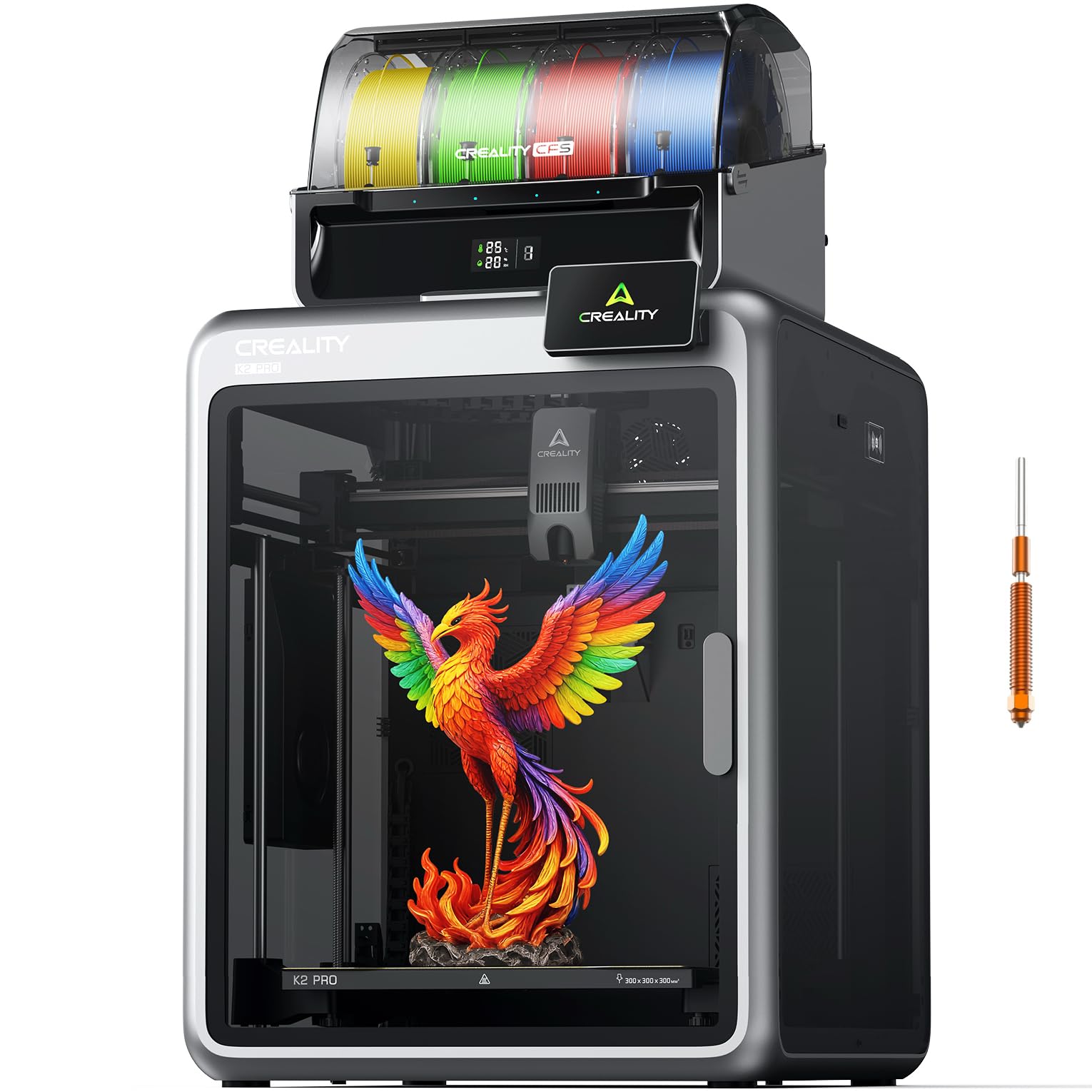
This is the machine you pick when your parts have to survive heat and load. An actively heated chamber holds up to 60 °C so ABS, ASA and PPA-CF cool slowly and resist warping, and a 300 °C hardened steel nozzle takes abrasive engineering filament that would chew through a brass tip. The build volume is 300 × 300 × 300 mm — helmet-size models or a full batch in a single run.
The K2 Pro Combo is a much bigger, heavier machine than the plain K2 Combo: 84.9 pounds and 33.46 inches tall, against 39.7 pounds and 16.7 inches. That extra mass is the aluminium exoskeleton and the chamber hardware. It also has 700+ total ratings versus the K2 Combo’s much larger pool, so the Pro is the specialist, not the volume seller.
Owners praise the raw print quality, and one ran a 72-hour 295×280×282 nylon cold air box plus ASA door pockets with no bed adhesion issues. One buyer reports: “Large 300x300x300 build volume with 4-spool CFS; successfully printed PA, ASA, ABS, PETG, PLA.” Reliability is the honest split: some units run flawlessly for months, others hit a clog or a sensor fault. The dual cameras do real work — one watches the chamber for failures and build-plate readiness, the other tunes flow rate at the nozzle so you do not over- or under-extrude.
The build-time payoff: two cameras plus smart auto-levelling means less babysitting on a long print — you can walk away and the machine flags a spaghetti failure before it wastes a spool.
The recurring gripe: the case exhaust fan runs louder than the printer itself, and the documentation is thin enough that you will be searching forums for the first few settings.
Reach for this if: your parts are functional — brackets, ducting, jigs — and need chamber heat plus a hardened nozzle.
Look elsewhere if: you want zero troubleshooting, because a small share of these do develop clogs and cable faults.
3. ELEGOO Jupiter 2 Large 16K Resin 3D Printer
A resin tank big enough for a full cosplay lens, with 16K detail on the surface.
Different job, different machine. This is a resin printer, not a filament one — it cures liquid resin in thin layers under an LCD screen, which is why the surface detail is finer than any extruded plastic. The build volume is 302.4 × 161.98 × 300 mm, and ELEGOO states that is 2.5× the tank of the Saturn 4, so large props and mask lenses print as one piece.
The screen resolution is 15120 × 6230 with 20 × 26 μm XY resolution — that is the size of one cured pixel, small enough to hold facial detail on a bust. Smart tank heating keeps the resin at a precise 30 °C so it flows properly, and the automated resin system tops the tank up so a long print does not stall dry. A mechanical sensor raises resin-shortage and levelling-failure alarms, and power-loss recovery picks the print back up after a cut.
Two things to weigh honestly. The lid is not hinged — you lift the whole cover to reach the build plate — and large-format resin takes tuning; suction force on a big plate means adhesion settings need dialling in. Screen life is the other cost centre: the LCD is a consumable, and a few buyers have traced failures to a ribbon cable routed where it gets bent during troubleshooting. ELEGOO support, on the other hand, is the bright spot — fast replies and replacement screens diagnosed over message.
For the detail-obsessed: a double-door enclosure, laser-engraved quick-release build plate, quick-swap release film and a 4.0-inch touchscreen make the workflow feel considered rather than improvised.
The honest limit: this is not a beginner resin machine — plan on tinkering with adhesion settings before you get a perfect large print.
Best suited to: prop makers and model painters who want a whole mask lens off one plate with 20 × 26 μm detail.
skip it if: you want to press print and walk away — large resin prints demand attention and replacement parts are part of the running cost.
4. Creality K2 Plus Combo 3D Printer with New CFS

The biggest build area in the Creality line, with a heated chamber to match.
Start with the number that decides the buy: this is a 13.78 × 13.78 × 13.78 inch plate, the 350×350×350mm format. That is the step up from the 300mm class and it is where full helmets and large single-piece models get comfortable. The heated chamber keeps a constant temperature so ABS, ASA, PA-CF and PPA-CF stay warp-resistant, and the high-temp nozzle with a hardened steel tip handles the materials list.
Speed comes from step-servo motors across the axes: 600 mm/s with an acceleration of 30,000 mm/s² and 40mm³/s flow. On a plate this size, acceleration matters more than top speed — the toolhead has more distance to travel, so how quickly it reaches speed is what keeps a long print from dragging on. Dual independently motorised Z-axes tilt-compensate before auto-levelling, which is why the first layer lands neat without you turning knobs.
Vertical travel stays steady and layer shift is rare, thanks to a die-cast aluminium frame in a “Matrix” structure with dual Z-axis assisted by four linear rods. Buyers report most warmly on the furniture-grade feel — a glass enclosure, quiet running and multi-colour switching that just works. The recurring gripe is weight: this is a two-person lift, and the shipping screws arrive tight. Instructions are vague enough that a setup video is worth queuing before you start.
What the plate buys you
- 13.78-inch cube handles single-piece large models without splitting
- Heated chamber up to working temperature for ABS, ASA and carbon nylon
- 30,000 mm/s² acceleration keeps big prints from running long
- Glass enclosure plus matrix frame for rigidity and lower noise
What to expect
- Heavy — plan a helper and a clear path to the bench
- Instructions are thin; the setup video does the real teaching
- No purge chute included in the box
Go for this one when: you need the 350mm plate and a heated chamber without stepping into premium money.
The consideration: it warms the room it sits in, so give it space with airflow rather than a sealed cupboard.
5. Creality K2 Plus Combo 600mm/s High-Speed Printer
A 350 °C nozzle and 18 sensors for the buyer printing engineering filament daily.
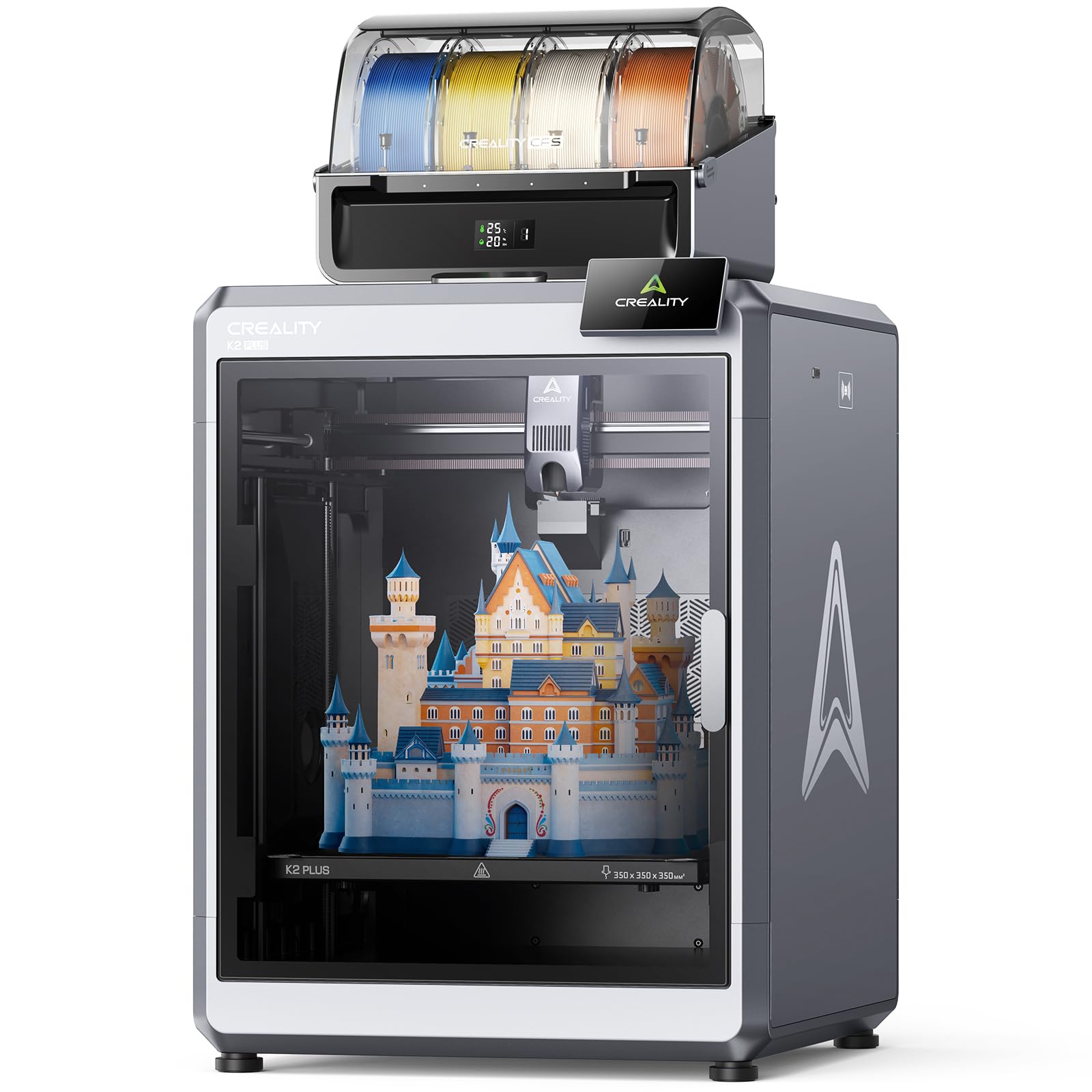
Where this version separates itself from the K2 Plus above is the top end: a high-temp nozzle with a hardened steel tip rated to 350 °C, which opens PPA, ASA and wear-resistant engineering blends. Combine that with a chamber that actively holds a constant temperature and printed models come out warp-resistant and strong rather than sagging at the corners. The plate is the same 350×350×350mm format with the CFS multi-filament system feeding colours.
The sensor count is the story underneath the headline. Eighteen smart sensors watch the machine, two AI cameras split the work — one on the chamber side catching spaghetti failures and idling, one on the toolhead tuning flow rate so you are not over- or under-feeding. Two independently motorised Z-axes correct bed tilt before levelling runs, and the aerospace-grade aluminium die-cast “Matrix” frame plus four linear rods keep resonance and deformation out of the print.
Quality feedback here is genuinely positive — the machine prints great from the start and the assembly is manageable. One honest long-haul caveat: switching from PLA or PETG straight into ABS tends to clog the nozzle, and the fix is a dedicated ABS nozzle. The other friction is documentation, the weakest-scoring element in this group’s feedback. One buyer reports “1,421 hours of flawless printing” with routine rail greasing and filter swaps, so that is the realistic ceiling if you keep up maintenance.
Why the sensors matter: with this many monitored points, a failed print is caught and flagged rather than discovered eight hours later — a real saving on a large spool.
The honest trade-off: material changes need a plan, not a whim; keep a dedicated nozzle for ABS-family filament and the clogging stops.
Right pick for: makers running ASA, PPA and carbon blends who want the 350 °C ceiling and the largest plate together.
Think twice if: you print only PLA — the sensor stack and hot-end headroom cost more than that job needs.
6. Creality K2 Plus Combo 3D Printer, Multi-Color with CFS
Built for the room you actually work in — quiet enough to run beside a desk.
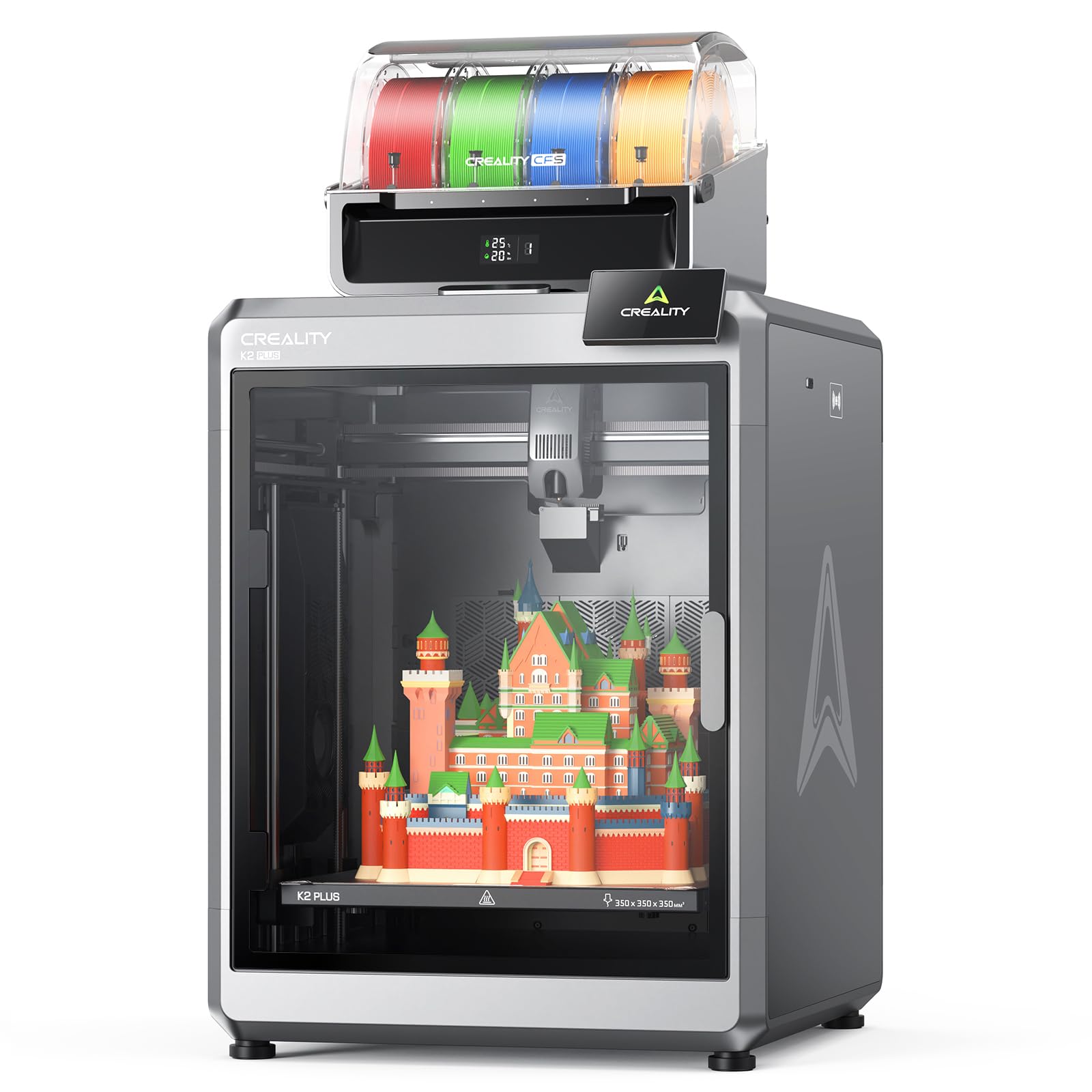
Creality quotes the noise level at 300 mm/s as ≤ 45 dB, and describes it as about as loud as typing on a laptop. Balanced fans and step-servo motors are the reason; compare that with the K2 Pro’s case exhaust fan, which owners find louder than the printer. If the machine lives in a shared office or a spare room, that single number is the one that decides the purchase. The 350×350×350mm plate and 16-colour ceiling with four CFS units are unchanged from the rest of the line.
Speed is 600 mm/s with 30,000 mm/s² acceleration from turbocharged step-servo motors. This unit ships fully assembled — you unpack it, install the screen, and run the startup quick guide, which self-tests levelling and fan calibration while you make coffee. That is a materially easier first afternoon than a machine that arrives as a pile of panels and screws.
The quiet-win scenario: a print running overnight in a home office stops being a negotiation with the rest of the house, and the assembled build removes the usual first-day frustration.
The trade-off to know: reliability feedback splits — most units run from day one, but a small share arrive with a fault. One recurring issue is the idle nozzle temperature sitting at 140 °C between prints, which can soften PLA and jam the path.
Made for: anyone whose printer shares a room with people — the ≤45 dB figure at 300 mm/s is the reason to choose it.
Second thought if: you print PLA nonstop; give the nozzle a cool-down routine and the idle-heat jam stays away.
7. QIDI Max4 Combo 3D Printer, 65℃ Heated Chamber

The biggest heated chamber here, and the volume that finally fits a full helmet.
If your model is genuinely big, read this line twice: 390 × 390 × 340mm. QIDI states that is 55% larger than the MAX3 it replaces, and it is the largest footprint in this group — it swallows a full cosplay helmet without a single cut. The chamber actively heats to 65 °C, the highest figure among these picks, which is what makes ABS-CF, PC and PPS-CF behave on a large part instead of peeling at the corners.
Closed-loop motors on the X and Y axes (motors that report their true position rather than guessing) drive it to a maximum 800 mm/s and 30,000 mm/s² acceleration. On the Z-axis a 2mm lead screw with an anti-backlash nut removes vertical play, which is why surface quality stays even across a tall part. A 40mm³/s high-flow hotend with a hardened steel nozzle covers both everyday PLA and carbon-fibre nylon, and the built-in AI camera pauses the print the moment it detects a spaghetti failure so you do not burn a spool.
Your first run is painless, which is the leading praise point: assembly is simple, guided calibration handles the rest, and there is no manual levelling or paper-test ritual. Build quality follows close behind. The mixed note is reliability: most machines run for kilometres of filament without a clog, but the QIDI Box (the multi-colour add-on) is a separate story — its sync with QIDI Studio is hit-or-miss, and a few owners mention wrong filament selection. Updating firmware and switching to Orca Slicer is the usual workaround.
Why big-part makers pick it
- 390 × 390 × 340 mm is the largest volume here — full helmets, no splitting
- 65 °C active chamber is the highest figure in this group for engineering plastic
- Closed-loop X/Y motors plus anti-backlash Z for stable tall prints
- AI camera pauses on failure, saving filament and time
Plan around these
- At 120 pounds it is the heaviest machine here — delivery and placement need planning
- The Polar Cooler is not included and must be bought separately
- QIDI Box sync with QIDI Studio can be unreliable
For the max-size job: designers and studios printing industrial parts or full-size props in ABS-CF and PC.
Know before you buy: multicolour is an add-on here, so if four-colour printing is core to your work, budget the Box and the setup time.
8. Snapmaker Artisan 3D Printer, Dual Extrusion 400×400×400mm

One frame, three trades — printing, laser and CNC, with a 400mm cube to work in.
The plate alone is the argument: 400 × 400 × 400mm, the largest cube in this list. Dual extrusion means two nozzles, so you print a part and its support material — or two colours — without stopping to swap spools. The dual-extrusion module runs a 7:5:1 planetary gear set with dual extrusion gears for grip and precision on the feed.
What makes this different from every other pick is the quick-swap toolhead and platform system. Add the laser or CNC module and the same frame becomes an engraver or a carver, shifting between them in around a minute. The transmission is industrial-grade: steel guide rails ground at micron level, and a one-piece die-cast base plate that stays steady during high-speed CNC work. A 7-inch touchscreen shows live status, both nozzle temperatures and G-code previews, and you can swap a module without powering the machine down.
The honest read: this is a premium-priced multi-tool, and one buyer’s experience was a four-month battle with a right extruder that stringed and blobs while calibration made things worse — a suspected factory defect, not the norm. The other real cost is space and setup: with the enclosure and separate control head it wants at least a 4×5 workspace, and the box holds a quick-start guide rather than full instructions. Most people get it built in about four hours with a video and some patience.
Worth it if you cross trades: the module swap turns one bench footprint into printing, engraving and carving, which is why the value question depends on how many of the three you will genuinely use.
Straight answer on the cost: build quality earns praise, but the ownership cost splits opinion — pay for the multi-tool only if the second and third functions will run.
Choose it when: you want a 400mm cube for printing and a laser or CNC head for the same bench, without buying three machines.
Not the one if: you only ever print — the dual-extrusion plate is excellent, but the multi-tool premium goes unused.
9. Original Prusa XL 5-Toolhead Multi-Material CoreXY Printer
Five materials in a single job, on a bed that heats only where it prints.
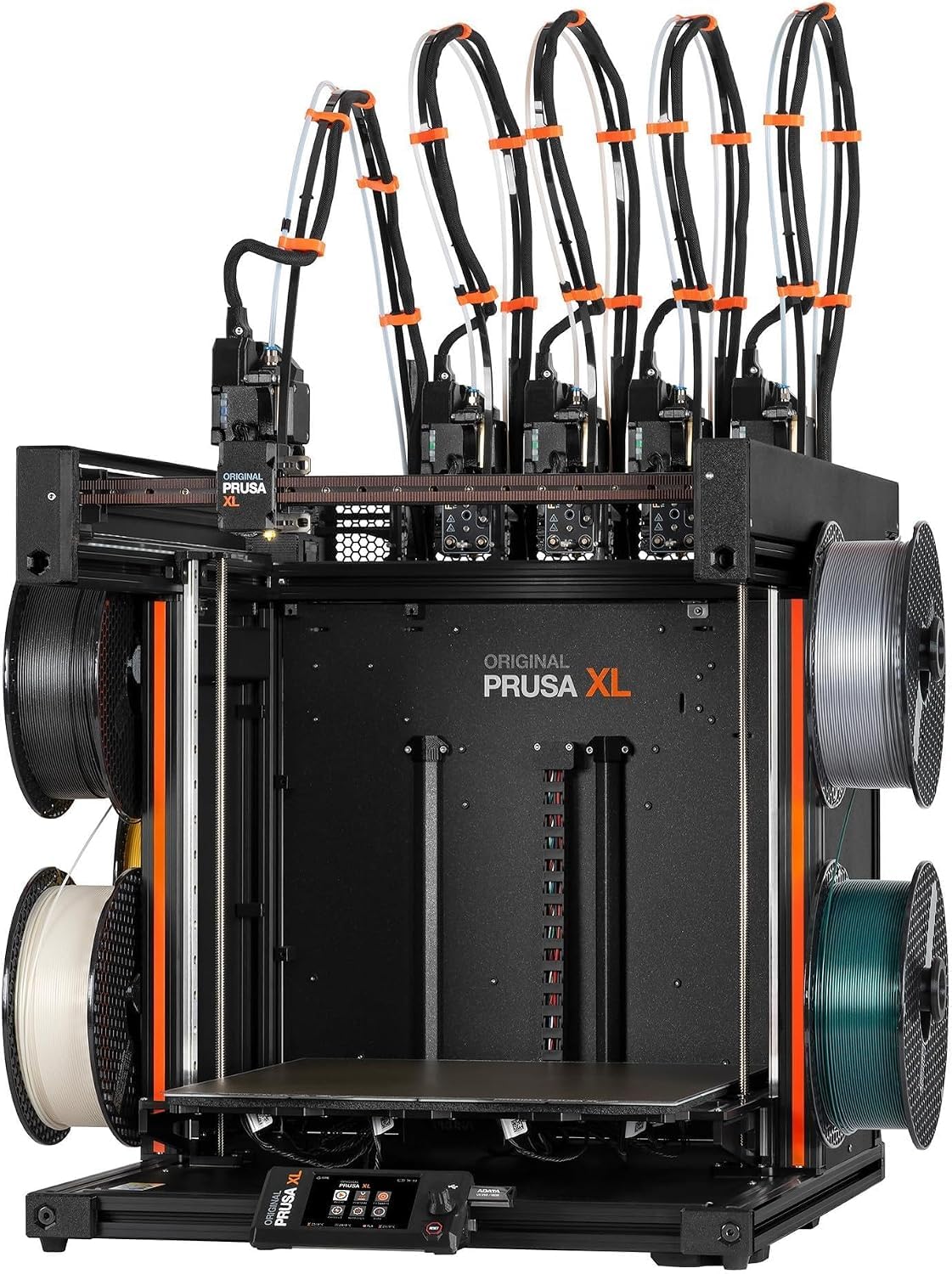
Five toolheads means five separate nozzles ready to go, so a print can switch between five materials or colours without swapping a spool. For functional prototypes with rigid bodies and flexible hinges in one part, that removes the assembly step entirely. The build volume is 14.17 × 14.17 × 14.17 inches in a CoreXY layout — a frame where the bed moves on Z only and the toolhead covers X and Y, which holds precision through frequent tool changes.
The segmented heated bed is the clever part: it heats in zones, so a small print only warms the area under it. That cuts the energy draw and keeps first-layer adhesion reliable across a large plate without heating the whole surface for a tiny bracket. The printer ships with one Satin print sheet and a 1kg spool of Prusament PLA, and Prusa Research backs it with lifetime technical assistance and 24-hour support. Because of transport, the LCD, extruder assembly, Wi-Fi antenna and spool holder are packed separately and need installing — described as quick, though the assembler should expect to spend real time on the Nextruder heads.
What buyers praise most here is outright performance — it does the multi-material job better than anything else in the consumer space. The honest counterweight is twofold: reliability feedback is mixed, and the value question is genuinely divided. This is the machine for someone who needs five materials and open software with no forced cloud login, not for someone who wants a first printer.
The multi-material case
- Five toolheads print five materials or colours in one job
- Segmented heated bed heats only the zones in use
- Works with the Prusa software suite and Printables model library
- Lifetime technical assistance and 24-hour support from Prusa Research
What the buyer must accept
- Partial assembly on arrival — the extruder heads need installing
- Setup and troubleshooting suit advanced users, not novices
- Reliability and value feedback both split
For the specialist: prototyping shops that need five materials in one part and open, login-free software.
Not your first printer: this rewards experience — the setup and debugging assume you have done this before.
Know the Specs
Build Volume
Written as width × depth × height in millimetres or inches, this is the space your model can occupy. A 300 × 300 × 300 mm plate handles most props but usually forces a split on a full helmet; a 390 × 390 × 340 mm plate takes the helmet whole. Buy the plate that matches your biggest real model, not the biggest number on the page.
Heated Chamber
An actively heated chamber keeps warm air around the print so it cools evenly. ABS and ASA shrink as they cool, which pulls corners off the bed on a large part; a chamber that holds up to 60 °C or 65 °C fights that. The hotter the chamber rating, the more engineering plastic it will handle.
Print Speed and Acceleration
Speed is quoted in mm/s — how fast the toolhead travels — and acceleration in mm/s², how quickly it reaches that speed. On a large plate the toolhead has more distance to cover, so acceleration matters as much as top speed. A 600 mm/s figure tells you nothing about bed size.
Nozzle Temperature and Material
The nozzle rating is the ceiling for what filament you can melt. A 300 °C hardened steel tip handles abrasive engineering filament; a 350 °C tip opens PPA and high-melting blends; a 65 °C chamber plus hardened nozzle handles carbon-fibre nylon. Match the ceiling to the materials you actually plan to buy.
Common Questions
Can a 600mm 3D printer actually print a 600mm part?
What is 600mm/s on a 3D printer spec sheet?
Do I need a heated chamber to print ABS on a large printer?
How many colours can these printers print at once?
Is a resin printer like the ELEGOO Jupiter 2 better than filament for big models?
How much floor space does a large-format printer need?
Can these printers handle carbon-fibre nylon and other abrasive filaments?
What should I check first if my large print warps at the corners?
Is the Prusa XL worth it over a Creality combo?
The Bottom Line
The winner for most buyers is the Official Creality K2 Combo — 4.0+ stars across 3,900+ owners, 16 colours with chained CFS units, and a 10.24-inch cube that prints a helmet shell without a cut. It handles multicolour large-format printing without premium pricing, and its 300 °C hardened steel nozzle also covers abrasive filament. If your parts are genuinely industrial and need heat, the QIDI Max4 Combo earns its price with the largest volume here and a 65 °C chamber. And if five materials in one part is the job, the Original Prusa XL is the specialist answer.
How we choose
We do not accept paid placement. Every pick is matched to a real buyer and a real use-case; we do not hands-on test units.
Sources
Specifications: manufacturer listings and product documentation. Review insights: verified customer reviews, as of October 2026. Pricing: not shown on this page (it changes often); check the current price via the retailer link.
As an Amazon Associate, Aappliancez earns from qualifying purchases. This does not affect which products we feature.